


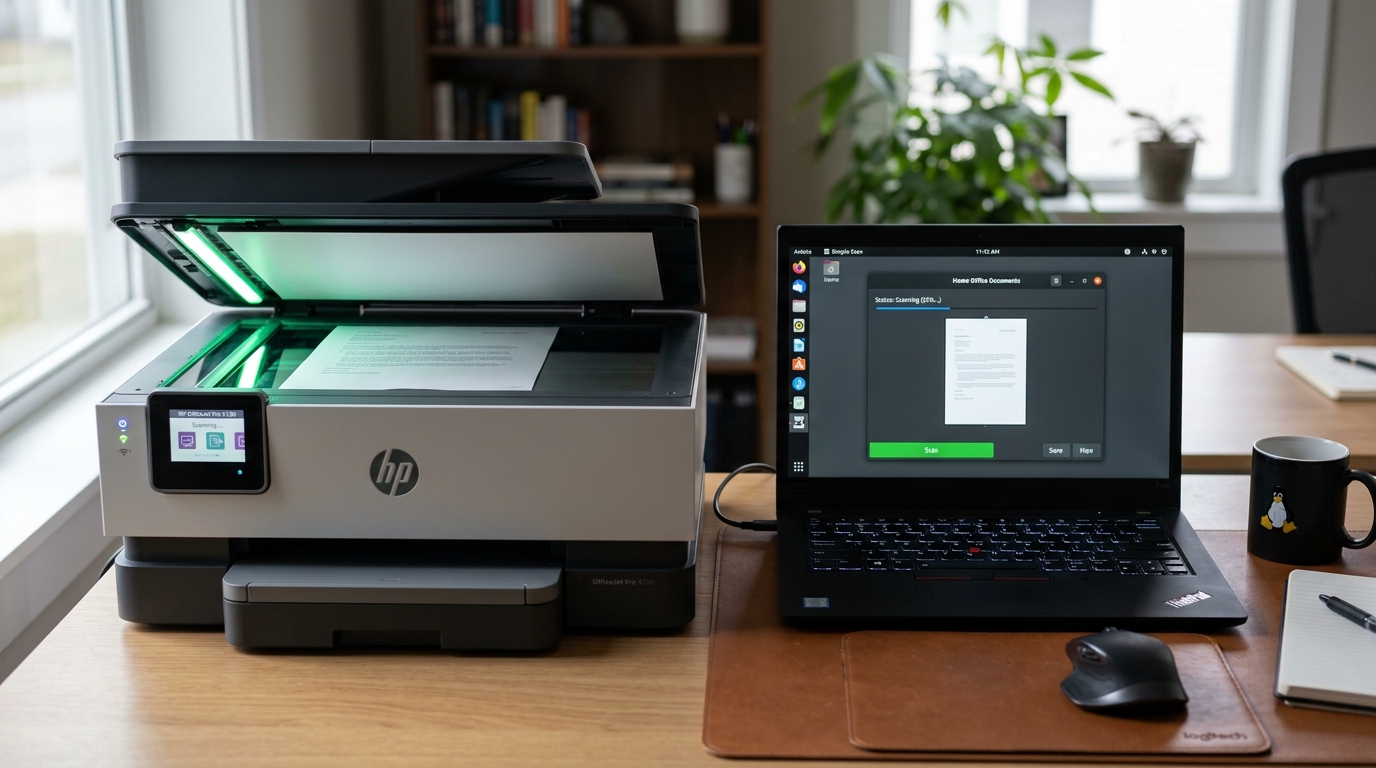
Understanding Linux Scanner Architecture (SANE & HPLIP)
Scanning on Linux operates through the SANE (Scanner Access Now Easy) framework. For HP multi-function printers, SANE communicates through the hpaio backend.
If your HP printer prints fine but the scanner displays "No scanners found" or "Device I/O error", the issue is almost always a missing binary plugin or user group permission fault.
Step 1: Check SANE Backend Detection
Determine if SANE can communicate with the optical hardware:
- Test basic scanner visibility: Open terminal and execute
scanimage -L. - Evaluate the terminal output: A working setup returns:
device 'hpaio:/net/...' is a Hewlett-Packard ... all-in-one. - Check low-level USB scanner hardware: If on USB, run
sudo sane-find-scannerto see if the USB chip is accessible.
Step 2: Install the Mandatory HP Proprietary Plugin
Over 70% of HP multi-function scan units require HP's proprietary binary plugin to operate under SANE:
- Run the plugin installer: Open terminal and run
hp-plugin -i. - Choose server download: Select option 1 to automatically download the matching plugin version from HP's server.
- Confirm successful install: Run
hp-check -t | grep -i plugin. Ensure the status reads "Installed".
Step 3: Fix User Group Permissions
Your user account must belong to the system groups authorized to access raw scanner hardware:
- Check your current groups: Run
groupsin terminal. - Add missing scanner groups: Run
sudo usermod -aG scanner,lp,saned $USER. - Fix udev device node permissions: For USB scanners, run
sudo chmod -R 666 /dev/bus/usb/to test if permissions are the blocker. - Log out and reboot: Group changes require a fresh session to become active.
Step 4: Use Driverless AirScan (eSCL / WSD Alternative)
If the legacy HPAIO backend continues to fail, use modern driverless AirScan:
- Install sane-airscan: On Ubuntu/Debian, run
sudo apt install sane-airscan. On Fedora, runsudo dnf install sane-airscan. - Verify network scanner detection: Run
airscan-discover. Modern HP Wi-Fi scanners appear as eSCL devices. - Launch Simple Scan (Document Scanner): Open your document scanner app. Choose the eSCL network scanner option instead of HPAIO.
Frequently Asked Questions
Why does Simple Scan work as root but not as my regular user?
This confirms a user group permission issue. Add your user account to the scanner and lp groups using sudo usermod -aG scanner,lp $USER and reboot.
Can I scan directly from the HP printer's web interface?
Yes. Enter the printer's IP address in your browser, navigate to Webscan under the Scan or Tools tab, and scan directly to your browser without local drivers.
What causes error "Device I/O error" during scan initiation?
This indicates the scanner motor timed out or the HP proprietary plugin version does not match your installed HPLIP package. Re-run hp-plugin -i to resync versions.
