


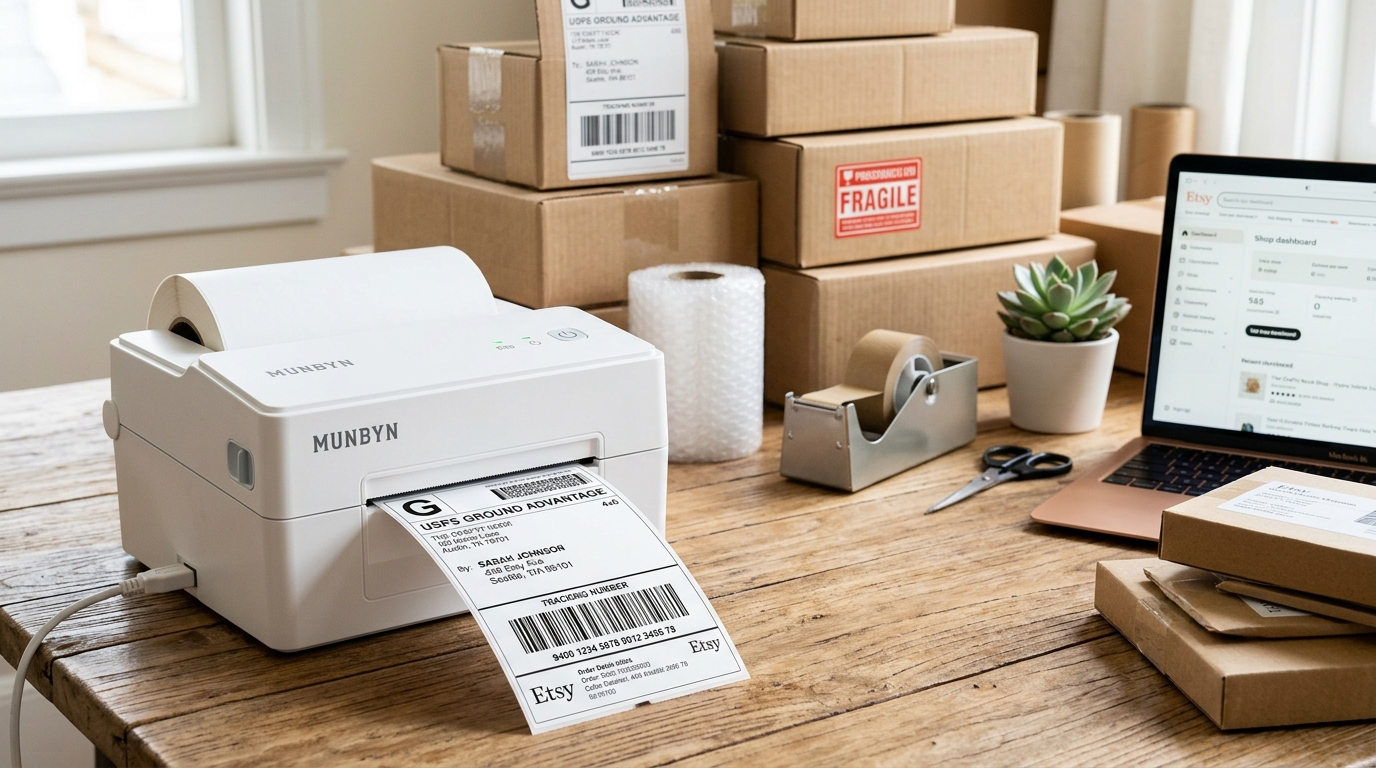
The Quick Answer
Stop cropping PDFs. Learn the one setting inside Etsy that generates perfect 4x6 labels for your Munbyn printer.
Every week, somewhere, an Etsy seller is manually cropping a shipping label out of a full-page PDF, printing it, adjusting, reprinting, and quietly wondering if the thermal printer was a mistake. It wasn't.
Printing Etsy shipping labels on a Munbyn printer is genuinely a two-click job — after one setting change inside Etsy that a shocking number of sellers never discover, because Etsy doesn't exactly advertise it.
That setting is my uncommon tip, and I'm not burying it — it's Fix 1, because it eliminates the entire struggle at the source. The rest of this guide covers the printer side and the print dialog, so all three layers of your setup agree.
Fifteen years of fixing printers has taught me that label problems are almost always agreement problems.
Quick Summary
- Inside Etsy: change your shipping label size preference from the 8.5x11 default to 4x6 — the one setting that changes everything.
- Printer side: correct driver installed, labels loaded print-side up, calibrated (4+ labels, hold FEED to one beep).
- Print dialog: paper size 4x6, scaling at 100% / Actual Size, margins none.
- Test one label with a ruler before batch-buying postage.
Fix 1: The Etsy Setting Nobody Finds (My Uncommon Tip)
Here's the source of nearly all Etsy-plus-thermal-printer misery: by default, Etsy generates shipping labels as 8.5x11 PDFs — a 4x6 label sitting on a letter-size page, built for sellers with regular home printers who cut and tape.
Send that letter-size page to a Munbyn and the printer dutifully shrinks the entire sheet onto one 4x6 sticker: a miniature label, an unscannable barcode, and a seller convinced the printer is defective. So sellers cope — cropping PDFs, screenshotting labels, fiddling with custom scaling — order after order, forever.
The permanent fix is one preference: Etsy lets you choose your shipping label size/format, and switching it to 4x6 makes every future label download as a clean, print-ready 4x6 PDF.
You'll find the option in your shop's shipping label settings/preferences — and it also appears as a format choice during the label purchase flow itself. (Etsy shuffles menus periodically, so if it's moved, search Etsy's settings or help pages for "label size" — the setting has been there for years under one name or another.)
Set it once. Every label after that is born the right size.
Why this works: you're fixing the document at its source instead of correcting it at every print. Downstream fixes — cropping, scaling tricks — must be repeated per label and fail the moment someone forgets; the source fix is permanent and forgettable.
When I ask struggling Etsy sellers at my counter whether they've changed this setting, the answer is nearly always a blank look, followed a minute later by the particular joy of watching a months-old daily problem evaporate. This is the highest-value ninety seconds in Etsy shipping.
Fix 2: Make the Printer Ready
With Etsy now speaking 4x6, prepare the listener.
Install the driver for your exact model — check the sticker under the printer, and match the DPI (203 vs 300; the self-test page, printed by holding FEED during power-on, states yours). Load labels printable side up and calibrate: four or more connected labels, hold FEED until one beep, release, hands off while it measures.
Finally, open the driver's Printing Preferences and set the default paper size to 4x6 inches.
Why this works: the printer positions every print using its calibrated label length, and the driver frames every job using its paper size. Etsy's beautiful new 4x6 PDF still prints wrong if the driver believes in letter paper or the printer never measured your roll.
Three layers — document, driver, hardware — and this step aligns two of them.
Fix 3: The Print Dialog — Last Layer
Open your downloaded label PDF and print, checking three things in the dialog every time (or once, if you set defaults): paper size 4x6 — on Chromebooks it may appear as the cryptic "oe w288h432," which is 4x6 measured in points — scaling at 100% / Actual Size, never "Fit to page," and margins none or minimum.
Why this works: PDF viewers and browsers apply their own scaling on top of everything Etsy and the driver agreed on, and most default to fit-to-page — which shrinks a perfect 4x6 PDF by a few percent to fit inside the driver's margins. A few percent looks fine to you and fails at the carrier's scanner, because barcode bar widths are precision goods.
"Actual Size" is the truce that lets the other two layers' agreement stand.
The One-Label Test
Before buying postage for a stack of orders: print a single label and put a ruler on it. The label should fill the sticker edge to edge, and the barcode should be crisp black bars with clean white gaps — then scan it with any free barcode app on your phone from arm's length.
Phone scans it easily: the carrier will too. Phone struggles: fix size or density now, while it's one label and not thirty.
Why this works: a sixty-second test converts every possible downstream failure — counter rejections, stalled tracking — into a cheap desk-side adjustment. Professionals test before batches; it's most of what separates them from people having a bad shipping day.
Common Etsy-Specific Hiccups
Label prints sideways or split across two stickers: the PDF is still 8.5x11 — the Etsy setting didn't save or the order predates the change. Re-download the label; check the preference stuck.
Yesterday it worked, today it's tiny: the browser print dialog remembered different settings (often after printing something letter-size). Re-check scaling and paper size — dialogs have memories.
Barcode prints but won't scan: size is right, contrast isn't. Clean the printhead with isopropyl alcohol, raise density one step, and if you're on budget labels, drop print speed a notch for a longer heat burn.
When to Call a Professional
Split the problem before spending money: print the printer's self-test page (hold FEED at power-on). Self-test clean but Etsy labels wrong → the fault is in settings or documents; hardware help won't fix it, so re-walk the three layers.
Self-test damaged or impossible → that's a Munbyn support conversation, self-test photo attached. And for label generation problems — wrong addresses, malformed PDFs before printing enters the picture — that's Etsy support territory.
Knowing which door to knock on saves weeks; most sellers knock on all the wrong ones first.
FAQ
Why does my Etsy label print tiny on my Munbyn printer?
Etsy is generating 8.5x11 PDFs (the default) and the printer is shrinking the whole page onto a 4x6 sticker. Change your Etsy shipping label size preference to 4x6 — the fix is permanent.
Where is the 4x6 label setting on Etsy?
In your shop's shipping label settings/preferences, and as a format option in the label purchase flow. Menus move over time — search Etsy settings or help for "label size" if needed.
Do I need special labels for Etsy orders on a Munbyn?
Just standard 4x6 direct thermal labels — no ink ever. Verify any new stock with the scratch test: a firm fingernail drag should leave a dark mark.
My Etsy labels printed fine for months, then broke. What changed?
Usually the browser's print dialog remembered settings from another job, or a browser update reset scaling defaults. Confirm 4x6 paper size and Actual Size scaling — then re-check the Etsy preference stuck.
What label format should I choose in Etsy settings?
The 4x6 / label printer format. It generates labels sized exactly for thermal printers like the Munbyn, no cropping or scaling needed.
Printing Etsy shipping labels on a Munbyn printer is a solved problem wearing an unsolved costume: flip Etsy's label size preference to 4x6, calibrate the printer, hold every print dialog to Actual Size, and test one label with a ruler.
Ninety seconds of settings, and the crop-print-adjust ritual becomes a story you tell other sellers — right before you tell them about the setting.
