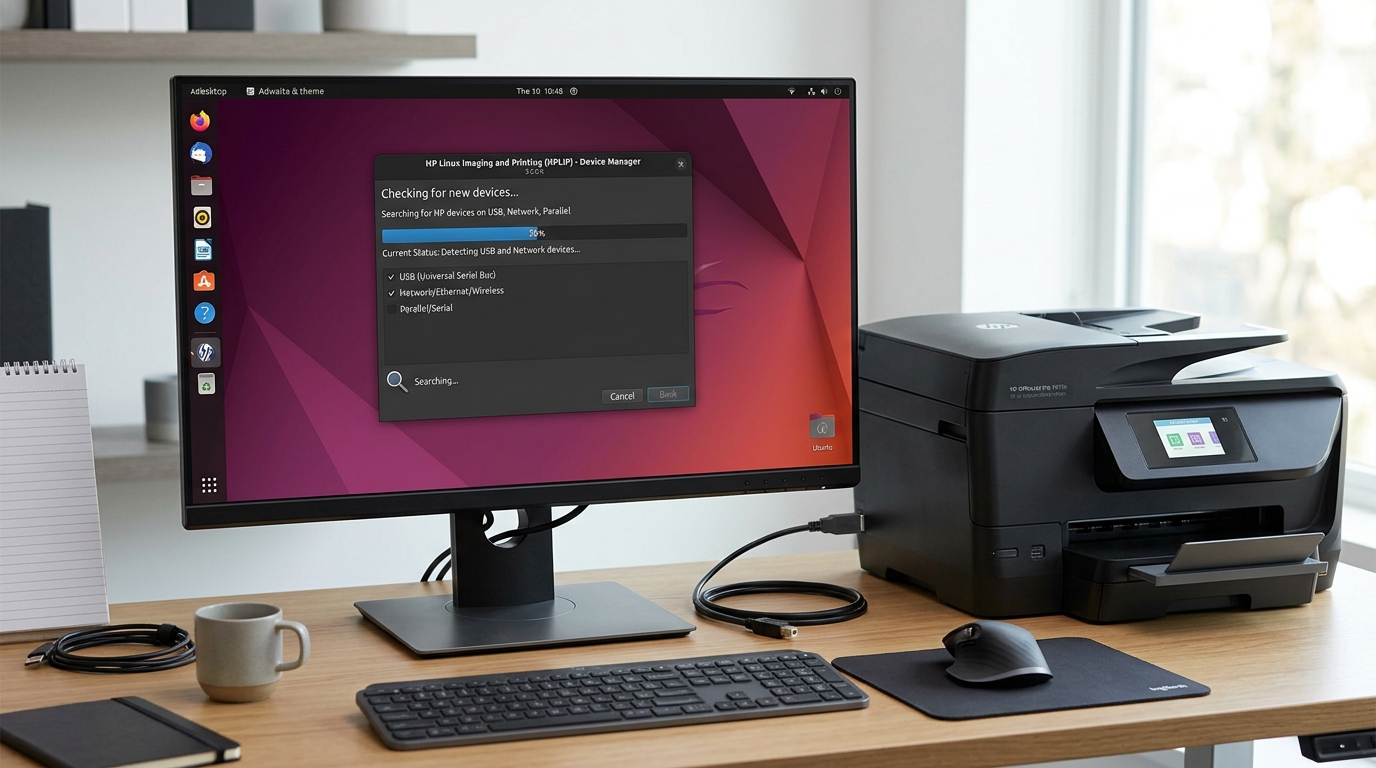
Why HPLIP Fails to Detect Your HP Printer
When hp-setup reports "No devices found," the problem is almost never a dead printer.
On USB connections, Linux udev rules often block unprivileged user access. On Wi-Fi connections, missing mDNS (Avahi) multicast packets or strict local firewalls hide the printer.
Step 1: Troubleshoot USB Detection and Udev Rules
Verify that the Linux kernel recognizes the hardware before checking HPLIP:
- Check USB bus status: Run
lsusbin terminal. Look for a line containing "Hewlett-Packard" or "HP, Inc." - Bypass USB hubs: Plug the printer directly into a rear motherboard USB 2.0 port. Avoid USB 3.0 blue ports or unpowered external hubs.
- Verify HPLIP udev rules: Ensure the HP device rules file exists:
ls -l /etc/udev/rules.d/*hpmud* /lib/udev/rules.d/*hpmud*. - Reload udev rules: Run
sudo udevadm control --reload-rules && sudo udevadm triggerto apply hardware permissions. - Run manual probe: Run
hp-probe -b usb. If the printer appears, launchhp-setup -b usb.
Step 2: Troubleshoot Wi-Fi and Network Discovery
Network discovery depends on mDNS broadcasts through the Avahi daemon:
- Ping the printer: Print a network config sheet from the printer panel. Run
ping -c 3 <printer-ip>to verify local reachability. - Restart the mDNS daemon: Run
sudo systemctl restart avahi-daemonto refresh local zero-conf name resolution. - Unblock firewall ports: If using UFW, allow mDNS and SNMP traffic:
sudo ufw allow 5353/udp && sudo ufw allow 161/udp. - Bypass network discovery with direct IP: Run
hp-setup <printer-ip>directly. This skips broadcast scanning and connects immediately via TCP socket.
Step 3: Run the Automated HPLIP Diagnostic Tool
HPLIP includes a comprehensive dependency checker that pinpoints missing packages:
- Run the diagnostic command: In terminal, type
hp-check -t. - Review the summary table: The report flags missing libraries in red under REQUIRED DEPENDENCIES.
- Install common missing packages: On Debian/Ubuntu, run
sudo apt install libsnmp-dev libcupsimage2-dev python3-pyqt5. - Restart the CUPS service: Run
sudo systemctl restart cupsafter installing dependencies.
Frequently Asked Questions
Why does hp-setup say "error: No device selected" on network?
This occurs when network discovery times out. Pass your printer's IP address directly using hp-setup -i <IP-Address> in interactive terminal mode.
Can I add the printer through standard system settings instead of HPLIP?
Yes. Go to Settings > Printers > Add Printer. Modern HP printers support driverless IPP-Everywhere, which works independently of HPLIP.
What should I do if lsusb does not show the printer at all?
If lsusb does not show Hewlett-Packard, the USB cable is defective or the printer's USB interface port is powered down. Replace the cable and test on a different PC.