


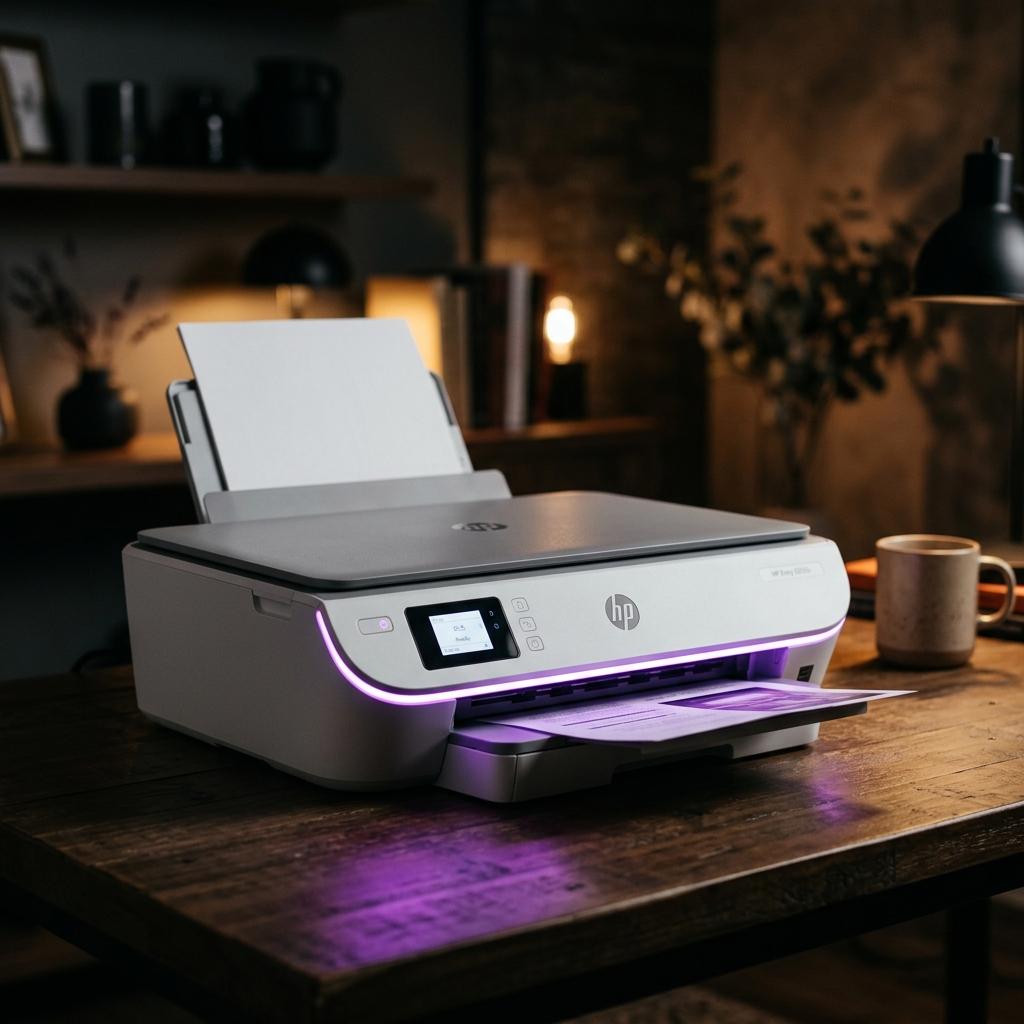
What Does the Blinking Purple Light Mean on the HP Envy 6055e?
The HP Envy 6055e communicates its status through its front edge lighting strip. It has no LCD screen.
A blinking or pulsing purple light is not an error. It means the printer is in Wi-Fi Setup Mode.
It broadcasts a temporary wireless signal. It waits for you to complete the setup process.
Use the HP Smart app for this.
This guide explains every light color on the Envy 6055e. It walks you through every method to complete the wireless setup successfully.
HP Envy 6055e Edge Lighting Color Guide
- Pulsing Purple: Setup Mode. The printer is waiting to connect on a Wi-Fi network.
- Spinning Cyan: Connecting. The printer is trying to join your Wi-Fi network.
- Solid Blue: Connected and Ready. The printer is online and ready for print jobs.
- Blinking Orange: Error. It could be low ink or a paper jam. Check the HP Smart app for details.
- Solid White / Pulsing White: Printing or Processing. The printer is actively working.
- Alternating Purple and Cyan: The printer is registered to HP+. It is syncing firmware (internal software) or checking for updates.
Step-by-Step: Completing Wi-Fi Setup via HP Smart App
The HP+ setup process requires the HP Smart app. You can use your smartphone or PC. The printer will not work without completing this registration.
- Download HP Smart: Install it from your app store. Do not use third-party HP app clones. Use only the official HP Smart app.
- Enable Bluetooth and Wi-Fi on your phone: The app uses Bluetooth to discover the printer. It uses Wi-Fi to set up the connection. Both must be on. Stand within 3 feet of the printer.
- Open HP Smart and sign in: Create or log into your HP account. HP+ is mandatory. The 6055e will not print without an HP account registration.
- Tap the + icon to add a printer: The app will scan for devices using Bluetooth. Your Envy 6055e should appear within 30 seconds.
- Follow the in-app prompts: The app will ask for your Wi-Fi network name and password. Double-check your password for your 2.4GHz network. The 6055e does not support 5GHz.
- Wait for the light to turn solid blue: After entering your password, the printer light will spin cyan. Then it will turn solid blue. This takes 30 to 90 seconds. A solid blue light confirms successful connection.
What If the Setup Window Has Expired?
The HP Envy 6055e remains in Setup Mode for exactly 2 hours. After that, the purple light disappears. You cannot complete setup until you manually restart Setup Mode.
To force the printer back into Setup Mode:
- Find the Wi-Fi button on the back of the printer.
- Press and hold the Wi-Fi button for 5 seconds. The edge light will flash white.
- Release the button. The printer will reset its wireless settings. It will return to pulsing purple.
- Open HP Smart and complete setup again. You have a 2-hour window.
Advanced: Factory Network Reset
You might have configured the printer on a different network before. If you need a fresh start:
- Turn the printer on and wait for it to be ready. It should show a solid color light.
- Press and hold the Wi-Fi button on the back for 10 seconds.
- The light will flash. It will go dark and then restart. The printer has wiped its network memory. It will boot into Setup Mode automatically.
Understanding the HP+ Requirement
HP+ is a subscription ecosystem for "e-series" printers. You must register with HP and use genuine HP ink. HP offers an extended warranty and free months of HP Instant Ink. Cloud printing features are included.
You must use genuine HP ink. If you install non-HP cartridges, the printer displays a warning. Some features will be disabled. The printer will print basic documents. HP+ benefits will be suspended.
Frequently Asked Questions
Can I use the HP Envy 6055e without an HP account?
No. The HP+ program requires HP account registration.
What does alternating purple and cyan light mean?
This means the printer is performing a firmware (internal software) update. Do not unplug the printer during this state.
Can I set up the HP Envy 6055e via USB instead of Wi-Fi?
Yes. If your Wi-Fi setup keeps failing, connect the printer to your PC via USB.
What if the HP Smart app says "Printer not found" during setup?
Make sure Bluetooth is enabled on your phone. Stand within 3 feet of the printer.
When to Contact HP Support
The printer's light might never turn purple. Even after a factory reset, this indicates a failure. The wireless module may be broken. Contact HP Support at support.hp.com. The Envy 6055e carries a 2-year HP+ warranty.
