


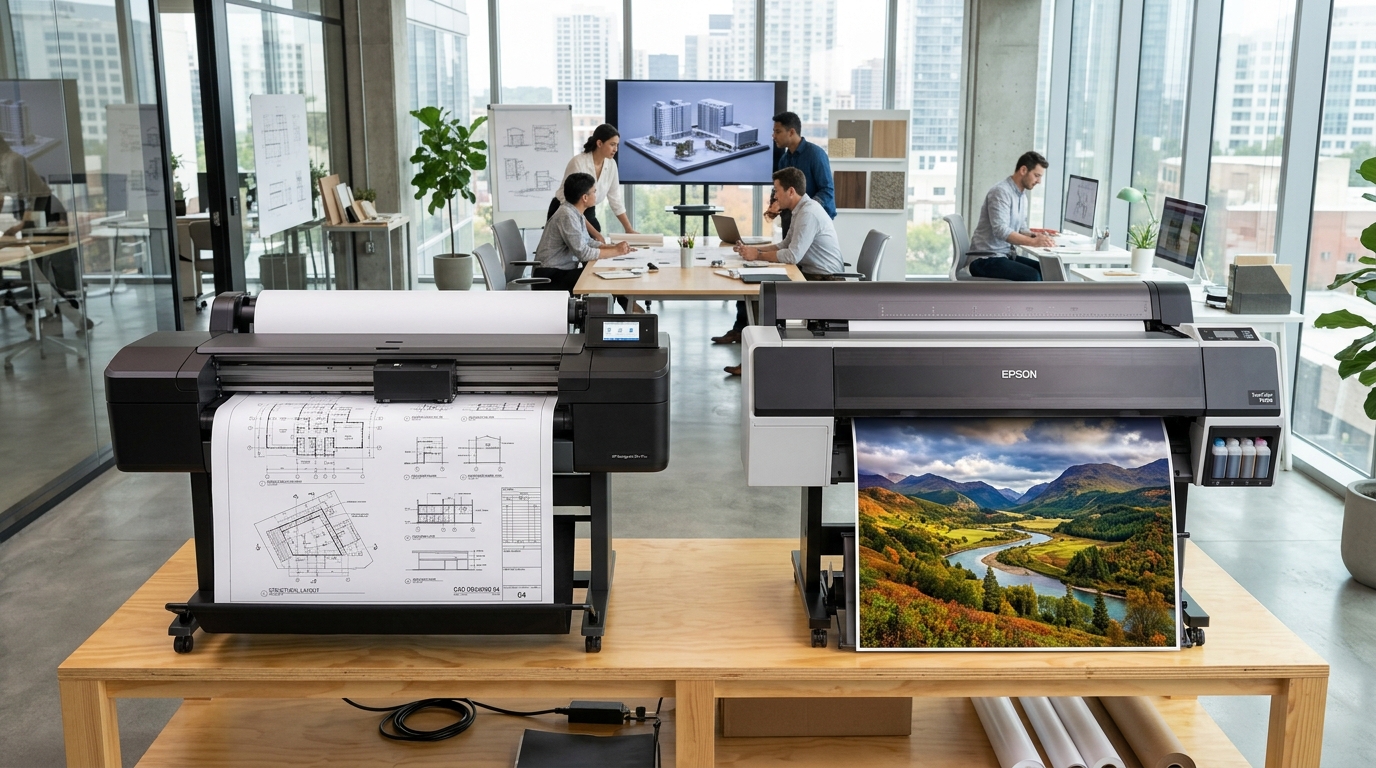
HP DesignJet T-Series vs Z-Series: Architectural Purpose
HP splits its large-format DesignJet lineup into two distinct families: the **T-Series** (Technical) and the **Z-Series** (Graphics and Production).
Choosing the wrong series can result in faded outdoor banners or unnecessarily high ink costs on simple CAD line blueprints. Understanding ink chemistry and carriage hardware is essential before purchasing.
Core Architectural Differences
The differences between T-Series and Z-Series plotters center on ink chemistry, color gamut, and optical calibration hardware:
| Feature | DesignJet T-Series (e.g. T650, T730, T1600) | DesignJet Z-Series (e.g. Z6, Z9+, Z6810) |
|---|---|---|
| Target Audience | Architects, Engineers, Construction (AEC), GIS | Photographers, Fine Art, Signage, Print Shops |
| Ink Configuration | 4 Colors: Matte Black (Pigment) + CMY (Dye) | 6 to 9 Colors: All Pigment Inks + Gloss Enhancer |
| Fade Resistance | Indoor plan sets (Dye color inks fade in UV light) | Archival 200+ years (Wilhelm Imaging Research certified) |
| Color Calibration | Automatic Line Sensor (optical density only) | Built-in X-Rite Spectrophotometer (ICC profiling) |
| Line Speed (D-size/A1) | Ultra-fast: 21 to 26 seconds per page | Moderate: 55 to 90 seconds (high pass density) |
| Integrated Trimmer | Single horizontal cross-cutter | Vertical Trimmer on select Z9+ models (dual-axis) |
When to Choose the T-Series
The T-Series is built for high-throughput line work and everyday technical documentation:
- Architectural CAD blueprints: Crisp 0.02 mm minimum line width rendering with sharp black text.
- GIS and topographical maps: Clear line delineation with fast turnaround for field teams.
- Low running cost on bond paper: Dye color inks absorb instantly into inexpensive 20lb uncoated bond paper without cockling.
- Compact studio footprints: Models like the T230 and T650 fit on desks or compact mobile stands in small offices.
When to Choose the Z-Series
The Z-Series is engineered for color-critical display graphics and long-term archival permanence:
- Gallery fine art and photography: Expanded color gamut with Chromatic Red and Photo Black delivers deep Dmax values.
- Trade show banners and retail displays: Pigment inks resist moisture and UV sunlight without immediate lamination.
- Automated ICC color profiling: The integrated spectrophotometer creates custom profiles for third-party canvas, vinyl, and rag paper in minutes.
- Dual-axis trimming: High-end Z9+ models cut poster borders vertically and horizontally in one automated pass.
Frequently Asked Questions
Can I print photos on an HP DesignJet T-series plotter?
Yes, but with limitations. Photos on glossy paper look vibrant initially, but the dye-based color inks will fade within months under direct sunlight.
Can I use pigment inks in a T-series plotter?
No. T-series printheads are thermal nozzles tuned for dye ink viscosity. Loading third-party pigment ink into color channels causes immediate nozzle clogging.
Do Z-series printers take longer to print simple CAD drawings?
Yes. Z-series plotters use heavier multi-pass print algorithms designed for dot placement accuracy rather than raw draft line velocity.
