


The Quick Answer
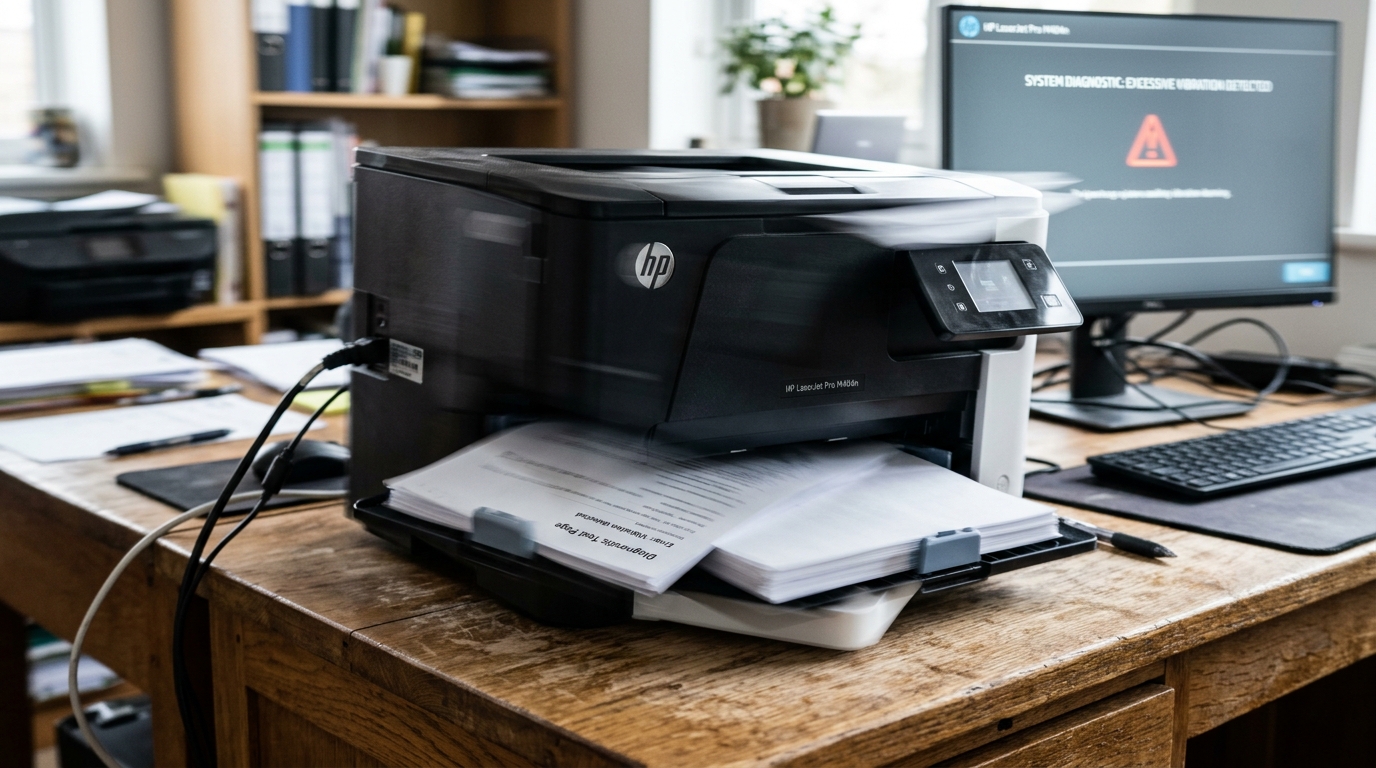
HP printer vibrating or shaking your desk? A repair tech explains the physics that make some vibration normal, and when it's actually a problem.
Not every rattle from your printer is a warning sign. Knowing the difference matters, because chasing a "problem" that's actually normal physics wastes your time, while ignoring genuine new vibration can let a small mechanical issue get worse. This is one of the more misunderstood printer complaints I come across, precisely. This is because the honest answer is "it depends," and most guides don't take the time to explain what it actually depends on.Quick-Fix Summary
Fast version:
- Understand carriage-reversal physics — some vibration is completely normal. My uncommon tip, and the key distinction in this whole guide.
- Check the surface the printer sits on for stability and levelness.
- Look for shipping materials left inside on a newer printer.
- Isolate vibration with a dampening pad if it's normal but simply annoying.
- Take new, worsening vibration seriously as a sign of a developing mechanical issue.
Fix 1: Understand Carriage-Reversal Physics (My Uncommon Tip)
Here's the distinction that resolves a genuine amount of unnecessary worry. It's worth understanding before you assume anything is broken.
Inside your printer, the print carriage — the assembly holding the cartridges or printhead — accelerates, moves across the page. Then rapidly reverses direction at the end of each pass, repeatedly, throughout a print job.This reversing motion involves real physical mass changing direction quickly, and that creates genuine inertial force — the same basic physics as a car braking hard, just at a much smaller scale.
On printers with a heavier or wider carriage assembly, particularly photo printers and wider-format models, this force can be enough to visibly shake a lightweight desk or table, especially if the printer itself isn't particularly heavy relative to the force its own carriage generates.
Here's the genuinely useful part: this kind of vibration, tied directly to carriage movement during active printing, is often completely normal and has no effect on print quality whatsoever. Owners who've investigated this exact symptom on various models have confirmed it's simply the mechanical reality of how the printer moves internally — annoying, sometimes surprisingly forceful.
Not indicating anything wrong. The whole printer often moves in unison during this vibration.
This is itself a reassuring sign: components moving together as a single unit points toward normal inertial force being transmitted through the printer's housing, rather than something loose or failing internally.
How to tell if this applies to you: does the vibration happen specifically and consistently during active printing, particularly noticeable when the carriage reaches the end of a pass and reverses? Has your print quality remained completely normal despite it?
Has the printer always done this, or done something similar since new? If yes to these, you're very likely looking at normal carriage-reversal physics rather than a developing problem.
The fixes below shift from "repair this" to "manage this so it bothers you less.
Why this matters: without this context, a shaking desk feels alarming and prompts people to start disassembling or troubleshooting a printer that isn't actually malfunctioning at all. Understanding the physics first tells you whether you're solving a real problem or simply looking for ways to live more comfortably with normal printer behavior.
Fix 2: Check the Surface Stability
Place the printer on a solid, level, adequately sized surface — not a flimsy folding table, a surface with an uneven leg, or anything that visibly flexes when you press down on one corner.
Why this works: even normal, expected vibration gets amplified considerably by an unstable or resonant surface. A heavier, sturdier desk absorbs and dampens the same vibration that a lightweight table transmits and amplifies. This is often why the exact same printer behaves completely differently depending on what it's sitting on.
Fix 3: Check for Leftover Shipping Materials
On a printer that's relatively new or was recently moved, open all access covers and check for any shipping tape, foam inserts, or plastic restraints that might not have been fully removed during unboxing or setup.
Why this works:shipping materials are specifically designed to hold moving internal components rigid during transit. A piece left behind — even a small one — can interfere with normal carriage movement in a way that produces genuinely abnormal vibration or noise, distinct from the benign kind described in Fix 1.
Fix 4: Use a Vibration-Dampening Pad
If you've confirmed the vibration is the normal, carriage-related kind described in Fix 1. It's simply bothering you or disturbing nearby items, place a rubber or foam vibration-dampening pad underneath the printer, sold for exactly this kind of purpose for various electronics and appliances.
Why this works: these pads absorb and dissipate the inertial energy before it transfers into your desk or table, addressing the annoyance directly without needing to change anything about how the printer itself operates internally, since there's nothing actually wrong to fix in this scenario.
Fix 5: Take New or Worsening Vibration Seriously
If vibration is new — a printer that's sat in the exact same spot for a long time and only recently started shaking noticeably — or if it's worsening over time, or if it's now accompanied by declining print quality (jagged vertical lines, misregistered colors, or similar), this points away from normal carriage physics and toward a genuine developing mechanical issue.
Why this works as a distinguishing signal: normal carriage-reversal vibration is consistent and doesn't degrade print quality, because it's simply how the printer has always moved. Vibration that's new, changing, or coinciding with declining output quality suggests something has shifted mechanically — a loosening component, a wearing part, or a developing imbalance — and that's a meaningfully different situation worth investigating rather than dismissing.
When to Call a Professional
If vibration is new or worsening, especially alongside declining print quality like jagged lines or inconsistent output, first do a full power cycle and check for shipping materials or an obviously unstable work surface. If neither resolves it, contact HP support with your printer's serial number and describe specifically when the vibration started and whether print quality has changed alongside it — that context helps distinguish a genuine developing mechanical fault from the normal carriage physics covered in this guide.
It gives their diagnostics a real head start rather than a vague "my printer shakes" description.
FAQ
Is it normal for my printer to shake the desk while printing?
Often, yes — the print carriage reversing direction rapidly creates real inertial force. On lighter desks or with heavier carriage assemblies (photo printers especially), this can be genuinely noticeable. If it's consistent, doesn't affect print quality, and the printer has always done it, it's likely normal.
How do I know if my printer's vibration is a problem or just normal?
Check whether it's new or worsening, and whether print quality has changed alongside it. Vibration that's always been present, stays consistent. Doesn't affect output quality is usually benign carriage physics rather than a developing issue.
Can vibration damage my printer over time?
Normal carriage-reversal vibration generally doesn't cause damage, since it's simply how the mechanism has always operated. However, if vibration is amplified by an unstable surface or is itself a symptom of a loosening or wearing component, sustained vibration in that scenario can contribute to further mechanical wear.
Will a vibration-dampening pad actually help?
Yes, for the normal, physics-based vibration described in this guide — these pads absorb inertial energy before it transfers to your furniture, meaningfully reducing how much shake you feel and hear without needing any changes to the printer itself.
An HP printer vibrating or shaking your desk isn't automatically a problem — carriage-reversal physics genuinely explains a lot of this, especially on heavier or wider printer models. It often has zero effect on your actual print quality.
Know the difference between that normal behavior and vibration that's new, worsening, or degrading your output. You'll spend your troubleshooting time only where it's actually needed.
Additional Resources
If you are still experiencing issues after trying the steps above, you may need to consult the official documentation or download the latest firmware (internal software) (internal software) for your specific printer model.
