


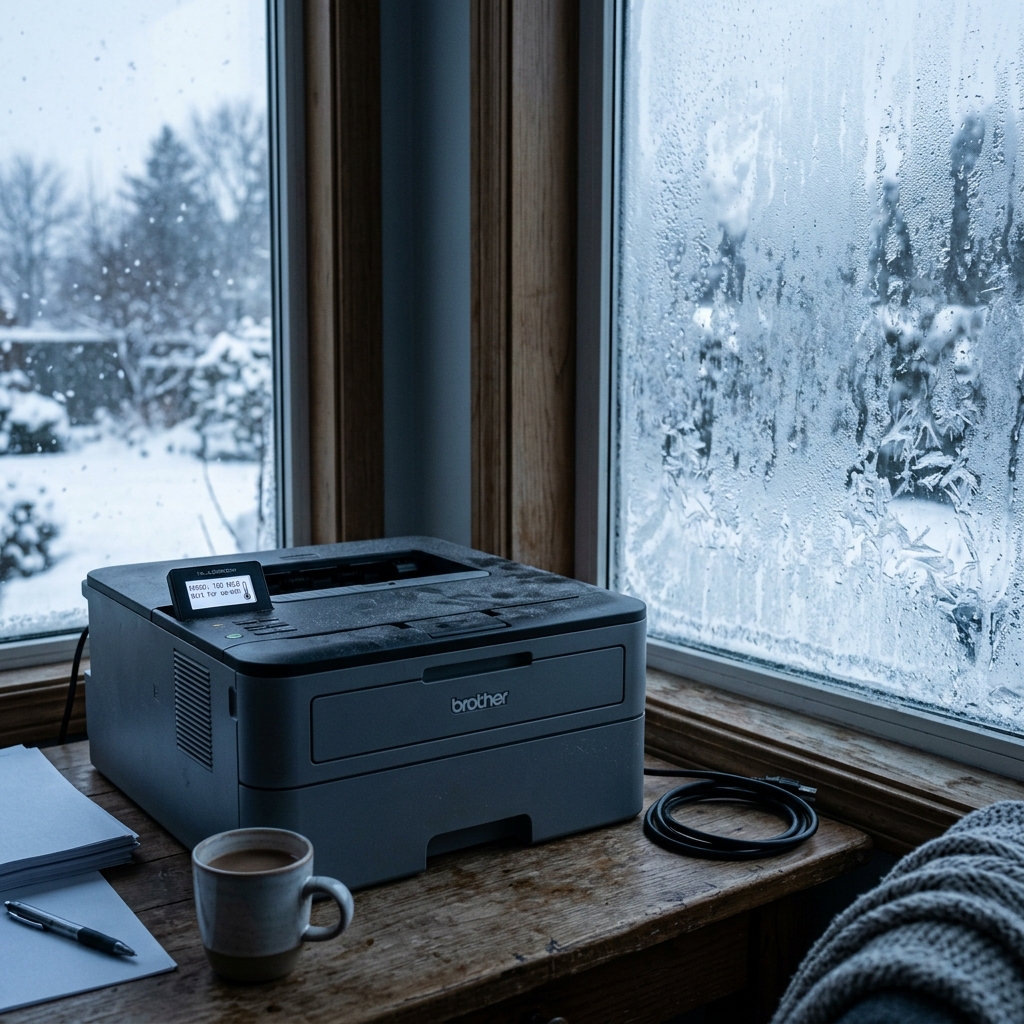
Brother printer error 49 is one of the more literal errors your machine can display: it's genuinely telling you the room, or the printer itself, is too cold for it to operate safely. This isn't a malfunction to troubleshoot — it's a built-in protection working exactly as designed.
What Error 49 Actually Means
Laser printers rely on toner that needs to be within a specific temperature range to behave correctly during the fusing process. And running a cold printer risks poor fusing, internal condensation, or genuine damage to components not designed to operate below a certain temperature.
Error 49 is your printer refusing to run until conditions warm up enough to do so safely.
Why this matters: there's no setting to override this. And you shouldn't want to — it's protecting the printer, and forcing it to run cold risks a worse problem than waiting a few minutes.
Fix 1: Let the Printer Sit and Warm Up
If the printer has recently come from a cold environment — shipped in winter, stored in an unheated garage, or sitting in a cold room overnight — leave it powered on in a normal room-temperature space for at least 30 minutes to an hour before trying again.
Why this works: this gives the printer's internal components genuine time to reach a safe operating temperature naturally, rather than forcing operation before it's actually ready. This is exactly the risk this error exists to prevent.
Fix 2: Check Where the Printer Is Actually Located
If this error happens repeatedly rather than as a one-time event, consider whether the printer's regular location is genuinely too cold for consistent operation — an unheated room, near a drafty window, or a garage or basement without climate control.
Why this works: a printer that throws this error occasionally in winter but never in warmer months is telling you something real about its environment, not experiencing a random malfunction. Moving it to a consistently heated space is the permanent fix, not something to work around repeatedly.
Fix 3: Avoid Powering On Immediately After Moving It
If you've just brought the printer in from a cold car or a cold storage space, don't power it on right away — let it sit unplugged in a normal-temperature room for a while first.
Why this works: a cold printer powering on immediately can also risk condensation forming inside as it warms unevenly. This is a separate concern from the temperature error itself but worth avoiding for the same underlying reason — cold electronics need time to acclimate before running.
When to Call a Professional
This almost never requires professional service — error 49 is a protective response, not a hardware fault. If it appears in a genuinely normal-temperature room with no reasonable explanation, a temperature sensor inside the printer may be misreading. This would be worth checking with support.
Why Brother Printers Refuse to Print When Too Cold (Error 49)
While printer overheating is well understood, low temperatures pose severe physical risks to laser engines. Inside your Brother laser printer, the fuser roller operates at approximately 356°F (180°C).
If the printer is powered on in an unheated garage, warehouse, or cold office where ambient temperatures are below 50°F (10°C), the thermal shock of energizing the halogen heater lamp against freezing metal can crack the ceramic heating element or shatter the glass thermistor bead. The firmware (internal software) trips Error 49 as a safety lockout.
Step-by-Step Protocol to Safely Warm the Printer
- Do NOT Use Hairdryers or Heat Guns:
Directing intense, localized hot air from a hairdryer onto the printer chassis will melt plastic gears, warp the optical laser mirror assembly. And create condensation on high-voltage contact boards. Always use gradual, natural ambient warming.
- Relocate to a Climate-Controlled Room:
Move the printer into a heated room where temperature is maintained between 65°F and 75°F (18°C - 24°C).
- Allow a 2-Hour Acclimation Window:
Leave the printer unplugged for at least 1.5 to 2 hours. This allows internal metal chassis frames, heavy roller cores. And internal thermistors to gradually equalize to room temperature while allowing any internal condensation to evaporate naturally.
- Power On and Test:
Once warm, plug the printer directly into a wall outlet and turn it on. The internal NTC thermistor will read baseline resistance within normal parameters. And Error 49 will clear automatically without requiring manual reset codes.
Frequently Asked Questions
Can low temperatures cause toner print quality issues?
Yes. Cold toner powder exhibits reduced electrostatic chargeability, leading to faint gray text, background speckling.
What is the minimum operating temperature for Brother laser printers?
Brother specifies an official operating temperature range of 50°F to 90°F (10°C to 32°C) with relative humidity between 20% and 80% (non-condensing).
