
Canon Printer: Connectivity Issues
Browse all troubleshooting articles and solutions for Canon printers under the connectivity issues category.
Guides & Solutions (5)
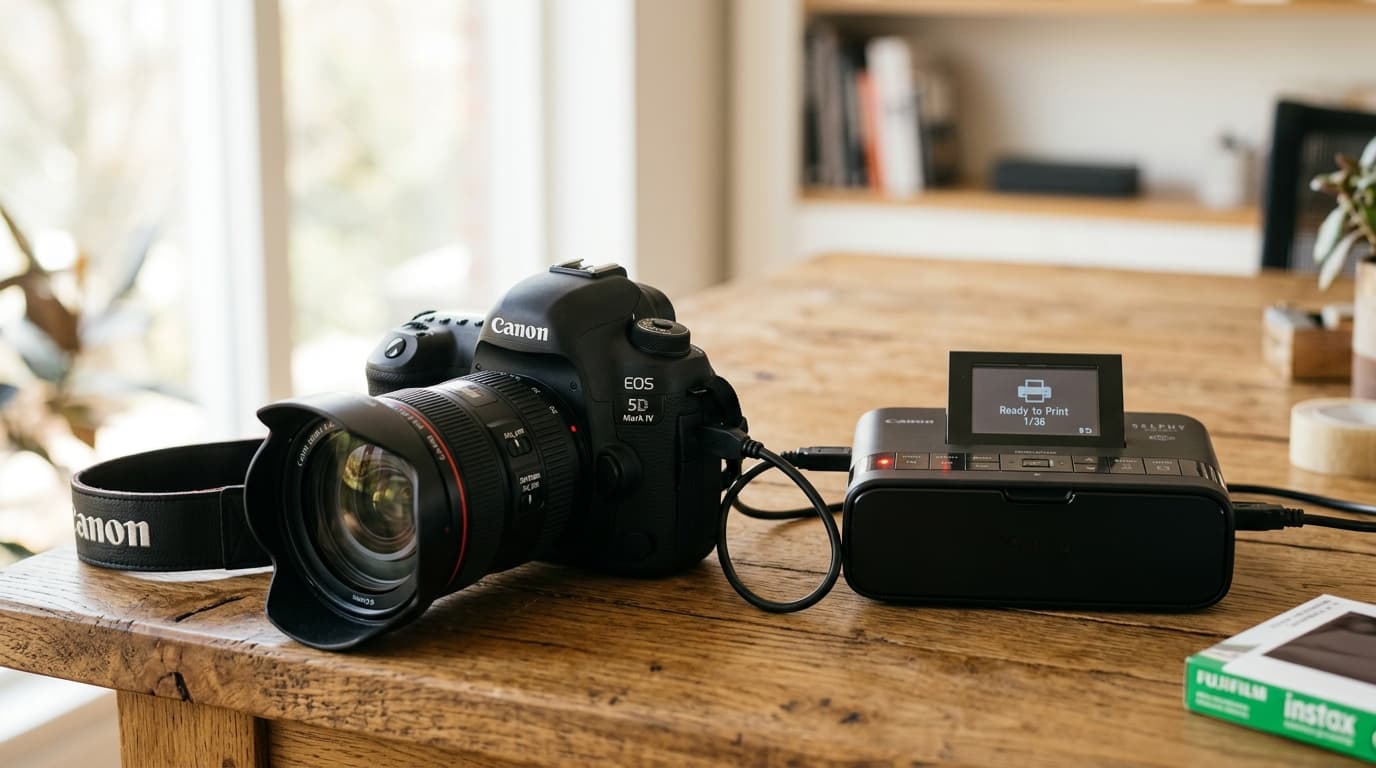
Troubleshoot Canon PictBridge camera connection failures. Fix USB communication modes, wireless DPS over IP pairing, and camera cable recognition.
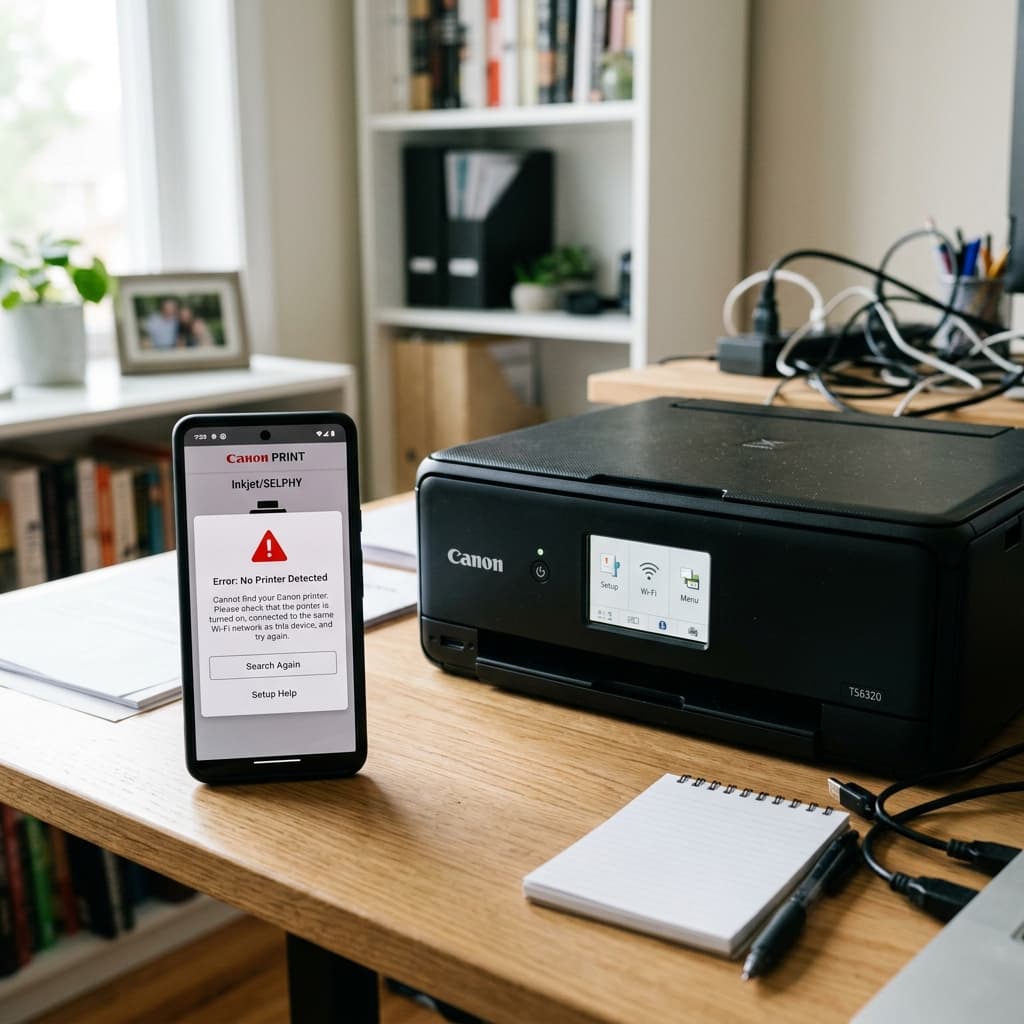
Is your smartphone failing to find your Canon printer in the PRINT app? Learn how to fix Bluetooth pairing, 5GHz network conflicts, and iOS local network settings.
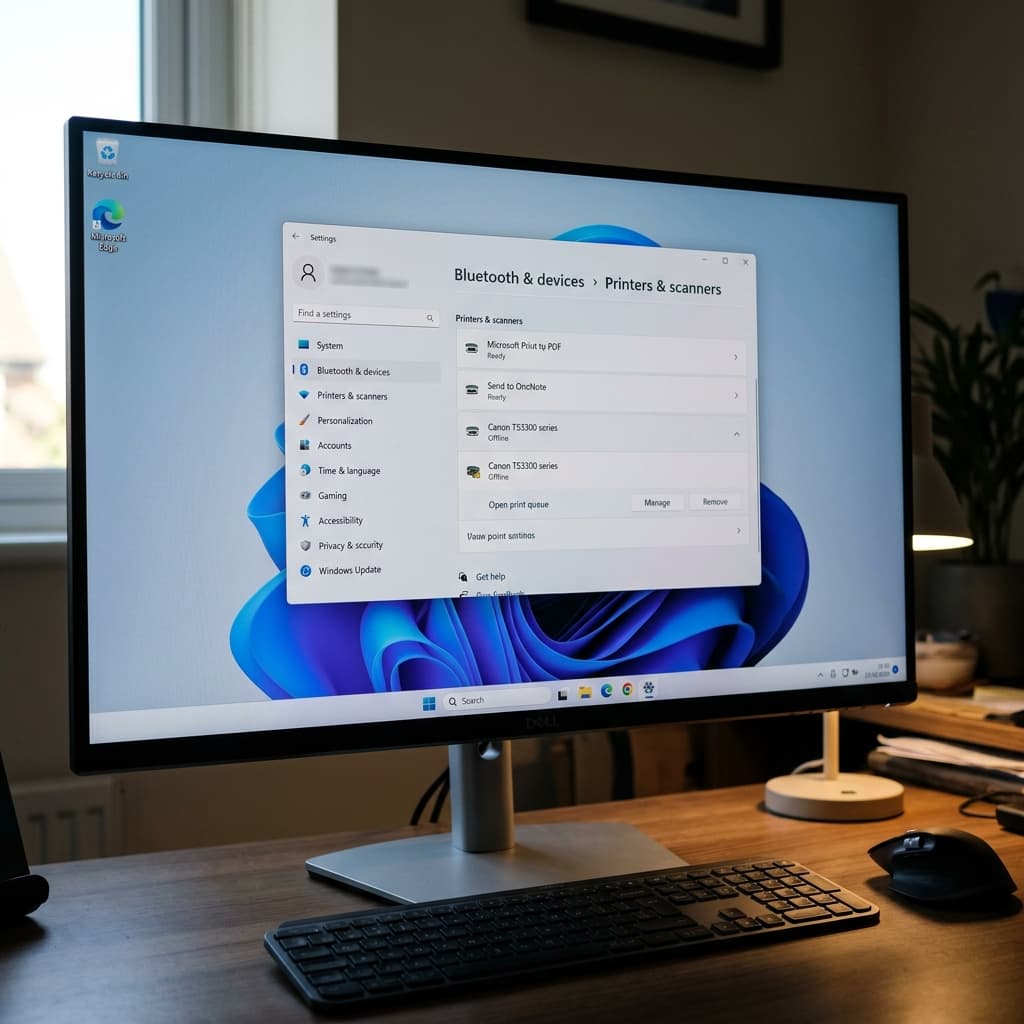
Is your Canon printer showing as Offline in Windows 11? Learn how to disable SNMP, set a static IP address, and clear the Windows Print Spooler to bring it online.
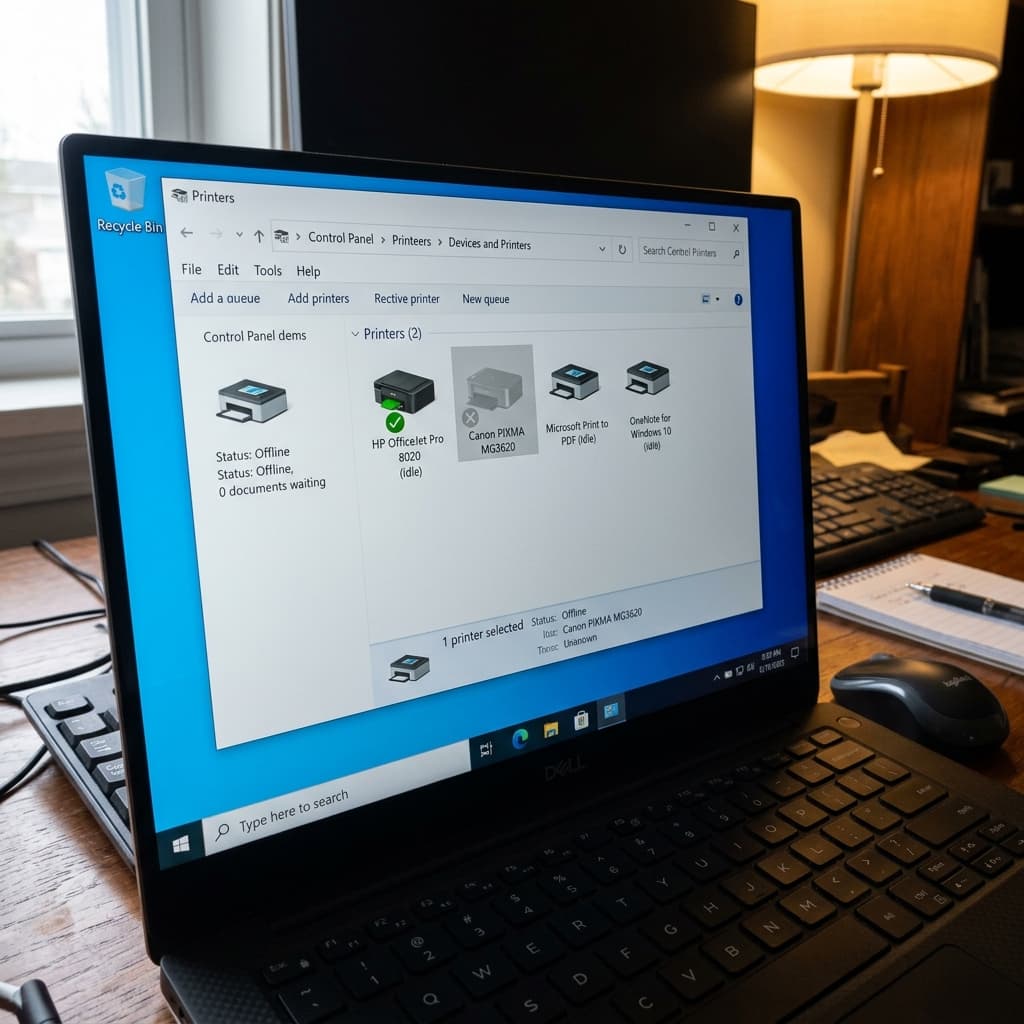
Is your Canon MG3620 showing as offline in Windows or Mac? Learn how to reset the network settings and reconnect using the WPS or Cableless setup method.
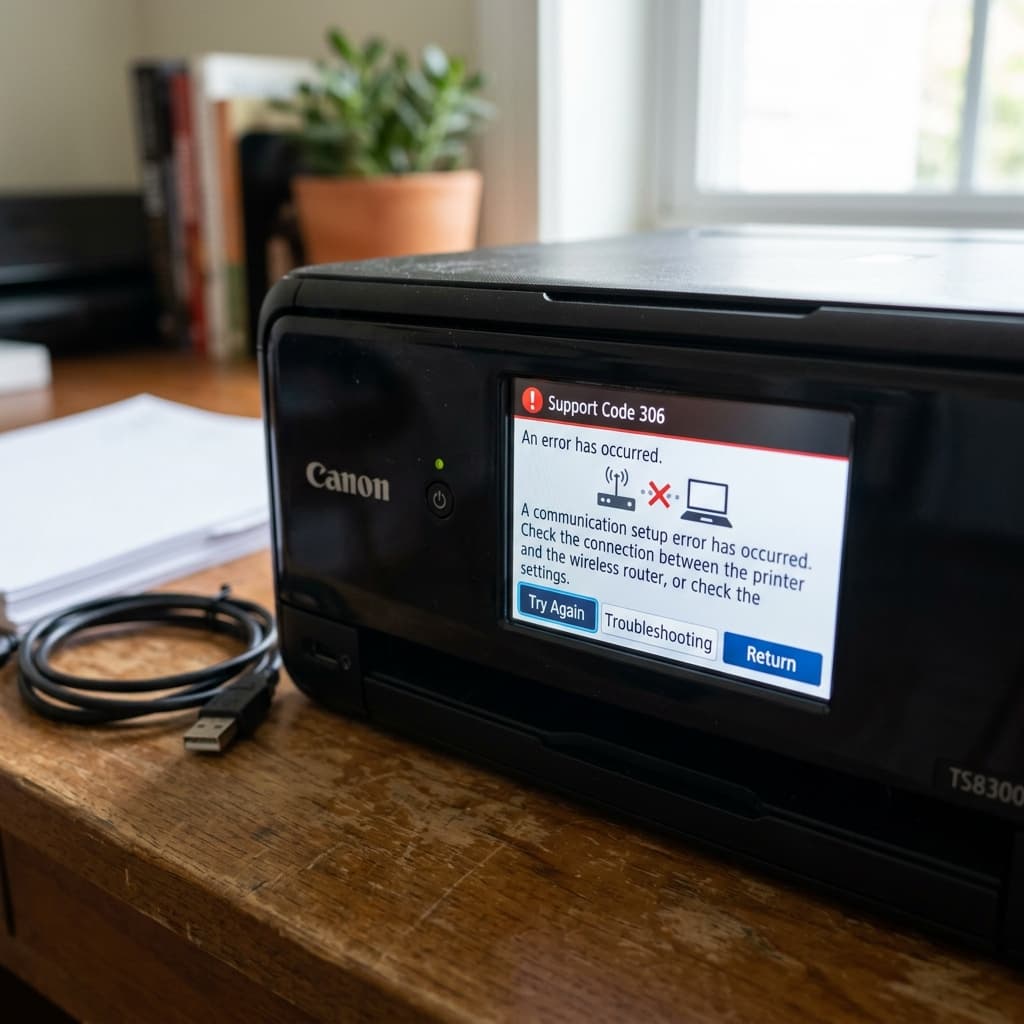
Canon Support Code 306 is a communication error between your computer/phone and the printer. Learn how to fix Wi-Fi routing issues and clear the print spooler.