
Canon Printer: Hardware & Maintenance
Browse all troubleshooting articles and solutions for Canon printers under the hardware & maintenance category.
Guides & Solutions (6)
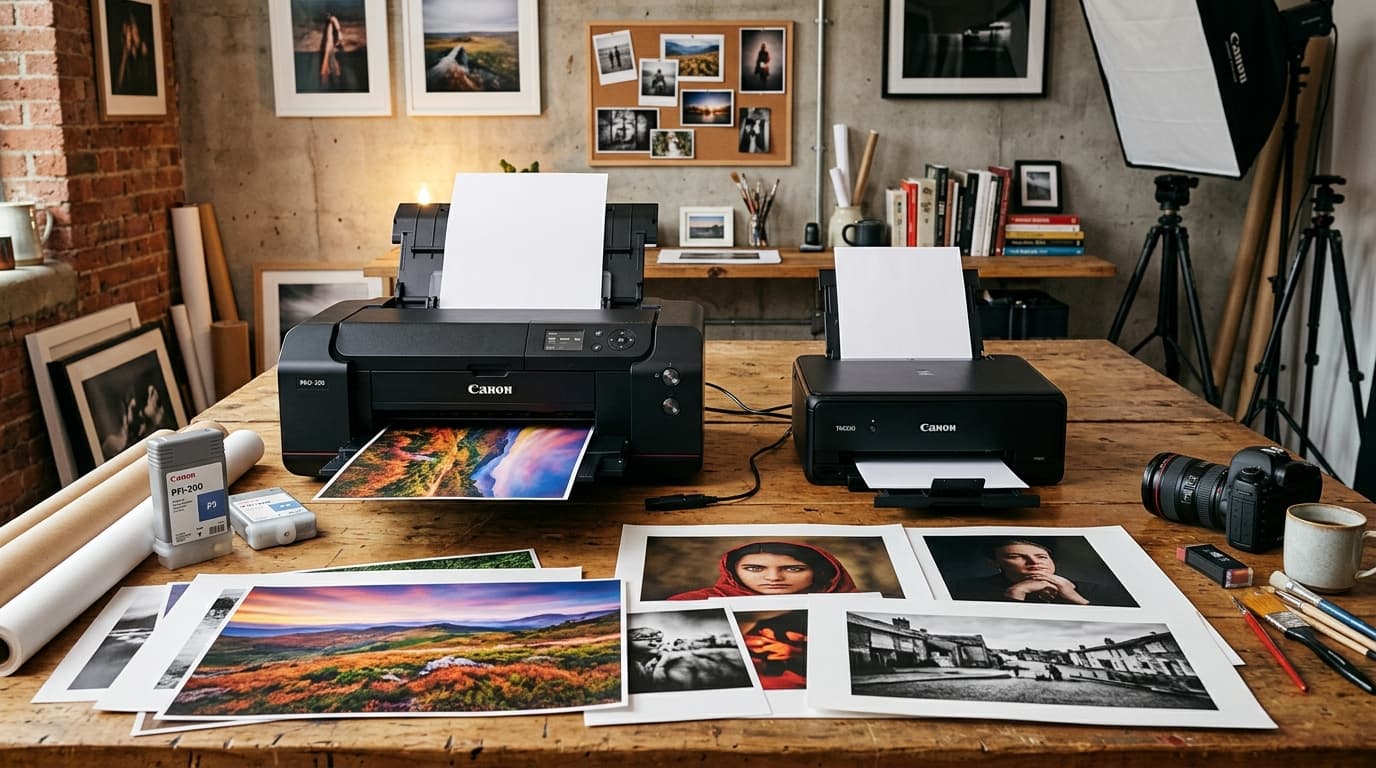
Compare Canon PRO series (PRO-200, PRO-300, PRO-1000) vs consumer PIXMA printers: ink channels, fine art media feeding, archival life, and color gamut.
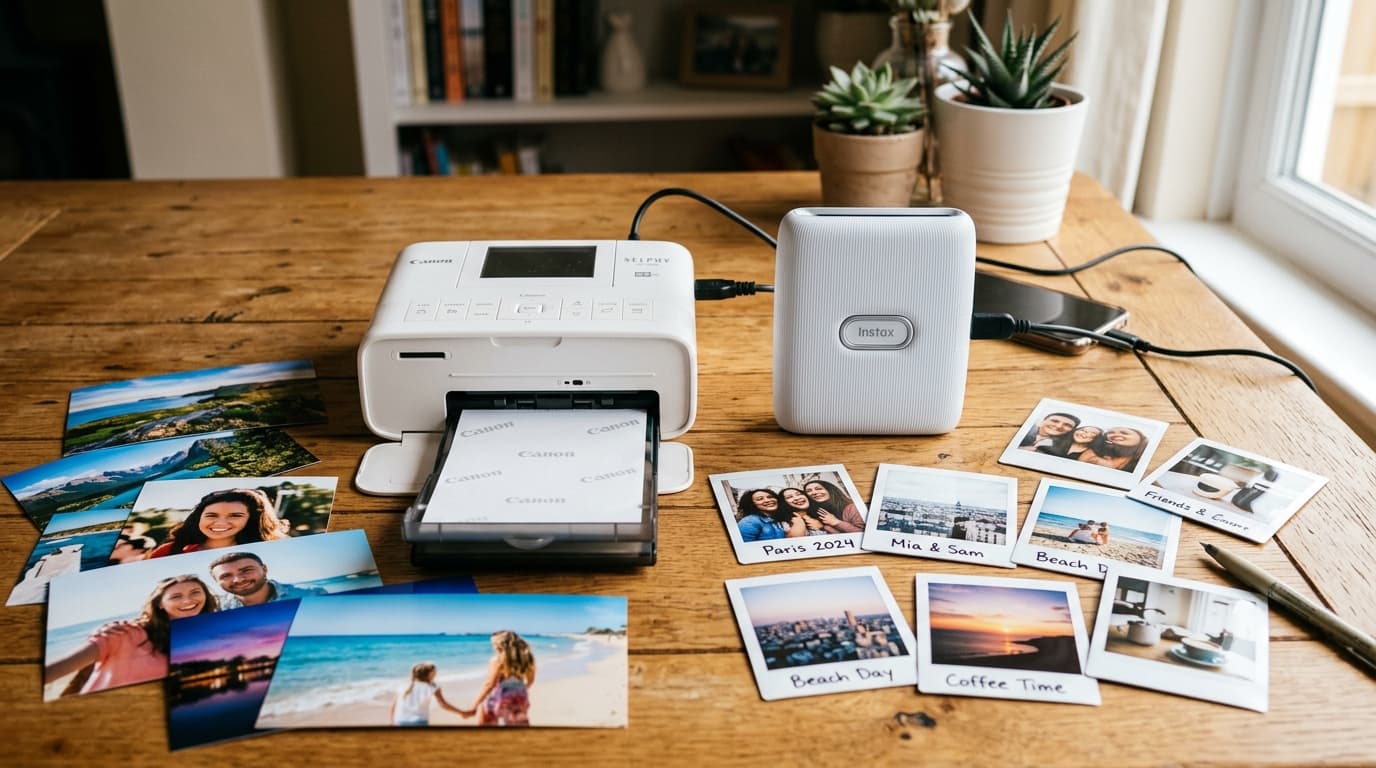
Canon SELPHY CP1500 vs Fujifilm Instax Square Link comparison: dye-sublimation vs instant film, print size, cost per photo, image quality, and durability.
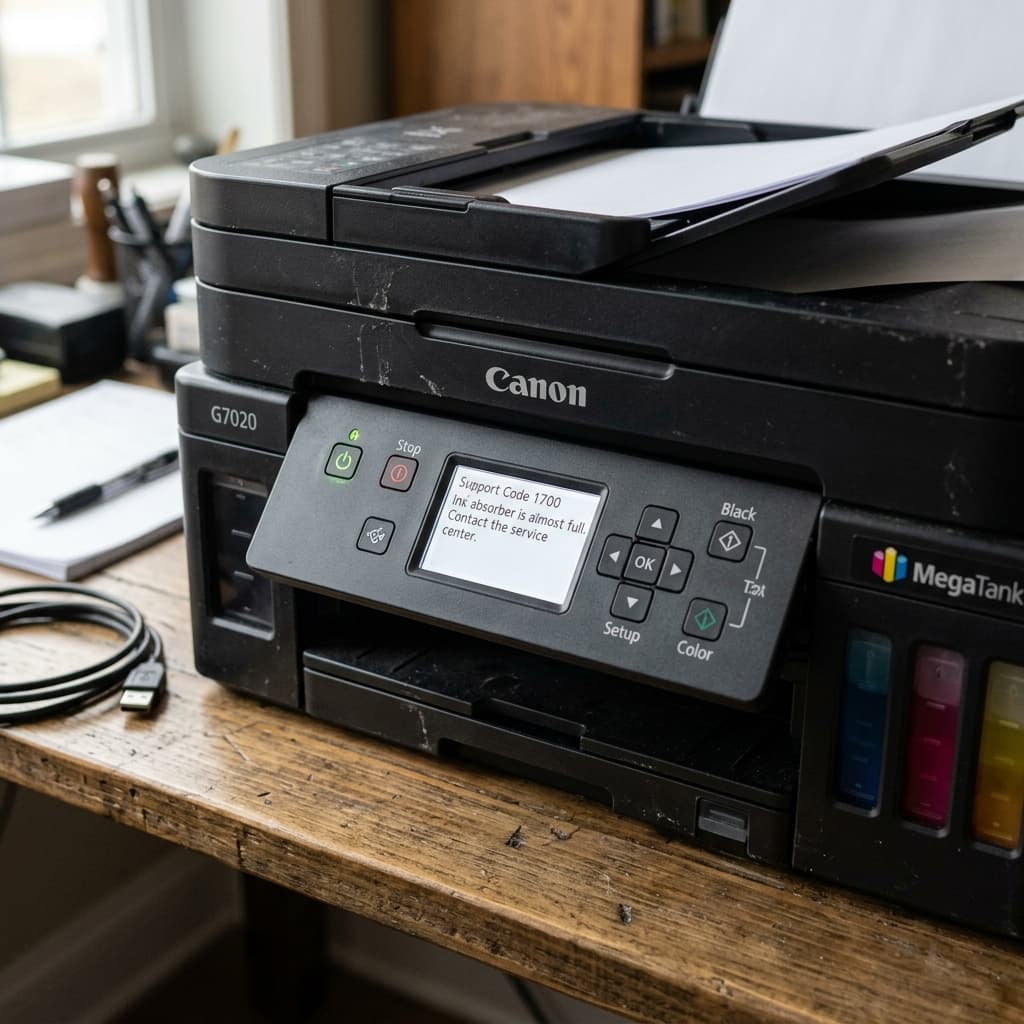
Getting Error 1700 or 5B00 on a Canon G7020 or G-series MegaTank? Learn why the standard Service Tool won't work, and why the EEPROM chip is locked by Canon.
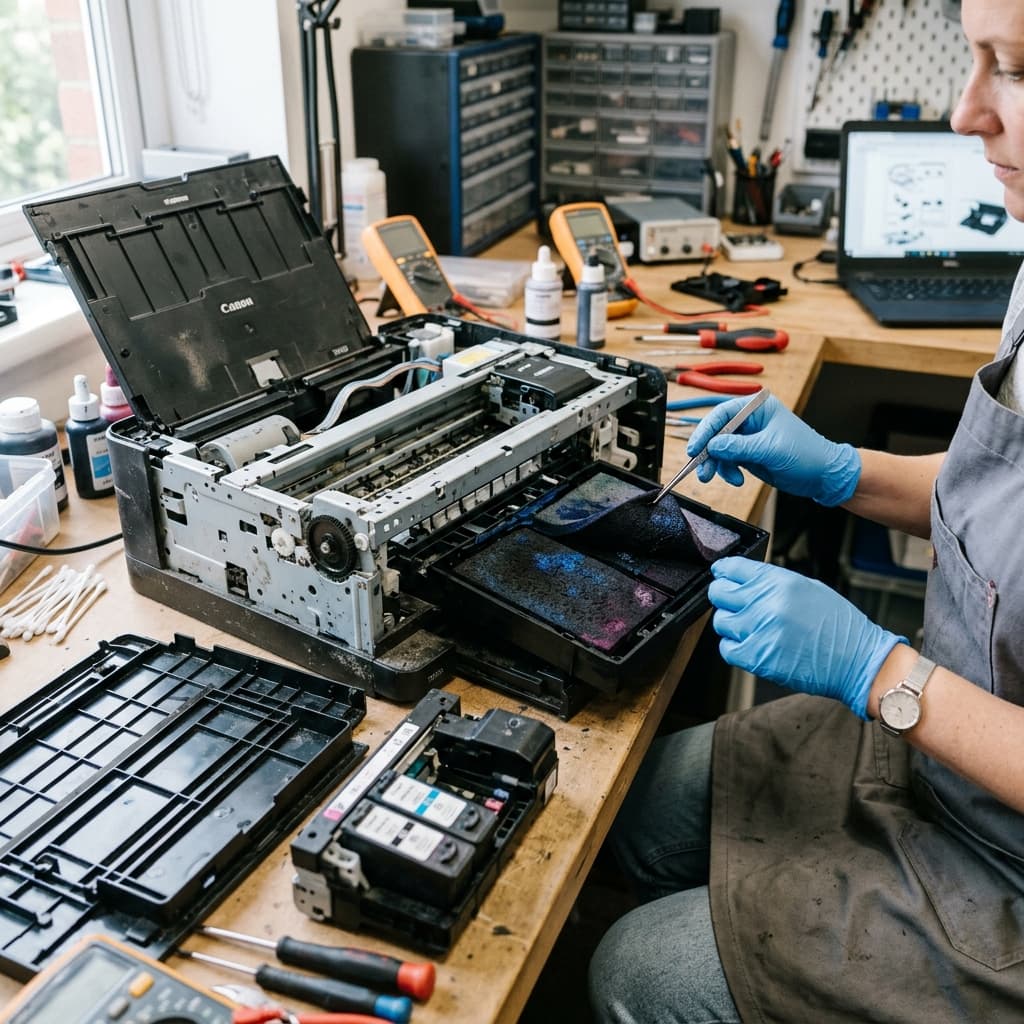
When your Canon printer hits the 5B00 Ink Absorber Full error, should you pay a technician, reset it yourself, or buy a new printer? An honest cost analysis.
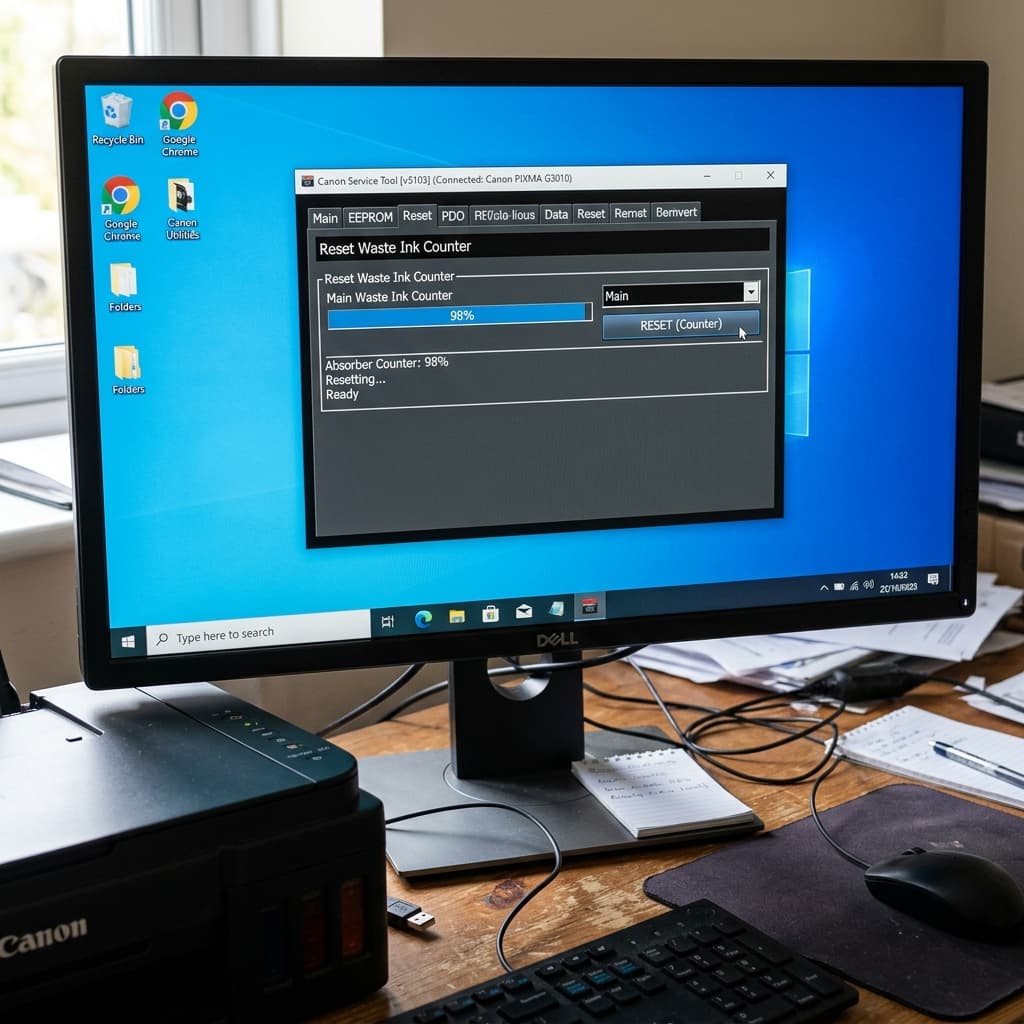
Learn how to enter Service Mode and use a software reset tool to clear the 5B00 Waste Ink Absorber Full error without calling a service technician.
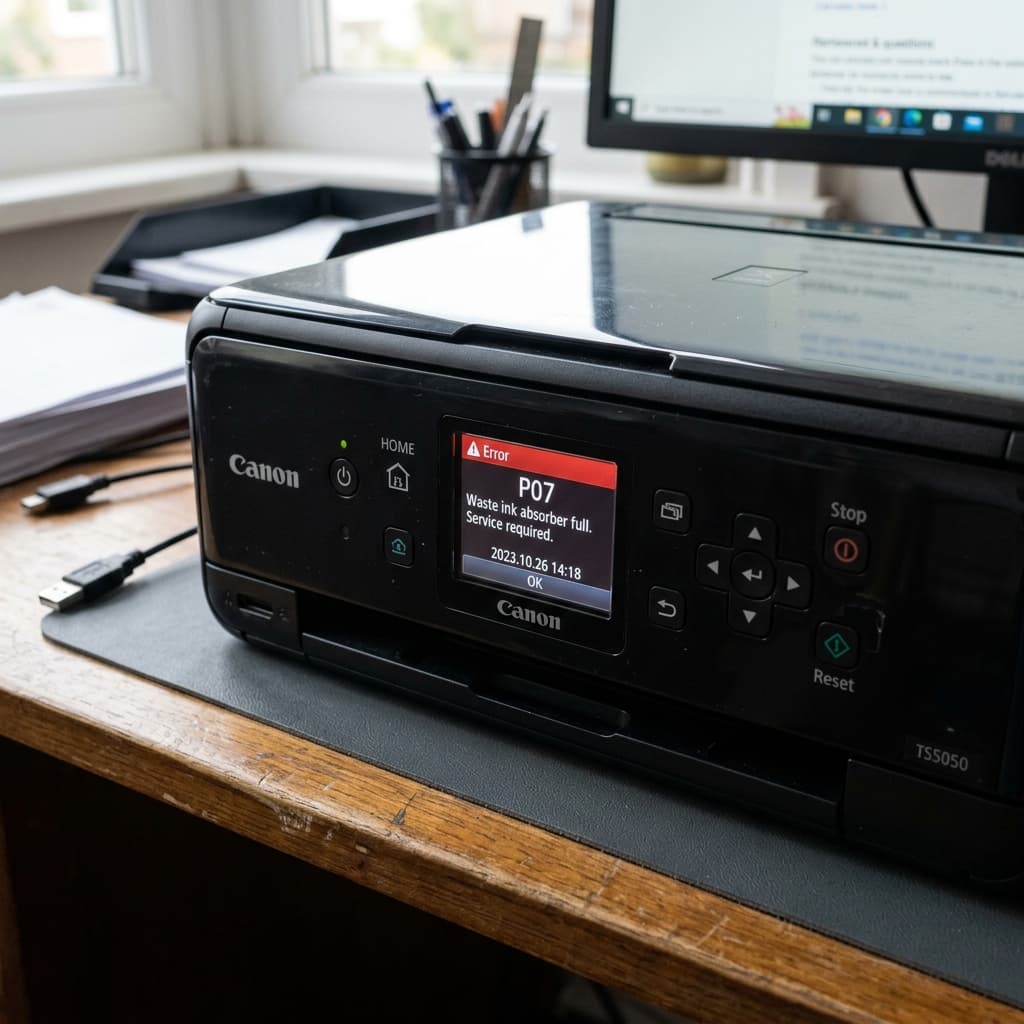
Canon Error P07 (or 5B00) means the internal waste ink absorber pad is full. Learn how to enter Service Mode and use a service tool to reset the EEPROM counter.