


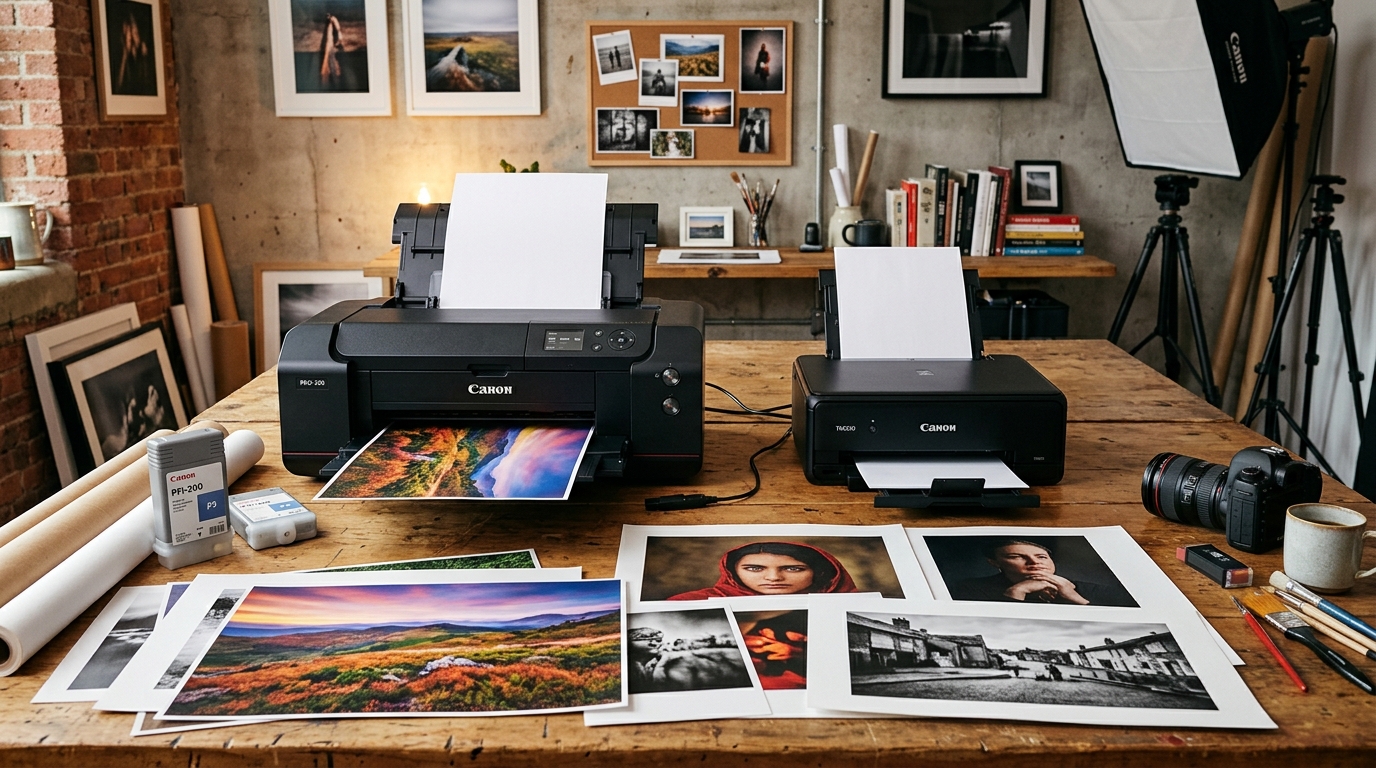
Professional Photo vs Standard Consumer Desktop Printing
Canon's PIXMA lineup spans from everyday household all-in-ones (TS, TR series) to commercial fine-art photo printers (PRO-200, PRO-300, imagePROGRAF PRO-1000).
While consumer PIXMAs handle homework, office documents, and casual snapshots, Canon PRO models are dedicated photographic instruments designed for galleries and print studios.
Core Architectural Comparison
The differences between Canon's professional photo printers and consumer all-in-ones center on ink formulation, media feeding, and color gamut:
| Feature | Canon PRO Series (PRO-200 / PRO-300 / PRO-1000) | Consumer PIXMA (TS / TR / MegaTank G-Series) |
|---|---|---|
| Ink Channels | 8 to 12 Individual Tanks (including dedicated Grays & Chroma Optimizer) | 4 to 5 Tanks (CMYK + Pigment Black for text) |
| Ink Chemistry | ChromaLife100+ Dye (PRO-200) or LUCIA PRO Pigment (PRO-300/1000) | Standard Dye inks (colors fade within 5–15 years in UV light) |
| Paper Handling | Straight Manual Rear Feed up to 0.6mm thickness (350+ gsm) | Curved bottom cassette up to 280 gsm only |
| Print Width Capacity | 13x19" (A3+ Super B) or 17x22" (PRO-1000) plus panoramic banners | Standard 8.5x11" Letter / A4 only |
| Monochrome Control | Dedicated Photo Black, Matte Black, Gray, and Light Gray channels | Composites color inks to create muddy gray tones |
| Paper Skew Correction | Integrated mechanical skew correction rollers | Basic passive plastic paper guides |
Why Photographers Choose the PRO Series
PRO series printers solve the fundamental limitations of standard desktop photo printing:
- True neutral black-and-white: Dedicated Gray and Light Gray inks print black-and-white photos without color casts or metameric green/magenta shifts.
- Heavy fine-art rag media: The manual rear straight path feeds thick cotton rag, watercolor paper, and canvas up to 350 gsm without roller dent marks.
- Chroma Optimizer (PRO-300/1000): A clear resin coat fills valleys between pigment particles on glossy paper, eliminating bronzing and differential sheen.
- Archival print permanence: LUCIA PRO pigment prints last over 200 years in dark storage and 60+ years under gallery glass.
When Consumer PIXMA Models Make More Sense
Standard consumer PIXMA models remain the practical choice for general office and home demands:
- Low running costs on documents: MegaTank G-series ink bottles deliver thousands of pages for under a penny per page.
- Multi-function scanning and copying: Consumer models include flatbed scanners and automatic document feeders (ADF). PRO printers are print-only.
- Compact desktop footprint: Consumer PIXMAs weigh 15 lbs and fit on any home desk. A PRO-1000 weighs 70 lbs and requires heavy dedicated bench space.
Frequently Asked Questions
Can a Canon PRO printer be used for everyday document printing?
Yes, but it is economically inefficient. Printing regular text documents consumes expensive photographic pigment inks and maintenance tank capacity.
What is the difference between PRO-200 and PRO-300?
The PRO-200 uses 8 dye inks (vibrant gloss, faster speed, cheaper). The PRO-300 uses 10 pigment inks (archival life, superior matte fine-art rendering, Chroma Optimizer).
Do Canon PRO printers dry out if not used daily?
Modern Canon PRO printers feature automated micro-cleaning cycles that prevent nozzle drying as long as the printer remains connected to AC power.
