


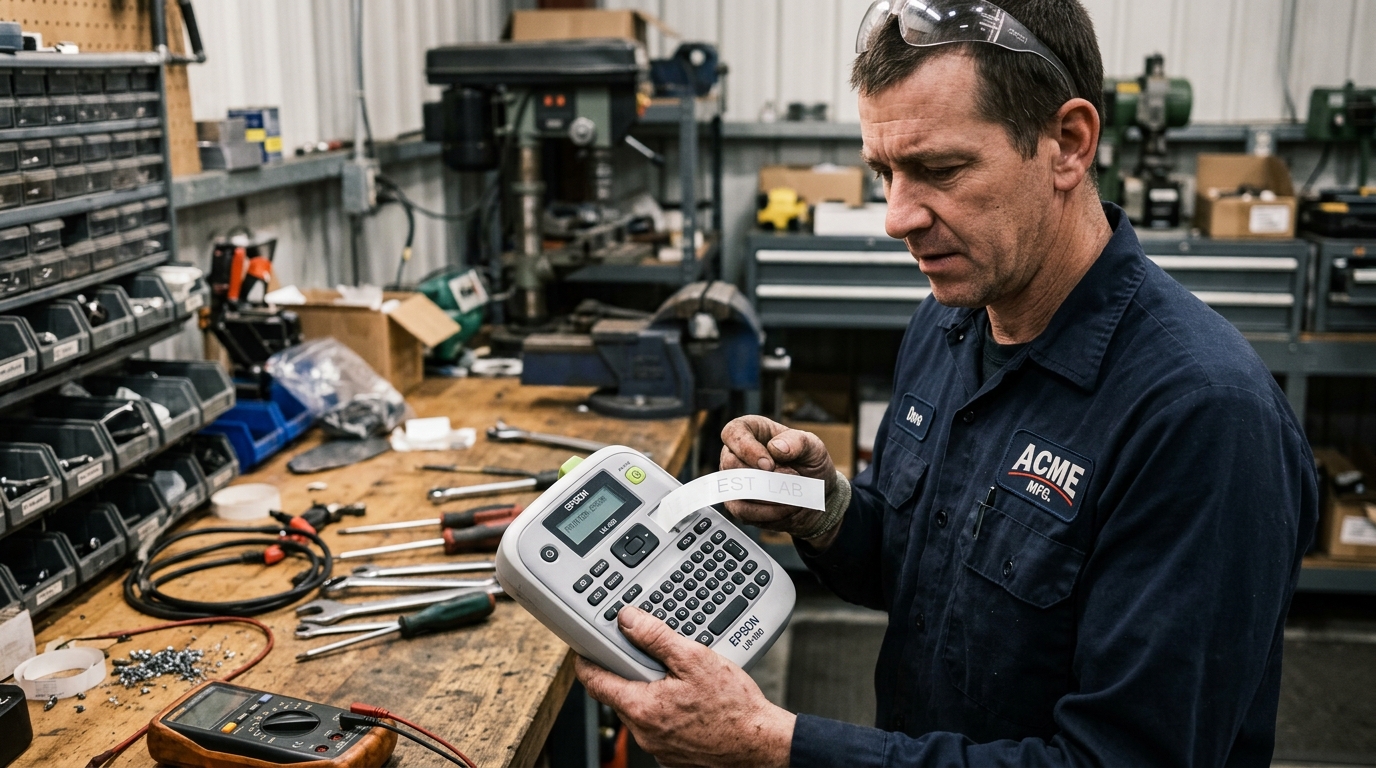
Diagnosing LabelWorks Blank or Incomplete Prints
Epson LabelWorks handheld and desktop label printers (such as the LW-PX900, LW-600P, and LW-PX400) use thermal transfer technology. The unit melts ink from a carbon ribbon directly onto specialized tape media.
When labels eject completely blank or with faint, broken lettering, the failure typically stems from ribbon slack, thermal head contamination, or low battery voltage.
Step 1: Check Carbon Transfer Ribbon Slack
Loose or tangled carbon ribbon inside the cassette prevents the thermal head from transferring ink:
- Open the cassette cover: Turn off the label maker and unlatch the rear cassette compartment door.
- Inspect the cartridge ribbon: Look at the small carbon ink ribbon exposed in the cartridge head notch.
- Take up ribbon slack: Use a pencil or screwdriver to rotate the toothed gear clockwise until the ribbon is taut.
- Check for ribbon tears: If the ink ribbon has sheared or stuck to the tape, replace the cartridge with a new cassette.
Step 2: Clean the Thermal Printhead and Platen Roller
Thermal transfer adhesive residue and dust accumulate directly on the ceramic heating line:
- Locate the printhead: The thermal head is the slender metallic ceramic strip positioned inside the tape compartment.
- Dampen a cotton swab: Lightly moisten a clean cotton swab with 99% isopropyl alcohol.
- Clean the heating element: Gently rub the swab across the metallic heating line to lift burnt adhesive.
- Wipe the rubber platen roller: Clean the cylindrical rubber drive roller adjacent to the printhead.
- Dry completely: Wait two minutes for alcohol evaporation before snapping the tape cassette back in place.
Step 3: Test Power Supply and Battery Levels
Thermal printing elements require high instantaneous current to reach melting temperatures:
- Replace weak AA batteries: Weak alkalines can feed tape normally while failing to heat thermal elements. Install a fresh set of name-brand batteries.
- Verify AC adapter rating: Connect the official Epson AC adapter directly to eliminate battery voltage sag during heavy font printing.
- Check battery terminals: Clean any white oxidation crust off terminal contacts using a dry pencil eraser.
Step 4: Verify Cassette Compatibility and Software Settings
Mismatched media settings in Epson Label Editor cause print jobs to abort silently:
- Confirm tape cartridge type: Ensure you are using genuine Epson PX or LC tape cartridges designed for your LabelWorks model.
- Match tape width in software: Verify that the label template in Epson Label Editor matches the physical width (e.g., 12mm or 24mm).
- Reset print density: In the printer settings menu, set print density from -1 to Standard (0) or +1 for dense heat-shrink tubing.
Frequently Asked Questions
Why does my Epson LabelWorks feed tape but print no text?
The carbon ink ribbon inside the cassette is likely loose, severed, or the thermal printhead is insulated by adhesive buildup.
Can I clean the printhead with standard rubbing alcohol?
No, use only 90%+ isopropyl alcohol because lower-grade rubbing alcohol contains water and oils that corrode thermal elements.
Why does the label maker turn off as soon as I press Print?
This indicates severe battery depletion; the thermal head demands high current that collapses weak battery voltage.
