
Munbyn Printer: Printing Problems
Browse all troubleshooting articles and solutions for Munbyn printers under the printing problems category.
Guides & Solutions (10)
![Munbyn Printer Skipping Labels? Easy Fix [Solved]](/_next/image?url=%2Fimages%2Farticles%2Fmunbyn-printer-skipping-labels.jpg&w=3840&q=75)
Munbyn printer skipping labels or spitting blanks between prints? A repair tech explains calibration, sensors, and the driver size mismatch to check.
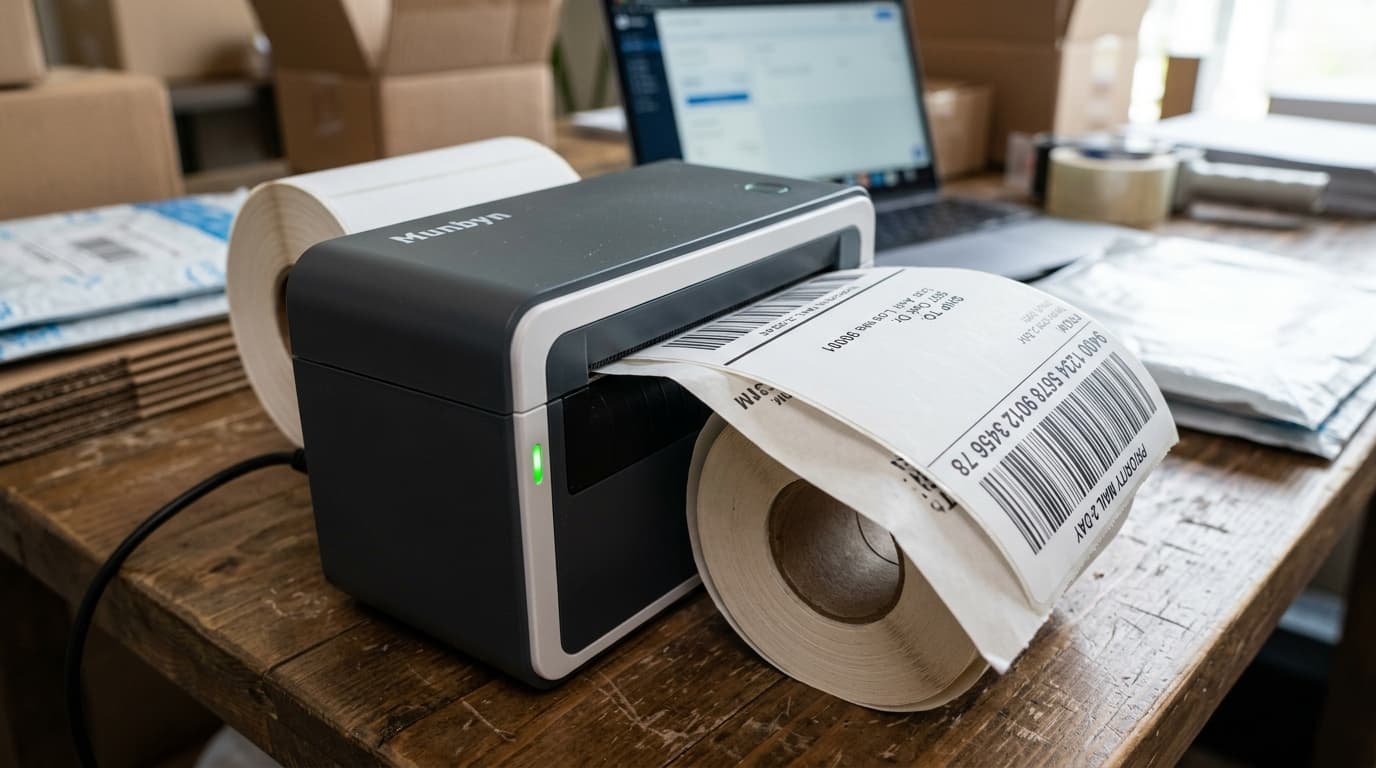
Munbyn labels printing off-center or drifting? A repair tech covers guides, calibration, fan-fold setup, and the hidden offset setting in your driver.
![Munbyn Printer Factory Reset: Step-by-Step [Guide]](/_next/image?url=%2Fimages%2Farticles%2Fmunbyn_factory_reset.jpg&w=3840&q=75)
How to factory reset a Munbyn printer the right way: the button sequence, what gets erased, and the one page to print BEFORE you reset. Repair tech guide.
![Munbyn Prints Half a Label Then Stops? [Fixed]](/_next/image?url=%2Fimages%2Farticles%2Fmunbyn-printer-prints-half-label-then-stops.jpg&w=3840&q=75)
Munbyn printer prints half a label then stops? A repair tech covers jams, calibration, cables, and the sticky roller problem most guides miss.
![Munbyn Printing Blank Labels? The #1 Cause [Fix]](/_next/image?url=%2Fimages%2Farticles%2Fmunbyn-printer-printing-blank-labels.jpg&w=3840&q=75)
Munbyn printer printing blank labels? A repair tech reveals the #1 cause, the 5-second scratch test, and why heat-damaged labels print nothing.
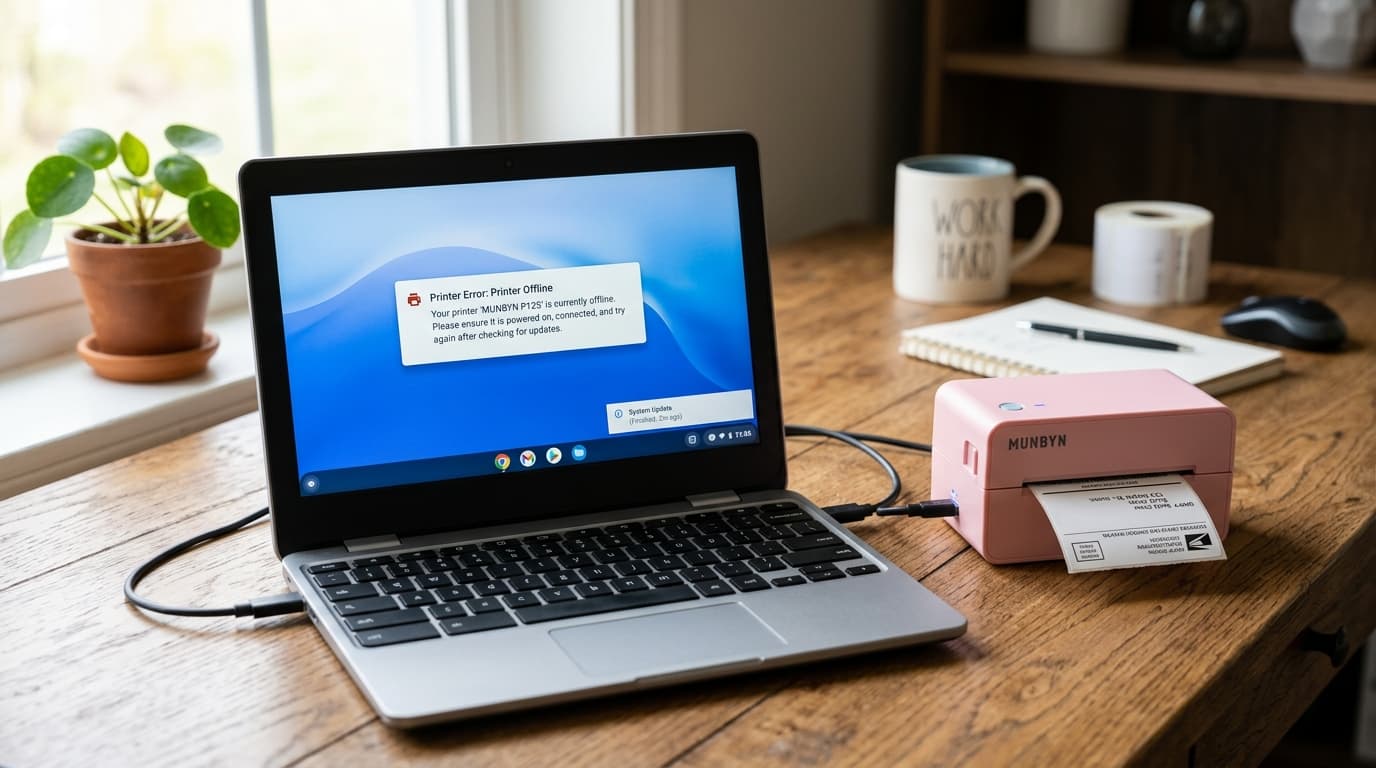
Munbyn printer stopped working after a Chromebook update? A repair tech explains why ChromeOS updates break printing and the re-add fix that works.
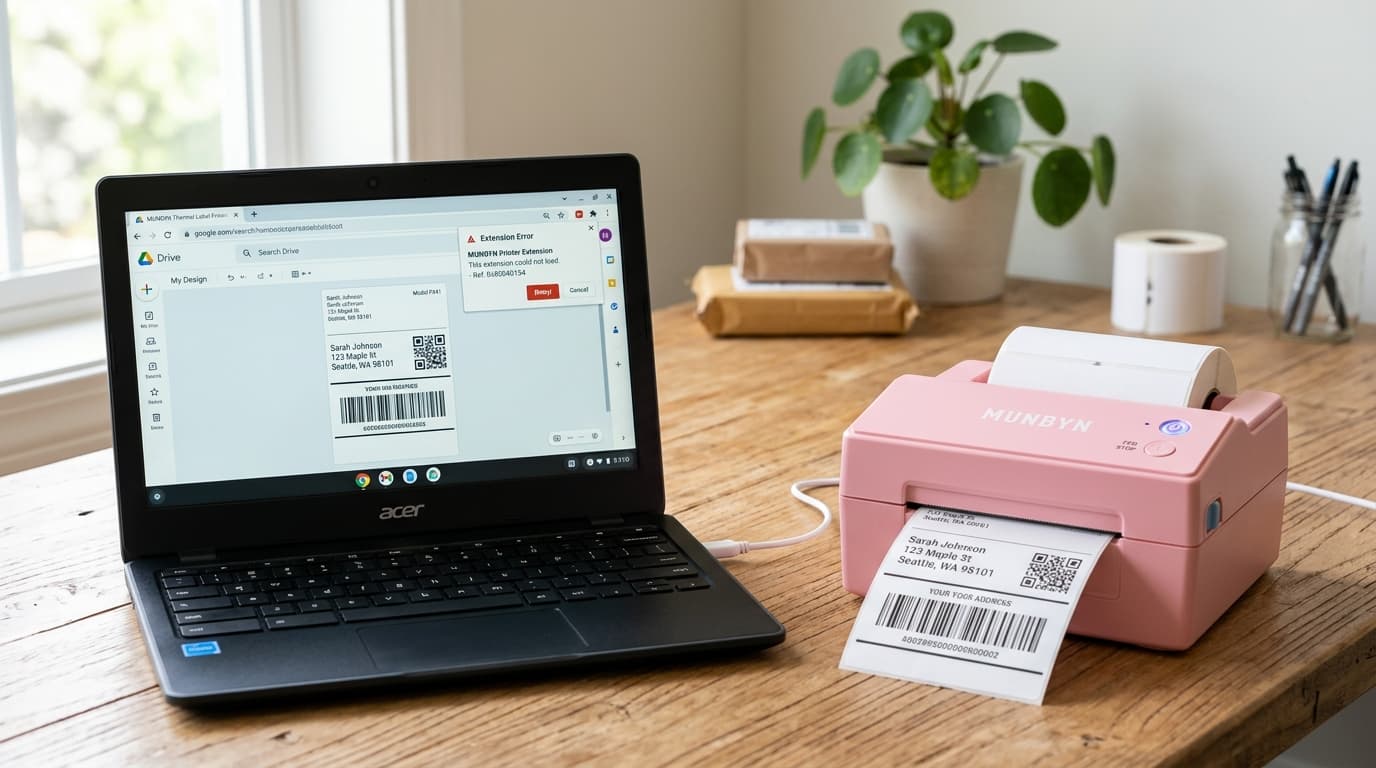
Munbyn Chromebook extension not printing? A repair tech covers permissions, the reinstall that actually works, and the paper size code decoded.
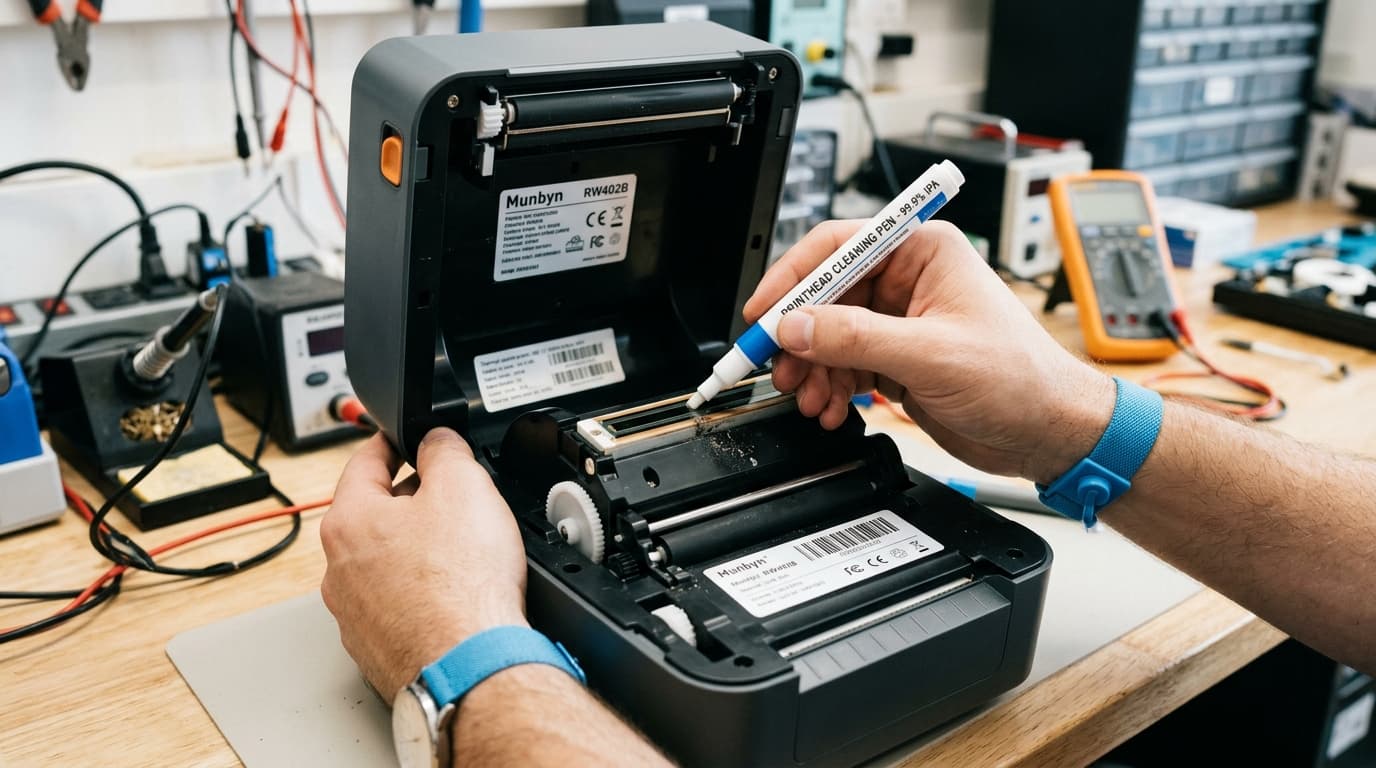
Munbyn RW402B not printing? A repair tech shares 7 fixes, including the app-pairing mistake that causes most Bluetooth failures on this model.
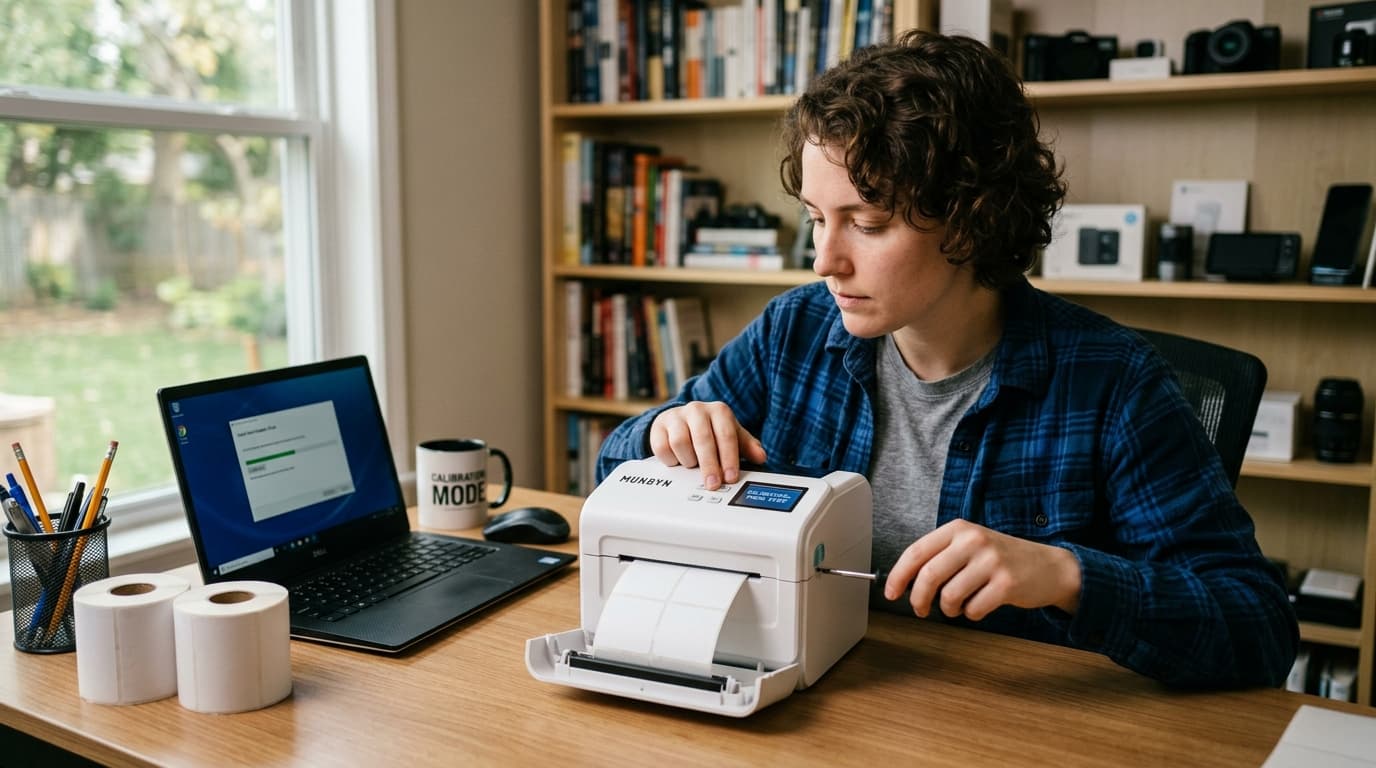
Munbyn ITPP130 calibration explained by a repair tech: the back-feed trick, the full reset sequence, and why the printer forgets your label size.
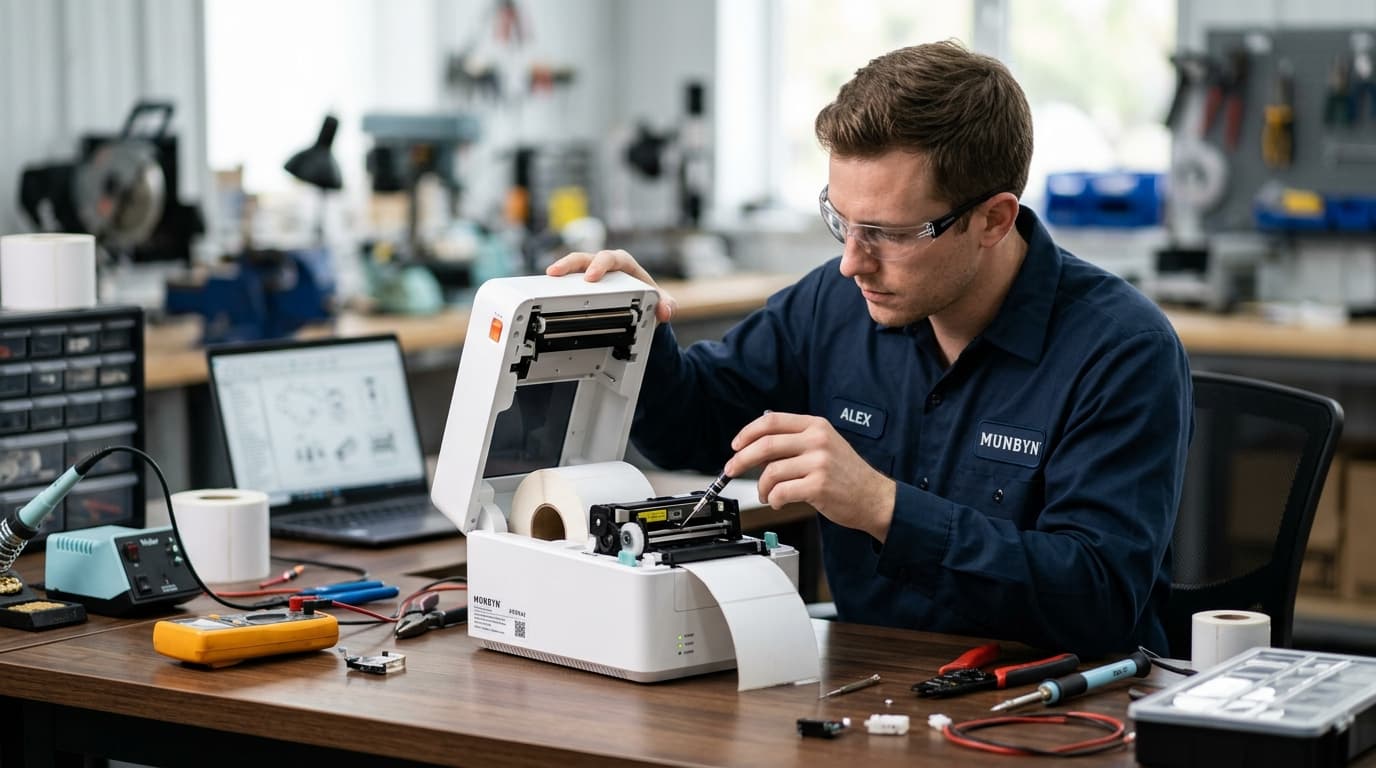
Munbyn ITPP941 troubleshooting from a 15-year repair tech: red lights, blank labels, offline errors, and the DPI driver mistake nobody warns you about.