


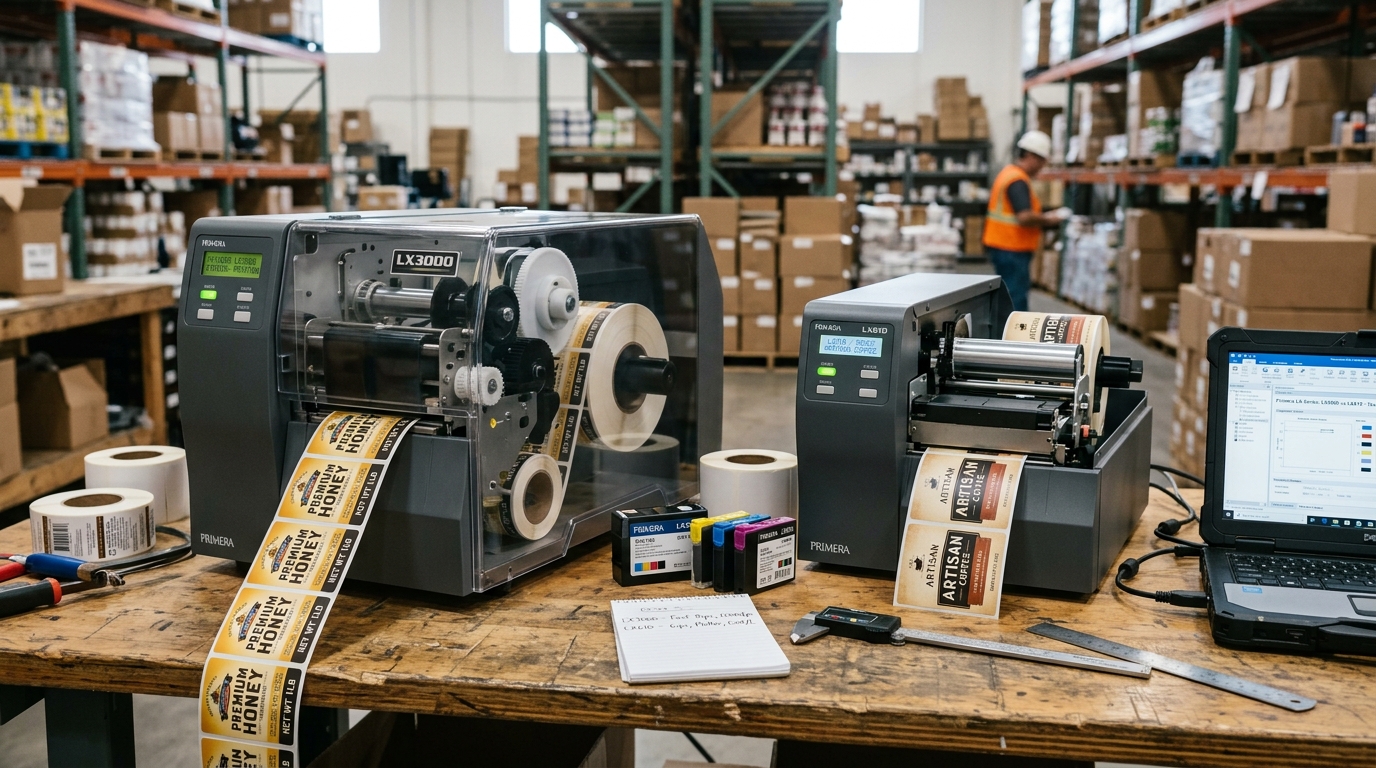
The Evolution of Primera Color Label Printers
Primera Technology single-handedly created the "short-run color label" market. Before the LX series, businesses had to order 10,000 pre-printed flexo labels from a massive print house. The LX400 and LX900 brought professional photo-quality printing to the desktop.
Primera LX400 (The Desktop Standard)
- Print Width: Up to 4.25 inches.
- Ink System: Uses a single, combined Tri-Color cartridge (Cyan, Magenta, Yellow). It uses a composite black (mixing all three colors) rather than a dedicated black ink tank.
- Pros: Small footprint, extremely easy to maintain (changing the cartridge also changes the printhead).
- Cons: High cost-per-label because you waste ink if you only print heavily in one color.
Primera LX900 (The Production Workhorse)
- Print Width: Up to 8.25 inches.
- Ink System: Uses a semi-permanent printhead with four individual, high-capacity CMYK ink tanks.
- Pros: Fast print speeds, true deep black text (using the dedicated K tank), and much lower cost-per-label.
- Cons: Requires more maintenance. If left unused for weeks, the separate printhead can clog.
Decoding Primera LX2000 Error Codes
The LX2000 is an industrial beast. Unlike the LX900 which moves the ink tanks back and forth on the carriage, the LX2000 features massive stationary ink tanks mounted in the front of the printer, which pump ink through long flexible tubes to the printhead.
- Error Code 0xXXXXXXXX (Hex Codes): The front LCD panel may display a fatal hex code. This usually indicates a pump failure or a carriage stall.
- The Fix: Open the top cover. Ensure the flexible ink tubes are not kinked, twisted, or catching on the carriage mechanism.
- Air in the Lines: If the tubes look empty or have massive air gaps, the printer has lost its vacuum prime. You must use the maintenance menu to run a "System Prime" to suck ink from the front tanks back into the printhead.
Engineering Comparison: Primera LX400 vs. LX900 vs. LX2000 Label Printers
Primera's LX-series represents the gold standard in desktop color prime label printing. Understanding the structural differences between entry-level, production-tier, and industrial pigment models helps operators optimize throughput and resolve model-specific error codes.
Detailed Engineering Comparison Matrix
| Specification / Feature | Primera LX400 / LX500 | Primera LX900 | Primera LX2000 / LX3000 |
|---|---|---|---|
| Ink System Architecture | Single tri-color dye cartridge with integrated printhead | 4 separate dye ink tanks (C, M, Y, K) + semi-permanent head | Large separate Pigment ink tanks (C, M, Y, K) + industrial head |
| Maximum Print Width | 4.25 inches (108 mm) | 8.25 inches (210 mm) | 8.25 inches (210 mm) |
| Print Resolution & Speed | Up to 4800 DPI | 2.5 in/sec | Up to 4800 DPI | 4.5 in/sec | Up to 4800 DPI | 6.0 in/sec |
| Durability / Resistance | Water-resistant with synthetic stocks | High photo gloss; dye-based vibrancy | BS5609 Section 3 certified; extreme UV, water, and chemical resistance |
Common LX2000 Error Code Matrix
- Error 2000-01 (Media Sensor Calibration Error): The transmissive optical gap sensor failed to calibrate to backing liner thickness. Clean media sensor with compressed air.
- Error 2000-04 (Cutter Jam): The motorized rotary guillotine cutter is jammed with adhesive label residue. Clean cutter blades with isopropyl alcohol.
- Error 2000-08 (Ink Pressure Supply Failure): The internal peristaltic ink pump cannot pressurize pigment tanks. Verify ink tank latches are fully engaged.
Frequently Asked Questions
Can I use pigment ink in an LX900 printer?
No. The LX900 printhead thermal nozzles are tuned specifically for low-viscosity dye inks.
What is BS5609 Section 3 certification on the LX2000?
BS5609 certification guarantees that labels printed with LX2000 pigment inks on certified synthetic media can withstand 90 days of continuous seawater submersion without color fading or adhesive loss (essential for GHS chemical drum labeling).
