
Zebra Technologies Printer: Drivers, Software & Firmware
Browse all troubleshooting articles and solutions for Zebra Technologies printers under the drivers, software & firmware category.
Guides & Solutions (6)
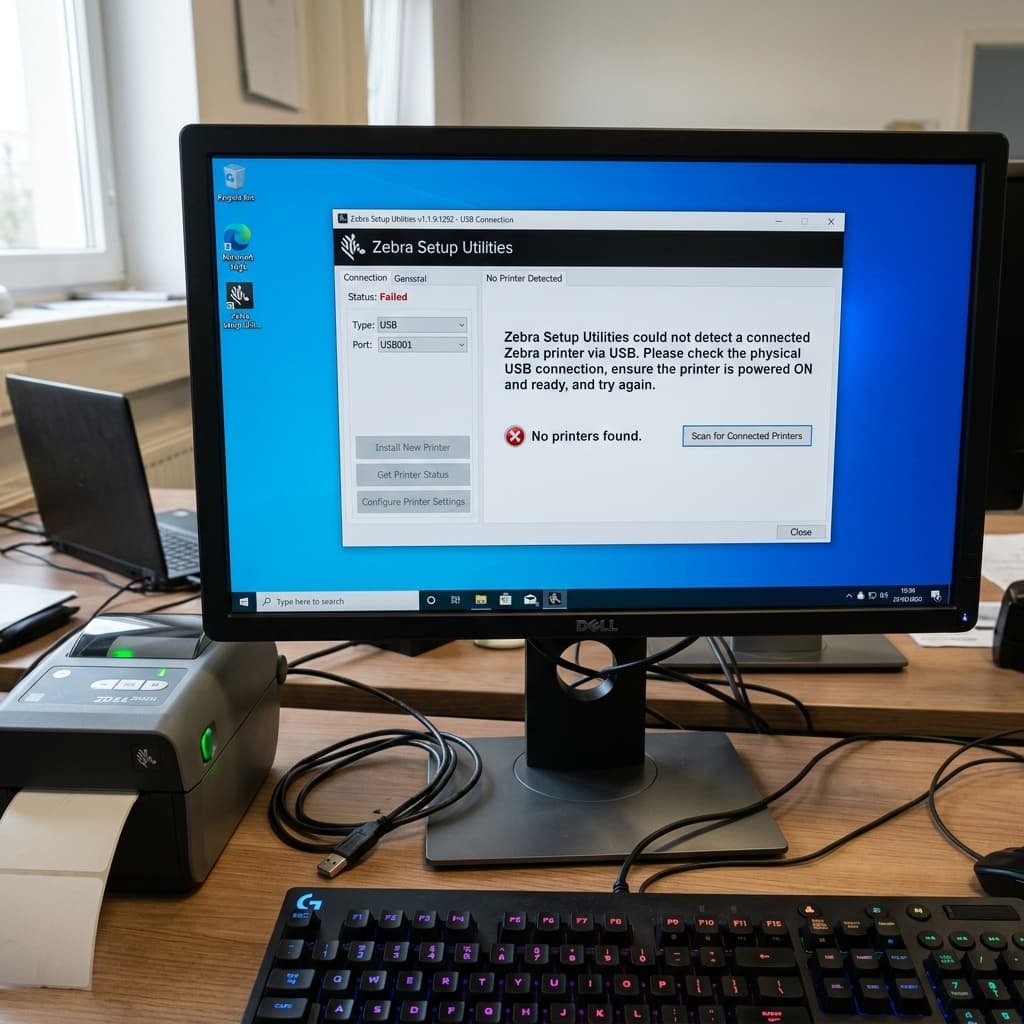
Is Zebra Setup Utilities failing to detect your USB printer, or did the Windows 11 driver install fail? Learn how to clear 'Unspecified Device' errors.
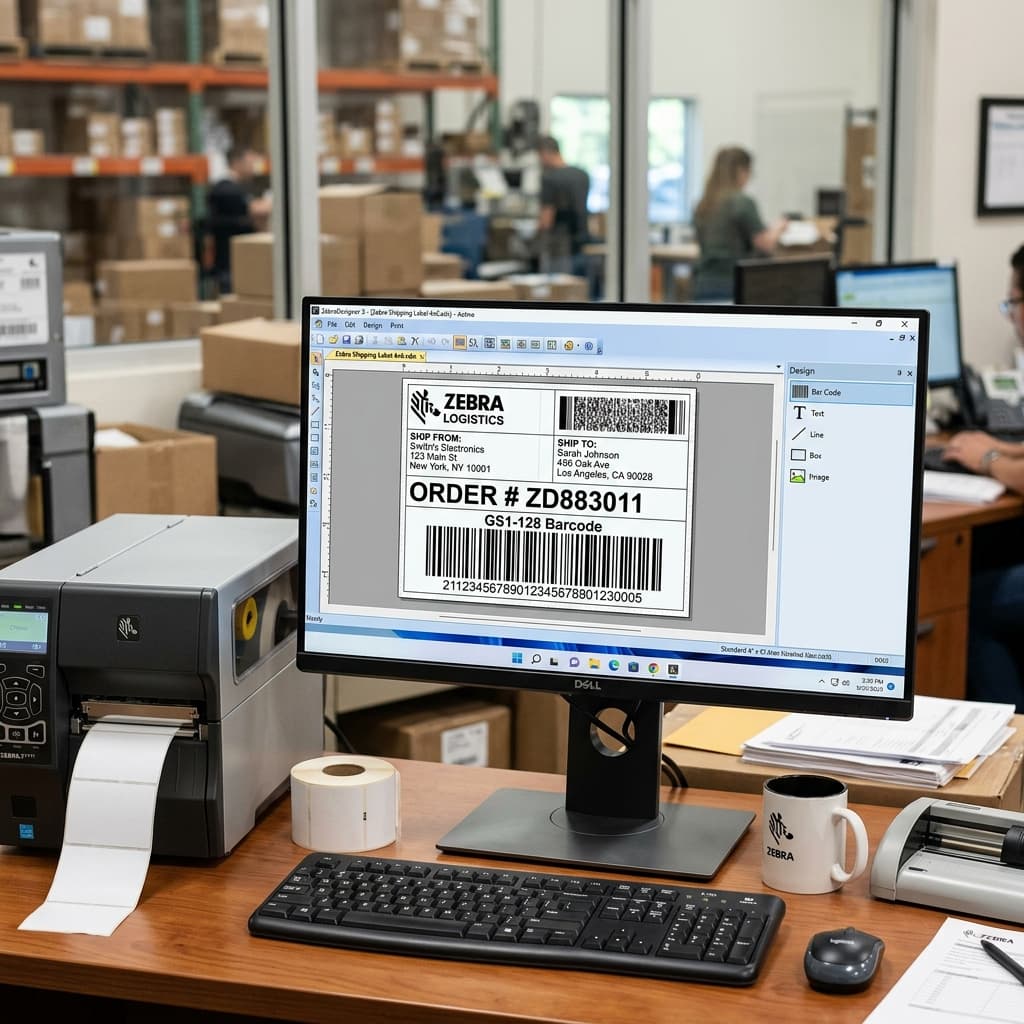
Is ZebraDesigner software not printing your labels correctly, or is Zebra Browser Print failing to connect to your web app? Step-by-step connection fixes.
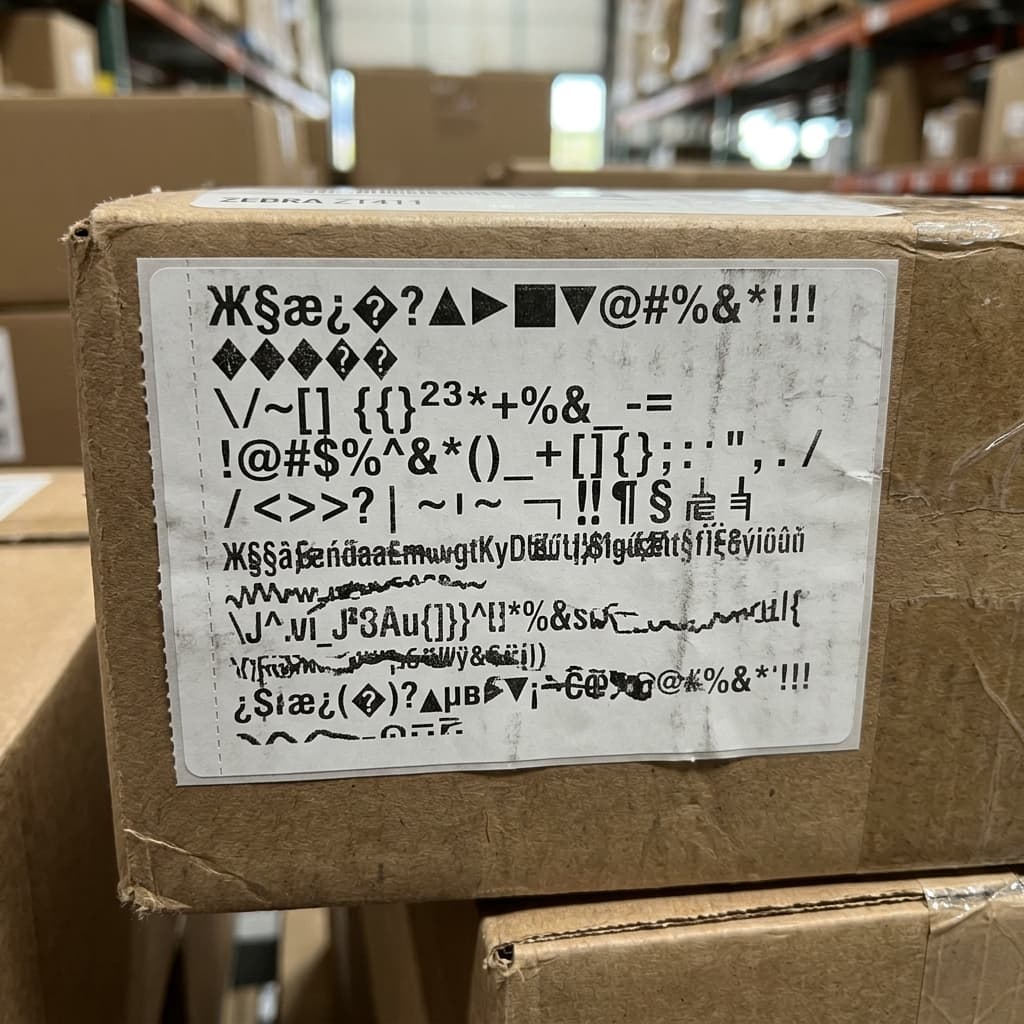
Is your Zebra printer printing raw ZPL code (like ^XA^FO) or random garbled characters instead of your label design? Here is how to fix the driver and port settings.
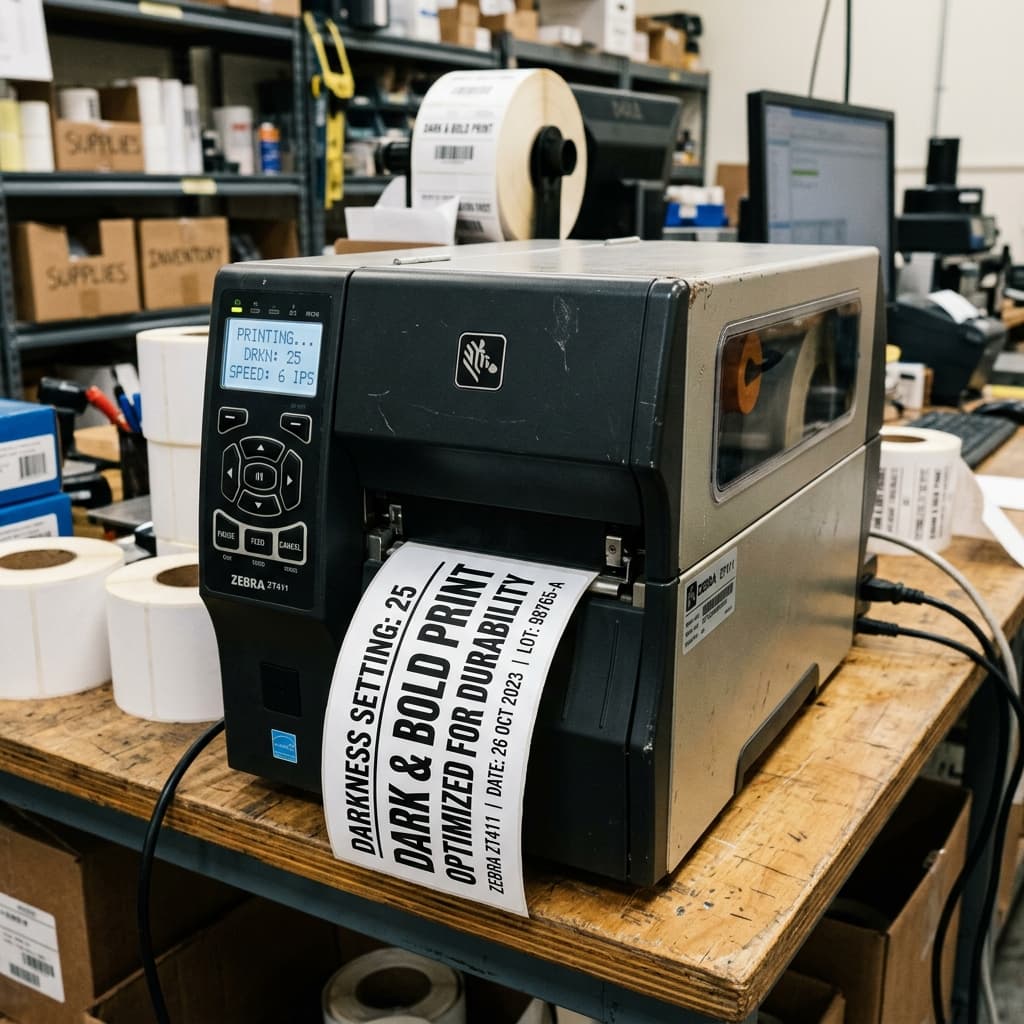
Learn how to use the Zebra ~SD (Set Darkness) and ^MF (Media Feed) commands to control print density and label length directly via ZPL code.
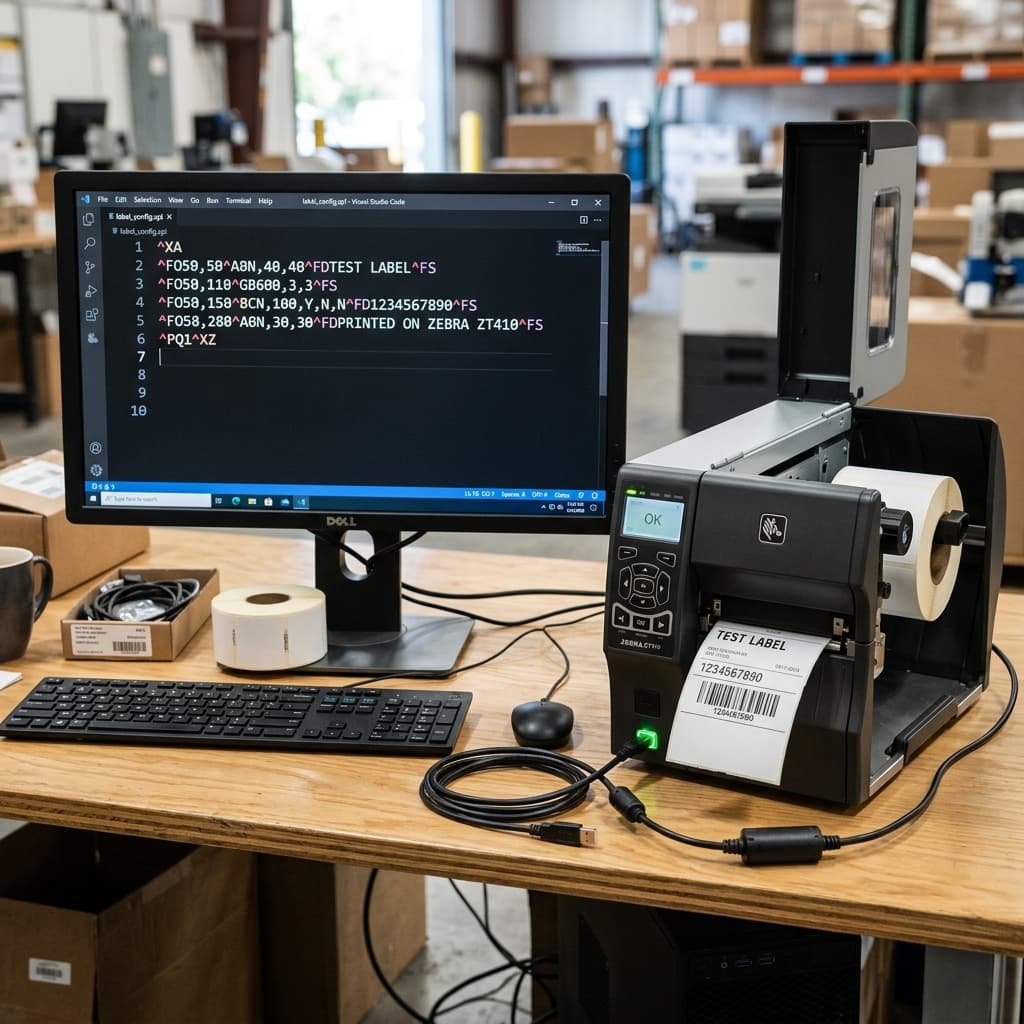
Are your Zebra ZPL commands not working or being completely ignored by the printer? Learn how to fix formatting, syntax, and driver interference.
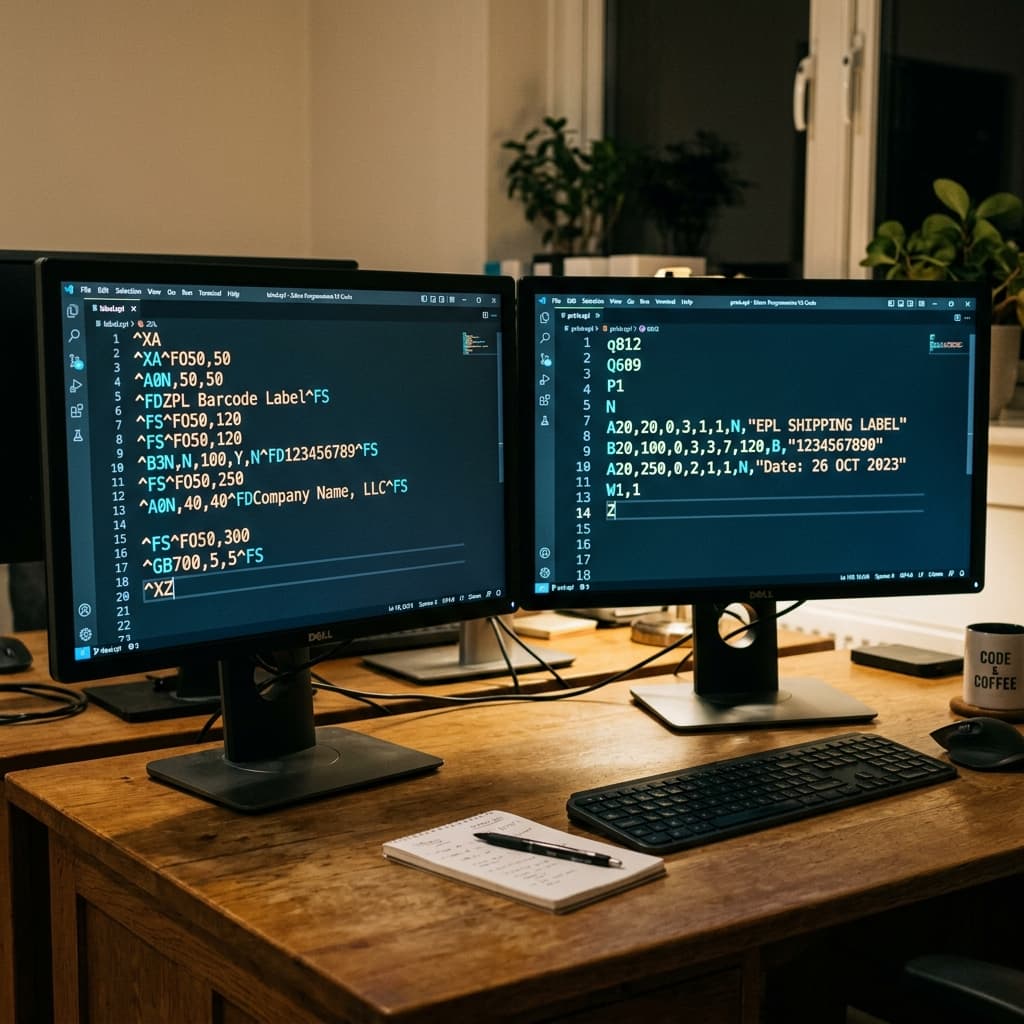
What is the difference between ZPL and EPL on a Zebra printer? Learn which programming language to use and how to format configuration commands.