


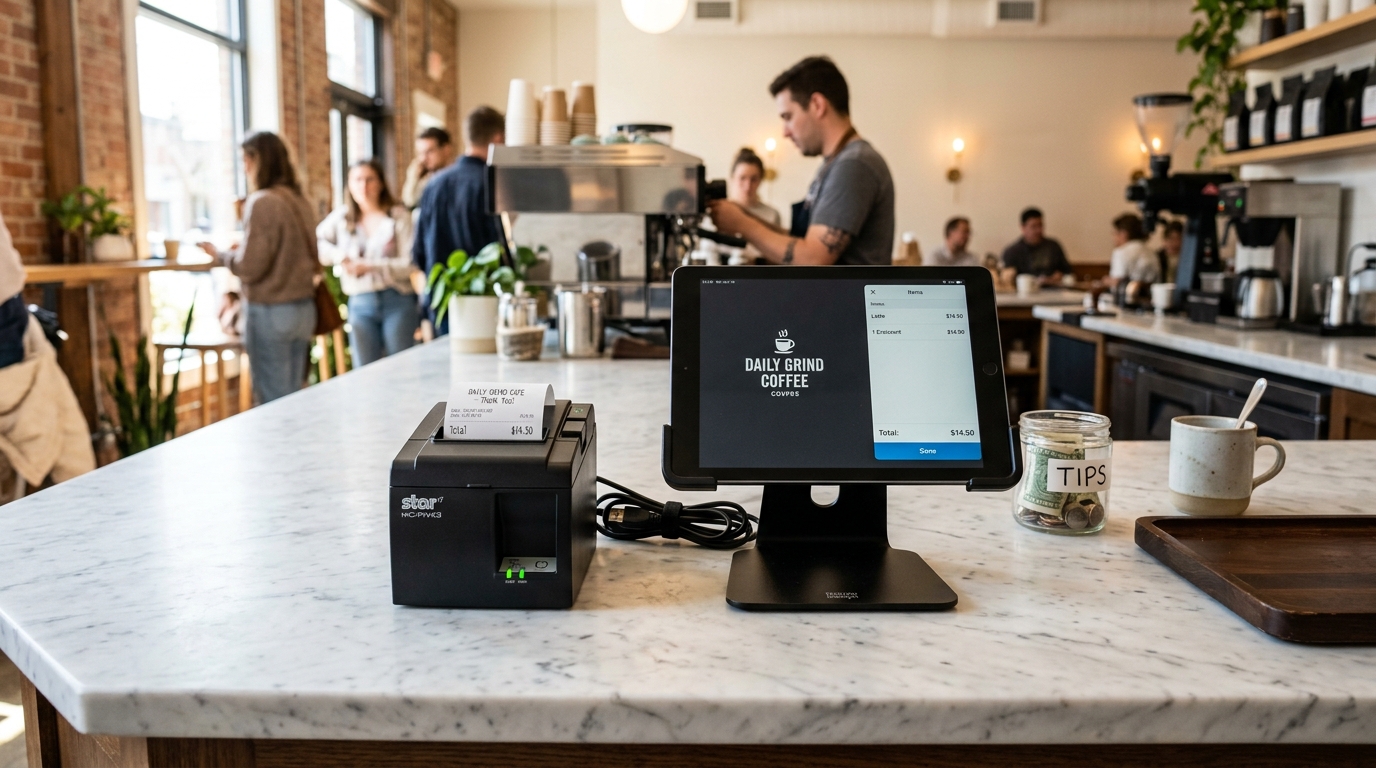
Understanding POS Terminal Communication Drops
In restaurant and retail point-of-sale setups, Bixolon thermal receipt and kitchen printers (like the SRP-350III and SRP-275III) receive print data across local Ethernet or Wi-Fi networks.
When the POS terminal flags the printer as "Offline" or "Disconnected", the failure is typically caused by DHCP address shifts, stale POS app caches, or network switch broadcast storms.
Step 1: Check Printer IP Address vs POS Station Config
If your router reassigns the printer a new dynamic IP address, the POS terminal continues sending packets to the old IP:
- Print self-test IP sheet: Turn off the printer, press and hold Feed, and turn power on to print the network status report.
- Note assigned IP address: Check the
IP Addressline (e.g.,192.168.1.150). - Open POS Hardware Management: In your POS software terminal (Toast, Clover, Lightspeed, or TouchBistro), open Hardware Settings > Printers.
- Verify IP address match: Ensure the IP address listed in your POS app exactly matches the printed self-test IP.
- Update and ping test: Enter the new IP if mismatched and trigger a test ticket.
Step 2: Assign DHCP Reservation on Router
To prevent the printer from drifting to a new IP address after power cycles, lock its MAC address in your router:
- Access router admin panel: Log into your network gateway via web browser (e.g.,
192.168.1.1). - Locate DHCP Reservation table: Navigate to LAN Settings > DHCP Reservation or Static Leases.
- Find Bixolon MAC address: Match the MAC address printed on your self-test slip (starts with
00:15:94). - Lock permanent IP: Assign a permanent unreserved IP address outside your primary DHCP client pool.
Step 3: Disable Router AP Client Isolation
Tablets running POS apps over Wi-Fi cannot discover wired Ethernet printers if wireless client isolation is active:
- Inspect wireless settings: In your Wi-Fi access point admin panel, check your 5 GHz and 2.4 GHz SSID settings.
- Disable AP Isolation: Ensure Client Isolation or Guest Mode is switched OFF.
- Verify single subnet: Ensure your POS tablets and Bixolon printers reside on the exact same subnet mask (e.g.,
255.255.255.0).
Frequently Asked Questions
Why does the printer go offline only during busy peak dinner rushes?
Heavy kitchen network traffic or packet collisions on unmanaged switches can cause socket connection timeouts on port 9100.
What network port do POS systems use to send print jobs to Bixolon?
Almost all POS terminals transmit raw ESC/POS commands over TCP port 9100.
Can I restart the POS app to clear an offline printer error?
Yes, force-closing and restarting the POS app purges stale socket connection handles and forces an ARP table refresh.
