
Bixolon Printer: Connectivity Issues
Browse all troubleshooting articles and solutions for Bixolon printers under the connectivity issues category.
Guides & Solutions (12)
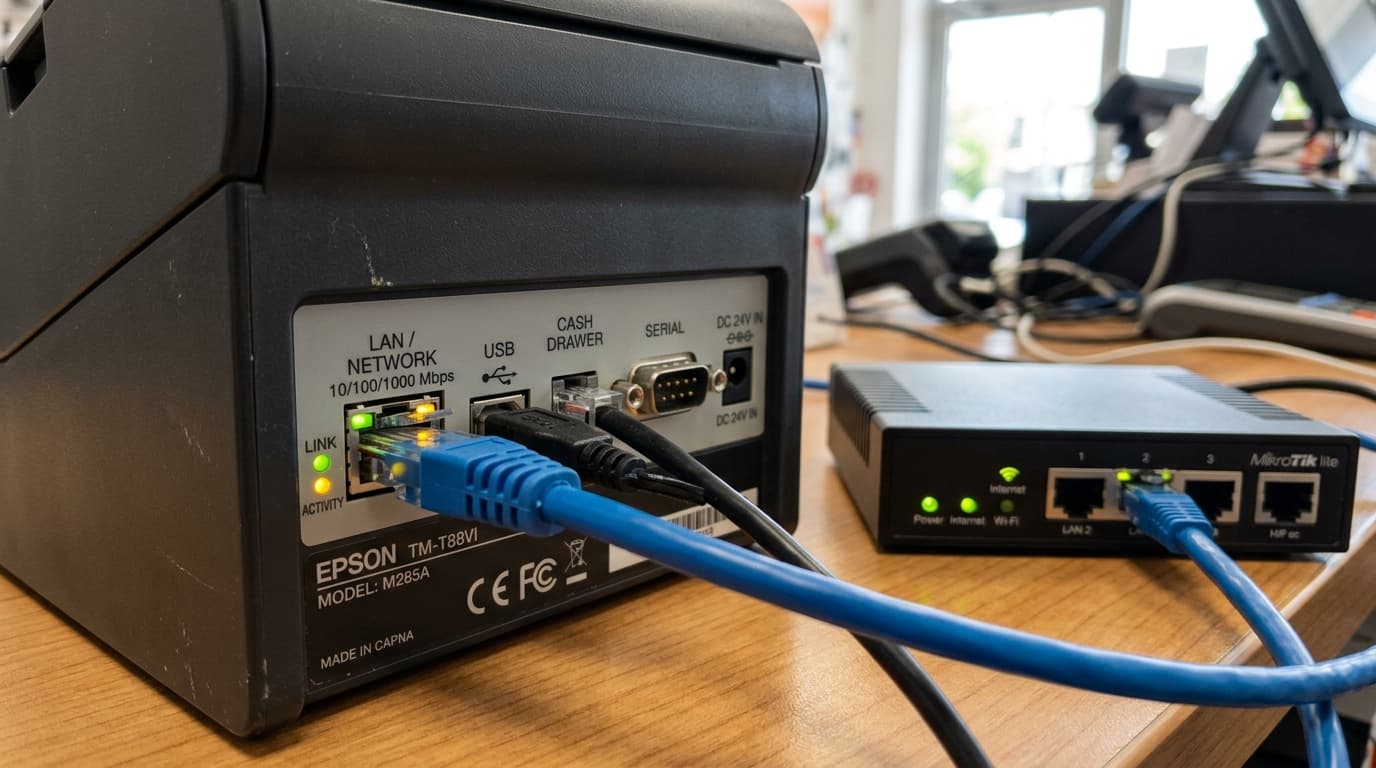
Fix Bixolon network printers that fail to connect or ping after assigning a static IP address. Resolve gateway mismatches, ARP conflicts, and Net Tool errors.

Step-by-step guide to connect and fix Bixolon receipt and label printers not detected on ChromeOS Chromebooks. Setup USB, network RAW 9100, and generic drivers.
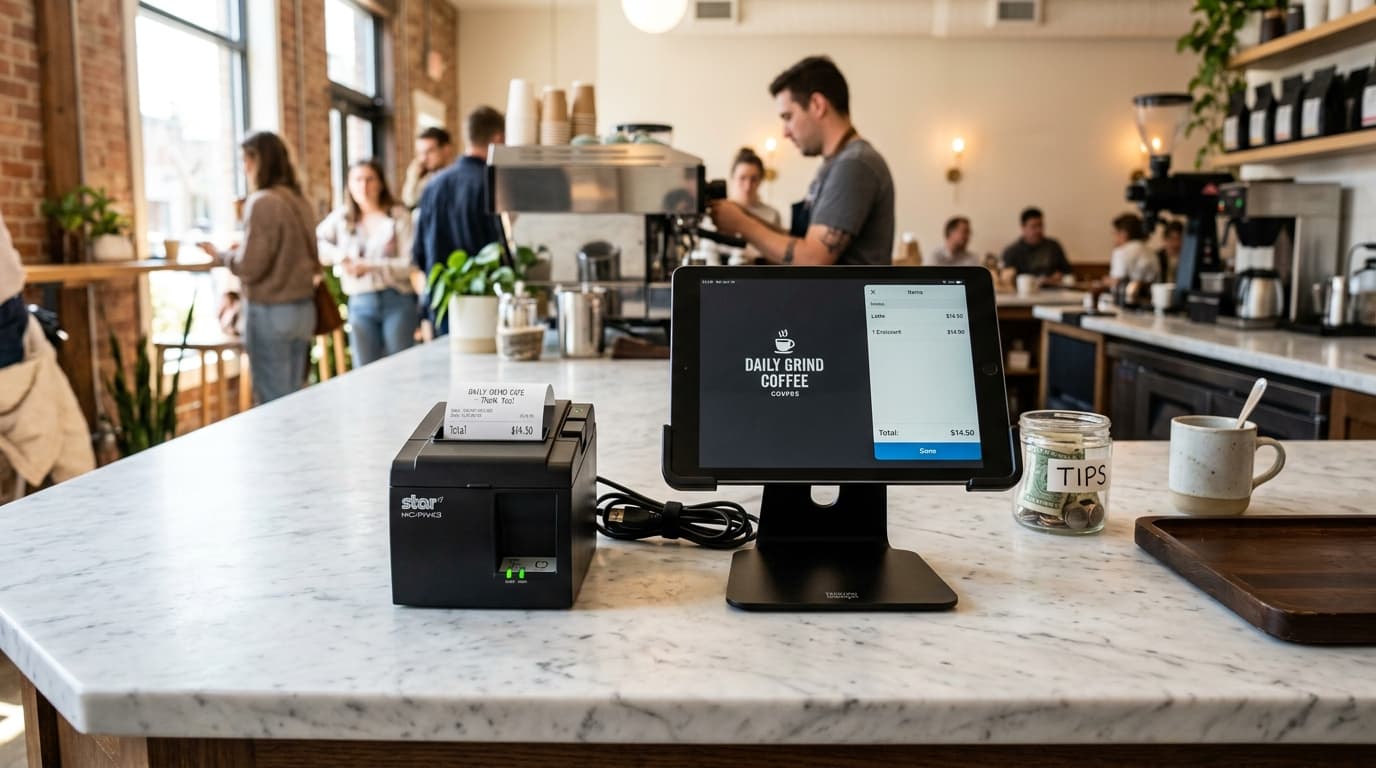
Troubleshoot Bixolon receipt printers showing offline in POS systems like Toast, Clover, Lightspeed, and TouchBistro. Clear IP caches and restore socket 9100.
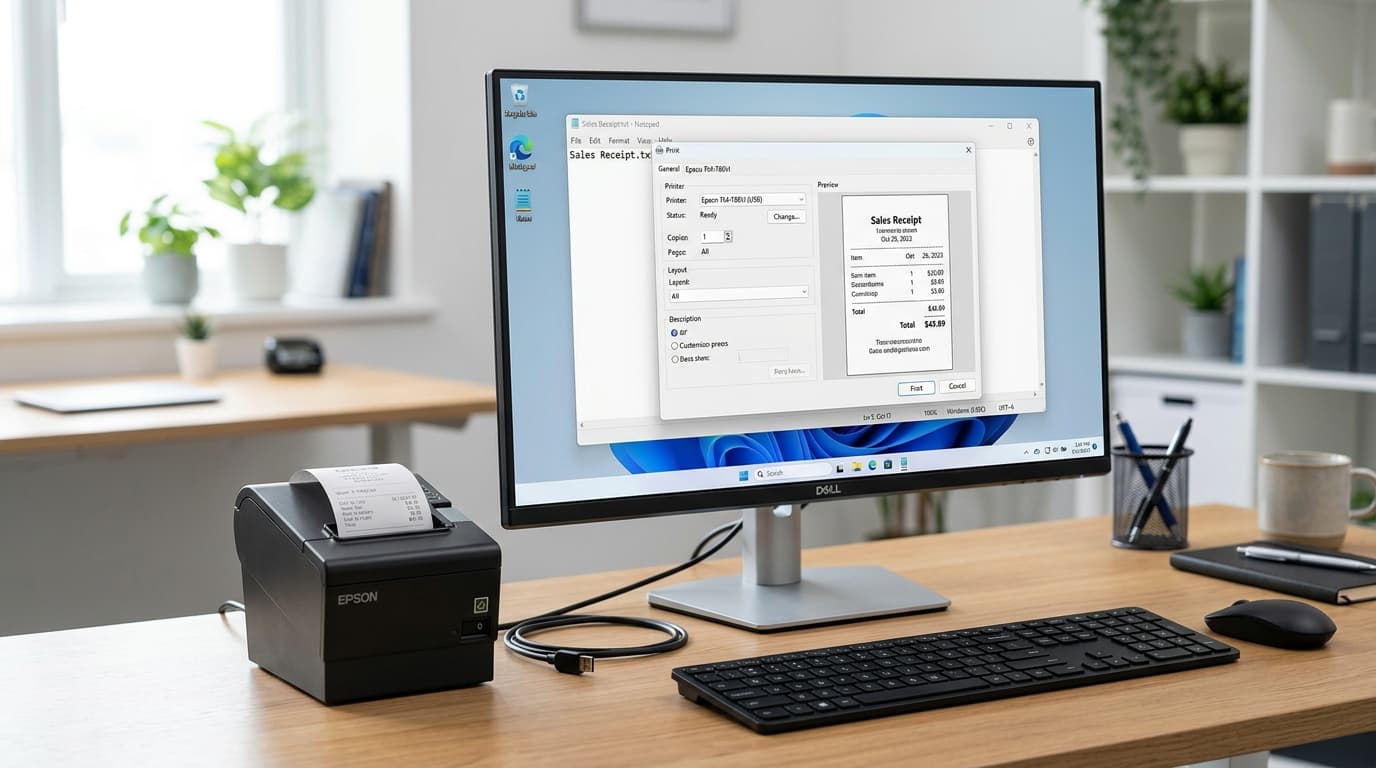
Fix Bixolon receipt and label printers showing offline after a Windows 10 or 11 update. Rebind WSD ports to Standard TCP/IP and clear spooler blocks.
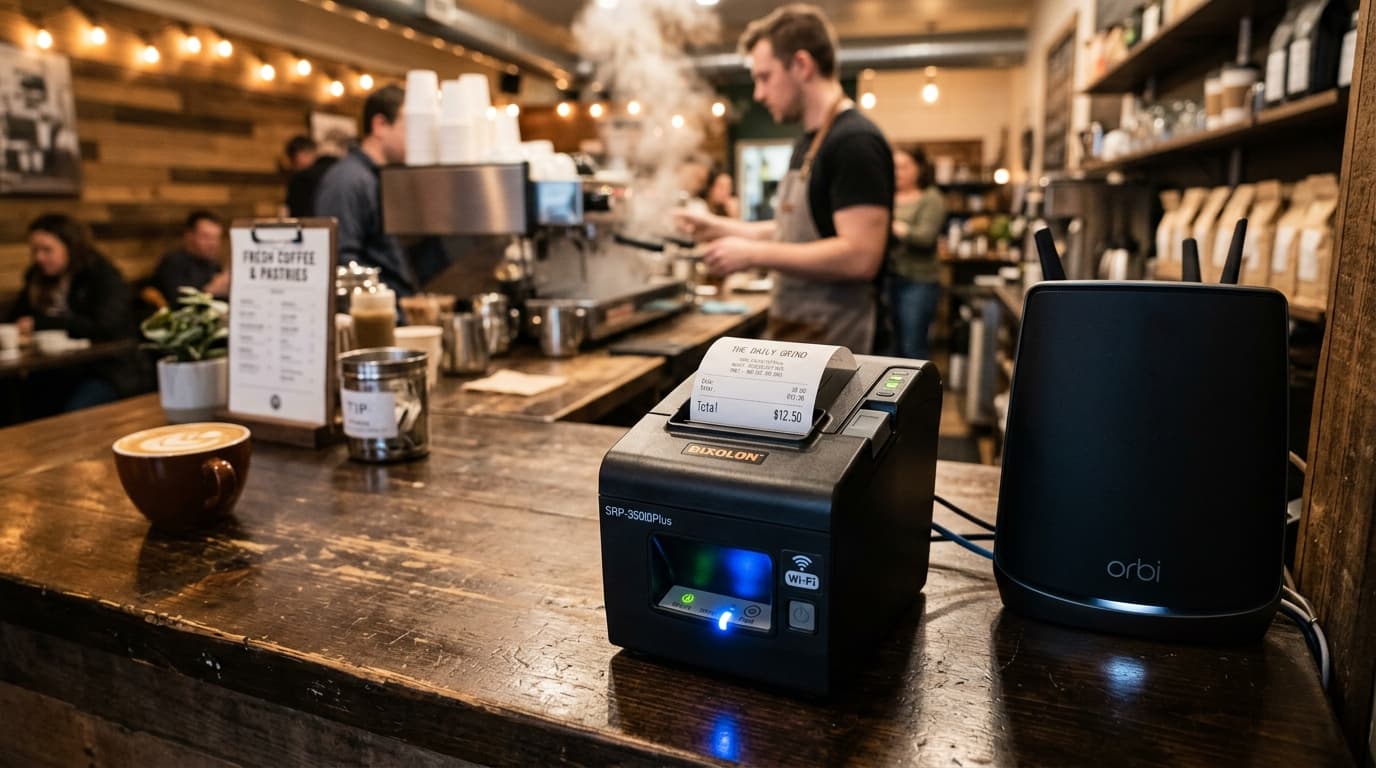
Fix your Bixolon printer Wi-Fi connection issues. Resolve SSID mismatches, 5GHz incompatibility, authentication errors, and DHCP IP conflicts.
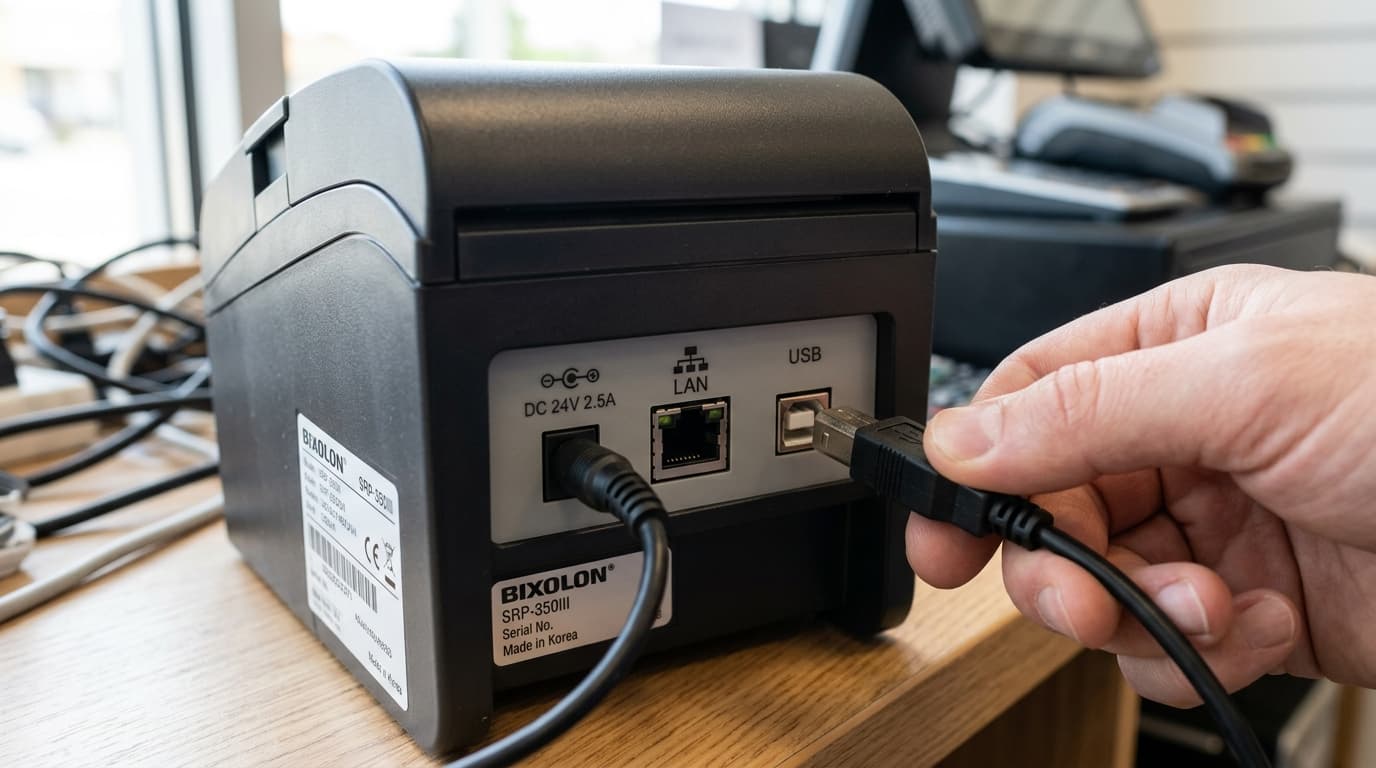
When a Bixolon printer connects via USB but doesn't show up on your computer, the source of the problem is one of four things — the printer, the cable, the port, or the driver.
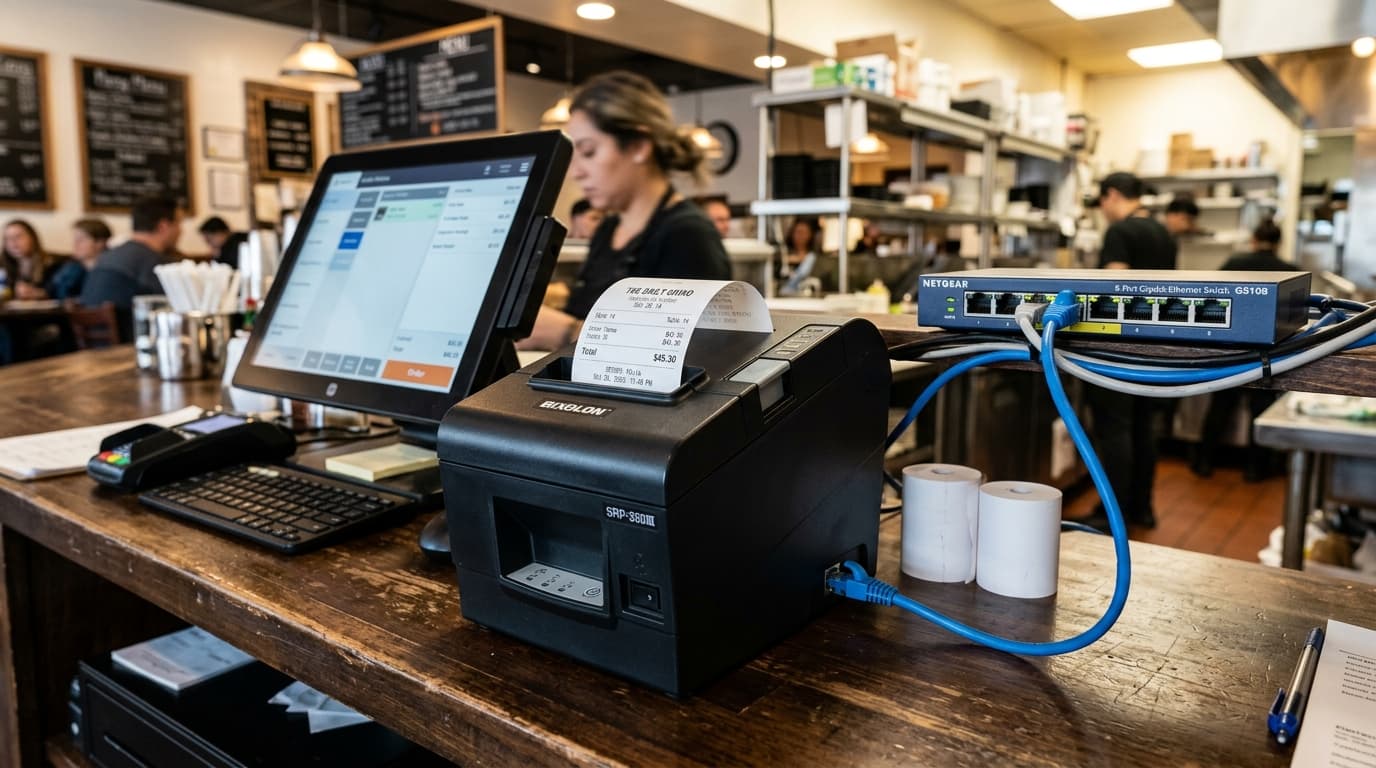
Troubleshoot a Bixolon network printer that keeps going offline. Learn how to fix changing IP addresses, clear stale POS caches, and resolve Wi-Fi dropouts.
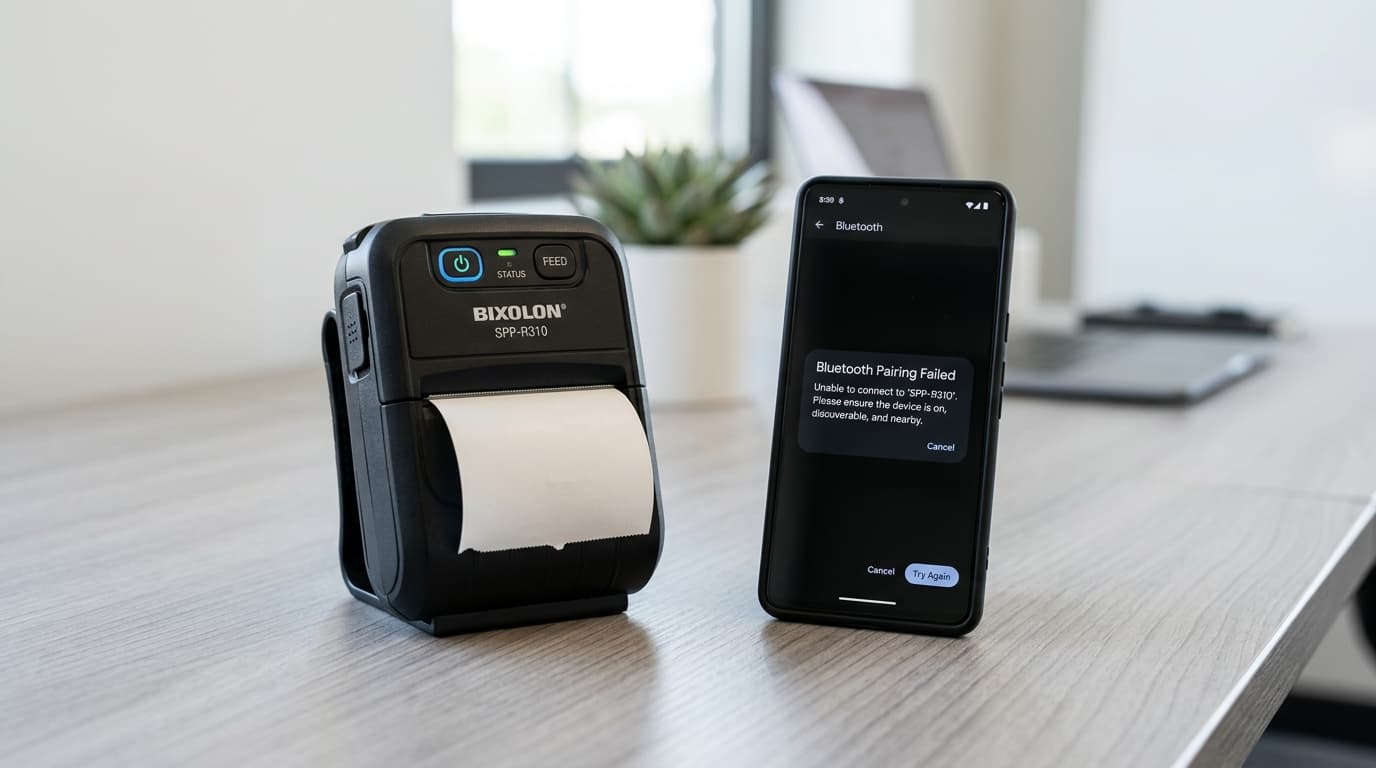
Bixolon SPP-R310 not connecting via Bluetooth? The fix depends on whether you're on iOS or Android — here's the full pairing guide plus Windows COM port fix.
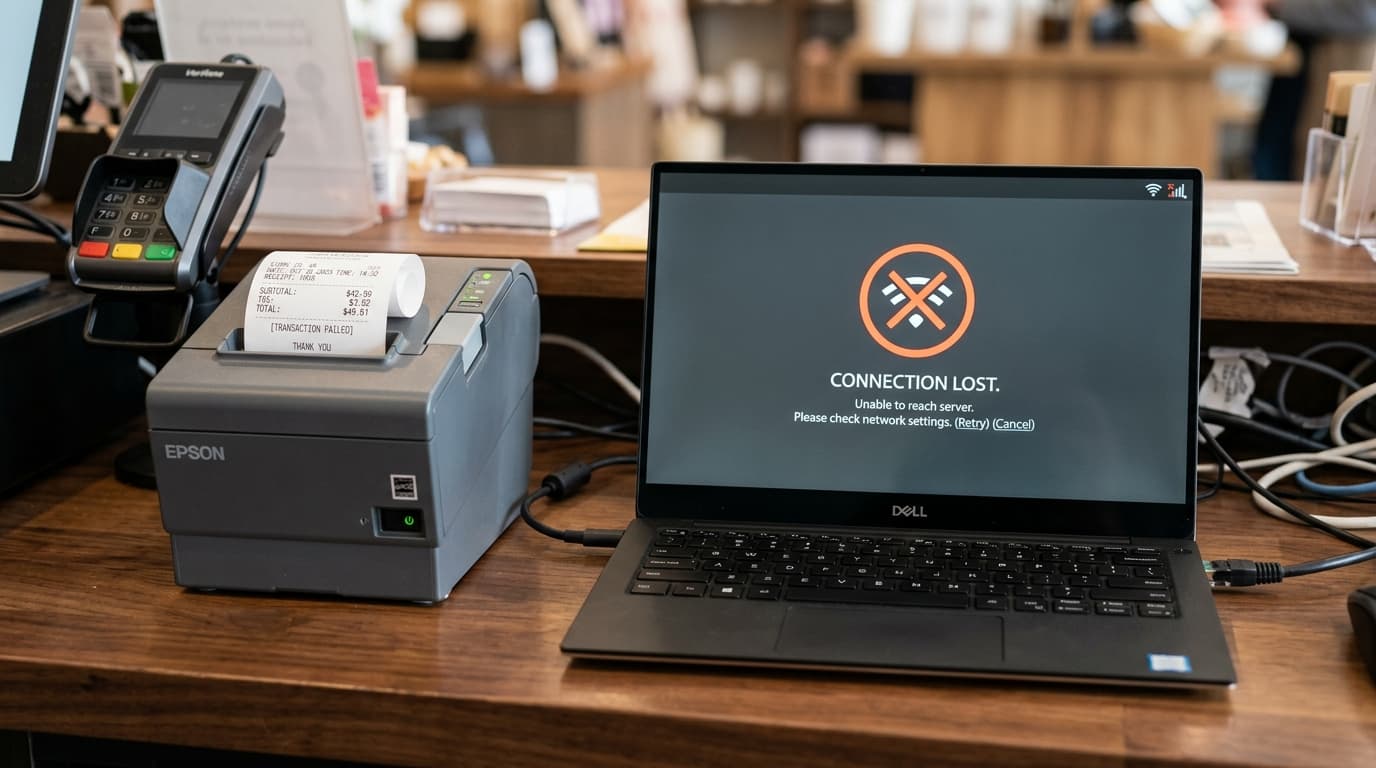
Computer not detecting your Bixolon printer? Learn how to fix USB connection issues, ghost devices, Mac discovery failures, and POS software problems.
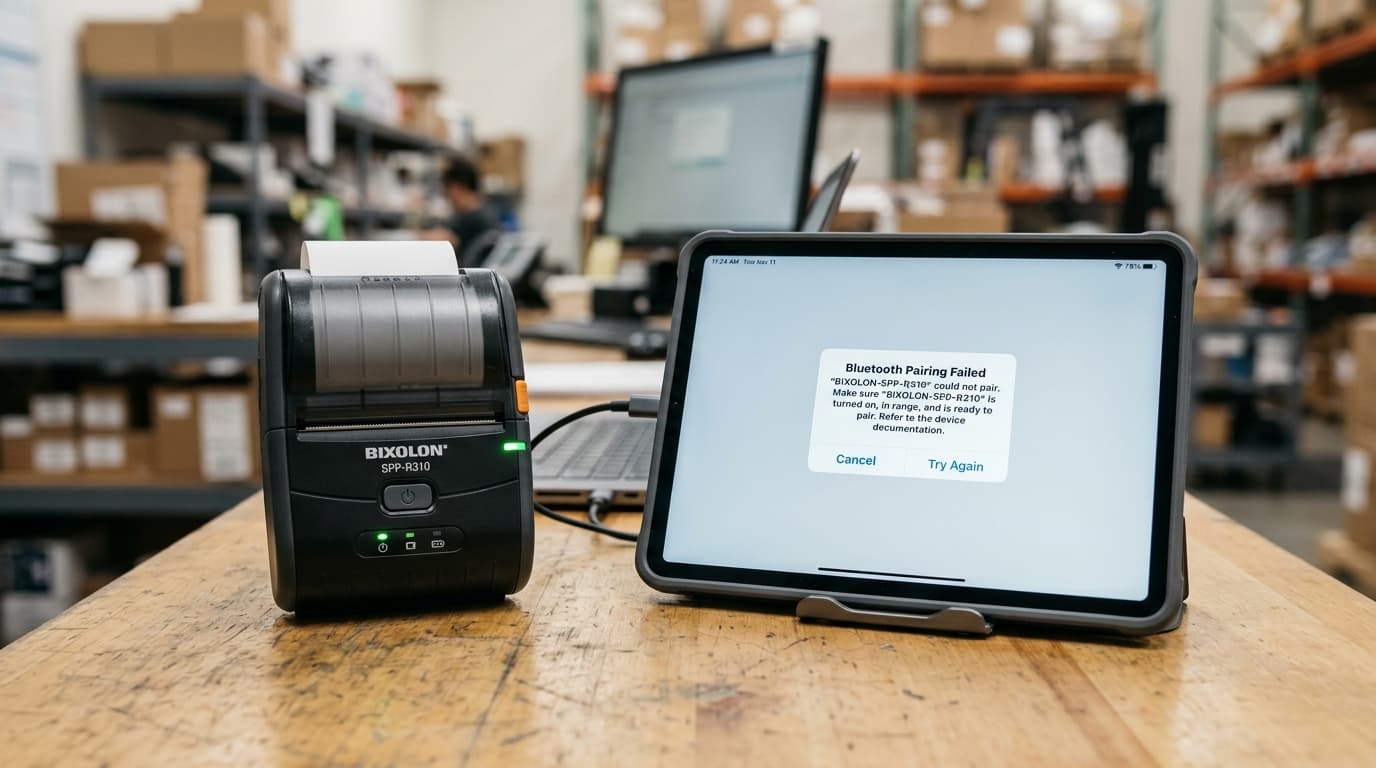
Bixolon Bluetooth pairing failing? Here's every fix by device type — iOS, Android, Windows — plus the model-specific quirks that cause most pairing failures.
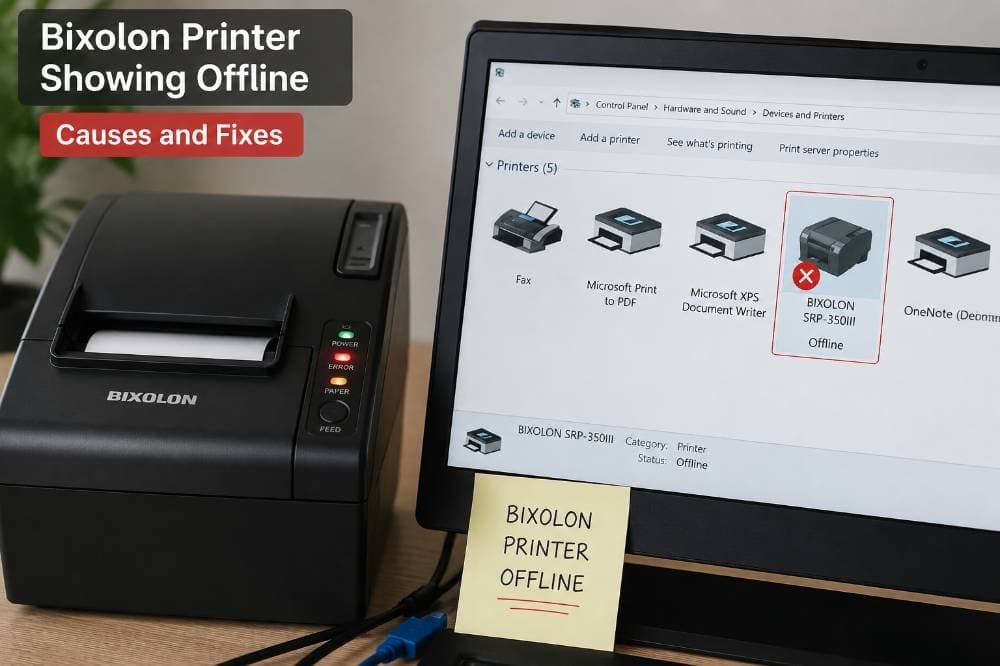
Your Bixolon printer says "Offline" even though it's powered on? Here's why that happens and the exact steps to fix it on Windows, Mac, and POS software.

Bixolon printer won't connect over USB, Wi-Fi, or Bluetooth? Step-by-step fixes for each connection type, plus how to tell which one is actually the problem.