


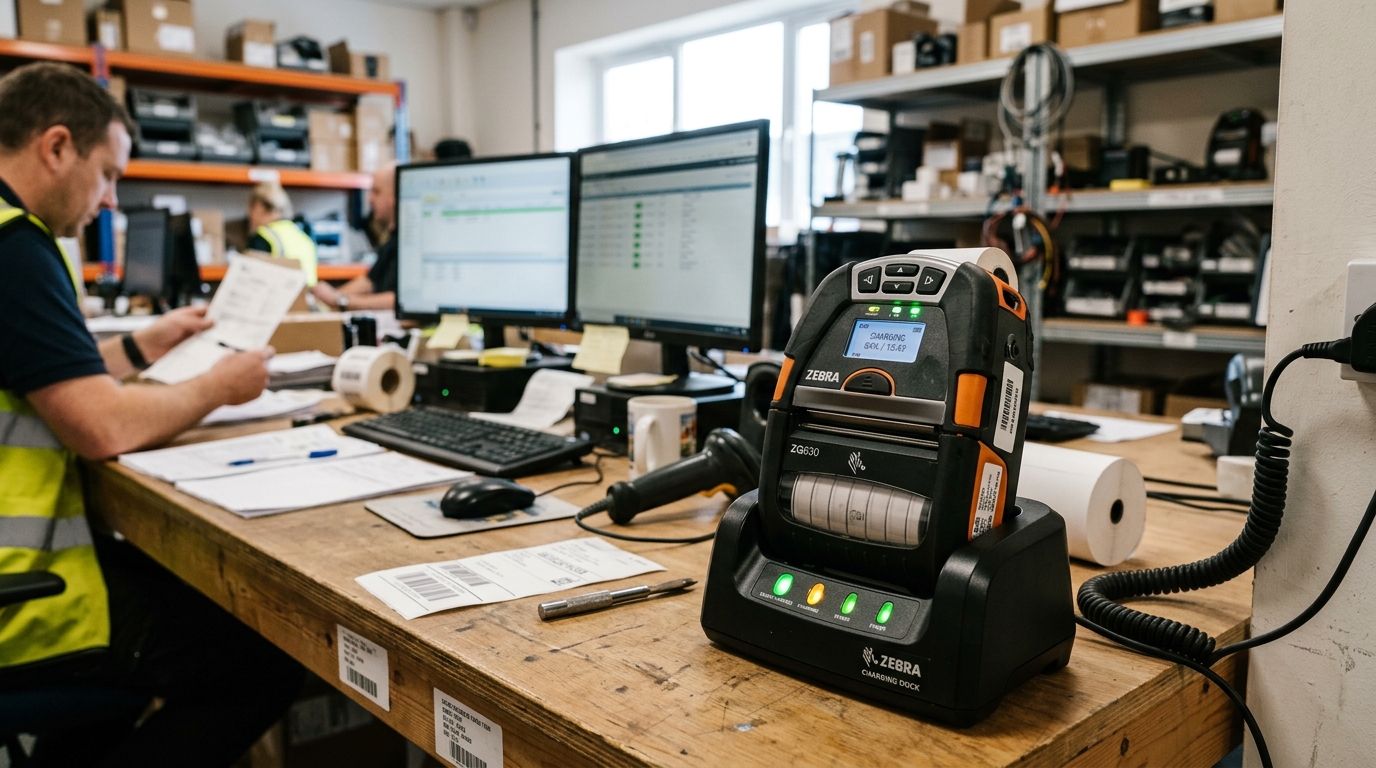
Understanding Mobile Thermal Battery Depletion
Bixolon SPP-R200, SPP-R310, and SPP-L3000 mobile receipt and label printers rely on high-capacity rechargeable Lithium-Ion battery packs. Thermal printing requires massive current surges to heat printhead elements.
When battery runtime drops from a full 8-hour shift to under an hour, the cause is usually aggressive Bluetooth polling, disabled auto-power-off timers, or chemical cell degradation.
Step 1: Configure Auto Power-Off and Sleep Mode
Leaving mobile printers in active listening standby drains the battery even when no printing occurs:
- Connect to Bixolon Mobile Utility: Download the Bixolon mPrint Server or Mobile Utility app on Android or iOS.
- Pair printer via Bluetooth: Open the app and connect to your SPP printer.
- Adjust Auto Power-Off time: Navigate to Power Management and set Auto Power-Off to 15 or 30 minutes.
- Enable Sleep Mode: Enable Auto Power-Down / Sleep Mode after 1 minute of inactivity to drop CPU power consumption to micro-amps.
- Save configuration: Tap Apply to store the power parameters into the printer flash ROM.
Step 2: Clean Charging Cradle and Battery Terminals
Surface oxidation on charging pins increases electrical resistance, resulting in incomplete charge cycles:
- Remove the battery pack: Depress the battery release latch and slide the pack out of the chassis.
- Inspect gold contact pads: Look for black tarnishing, lint, or spilled beverage residue on the battery pads.
- Clean with alcohol: Wipe the contact pins on both the printer and multi-bay charging dock with a swab dampened in 99% isopropyl alcohol.
- Inspect spring tension: Ensure the spring-loaded gold pins on the charging cradle rebound firmly when pressed.
Step 3: Test for End-of-Life Lithium Cell Degradation
Lithium-ion cells have a finite lifespan of 300 to 500 complete charge-discharge cycles:
- Check charge duration: If the charging LED turns green in under 15 minutes, the battery has lost its internal capacity.
- Check for battery swelling: Inspect the battery casing for physical bulging or warping. A swollen battery is dangerous and must be recycled immediately.
- Replace with genuine pack: Install an original Bixolon battery pack (e.g., PBP-R200 or PBP-R310) to restore full operational runtime.
Frequently Asked Questions
How many receipts should a fully charged Bixolon SPP printer produce?
A healthy battery delivers approximately 10 to 14 rolls of continuous receipt paper under standard print density.
Does high print density drain the battery faster?
Yes, increasing print darkness from 100% to 120% increases thermal pulse energy and reduces battery life by up to 25%.
Can I leave the mobile printer in the charging cradle overnight?
Yes, genuine Bixolon charging docks feature integrated overcharge protection circuitry that terminates charging automatically.
