


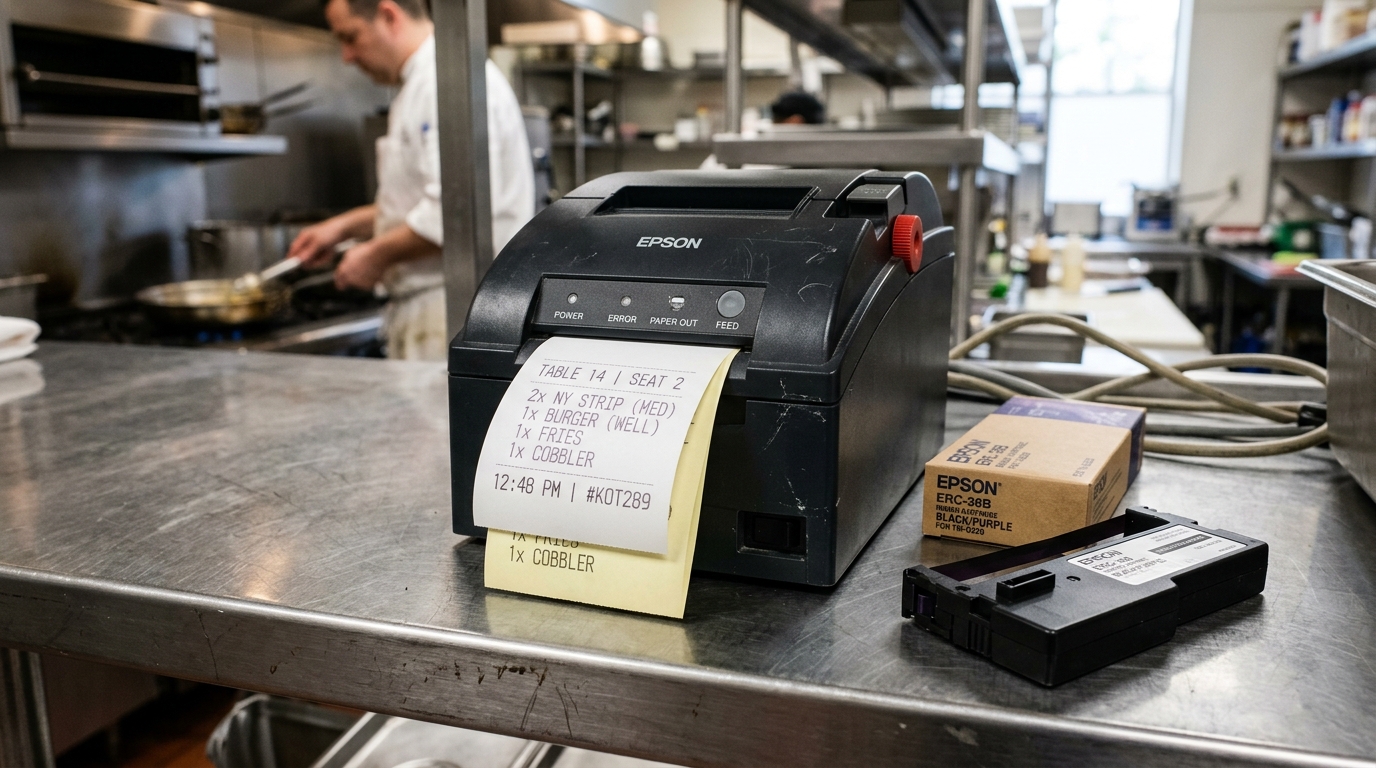
Diagnosing Faded Output on Impact Printers
Bixolon SRP-275 series dot matrix impact printers use a 9-pin printhead that physically strikes an ink ribbon against 1-ply or 2-ply carbonless paper. Faint printing makes kitchen orders illegible in noisy environments.
Unlike thermal printers that fade due to low heat, impact printer fading stems from ribbon ink depletion, incorrect printhead gap adjustment, or stuck impact pins.
Step 1: Adjust the Printhead Gap Adjustment Lever
The mechanical distance between the printhead pins and the rubber platen dictates striking force:
- Open the paper cover: Lift the main clam-shell paper cover.
- Locate head gap lever: Find the blue or black lever positioned on the side of the printhead carriage assembly.
- Adjust for paper thickness: Set the lever forward (closer to the platen) for standard single-ply paper.
- Set for multi-ply forms: Move the lever back one notch when loading 2-ply or 3-ply carbonless kitchen paper rolls.
- Test print contrast: Close the cover and feed paper to verify sharp pin impact.
Step 2: Inspect and Replace the Ribbon Cartridge
Fabric ribbons dry out rapidly in hot commercial kitchen environments near ovens and fryers:
- Examine ribbon fabric: Check if the ribbon color has faded from deep black/red to gray or pale pink.
- Check ribbon fabric wear: Look for frayed edges or needle pinpricks through the cloth weave.
- Install fresh ERC-38 cartridge: Replace the old cassette with a brand new, vacuum-sealed ERC-38 ribbon.
- Verify tight tension: Turn the take-up knob clockwise until the ribbon is taut against the printhead mask.
Step 3: Clean Impact Needles and Solenoid Coils
Paper dust, oil mist, and ribbon lint accumulate around the 9-pin needle guide:
- Power down the printer: Unplug the AC power cord and let the printhead cool completely (printheads become hot during use).
- Clean pin aperture: Apply a few drops of 99% isopropyl alcohol to the front face of the needle guide.
- Remove ribbon lint: Use a stiff nylon brush to dislodge hardened grease and carbon dust from the needle tips.
- Run needle test print: Print a self-test to verify that all 9 needles fire with uniform impact strength.
Frequently Asked Questions
Why are the tops or bottoms of letters missing completely?
One or more individual printhead wire pins are broken or stuck in the solenoid bank; the printhead unit must be replaced.
Why does the red text print fine but the black text is faded?
The black track of the two-color ribbon is depleted; replace the ERC-38 cartridge with a fresh two-color unit.
Can using 2-ply paper make the bottom copy illegible?
Yes, ensure the head gap lever is adjusted properly and that you are using impact-sensitive carbonless paper rather than thermal paper.
