
Epson Printer: Print Quality Issues
Browse all troubleshooting articles and solutions for Epson printers under the print quality issues category.
Guides & Solutions (8)
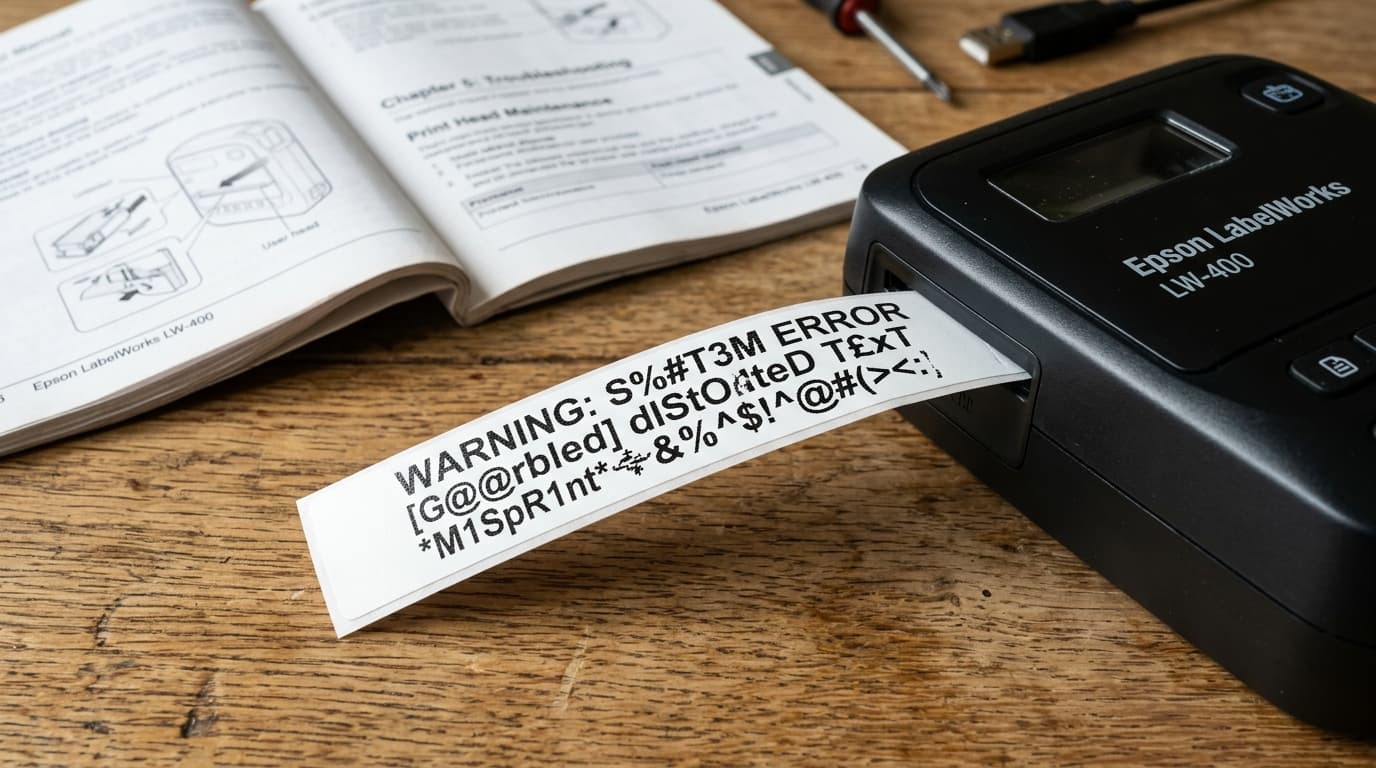
Fix garbled symbols, missing character segments, and wrong font output on Epson LabelWorks label makers. Correct code pages, character sizes, and ROM buffers.
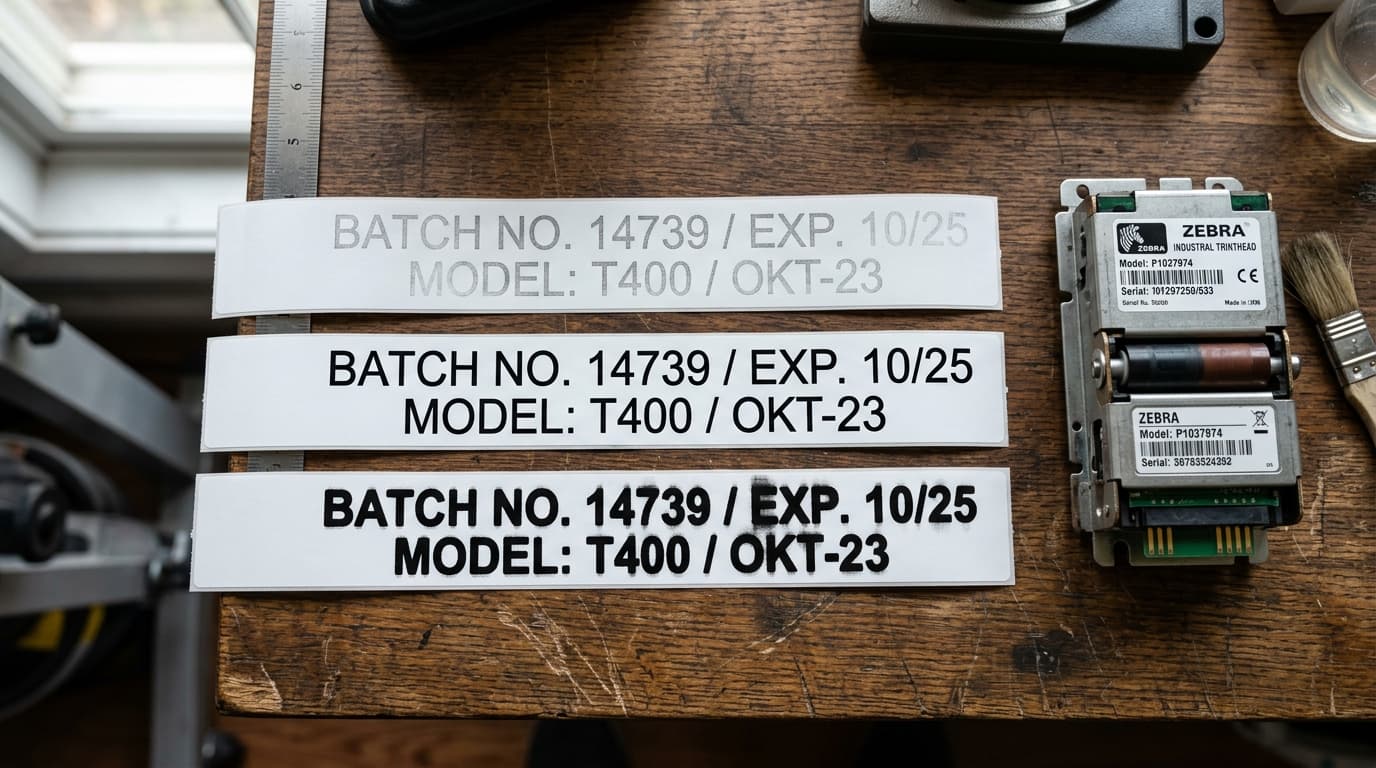
Fix faint, faded, or smudged prints on Epson LabelWorks printers. Adjust thermal printhead density, resolve battery voltage drop, and clean elements.
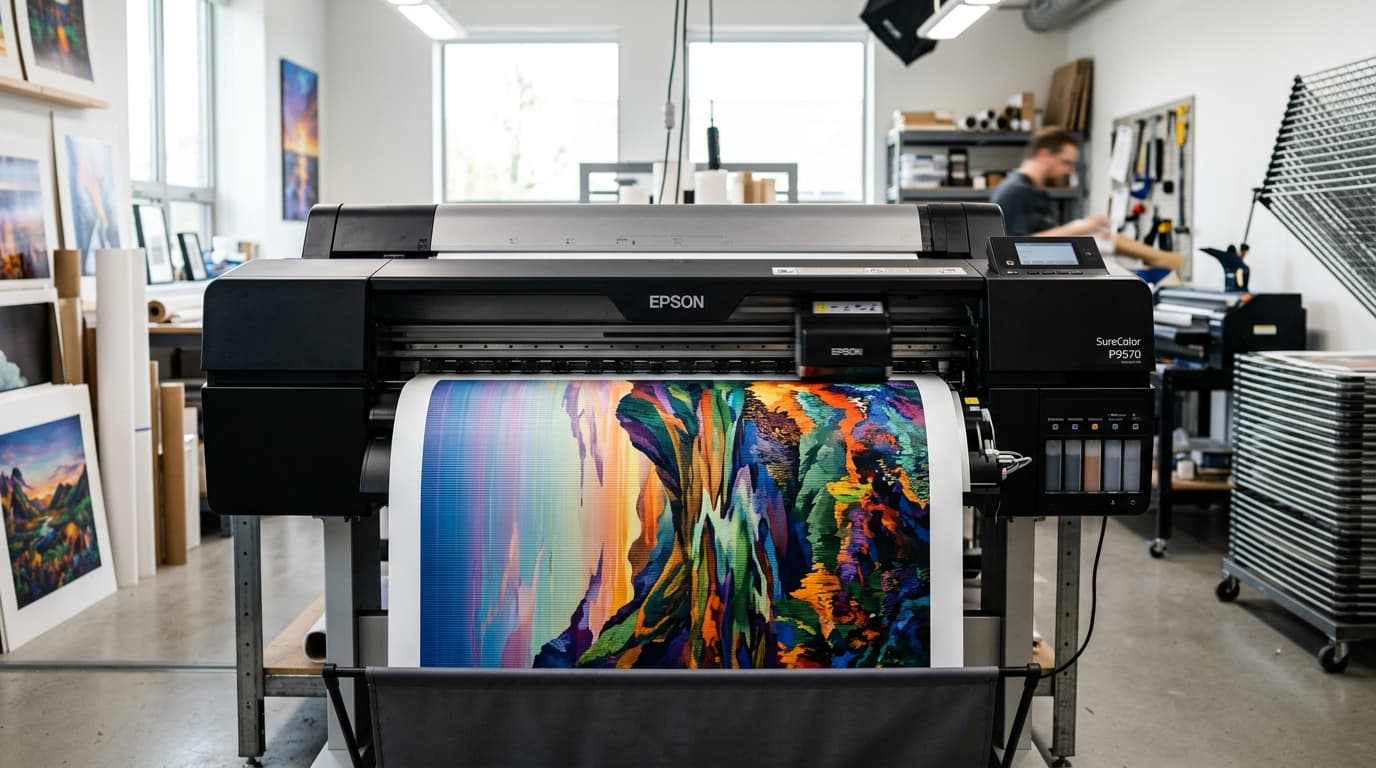
Eliminate horizontal and vertical banding lines on Epson SureColor P-series and T-series plotters. Calibrate paper feed, align printheads, and clear nozzles.
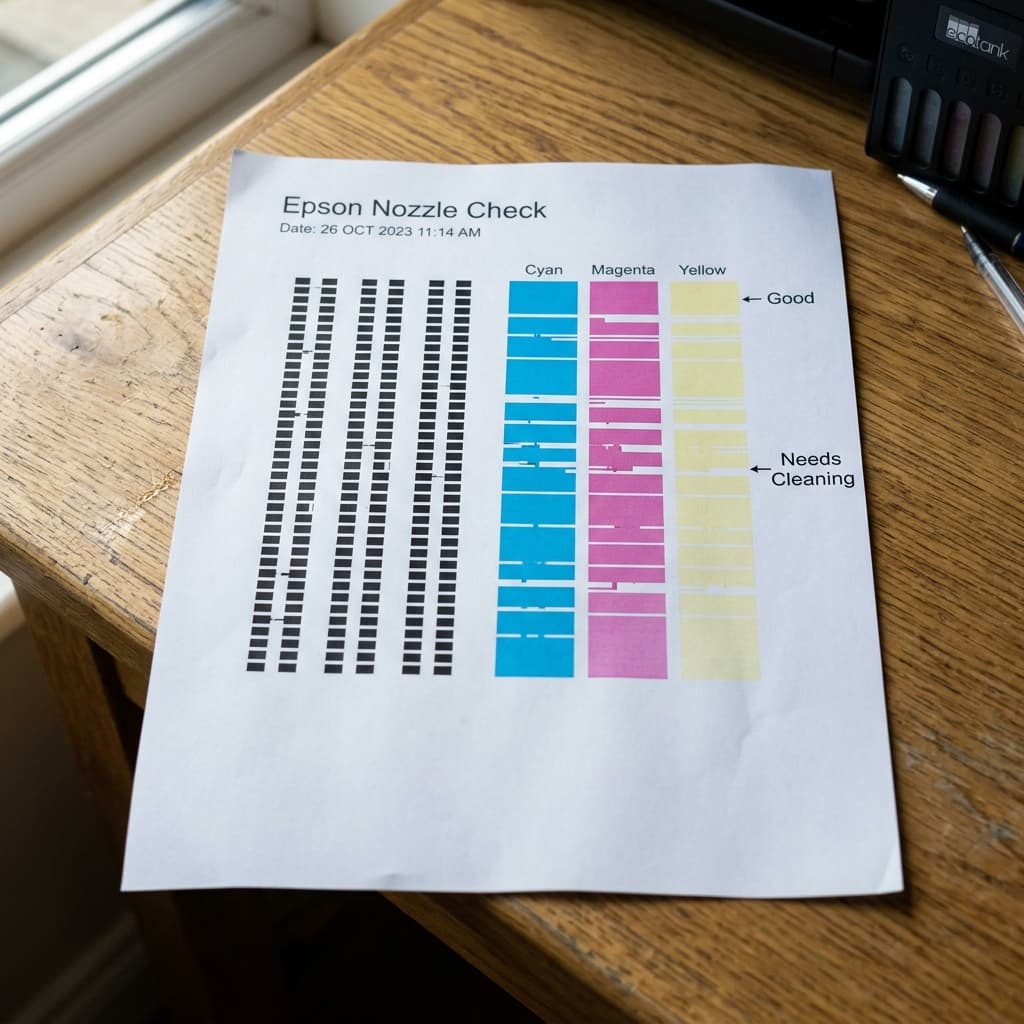
Does your Epson nozzle check pattern have gaps, missing lines, or broken stair-steps? Learn the difference between a minor clog, nozzle deflection, and air bubbles.

Are your Epson photos coming out grainy, pixelated, or dotted? Learn how to fix grainy print quality by adjusting paper type settings and bi-directional printing.
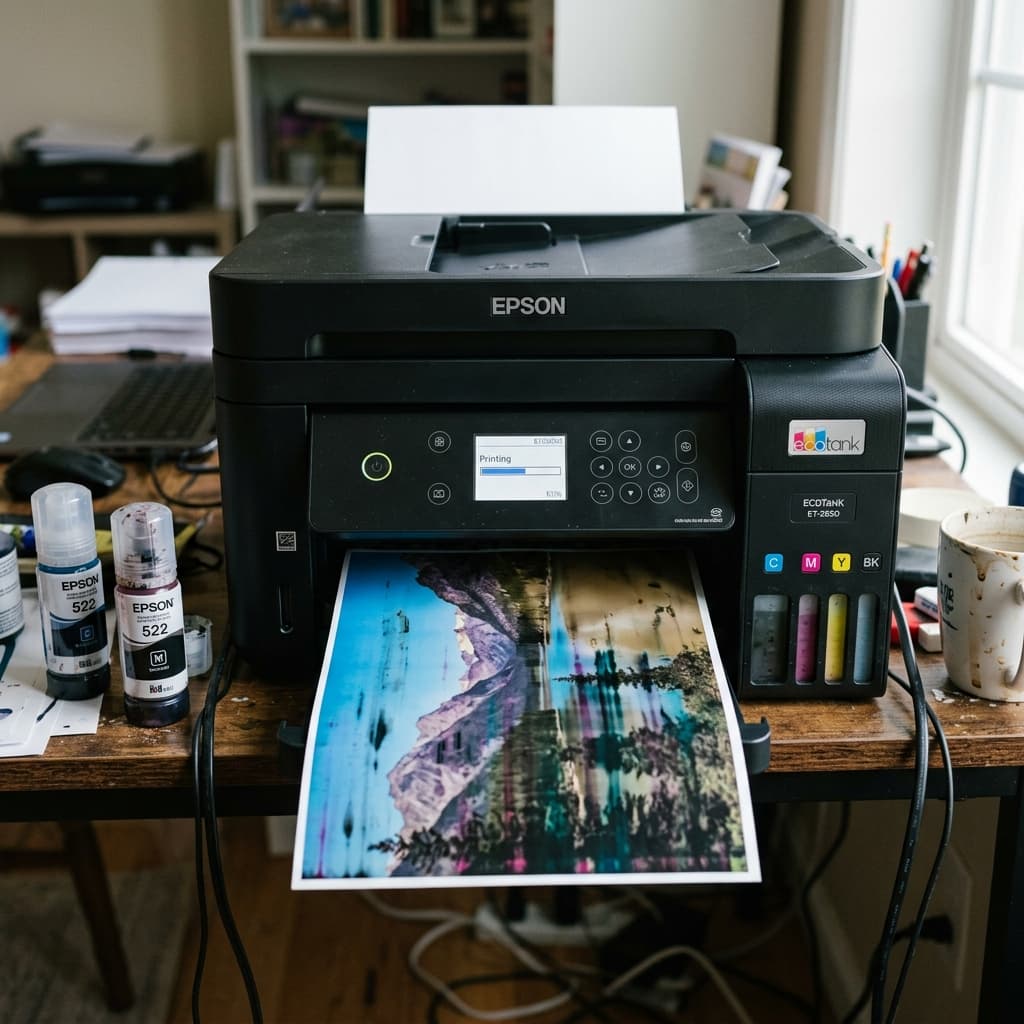
Are your Epson printer colors printing wrong? If you accidentally poured the wrong ink color into an EcoTank, learn how to drain the tank and flush the lines.
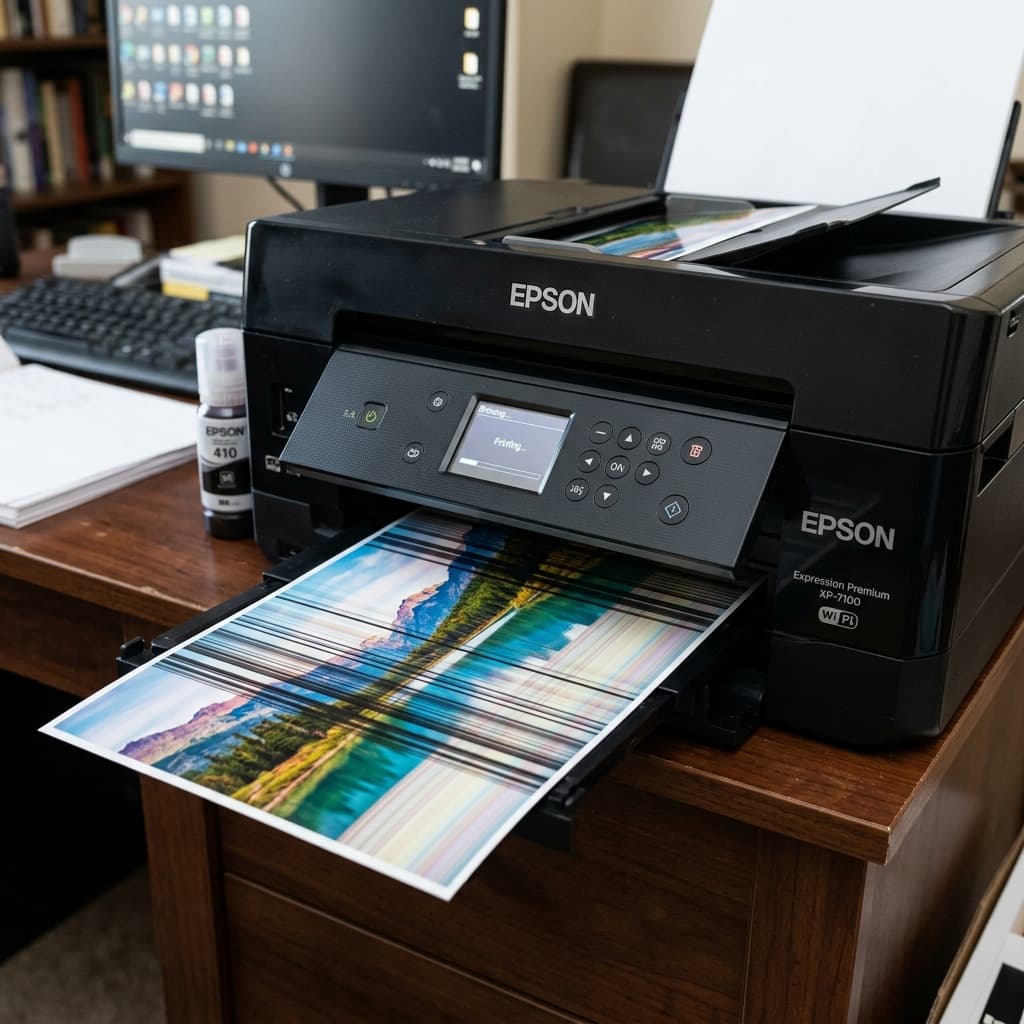
Are your Epson prints ruined by white horizontal lines or blurry vertical banding? Learn the difference between clogged nozzles and encoder strip timing issues.
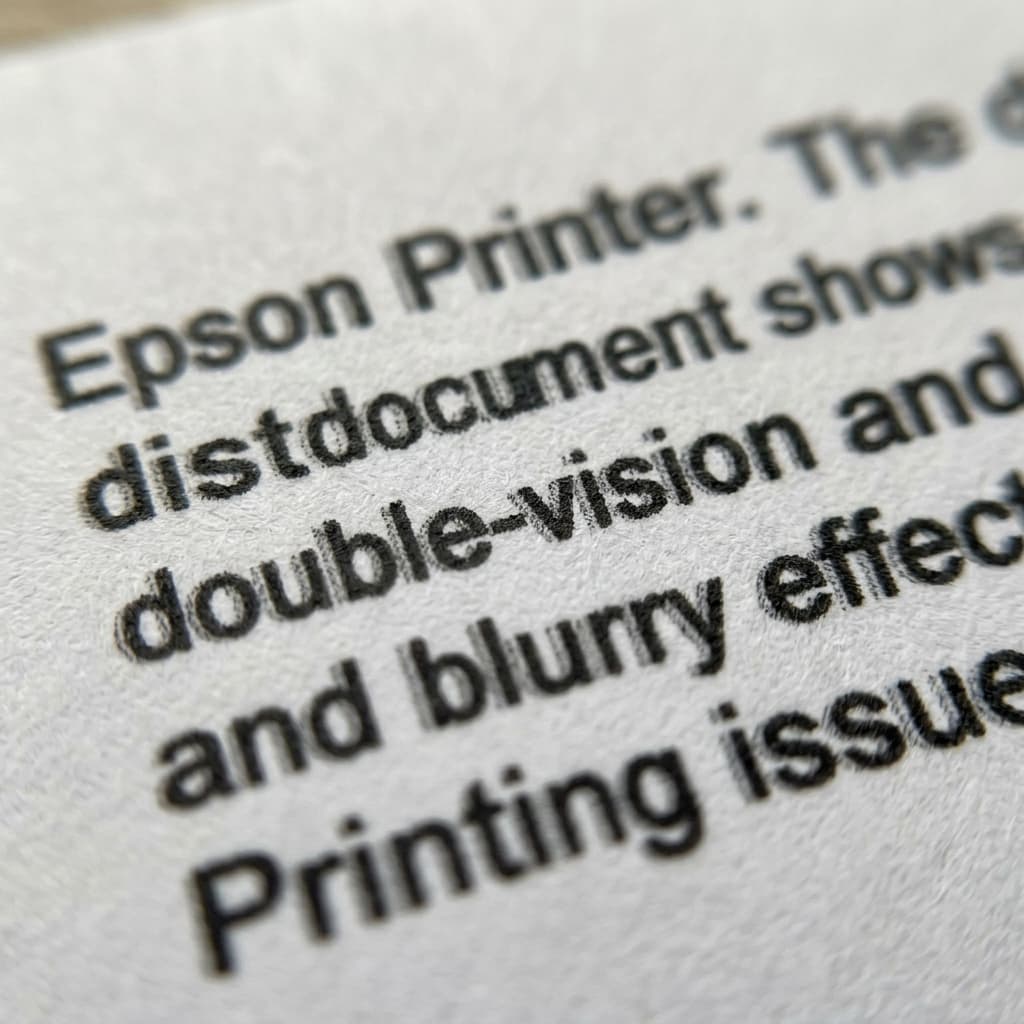
Why does your Epson printer print blurry, double-vision shadow text only in black, while colors are perfect? Learn how to fix encoder strips and pigment clogs.