


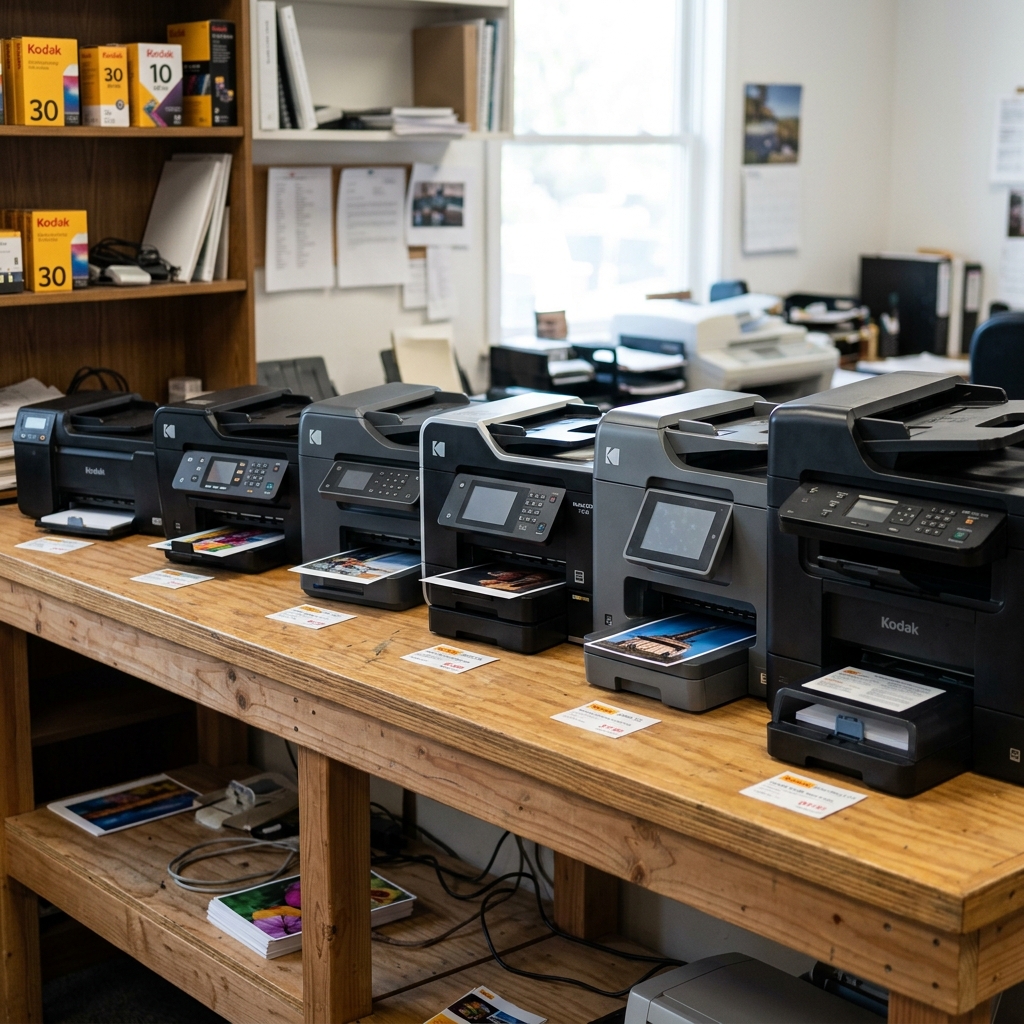
Kodak's consumer printer division (active from approximately 2007 to 2013) manufactured two primary product lines: the ESP (Easy Share Printer) series and the Hero series. While both lines are All-in-One inkjet printers with print, copy, and scan capabilities, they differ significantly in hardware architecture, cartridge compatibility, connectivity options, and print speed.
This reference guide provides a complete comparison of every major model released across both lines to help you identify your printer, find compatible supplies, and understand its capabilities.
The ESP Series (Generation 1)
The ESP line was Kodak's first entry into the consumer inkjet market. These printers used Series 10 ink cartridges and were marketed on Kodak's "lowest cost per photo" positioning.
| Model | Cartridge | Max Resolution | Wi-Fi | Duplex | ADF |
|---|---|---|---|---|---|
| ESP 3 | Series 10 | 4800 x 1200 dpi | No (USB only) | No | No |
| ESP 5 | Series 10 | 4800 x 1200 dpi | Yes (802.11b/g) | No | No |
| ESP 7 | Series 10 | 4800 x 1200 dpi | Yes (802.11b/g) | No | No |
| ESP 9 | Series 10 | 4800 x 1200 dpi | Yes (802.11b/g) | Yes | Yes (25-sheet) |
| ESP 3250 | Series 10 | 4800 x 1200 dpi | Yes (802.11b/g/n) | No | No |
| ESP 5210 | Series 10 | 4800 x 1200 dpi | Yes (802.11b/g/n) | No | No |
| ESP 5250 | Series 10 | 4800 x 1200 dpi | Yes (802.11b/g/n) | No | No |
| ESP 7250 | Series 10 | 4800 x 1200 dpi | Yes (802.11b/g/n) | Yes | No |
| ESP 9250 | Series 10 | 4800 x 1200 dpi | Yes (802.11b/g/n) | Yes | Yes (25-sheet) |
| ESP Office 6150 | Series 10 | 4800 x 1200 dpi | Yes (802.11b/g/n) | Yes | Yes (35-sheet) |
The ESP C-Series (Generation 1.5)
The C-Series was a transitional line that switched to Series 30 cartridges while maintaining the ESP branding. These models use a redesigned printhead with improved ink delivery:
| Model | Cartridge | Max Resolution | Wi-Fi | Duplex | ADF |
|---|---|---|---|---|---|
| ESP C110 | Series 30 | 4800 x 1200 dpi | Yes | No | No |
| ESP C115 | Series 30 | 4800 x 1200 dpi | Yes | No | No |
| ESP C310 | Series 30 | 4800 x 1200 dpi | Yes | No | No |
| ESP C315 | Series 30 | 4800 x 1200 dpi | Yes | No | No |
| ESP 1.2 | Series 30 | 4800 x 1200 dpi | No (USB only) | No | No |
| ESP 3.2 | Series 30 | 4800 x 1200 dpi | Yes | No | No |
| ESP Office 2150 | Series 30 | 4800 x 1200 dpi | Yes | Yes | Yes (35-sheet) |
| ESP Office 2170 | Series 30 | 4800 x 1200 dpi | Yes | Yes | Yes (35-sheet) |
The Hero Series (Generation 2)
The Hero line was Kodak's premium consumer offering, featuring faster print engines, improved LCD touchscreens, and early cloud printing integration via Kodak Email Print and Google Cloud Print:
| Model | Cartridge | Max Resolution | Wi-Fi | Duplex | ADF | Touchscreen |
|---|---|---|---|---|---|---|
| Hero 3.1 | Series 30 | 4800 x 1200 dpi | Yes (802.11b/g/n) | No | No | 2.4" Color LCD |
| Hero 5.1 | Series 30 | 4800 x 1200 dpi | Yes (802.11b/g/n) | Yes | No | 2.4" Color LCD |
| Hero 7.1 | Series 30 | 4800 x 1200 dpi | Yes (802.11b/g/n) | Yes | Yes (25-sheet) | 3.5" Touchscreen |
| Hero 9.1 | Series 30 | 4800 x 1200 dpi | Yes (802.11b/g/n) | Yes | Yes (35-sheet) | 3.5" Touchscreen |
Related Kodak Troubleshooting Guides
The Architectural Evolution: Kodak ESP Series vs. Kodak HERO Series
Kodak disrupted the desktop consumer printer market by pioneering the "cheap ink" model, offering replacement pigment ink cartridges at a fraction of the cost of competitors. The product lineup was divided into two distinct technological generations: the foundational ESP Series (introduced 2007-2010) and the refined HERO Series (introduced 2011-2013).
Detailed Engineering Comparison Matrix
| Feature / Specification | Kodak ESP Series (e.g., 3, 5, 7, 9, 3250, 5250) | Kodak HERO Series (e.g., 3.1, 5.1, 7.1, 9.1, Office 6.1) |
|---|---|---|
| Ink Cartridge Family | Kodak Series 10 (10B Black, 10C Color) | Kodak Series 30 (30B Black, 30C Color, 30XL) |
| Printhead Technology | Generation 1 thermal printhead with wide copper contacts | Generation 2 micro-nozzle printhead with enhanced clogging resistance |
| Cloud & Mobile Printing | Local Wi-Fi / USB only (No native Google Cloud Print) | Native Kodak Email Print & Google Cloud Print integration |
| Display & Interface | Small 1.5" - 2.4" low-res LCD with physical D-pad | Large 2.4" - 3.5" high-resolution LCD with capacitive touch panels |
| Paper Handling | Single main cassette tray; manual photo paper loading | Auto-engaging dedicated 4x6 photo tray on 7.1/9.1 models; duplexing |
Cartridge & Printhead Cross-Compatibility Warning
A critical source of user confusion is attempting to use Series 10 cartridges in HERO series printers or vice versa. The physical keying tabs and electronic microchip contacts are completely different.
Series 10 cartridges will physically not lock into a Series 30 printhead, and forcing them will break the carriage latching mechanism.
Frequently Asked Questions
Are Kodak ESP and HERO drivers compatible with Windows 11?
While official Kodak Home Center software updates ceased around Windows 8/10, both ESP and HERO printers function flawlessly on Windows 11 64-bit using the built-in Microsoft WIA/IPP basic driver or by installing the legacy driver package in Windows 7 Compatibility Mode.
Which series had better photo print quality?
The HERO series featured smaller droplet sizes (down to 2.7 picoliters vs 3.5 picoliters in early ESP models), resulting in smoother skin tones and less noticeable dot grain in high-resolution photo prints.
