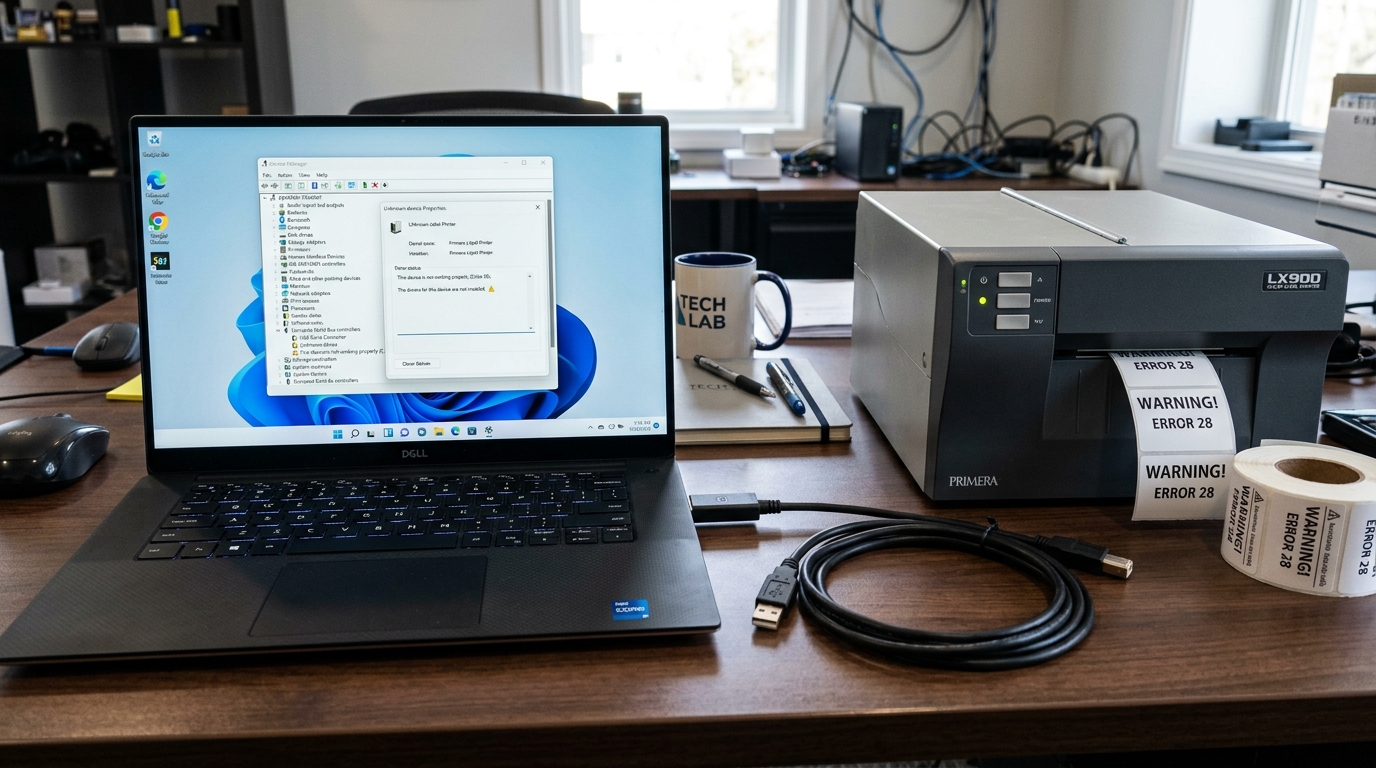
Installing Legacy Primera Drivers on Windows 11
Upgrading your warehouse PC to Windows 11 often breaks older Primera LX400, LX810, or Bravo disc publisher drivers. Windows 11 has strict driver isolation and digital signature enforcement policies.
The "Not Passing Windows Logo Testing" Warning
During the installation of older Primera drivers downloaded from the legacy support site, Windows may throw a red. Yellow warning stating that the driver is unsigned or has not passed WHQL (Windows Hardware Quality Labs) testing.
- The Fix: This is a false alarm for trusted OEM software. Simply click Continue Anyway or Install this driver software anyway.
- Note: If Windows 11 completely blocks the installation and hides the "Continue" button, you must reboot Windows into Disable Driver Signature Enforcement mode (Hold Shift while clicking Restart > Troubleshoot > Advanced Options > Startup Settings > Press F7).
Fixing USB Communication Errors
If PTStatus constantly flashes "Printer Offline". Drops the connection halfway through printing a batch of 500 labels, the USB bus is unstable.
- Avoid USB 3.0: Older Primera mainboards use USB 2.0 (or even USB 1.1) controllers. Plugging them into modern high-speed USB 3.0 (Blue) or USB-C hubs causes polling rate desynchronization. Always use a native, black USB 2.0 port directly on the rear I/O shield of the desktop PC.
- Cable Length: Never use a USB cable longer than 6 feet (2 meters). High-res inkjet data requires massive bandwidth; long cables cause voltage drop and data packet loss.
The 'Enable Advanced Printing Features' Bug
If the printer driver installs successfully. Print jobs sit in the queue forever without printing, the Windows EMF (Enhanced Metafile) spooling system is failing to render the label.
- Go to Printers & Scanners.
- Right-click the Primera printer and select Printer Properties.
- Navigate to the Advanced tab.
- Uncheck the box that says Enable advanced printing features.
- Click Apply.This forces Windows to spool the print job as RAW data, bypassing the buggy EMF renderer. Sending the file directly to the Primera print engine.
Configuring Primera Printers on Windows 11: Driver Signing & USB Optimization
Windows 11 enforces strict kernel-mode driver signature verification and aggressive USB power management policies.Installing legacy Primera drivers. Running high-throughput label printing jobs on Windows 11 requires proper driver signing setup and USB controller settings.
Step-by-Step Windows 11 Driver Installation Protocol
- Download the Certified Windows 11 Driver Package:
Always download the latest certified driver from primera.com/support. If Windows Security displays a "Windows Logo Testing / Driver Signature" prompt during installation, click "Install this driver software anyway".
- Disable USB Selective Suspend in Power Management:
- Open Windows Settings > System > Power & battery > More power settings.
- Click Change plan settings > Change advanced power settings.
- Expand USB settings > USB selective suspend setting and set to Disabled.
- Configure Device Manager USB Hub Properties:
- Right-click the Windows Start button > Device Manager.
- Expand Universal Serial Bus controllers.
- Right-click each USB Root Hub > Properties > Power Management tab.
- UNCHECK "Allow the computer to turn off this device to save power".
- Grant Administrator Privileges to PTStatus and PTPublisher:
Right-click the PTStatus.exe and PTPublisher.exe desktop icons > Properties > Compatibility tab > check "Run this program as an administrator".
Frequently Asked Questions
Why does the printer pause for 10 seconds between every label on Windows 11?
In the Primera driver properties > Advanced tab, ensure "Print directly to the printer" is selected, and verify the USB cable is plugged into a USB 2.0 or 3.0 port directly on the PC motherboard.
Can I run Primera printers on ARM-based Windows 11 PCs (Copilot+ PCs)?
Primera built-in USB drivers are compiled for x86/x64 architectures and do not currently support ARM64 native execution without emulation wrappers.