
Bixolon Printer: Setup & Installation
Browse all troubleshooting articles and solutions for Bixolon printers under the setup & installation category.
Guides & Solutions (10)
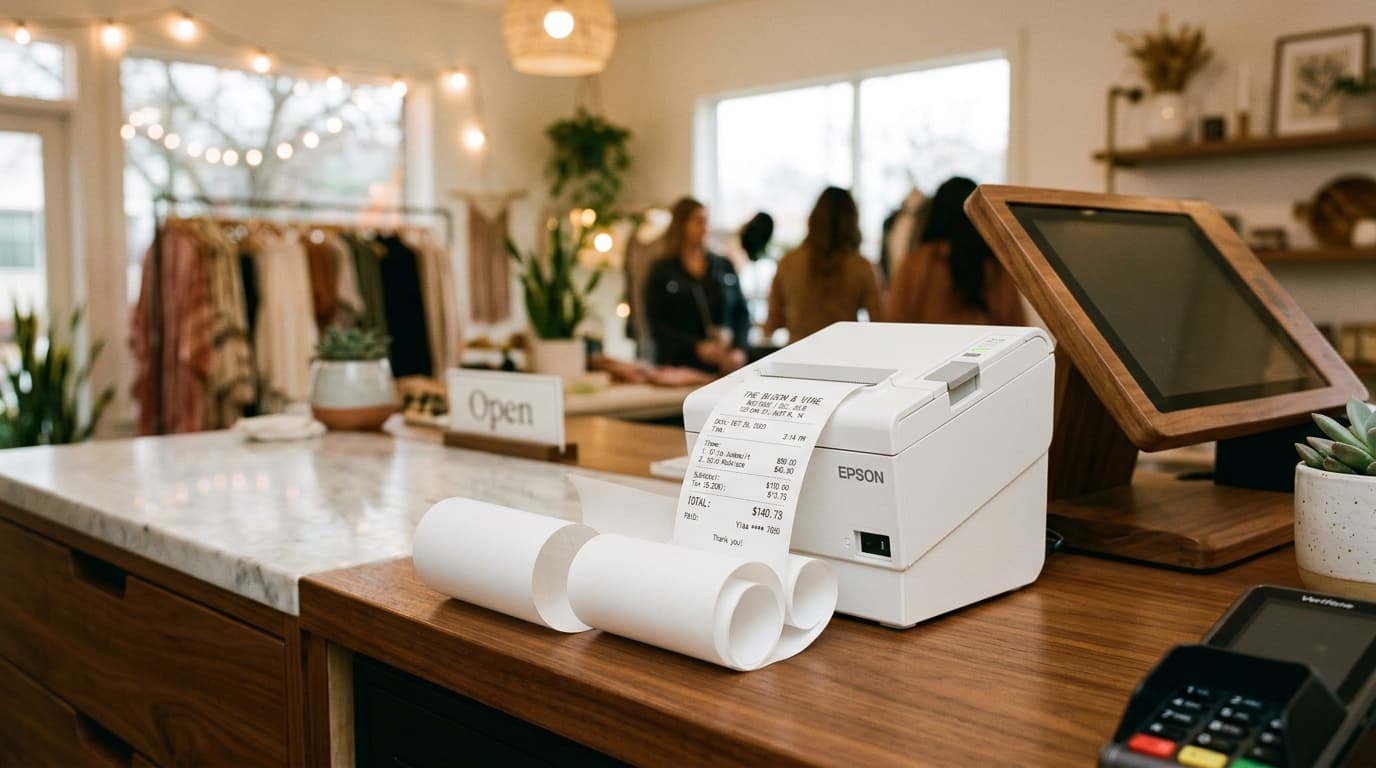
Resolve Bixolon printers stuck in receipt mode that fail to stop at label gaps. Force hardware mode switches using hardware buttons, DIP switches, and utility resets.
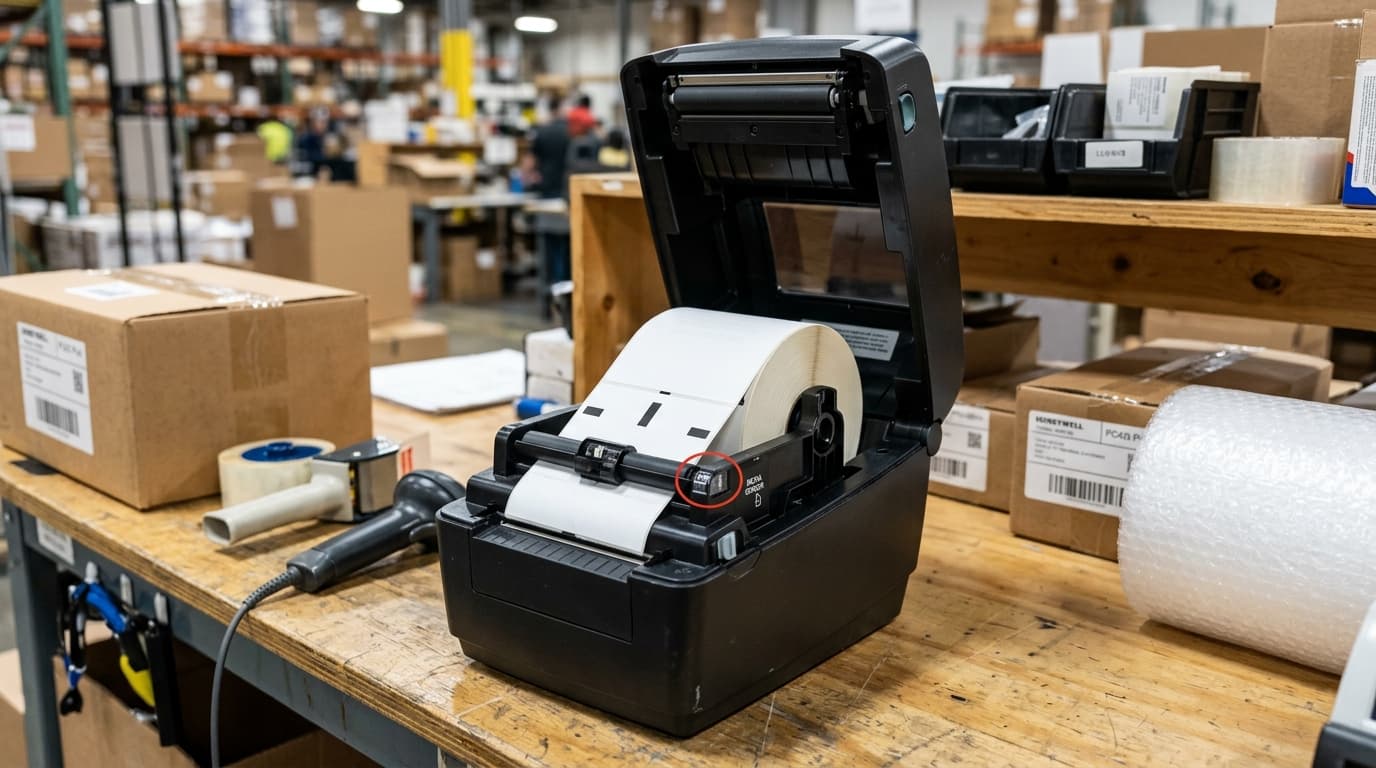
Fix Bixolon SRP-S300, SRP-Q300, and SPP printers refusing to switch from receipt to label mode. Configure Virtual Memory Switches and gap sensors.
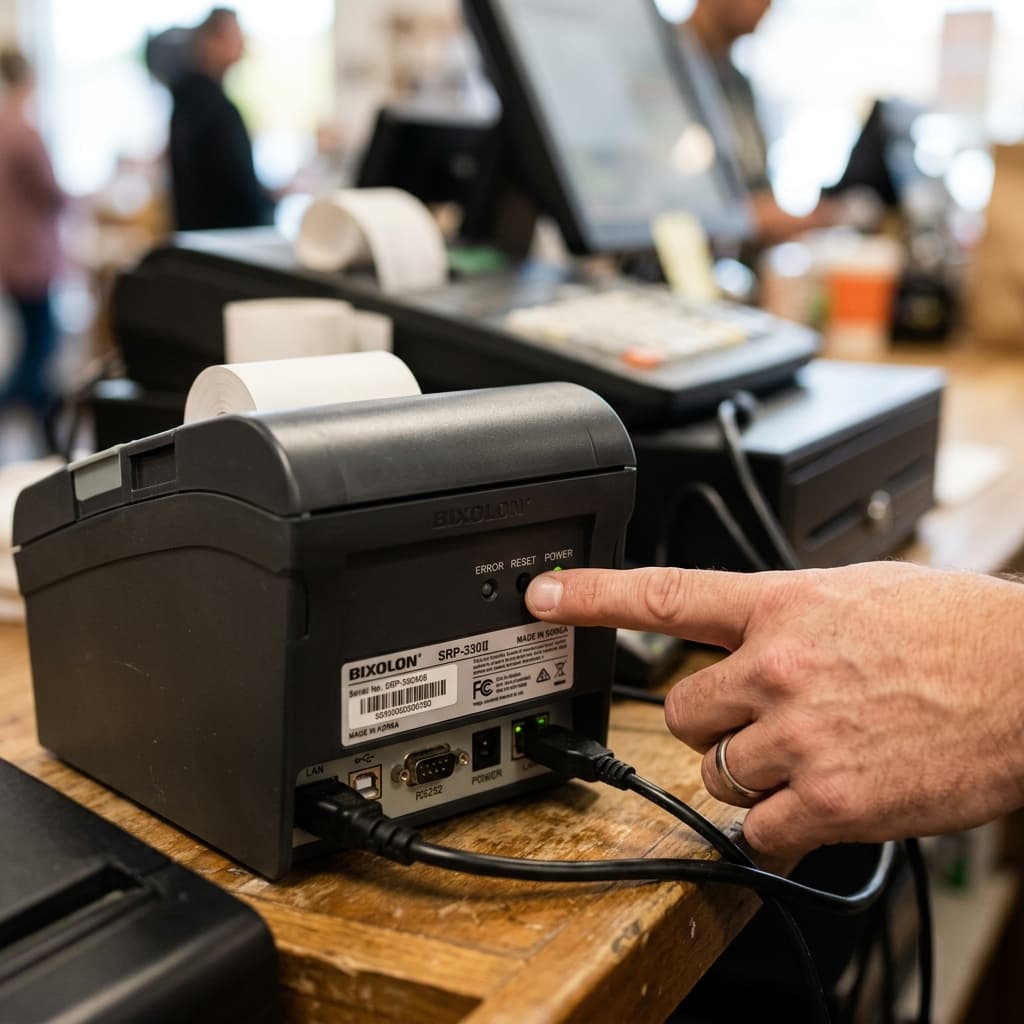
Learn how to perform a soft reset or factory reset on a Bixolon printer. We cover step-by-step factory reset procedures for SRP, XD, and SPP series models.

Step-by-step troubleshooting for Bixolon printers failing to connect or print with Square POS. Fix IP issues, Bluetooth pairing, and receipt routing.
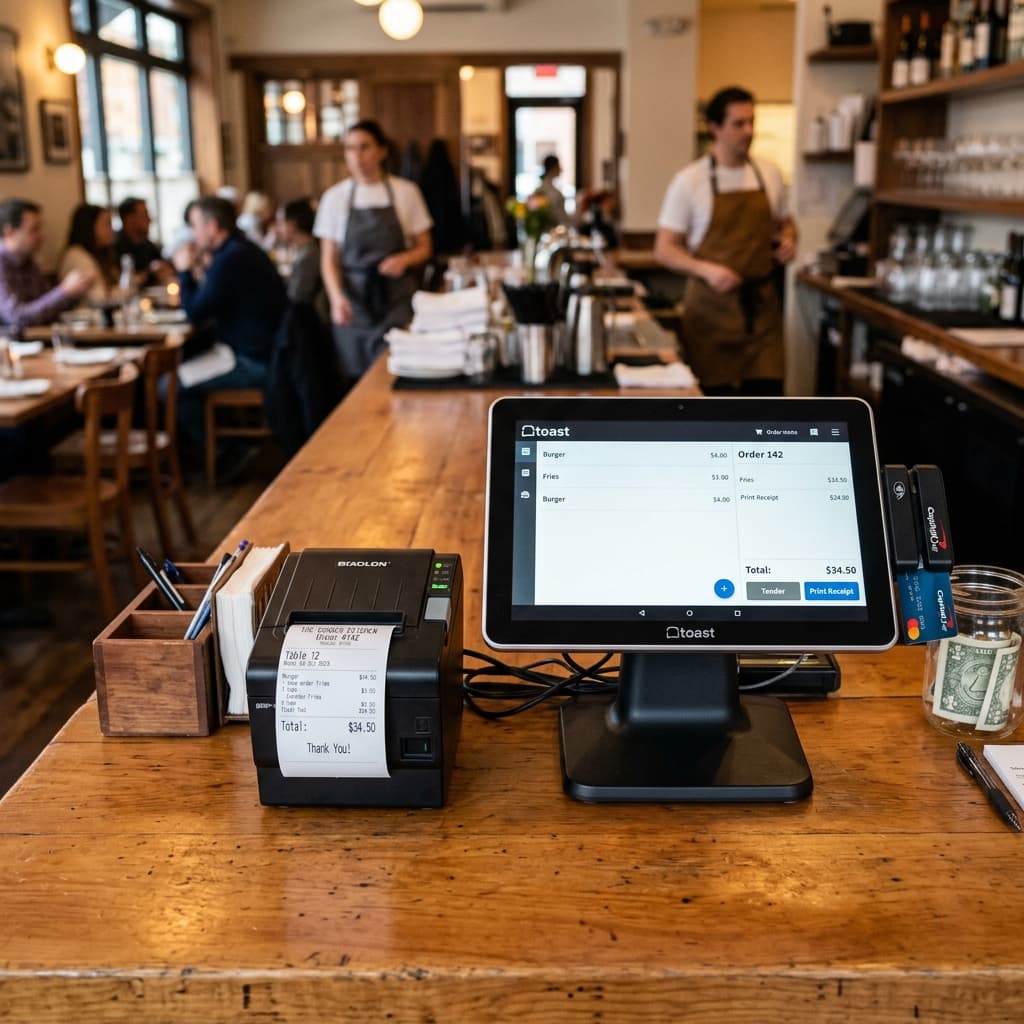
Troubleshoot common Bixolon and Toast POS errors. Learn how to fix tickets not printing, garbled kitchen orders, missing static IPs, and offline statuses.
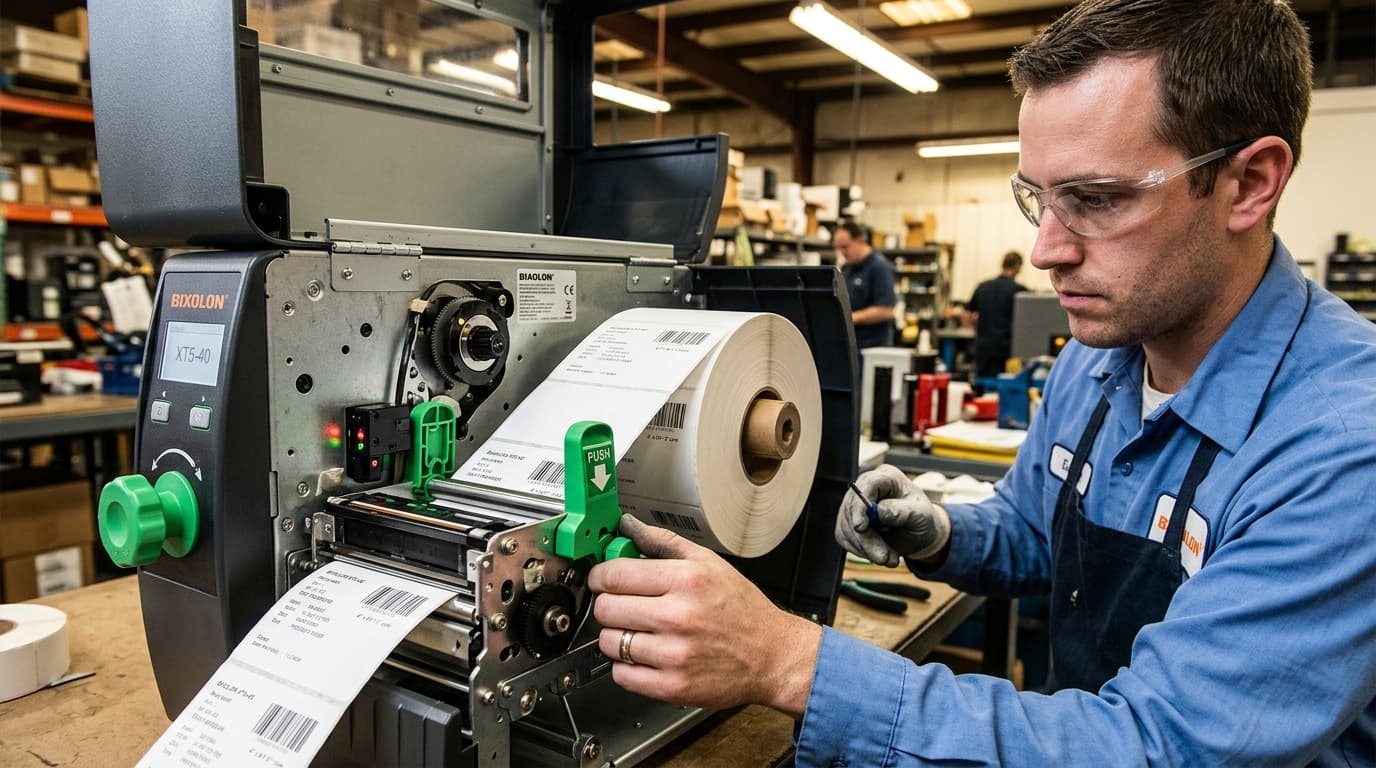
Fix Bixolon label printer feeding multiple labels or printing out of bounds by running a sensor calibration. Step-by-step guides for gap and black mark media.
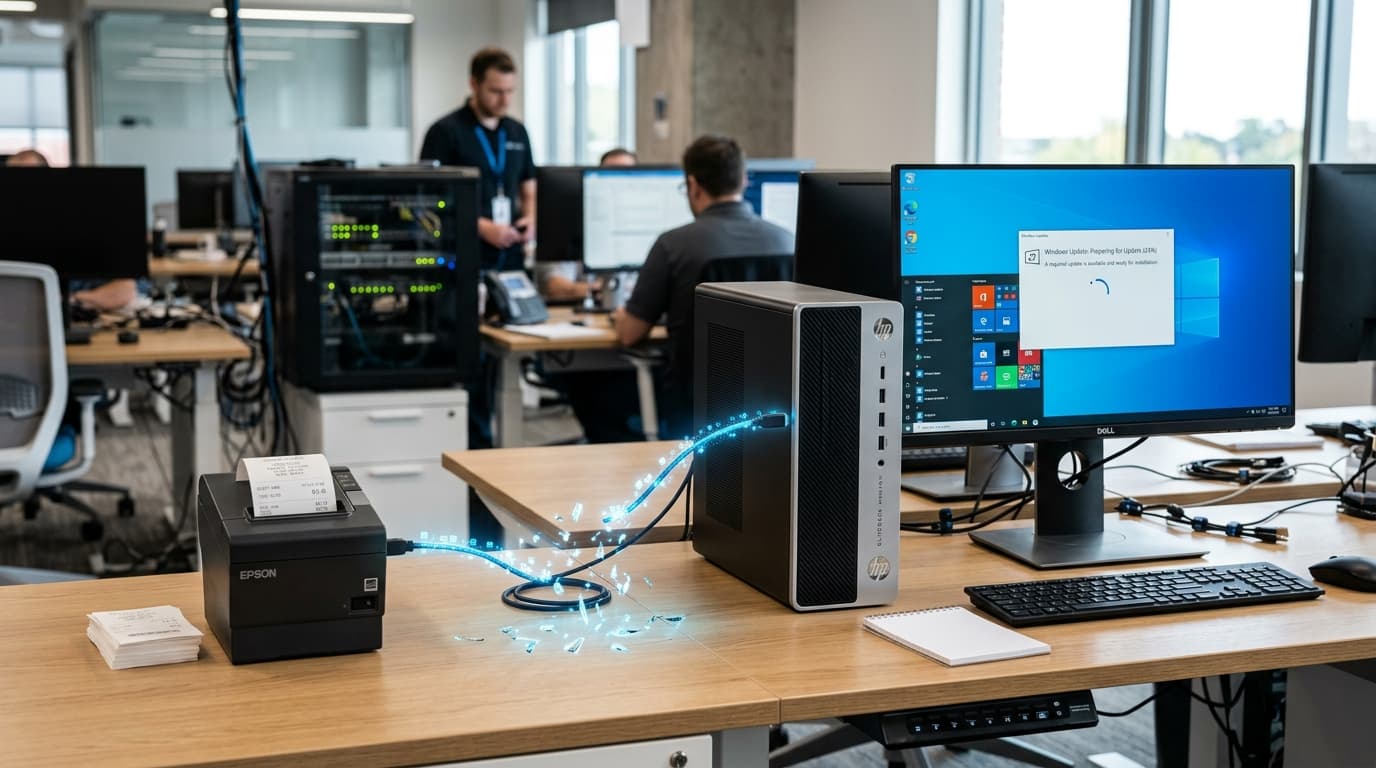
Did your Bixolon printer suddenly stop working after a Windows update? Learn how to fix driver swaps, spooler resets, and print queue jams.
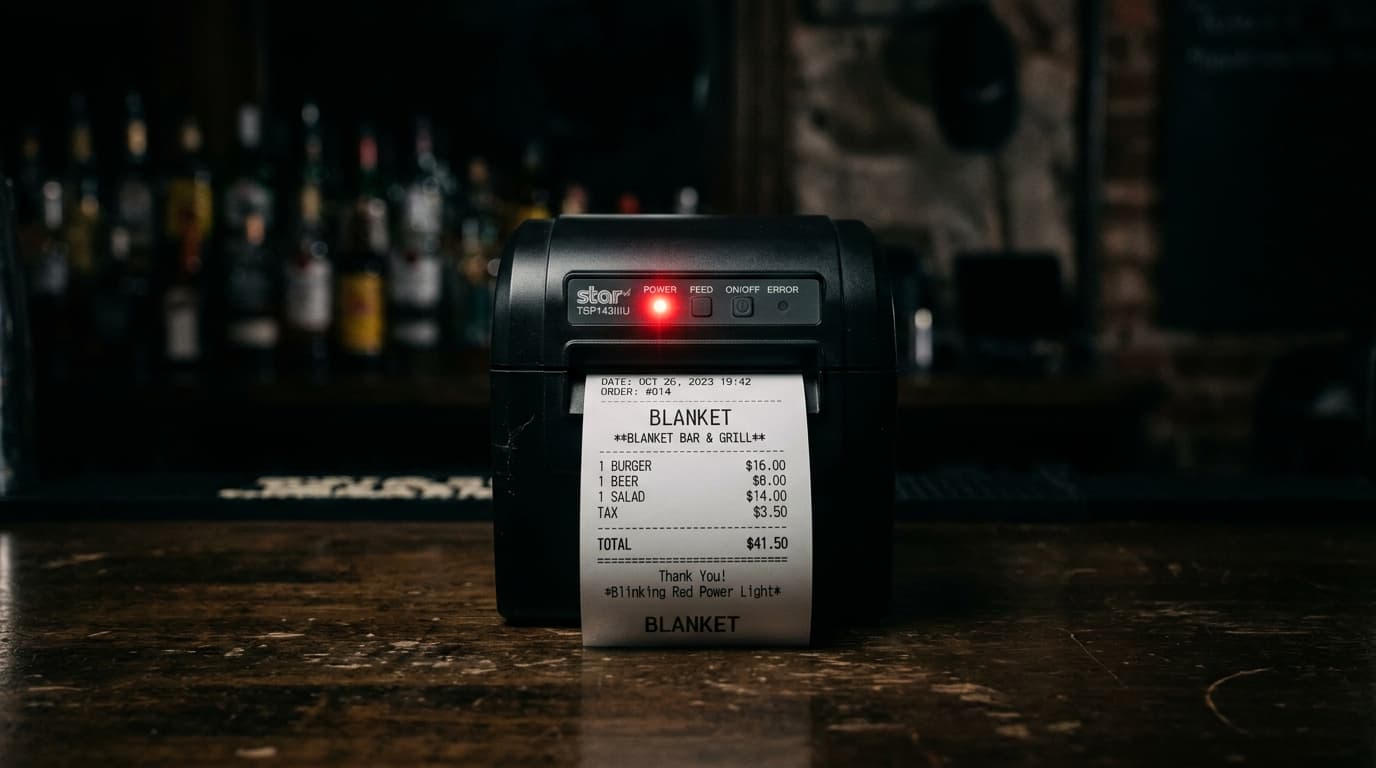
Bixolon printer has a blinking power light but won't actually turn on? Here's what's happening and how to fix it — usually a power supply issue, not a broken printer.
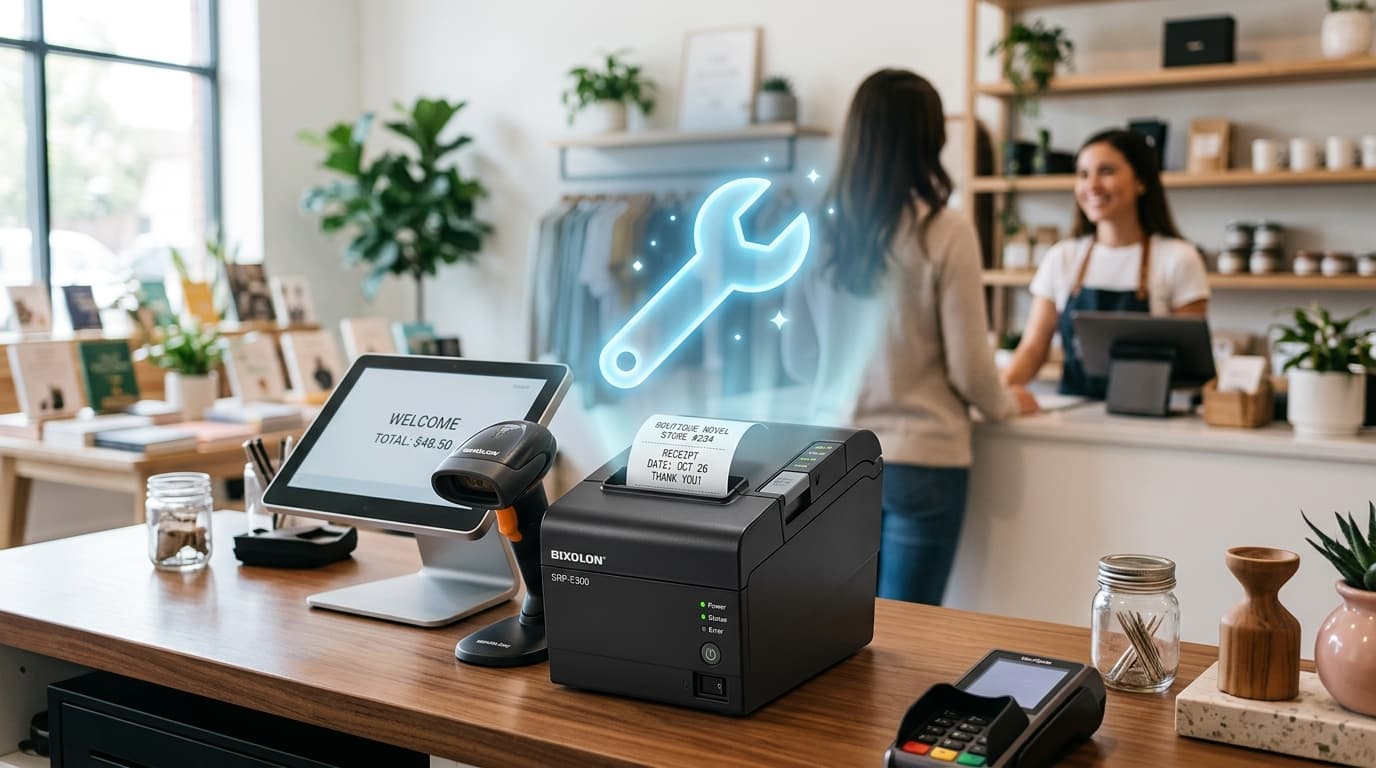
Setup and troubleshooting for the Bixolon SRP-E300/E302 — print density adjustment, cutter jams, the VMSM settings gotcha, and connection fixes.
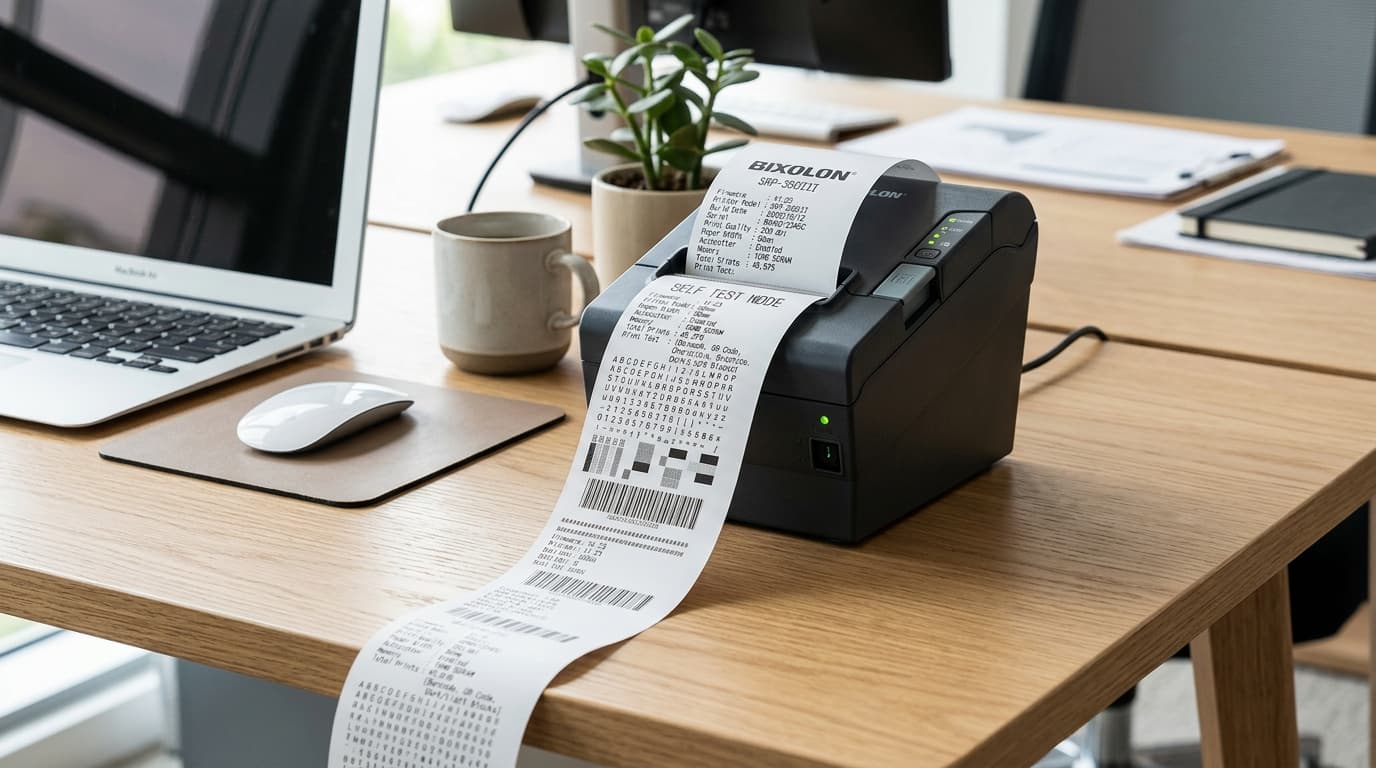
Learn how to run a self test on your Bixolon printer to check hardware, settings, and firmware — and what the results actually tell you about a problem.