
Canon Printer: Ink & Toner Issues
Browse all troubleshooting articles and solutions for Canon printers under the ink & toner issues category.
Guides & Solutions (7)
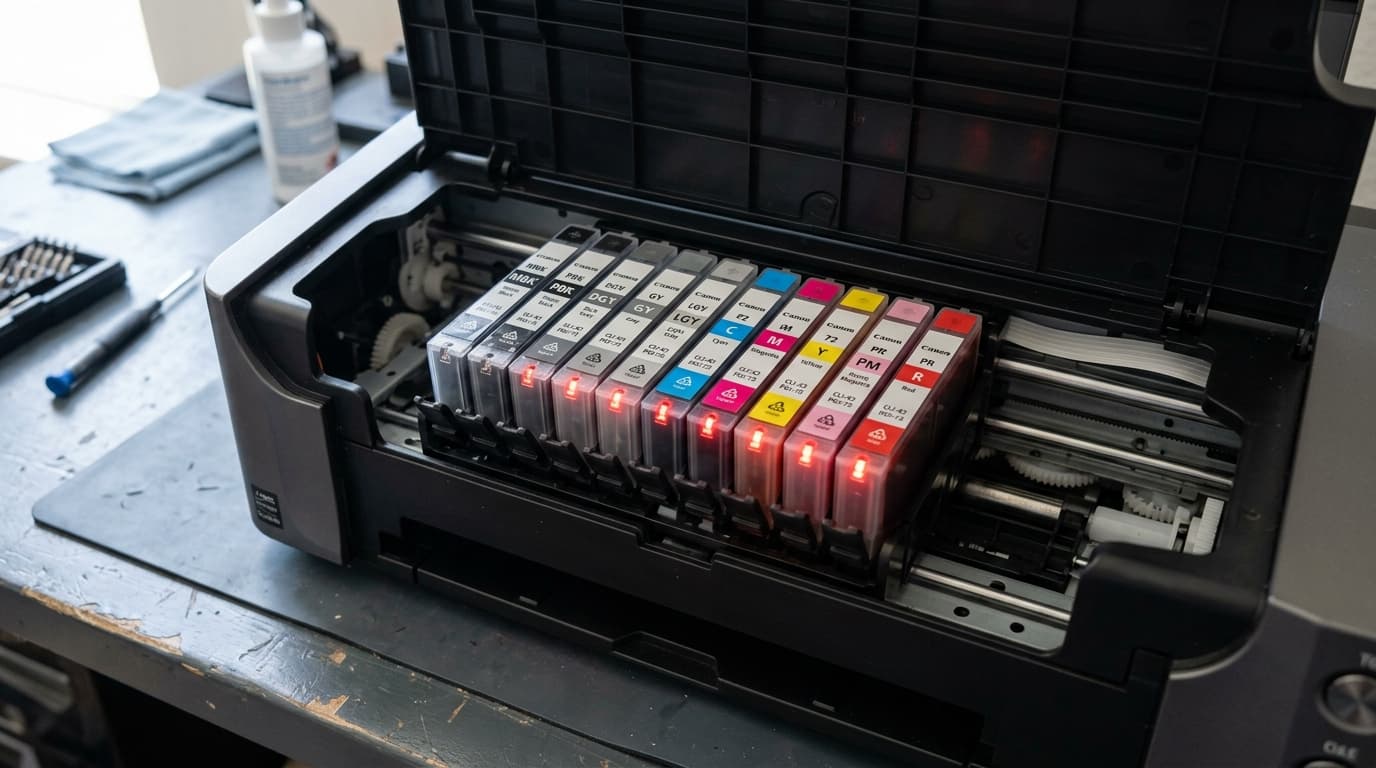
Fix Canon PIXMA PRO-300 PGI-300 ink tank not recognized errors. Troubleshoot unlit red LEDs, cartridge latch alignment, and chip contact oxidation.
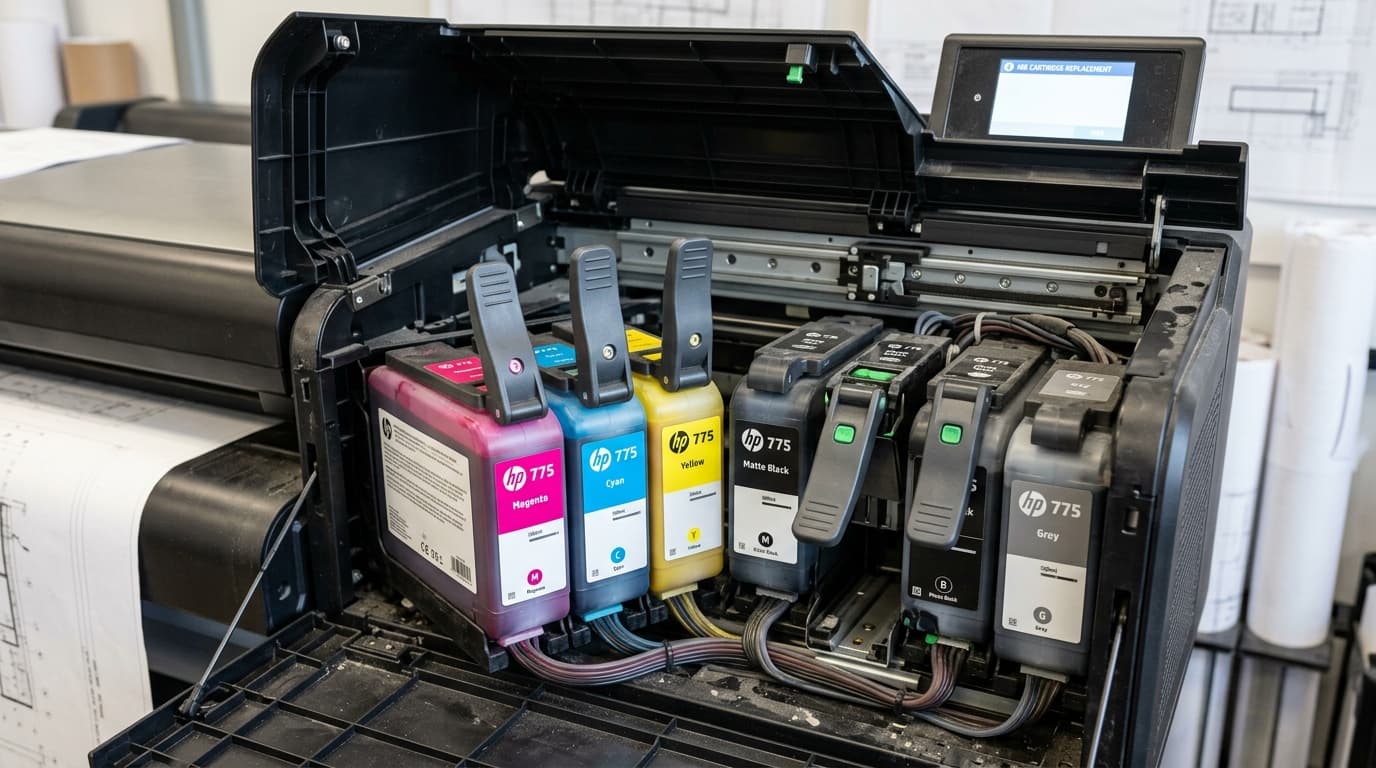
Fix Canon imagePROGRAF ink tank not detected errors, sub-tank communication faults, and PFI cartridge lock errors on PRO-1000 and TM series printers.
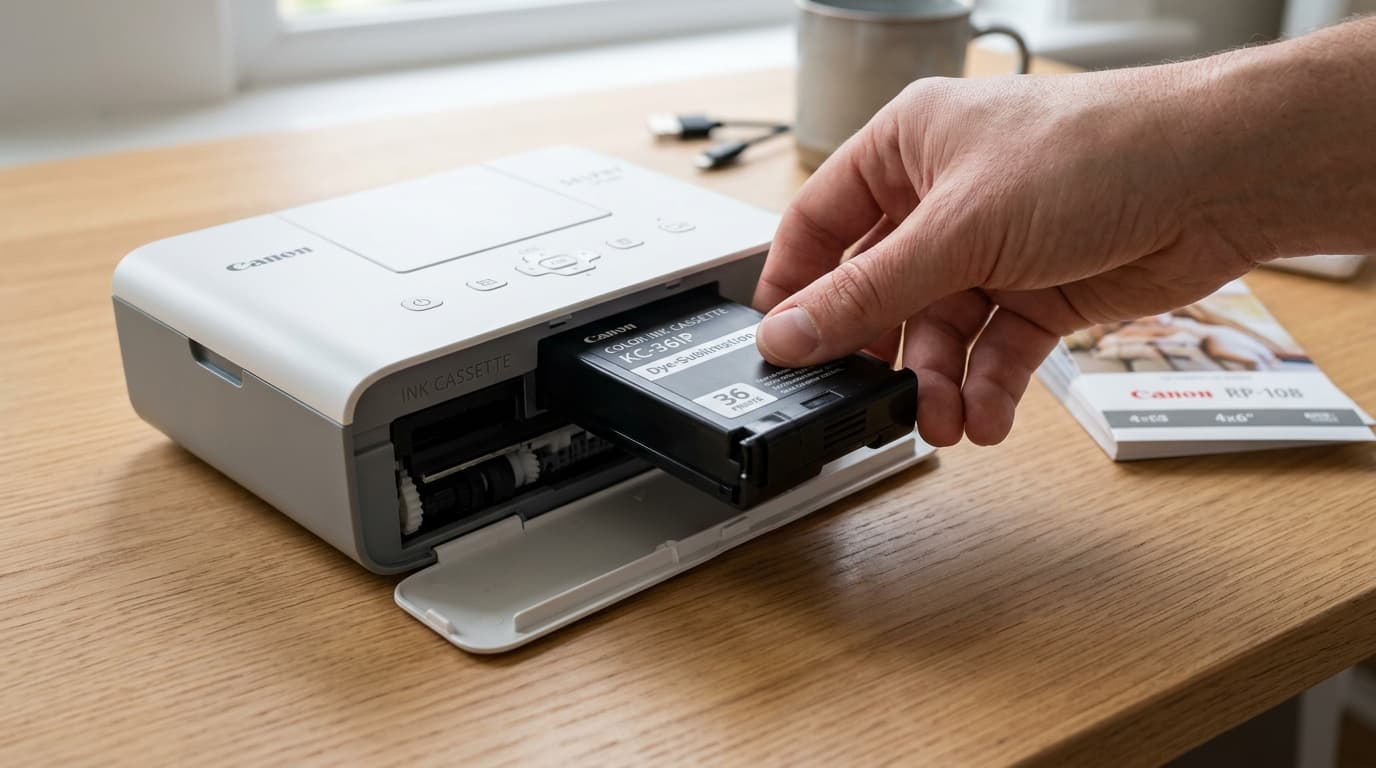
Troubleshoot Canon SELPHY ink cassette not recognized, cartridge errors, loose dye-sub ribbon film, and sensor faults on CP1500, CP1300, and CP1200.
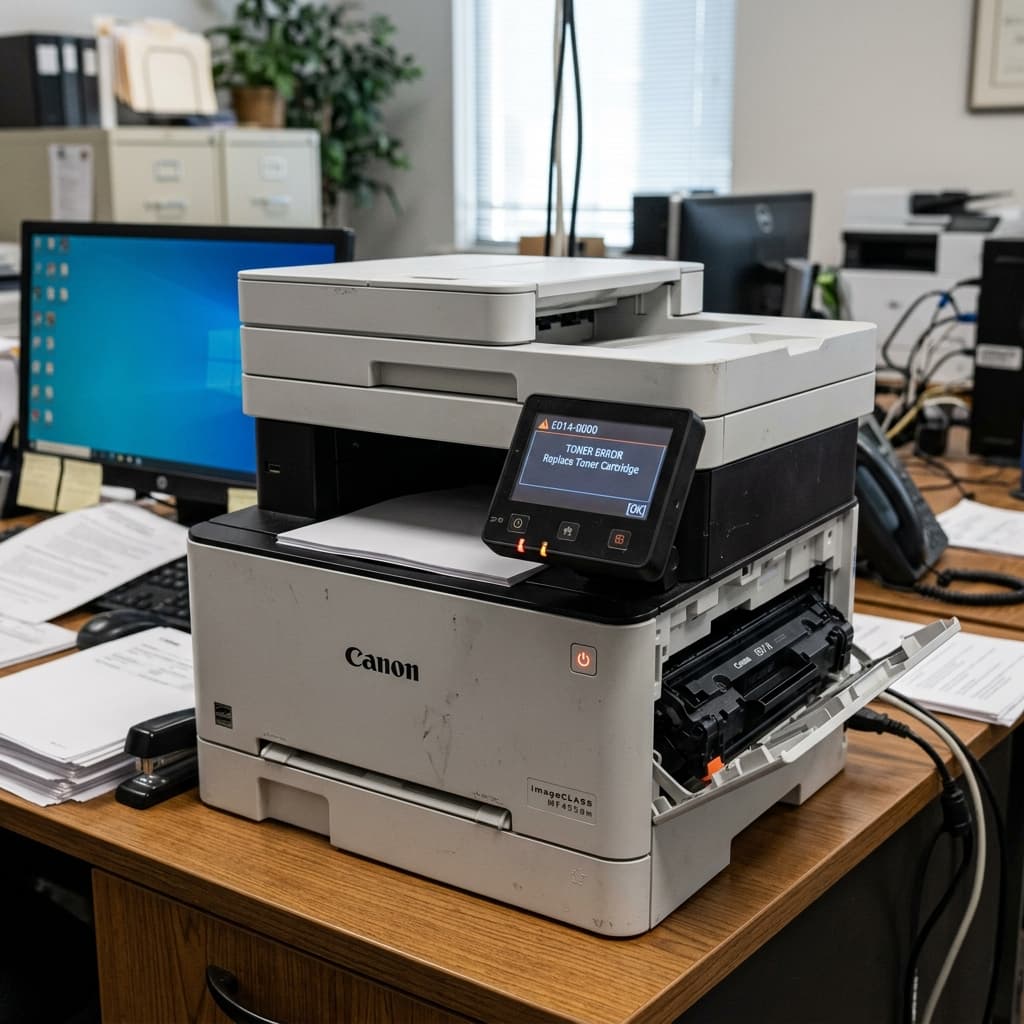
Is your Canon imageCLASS laser printer displaying a 'Check Toner Cartridge' or communication error? Learn how to clean the drum contacts and bypass the chip lock.
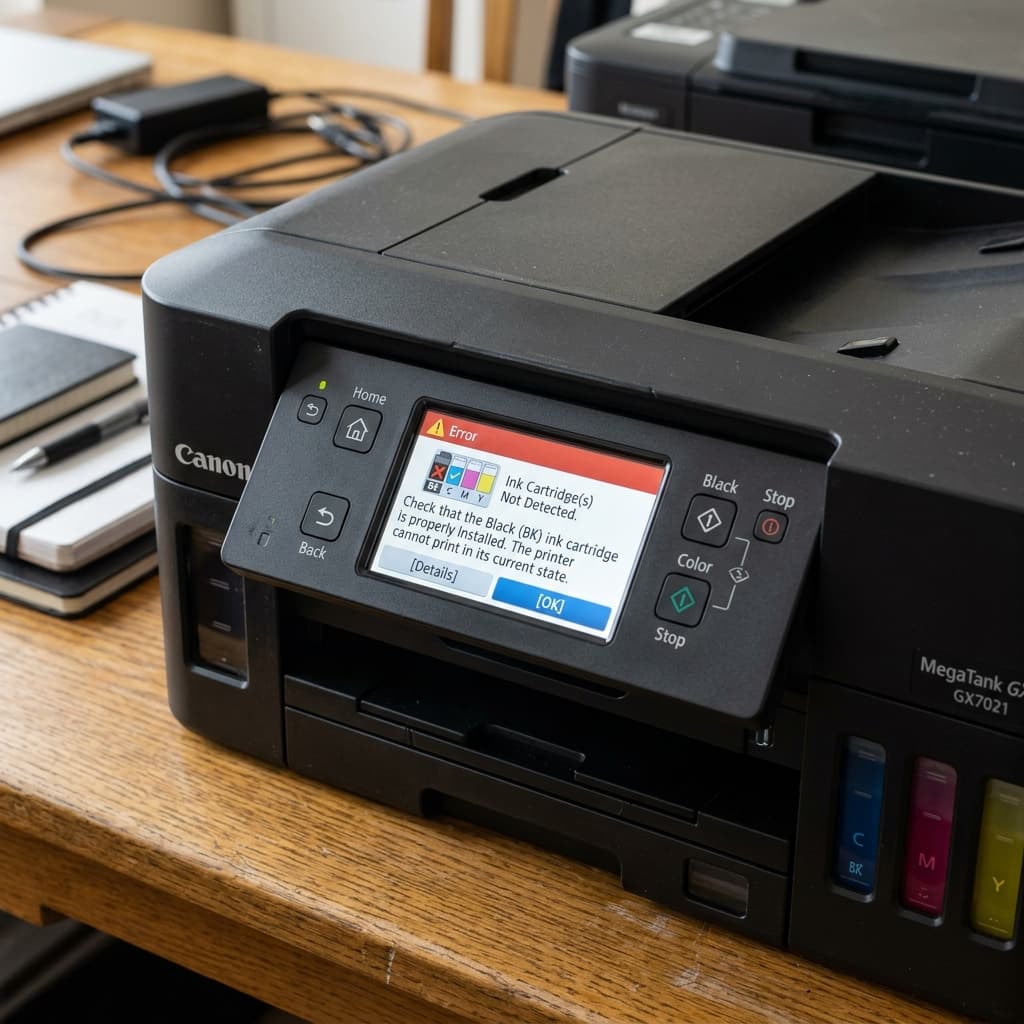
Canon MAXIFY GX printer not detecting ink? Learn how the optical ink sensors work on MegaTank business printers and how to fix false empty readings.
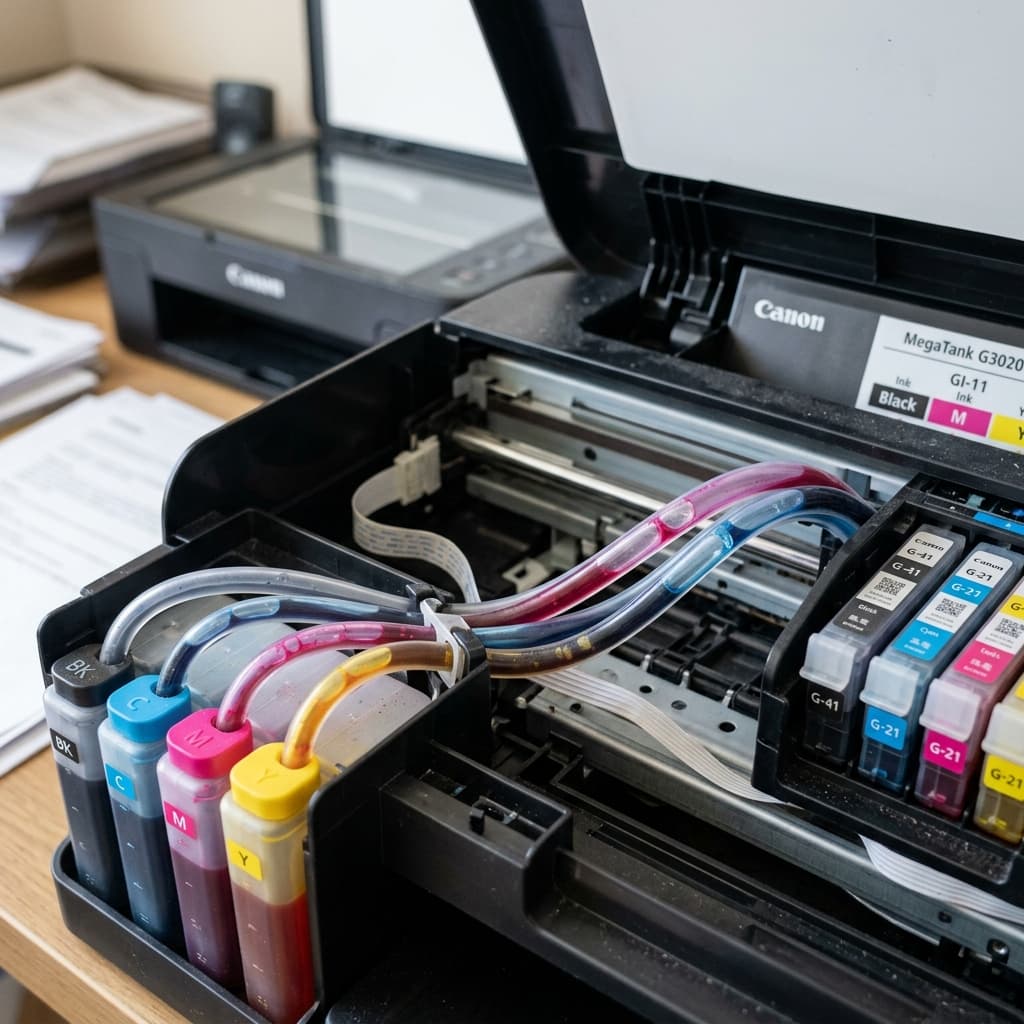
Is your Canon MegaTank or G-Series printing blank pages or faded colors? Learn how to purge air bubbles from the silicone ink tubes and unclog the printhead.
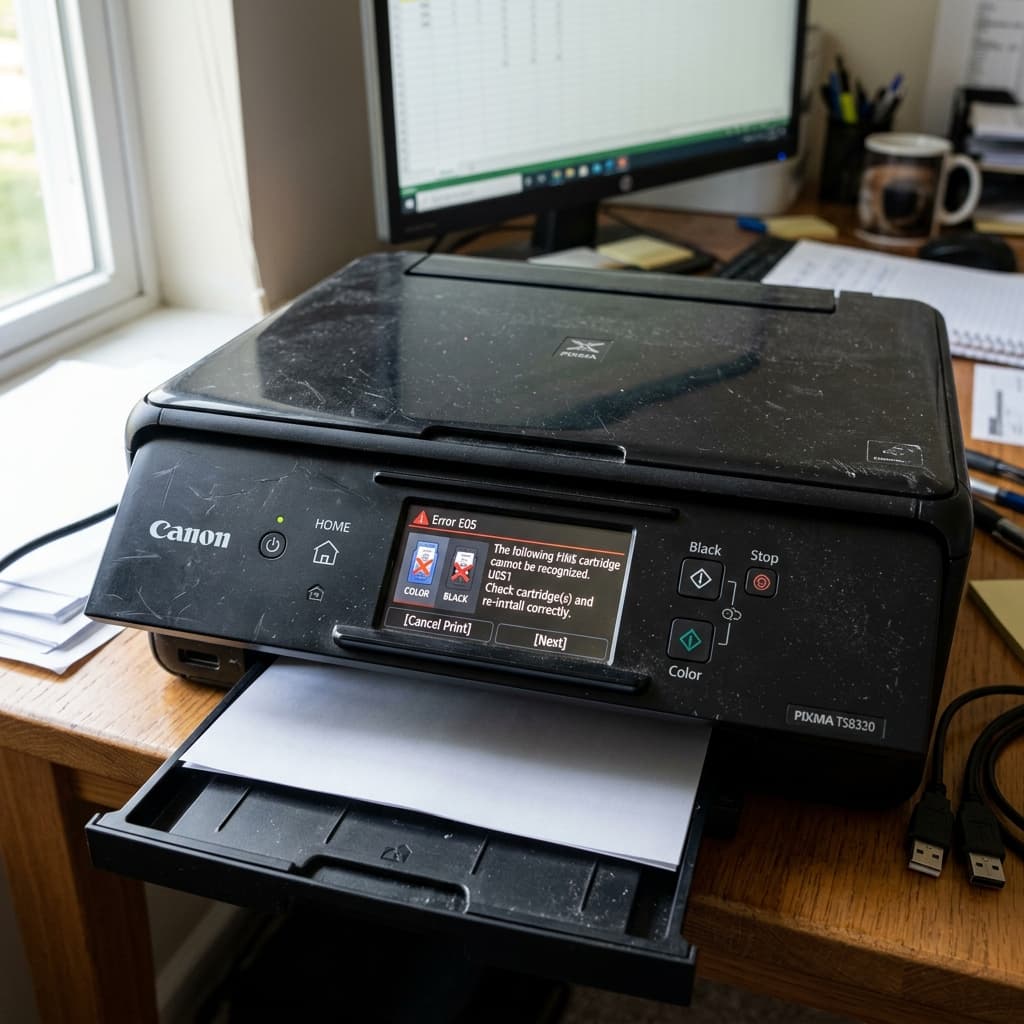
Canon Error E05 means the FINE cartridge is not installed, installed incorrectly, or is unrecognized. Learn how to clean the cartridge contacts and clear the error.