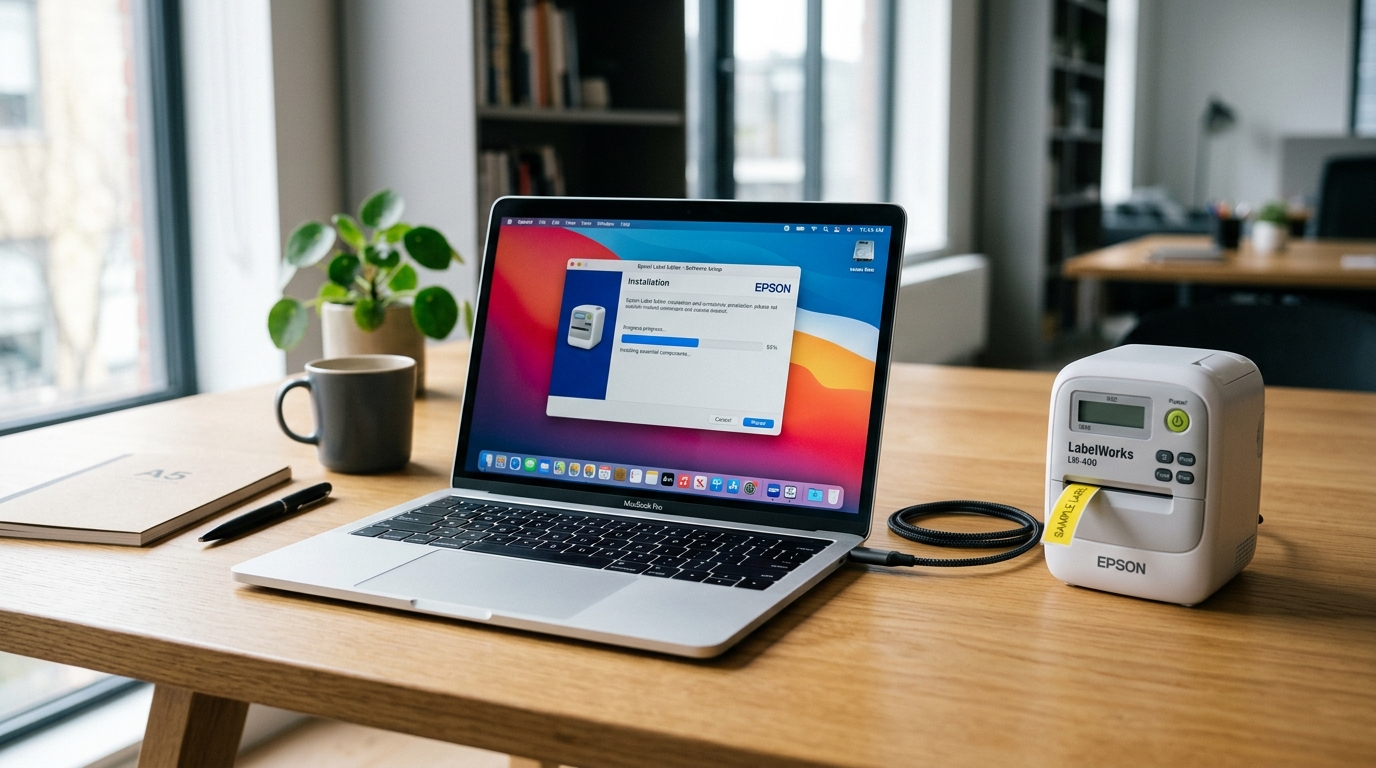
Troubleshooting Label Editor Installation Stalls
Epson Label Editor and Label Editor Lite are the official companion software suites for designing complex wire-wrap labels, barcode sequences, and equipment tags on PC and Mac.
Installers frequently hang or abort due to missing Microsoft .NET Framework runtime prerequisites, aggressive anti-virus sandboxing, or macOS Gatekeeper verification blocks.
Step 1: Install Missing Microsoft .NET Framework (Windows)
Epson Label Editor requires legacy .NET Framework 3.5 and .NET 4.8 packages to initialize its layout engine:
- Open Windows Features: Press Win + R, type
optionalfeatures, and hit Enter. - Enable .NET Framework 3.5: Check the box for .NET Framework 3.5 (includes .NET 2.0 and 3.0).
- Allow Windows Update download: Click OK and let Windows download the necessary runtime binaries from Microsoft.
- Reboot computer: Restart your workstation before relaunching the Epson installer executable.
Step 2: Run Installer with Elevated Administrator Privileges
Standard user accounts lack rights to register the low-level virtual USB port drivers:
- Locate setup executable: Download the latest installer package from the official Epson support website.
- Extract compressed zip file: Right-click the downloaded
.zipfile and select Extract All. Never run setup directly from within a zip archive. - Run as Administrator: Right-click
Setup.exeand select Run as administrator. - Temporarily disable real-time protection: If third-party antivirus blocks driver DLL registration, pause protection for 10 minutes during install.
Step 3: Bypass macOS Gatekeeper and Privacy Restrictions
Modern macOS versions (Sonoma and Sequoia) block unnotarized kernel extension drivers by default:
- Open System Settings: Open the Apple menu and navigate to System Settings > Privacy & Security.
- Click Open Anyway: Scroll down to the Security section. If Epson Label Editor Lite was blocked, click Open Anyway.
- Enter administrator password: Authenticate when prompted to grant file system access.
- Grant accessibility permissions: Ensure Label Editor has access checked under Accessibility and App Management.
Frequently Asked Questions
Why does the installer hang on "Installing Printer Driver"?
Disconnect the printer USB cable during installation; only connect the USB cable when the installer explicitly prompts you to plug it in.
Is Epson Label Editor compatible with Windows 11 64-bit?
Yes, download version 2.0 or higher from the Epson support portal for full Windows 11 compatibility.
Can I run Epson Label Editor on an Apple Silicon (M1/M2/M3) Mac?
Yes, install Label Editor Lite for macOS which runs natively or under Rosetta 2 emulation.