


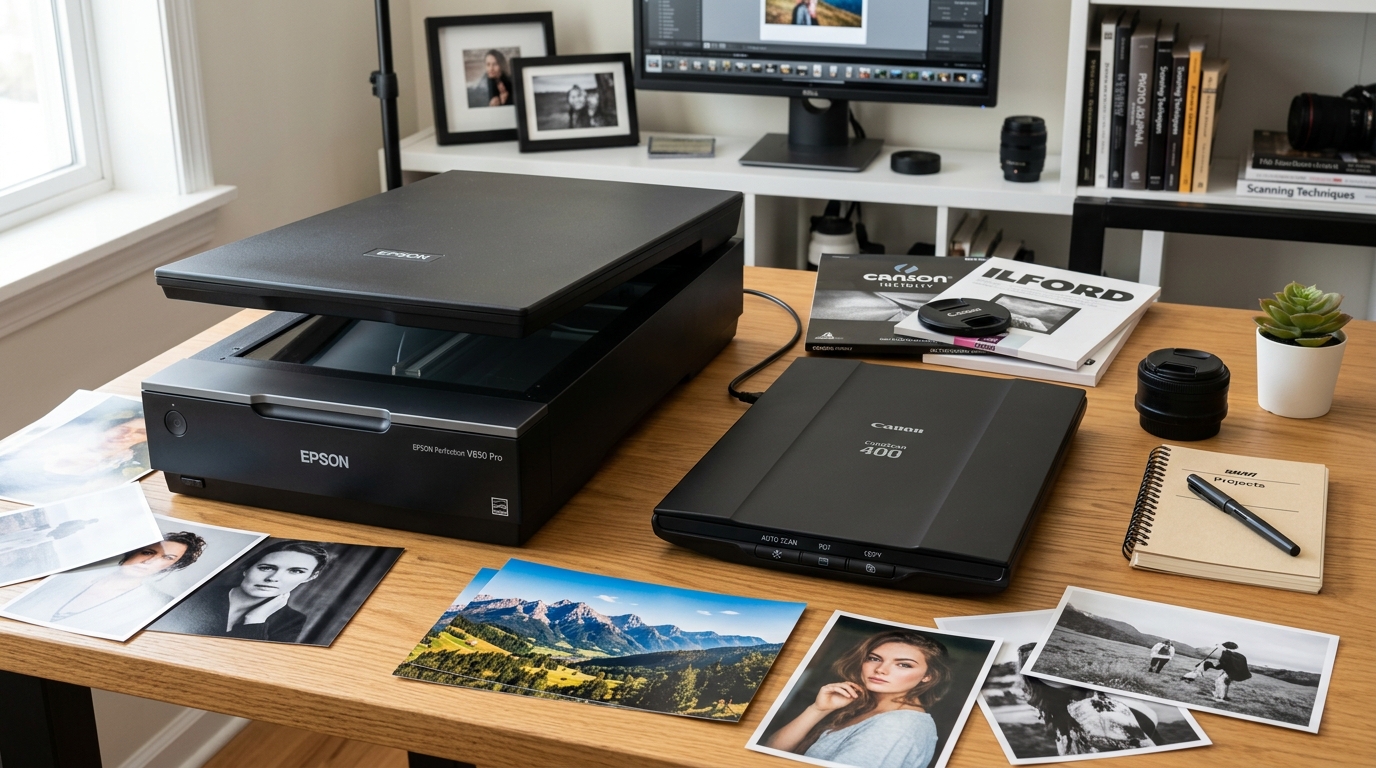
Flagship Desktop Scanners: Epson vs Canon
Photographers, archivists, and office professionals seeking to digitize photo collections, 35mm slides, and medium format negatives rely on two premier scanner lines: Epson Perfection (V600 Photo, V850 Pro, V39) and Canon CanoScan (9000F Mark II, LiDE 400).
While both brands manufacture reliable desktop digitizers, their underlying optical sensor architecture, dynamic range (Dmax), film holder versatility, and modern operating system driver support diverge significantly.
Feature Comparison Table
Review key technical specifications and performance metrics across both product families:
| Feature | Epson Perfection V600 / V850 Pro | Canon CanoScan 9000F II / LiDE 400 |
|---|---|---|
| Sensor Architecture | Matrix CCD with Dual Lens Optics | CCD (9000F II) / CIS (LiDE series) |
| Optical Dynamic Range (Dmax) | 3.4 (V600) to 4.0 Dmax (V850 Pro) | Approx. 3.2 Dmax (9000F II) |
| Film Scanning Formats | 35mm, 120 Medium Format, 4x5 Sheet Film | 35mm & 120 (9000F II); None on LiDE |
| Dust & Scratch Removal | Hardware Digital ICE (Infrared channel) | Canon FARE level 3 (Infrared) |
| Modern OS Driver Support | Native 64-bit Epson Scan 2 (Win 11 / macOS) | Legacy drivers; requires VueScan on newer macOS |
| Bundled Software | Epson Scan 2 & SilverFast SE Plus (V850) | Canon IJ Scan Utility / My Image Garden |
| Light Source | ReadyScan LED (Instant On, Zero Warmup) | White LED (Instant On) |
Optical Sensor Technology: CCD vs CIS
The fundamental image quality difference begins with the sensor mechanism:
- Epson Matrix CCD Sensors: Epson Perfection V600 and V850 models utilize true Charge-Coupled Device (CCD) sensors paired with optical glass reduction lenses. This produces superior depth of field, enabling sharp scans of curled photos and framed artwork.
- Canon CIS and Legacy CCD: Canon LiDE scanners use Contact Image Sensors (CIS). While ultra-compact and USB-powered, CIS sensors have zero depth of field—any document or open book page not pressed flat against the glass scans blurry.
Dynamic Range (Dmax) and Shadow Detail in Film
Optical density (Dmax) measures a scanner's ability to extract detail from dense negative shadows and slide film highlights:
- Epson High Dmax Performance: The V850 Pro achieves an optical Dmax of 4.0 with dual-lens optical switching. This preserves subtle gradients in dense black-and-white negatives and deep shadows of Velvia 50 slides.
- Canon Shadow Compression: While the CanoScan 9000F II produces rich color, its lower Dmax struggles with dense film shadows, resulting in digital noise and clipped dark tones.
Driver Longevity and Operating System Support
Hardware utility over time depends directly on active driver maintenance from the manufacturer:
- Epson Scan 2 Ecosystem: Epson continuously updates its 64-bit driver suite for Windows 11 and Apple Silicon macOS (including macOS Sequoia), ensuring seamless compatibility.
- Canon CanoScan Driver Obsolescence: Canon discontinued driver development for the CanoScan 9000F series on modern macOS versions, forcing users to purchase third-party software like VueScan to keep hardware operational.
Which Scanner Should You Choose?
Match your scanner selection to your media types and archive goals:
- Choose Epson Perfection if: You are archiving photo film (35mm, 120, or sheet film), require professional Dmax shadow detail, use modern macOS/Windows, or need SilverFast software integration.
- Choose Canon CanoScan if: You need an ultra-compact, portable document scanner for standard flat paper (Canon LiDE 400), or already own an older Windows scanning workstation for existing 9000F hardware.
Frequently Asked Questions
Which scanner is better for 35mm slide and negative scanning?
The Epson Perfection V600 and V850 Pro are superior due to higher optical Dmax, height-adjustable holders, and active modern OS drivers.
Can a Canon LiDE scanner scan film negatives?
No, Canon LiDE scanners use CIS sensors and lack a transparency backlight unit in the lid required for film scanning.
What is Digital ICE and how does it compare to Canon FARE?
Both are hardware infrared technologies that map dust and scratches on color film; Digital ICE generally offers more refined defect correction.
