
Epson Printer: Hardware & Maintenance
Browse all troubleshooting articles and solutions for Epson printers under the hardware & maintenance category.
Guides & Solutions (13)
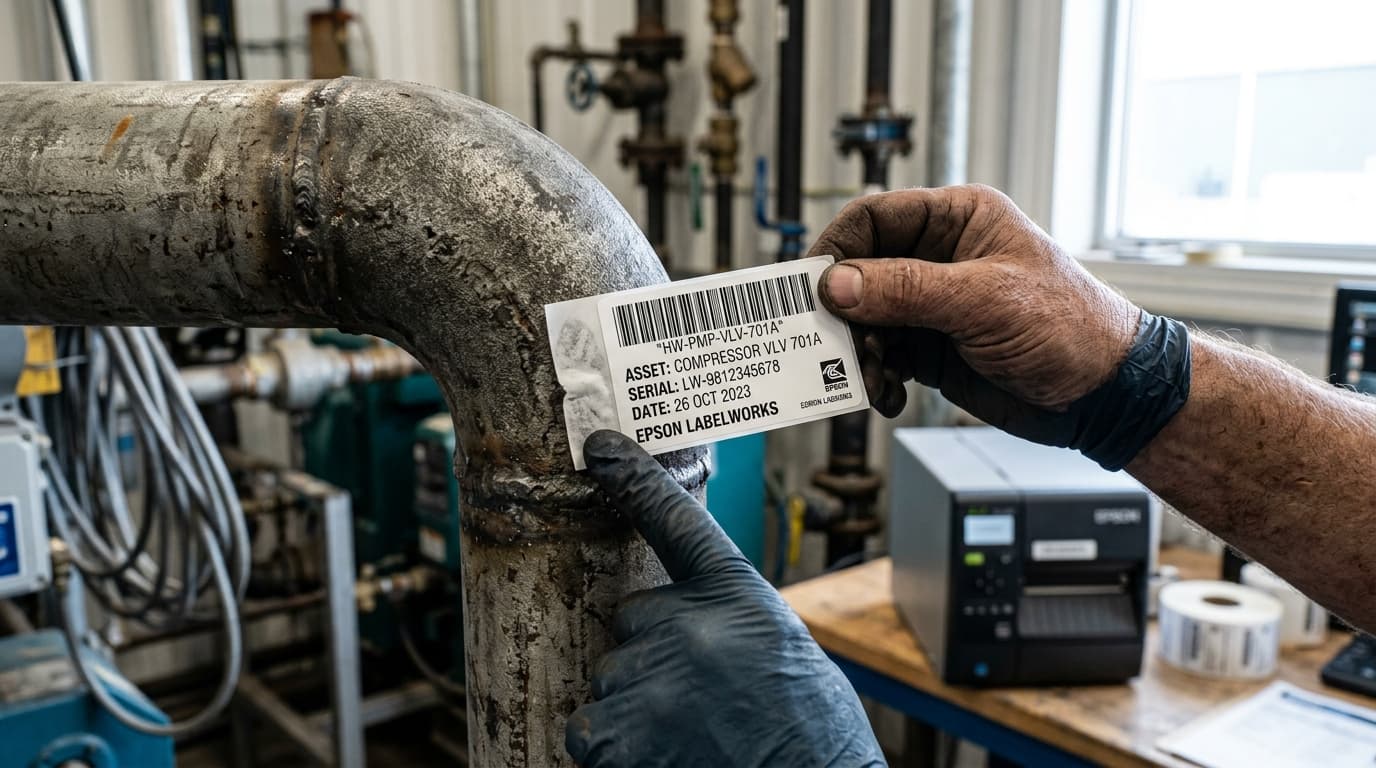
Resolve peeling, curling, and non-adhering tape on Epson LabelWorks label printers. Learn surface preparation, high-tack tape grades, and temperature limits.
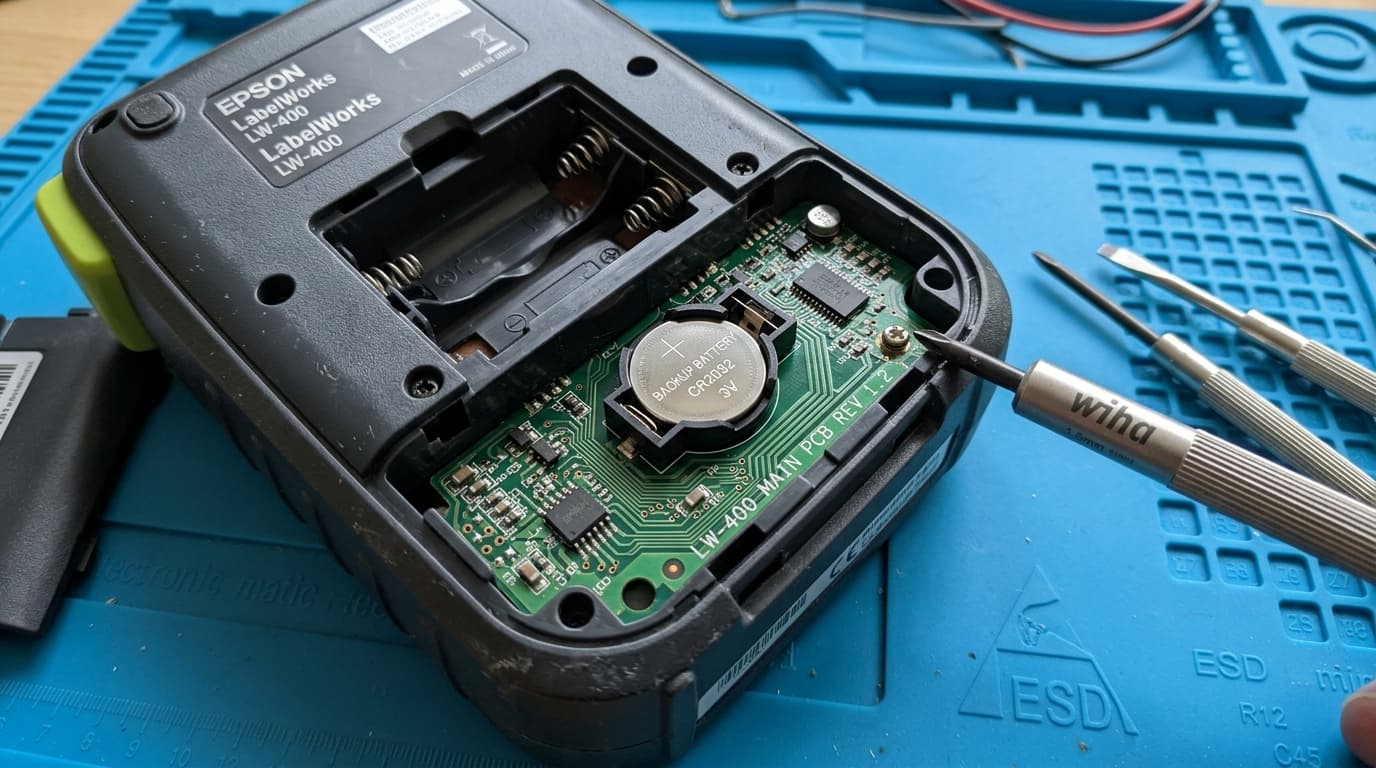
Recover missing or deleted label templates on Epson LabelWorks printers. Resolve internal memory loss, replace backup cells, and sync with Label Editor.
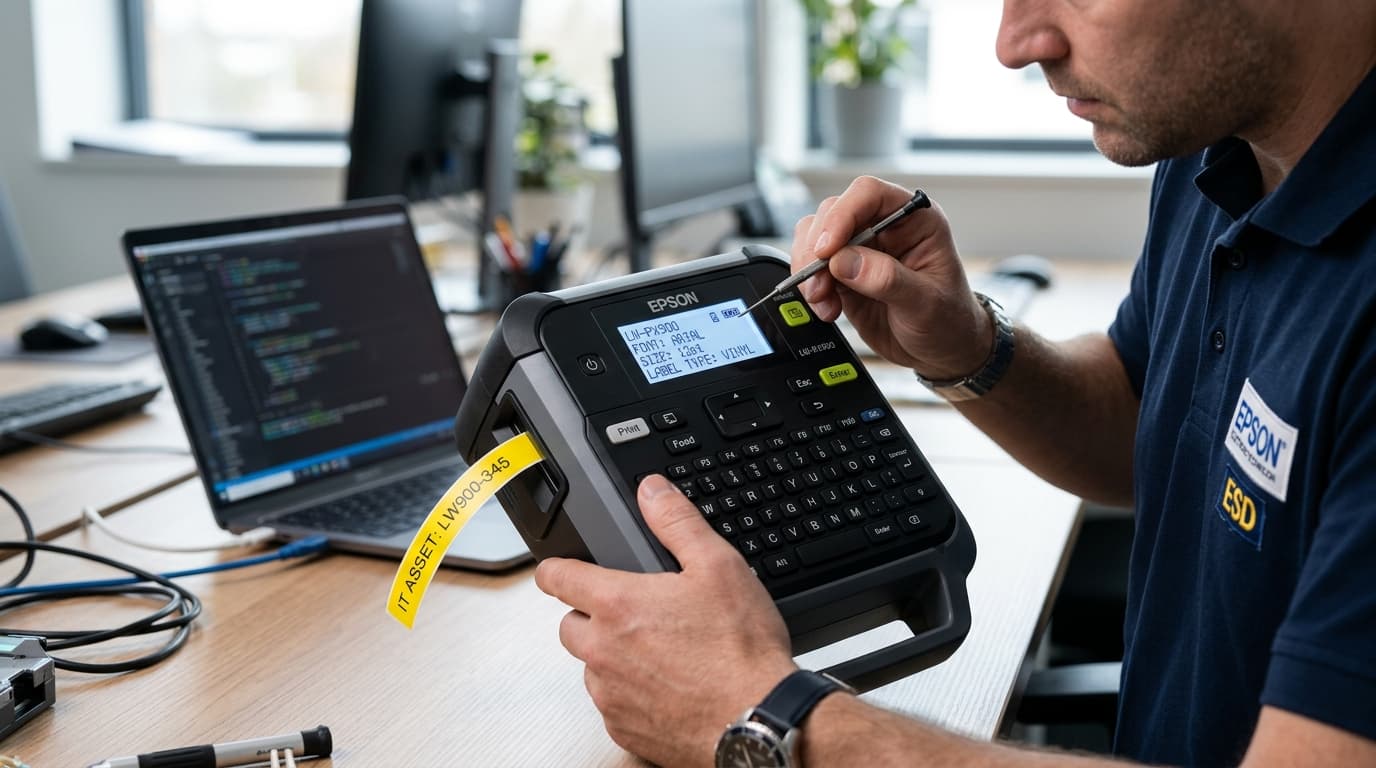
Resolve black screen, blank LCD, or contrast display errors on Epson LabelWorks handheld label printers. Reset contrast levels and restore power circuits.
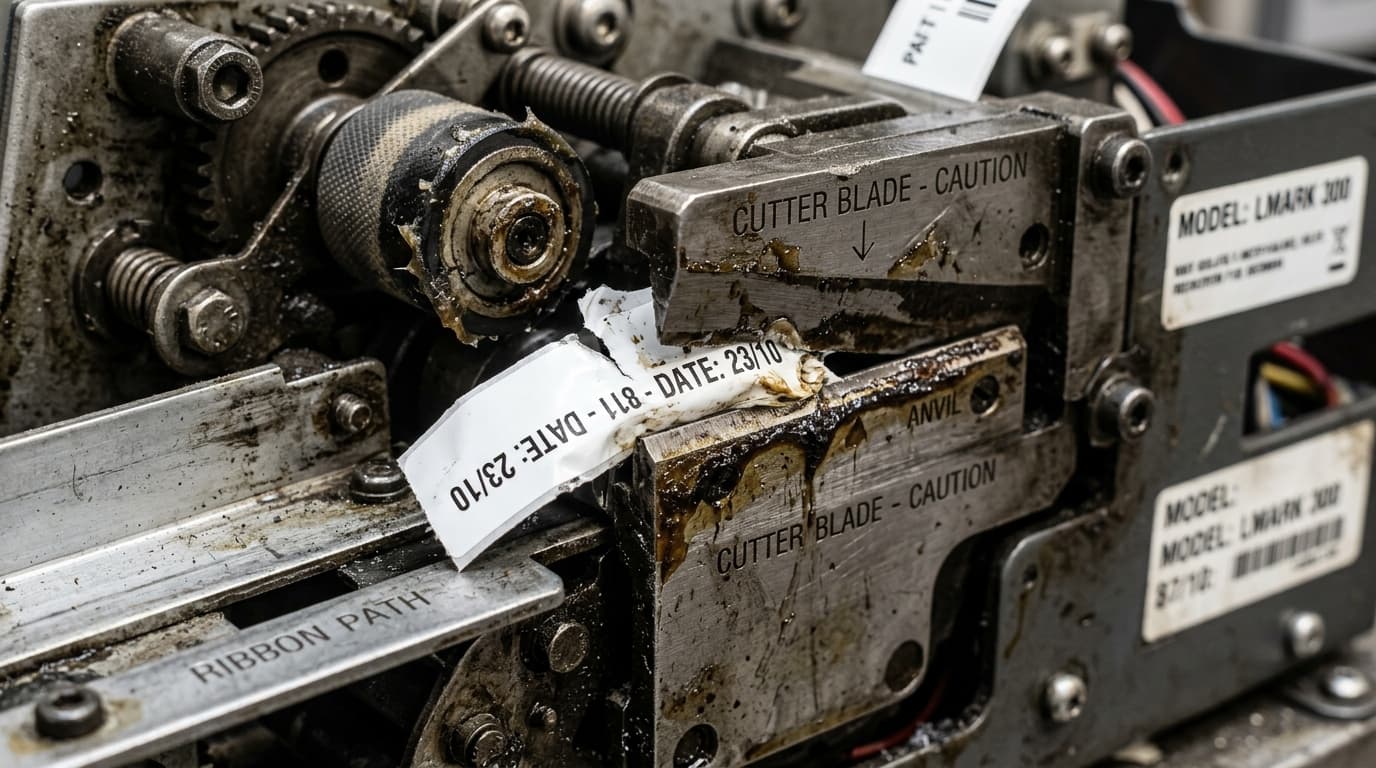
Resolve tape cutting failures on Epson LabelWorks printers. Learn how to clean sticky cutter blades, adjust half-cut settings, and replace worn cutters.
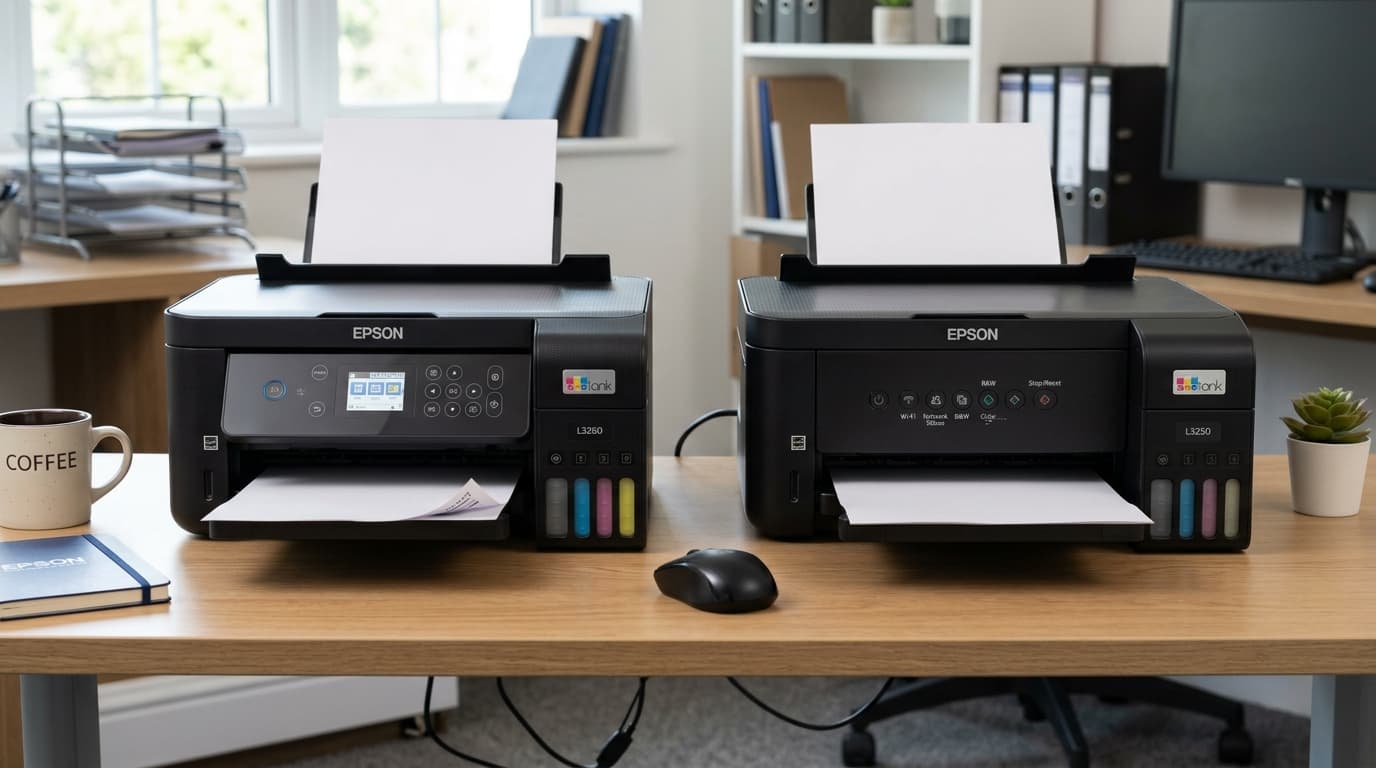
Detailed comparison between Epson EcoTank L3260 and L3250 all-in-one printers. Compare LCD screens, copy controls, Wi-Fi setup, and print speeds.
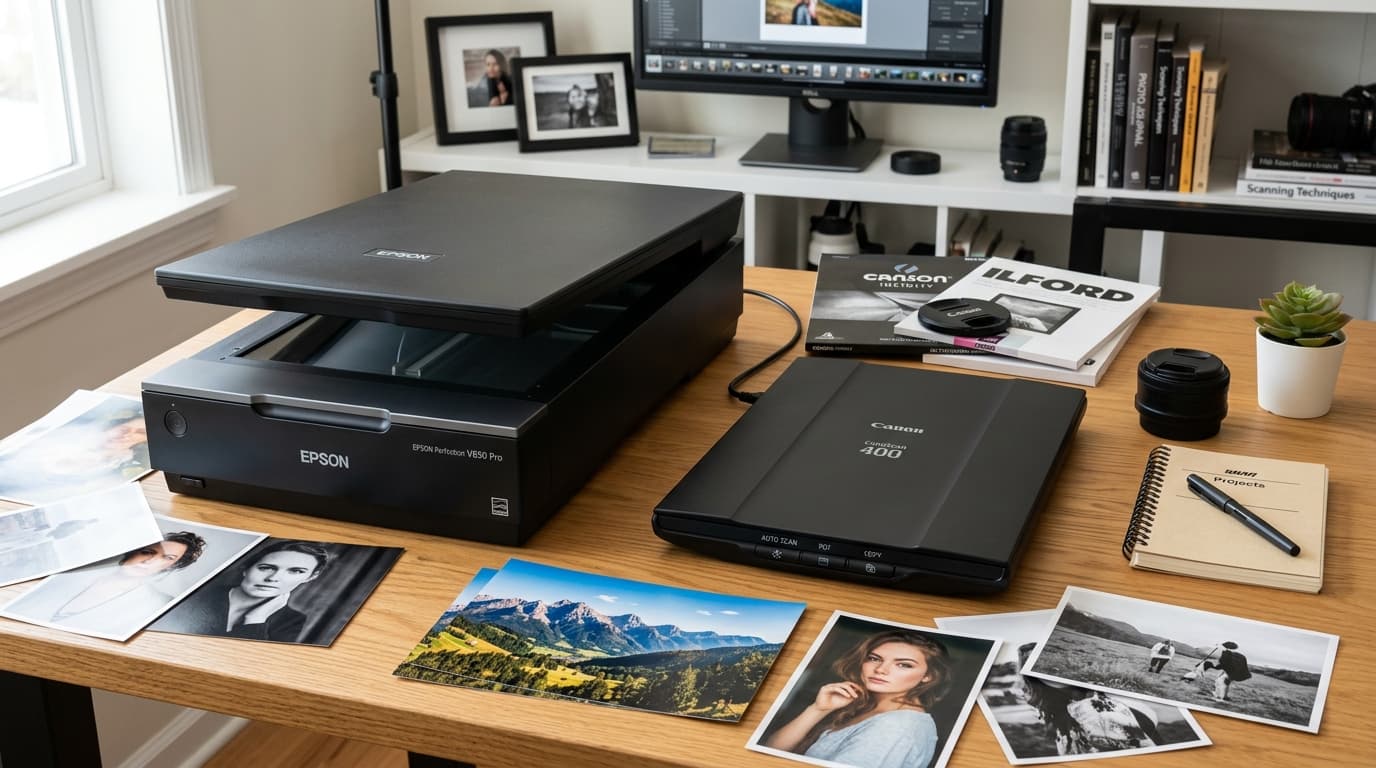
Compare Epson Perfection (V600/V850) vs Canon CanoScan (9000F/LiDE). Compare CCD vs CIS sensors, Dmax, film scanning, Digital ICE, and software.
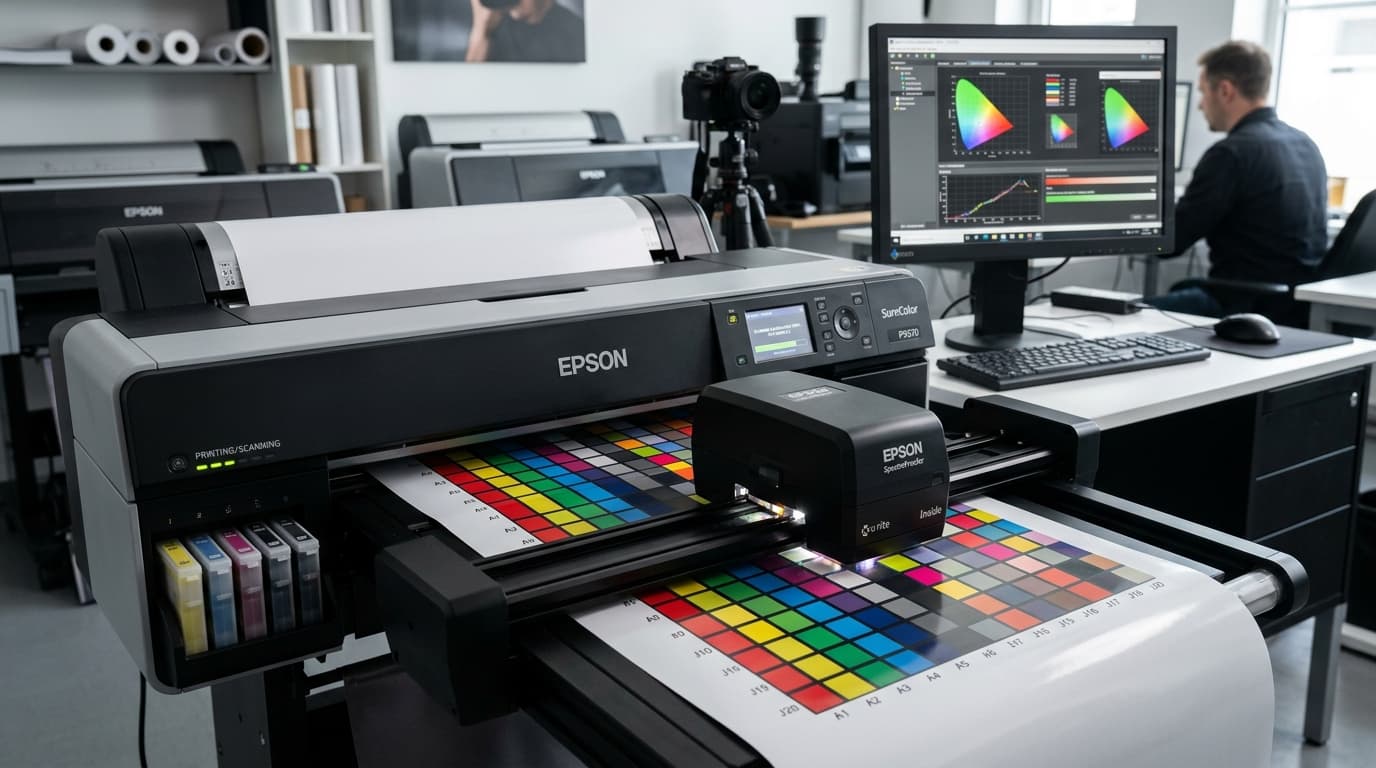
Master Epson SureColor color calibration, custom ICC profiling, and SpectroProofer alignment. Achieve color accuracy in Photoshop, Lightroom, and RIP tools.
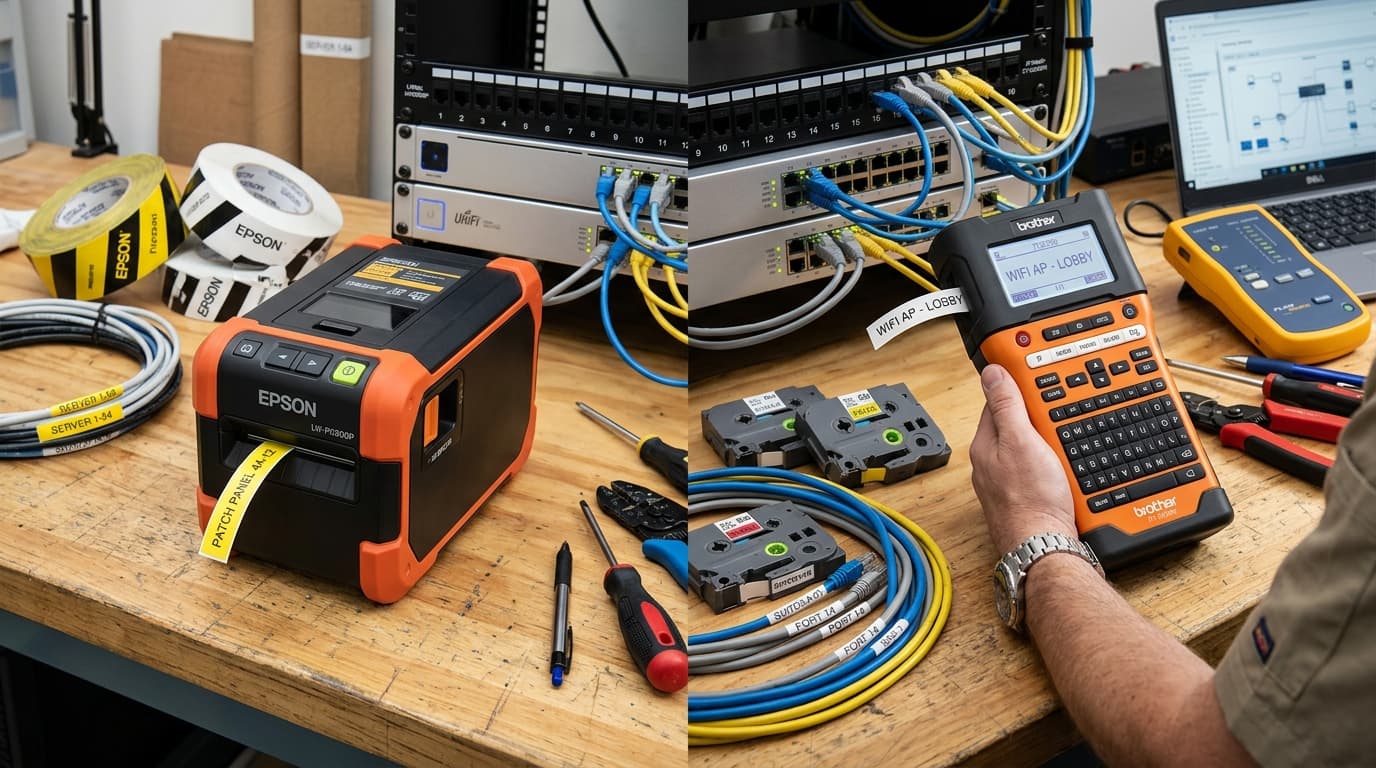
In-depth comparison between Epson LabelWorks and Brother P-touch industrial label makers. Compare tape margin waste, specialty media, software, and costs.
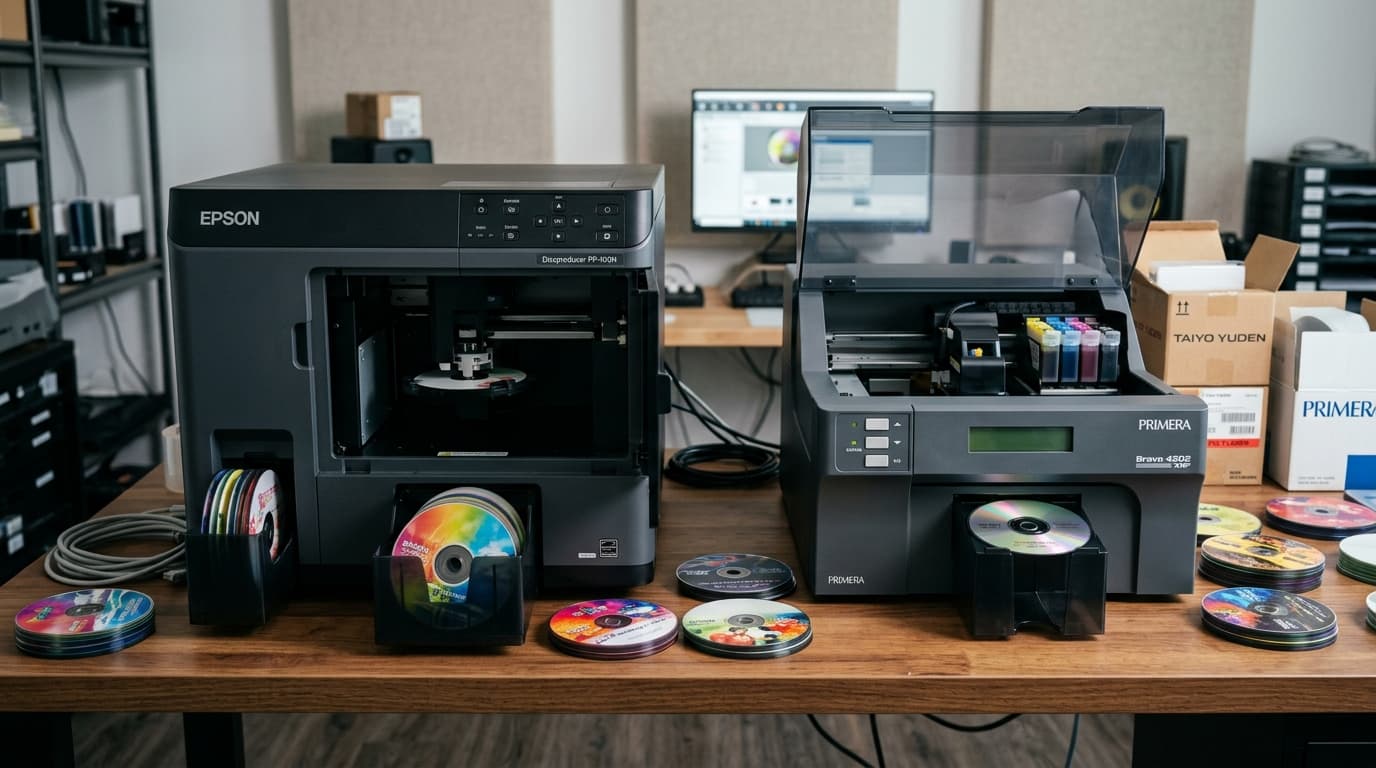
Comprehensive comparison between Epson Discproducer PP-100 series and Primera Bravo 4200 series disc publishers. Compare robotics, ink costs, and software.
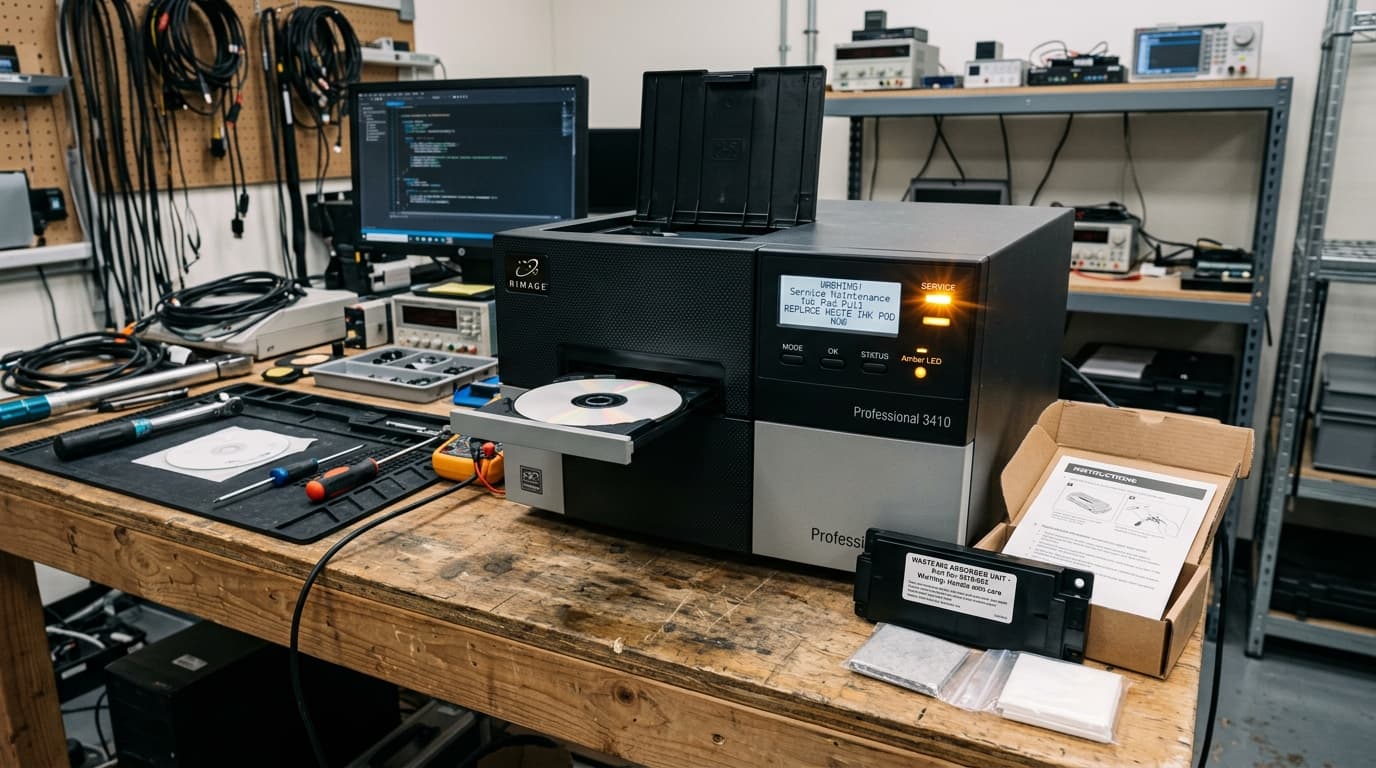
Resolve Epson Discproducer pad life warnings and waste ink counter errors. Learn how to replace internal absorption pads and reset the service monitor.
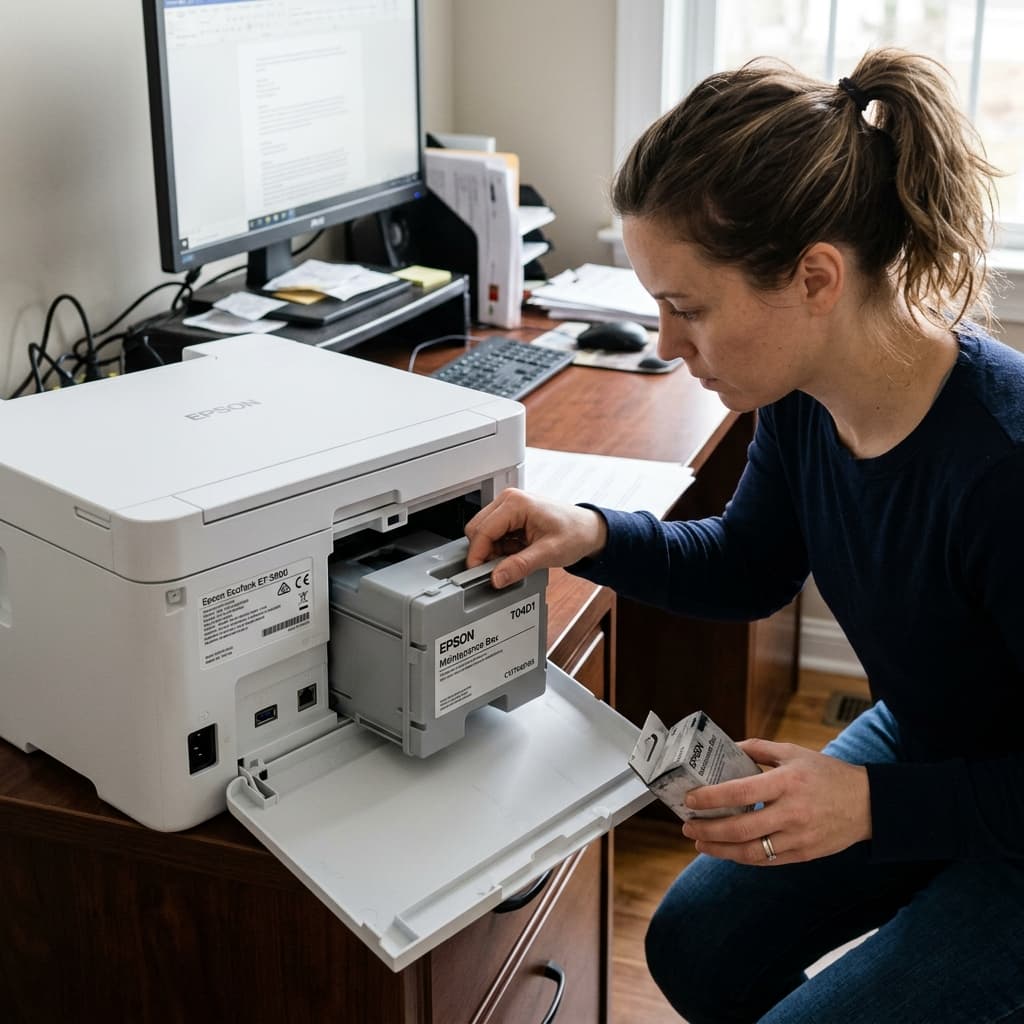
Is it worth buying a new Epson maintenance box? Compare the $10-$25 replacement cost against the messy DIY method of washing the waste ink pads yourself.
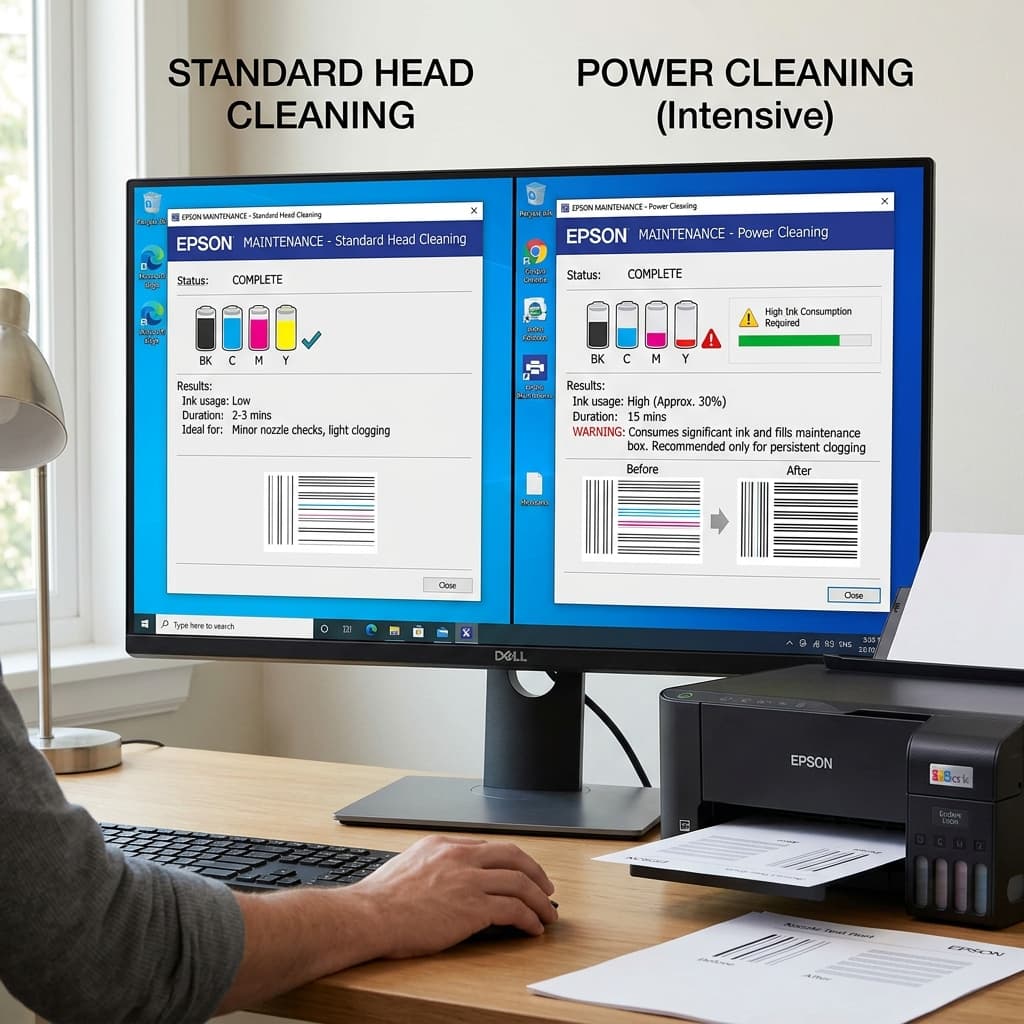
What is the difference between a standard Head Cleaning and a Power Cleaning on an Epson printer? Learn the risks, ink waste, and mechanical differences.
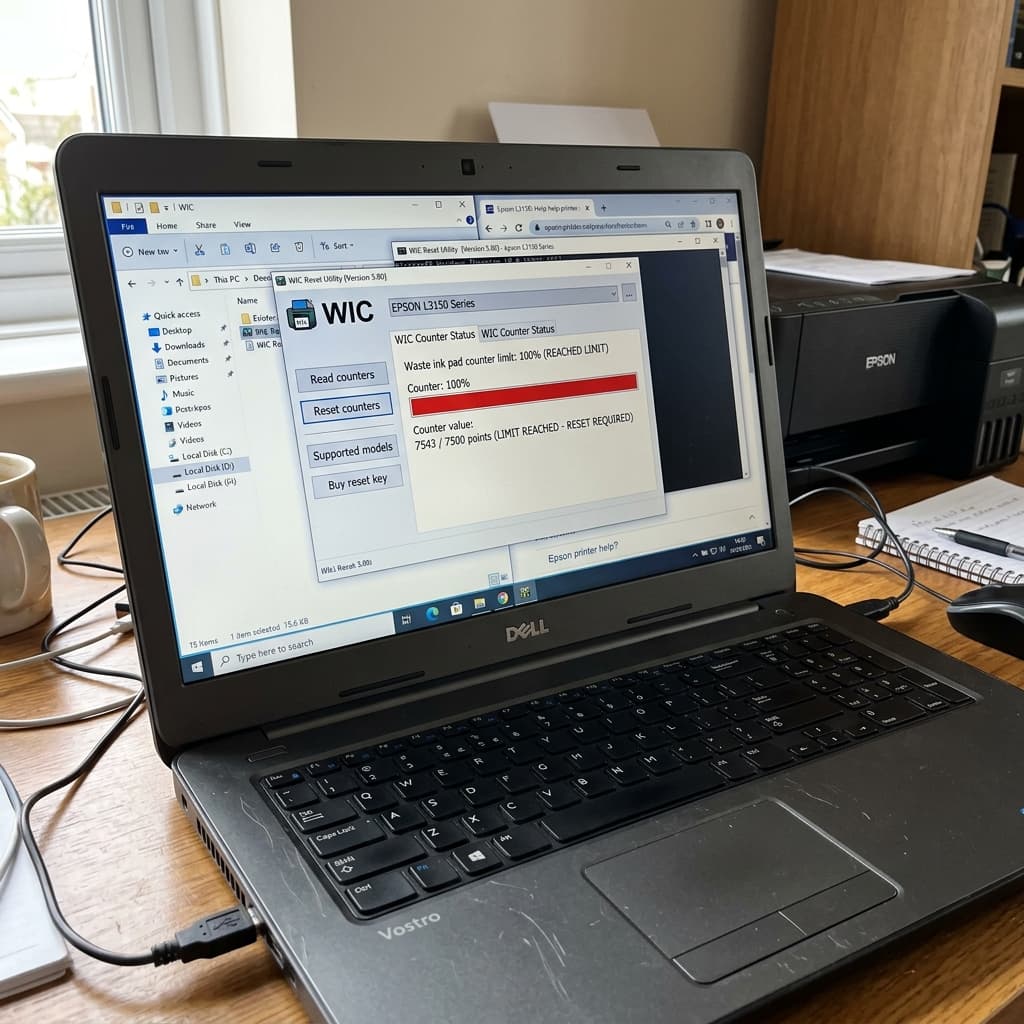
Getting the 'Parts inside your printer are at the end of their service life' error? Learn how to physically clean the waste pads and digitally reset the EEPROM counter.