
Epson Printer: Ink & Toner Issues
Browse all troubleshooting articles and solutions for Epson printers under the ink & toner issues category.
Guides & Solutions (7)
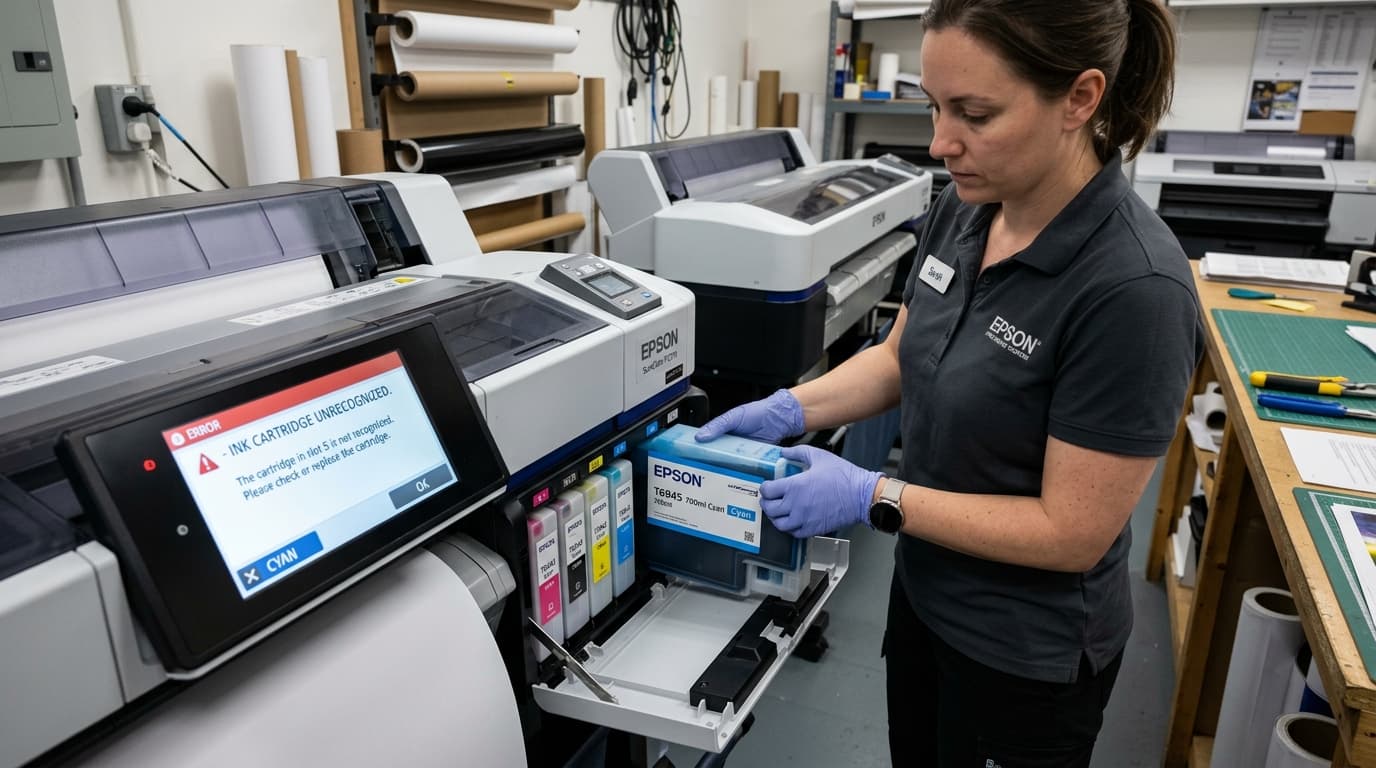
Fix Epson SureColor ink cartridge not recognized errors on P700, P900, P5000, and T-series plotters. Clean smart chips, reseat bays, and clear error locks.
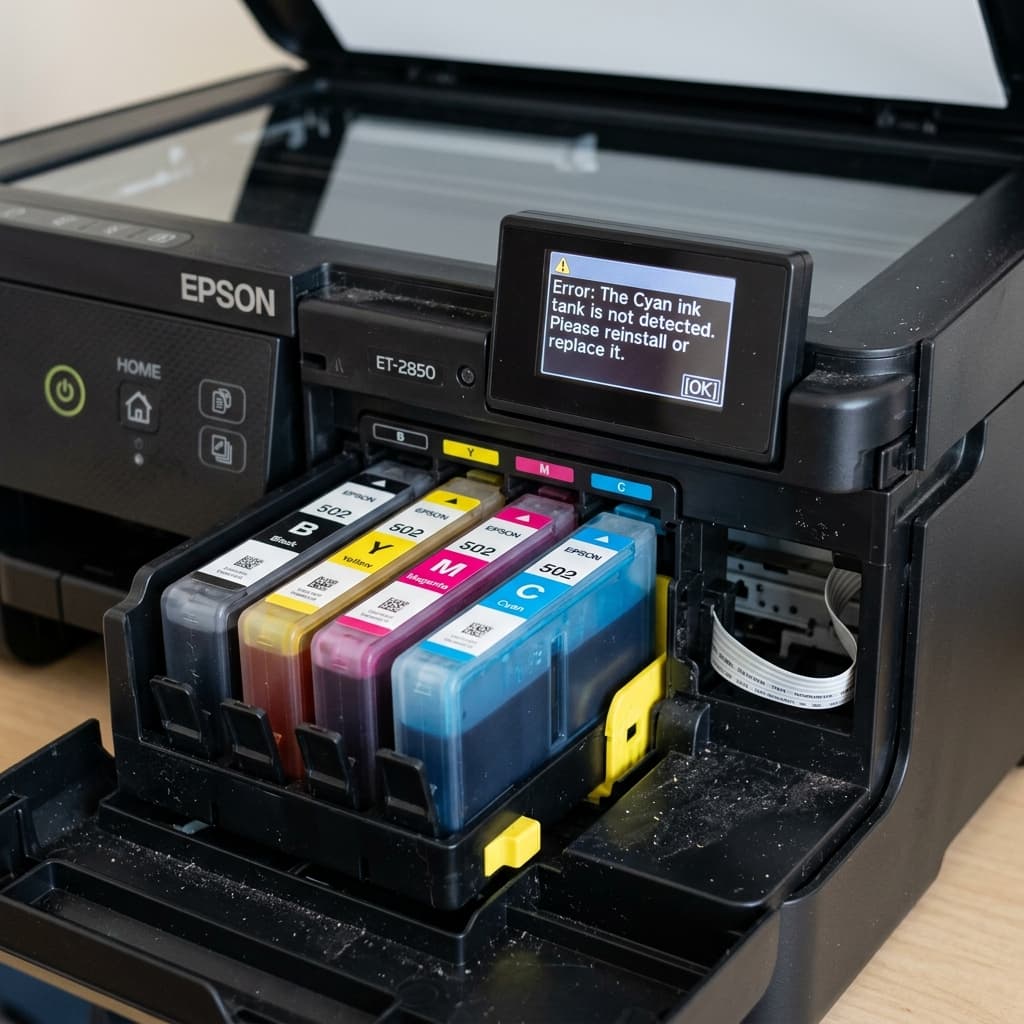
Does your premium Epson EcoTank (like the ET-8550) say 'Ink Tank Not Detected'? Learn how tank sensors and chipped bottles trigger this frustrating lock.
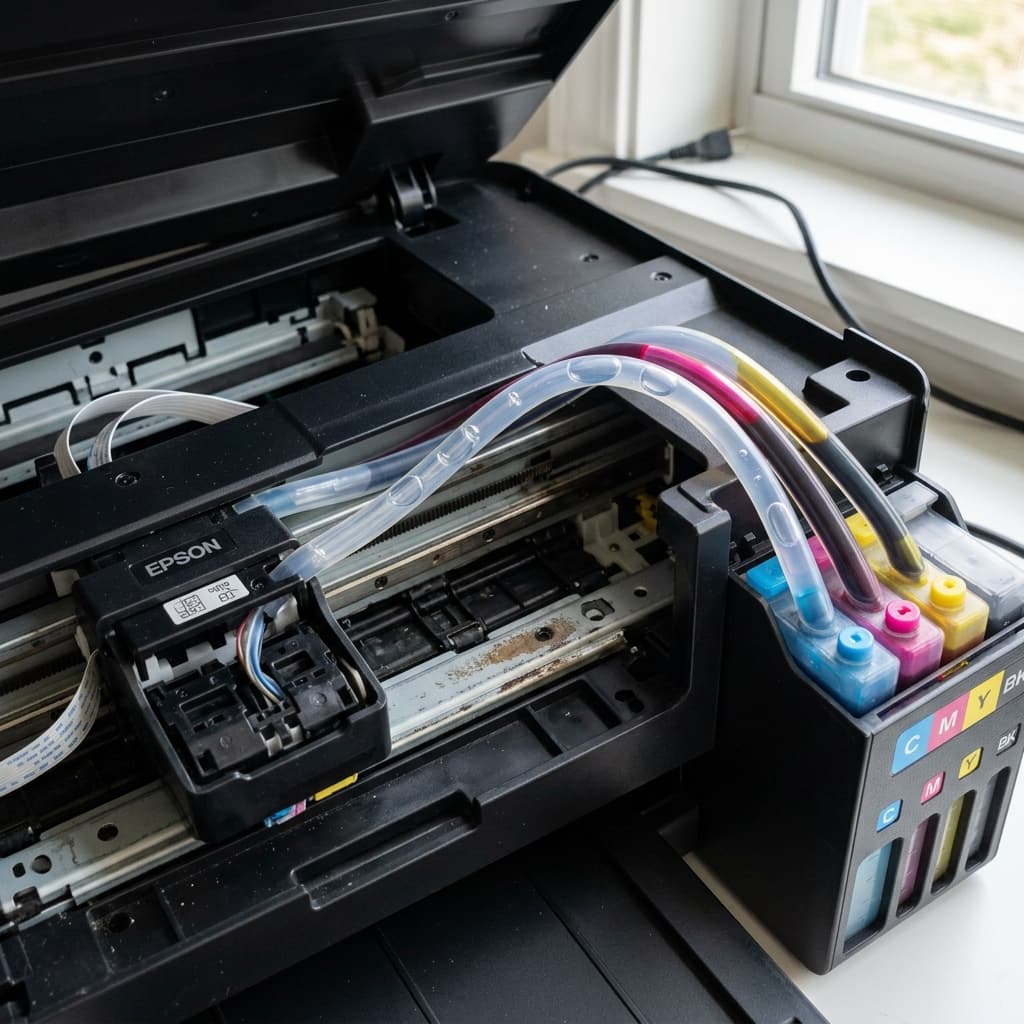
Is your Epson EcoTank printing only cyan, or only black, while the other colors are completely blank? Learn how to fix massive air locks in the damper system.
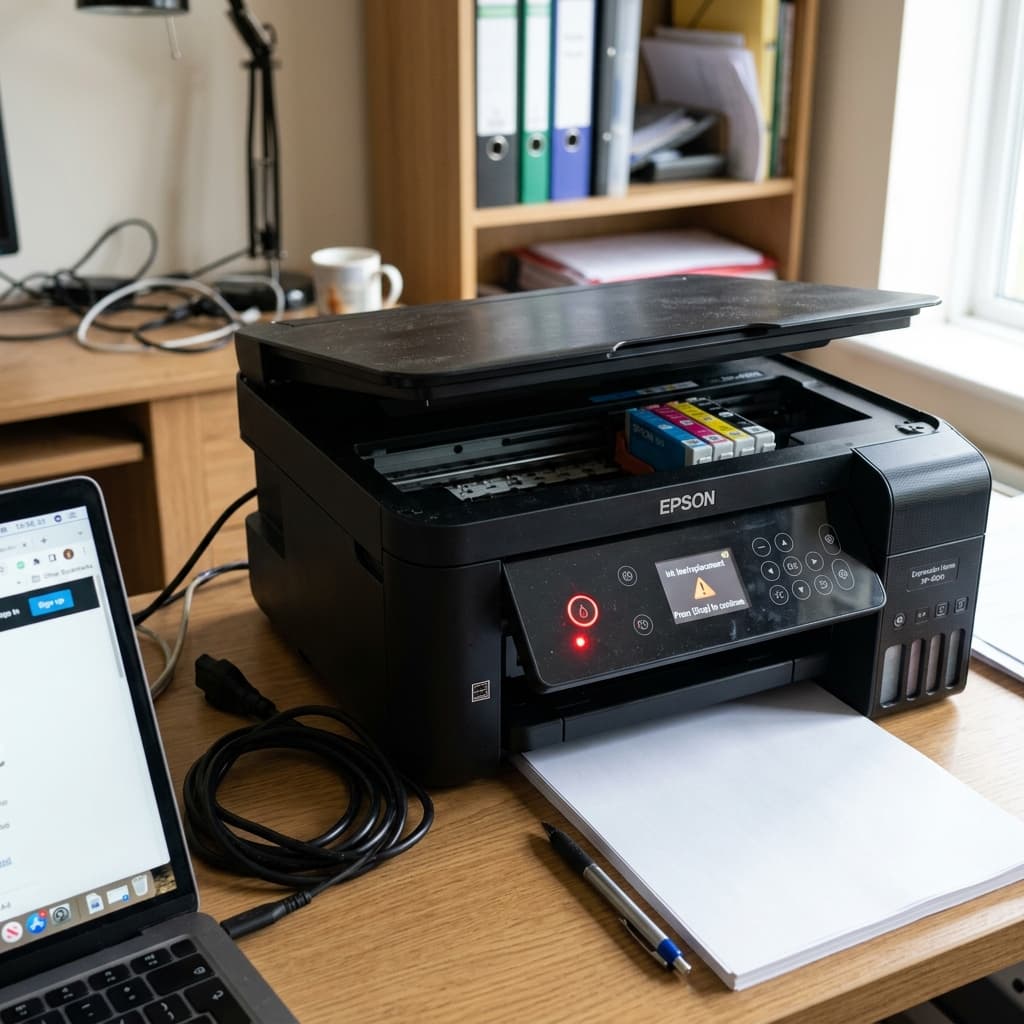
Did you just install a brand new Epson ink cartridge, but the red ink light is still blinking or solid? Learn how to fix chip recognition errors and firmware blocks.
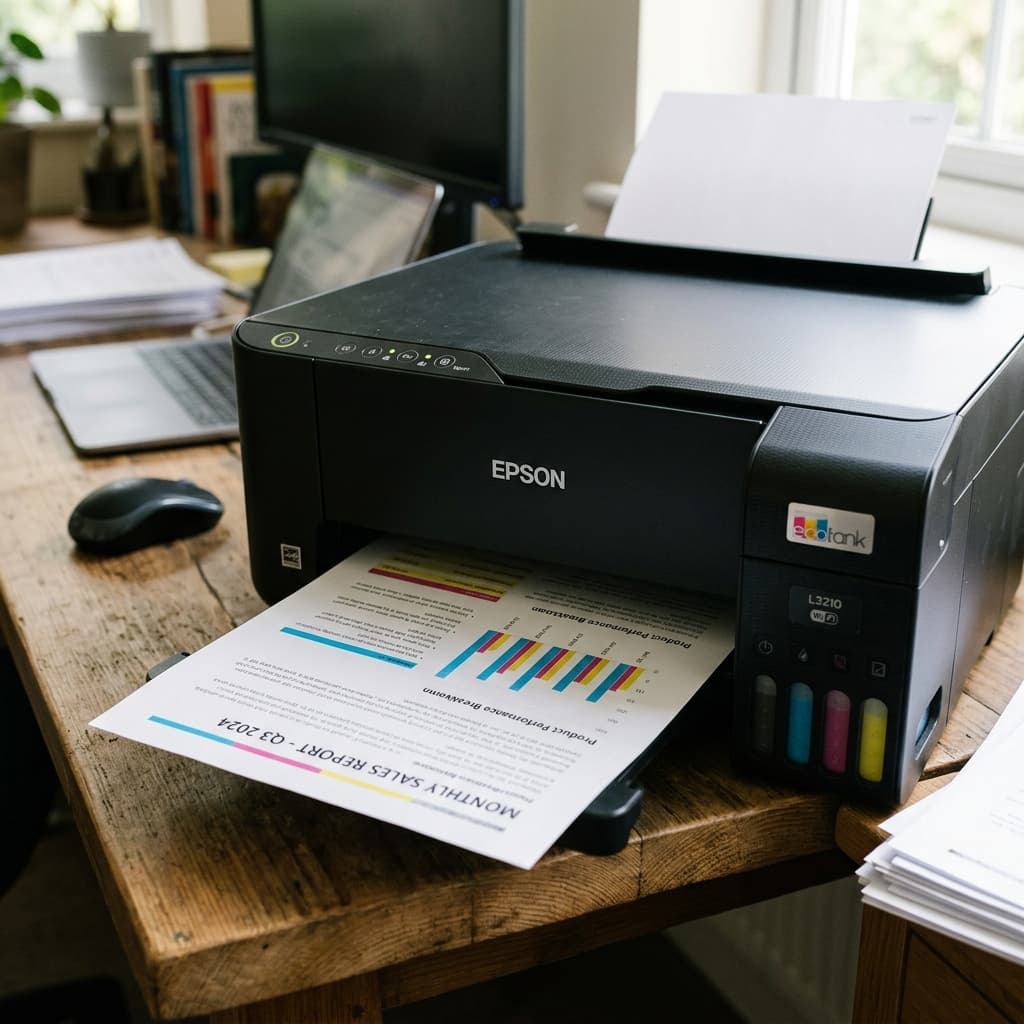
Epson L3210 not printing black ink? This EcoTank model requires specific troubleshooting for air in the damper and pigment ink clogs. Learn the exact fix.
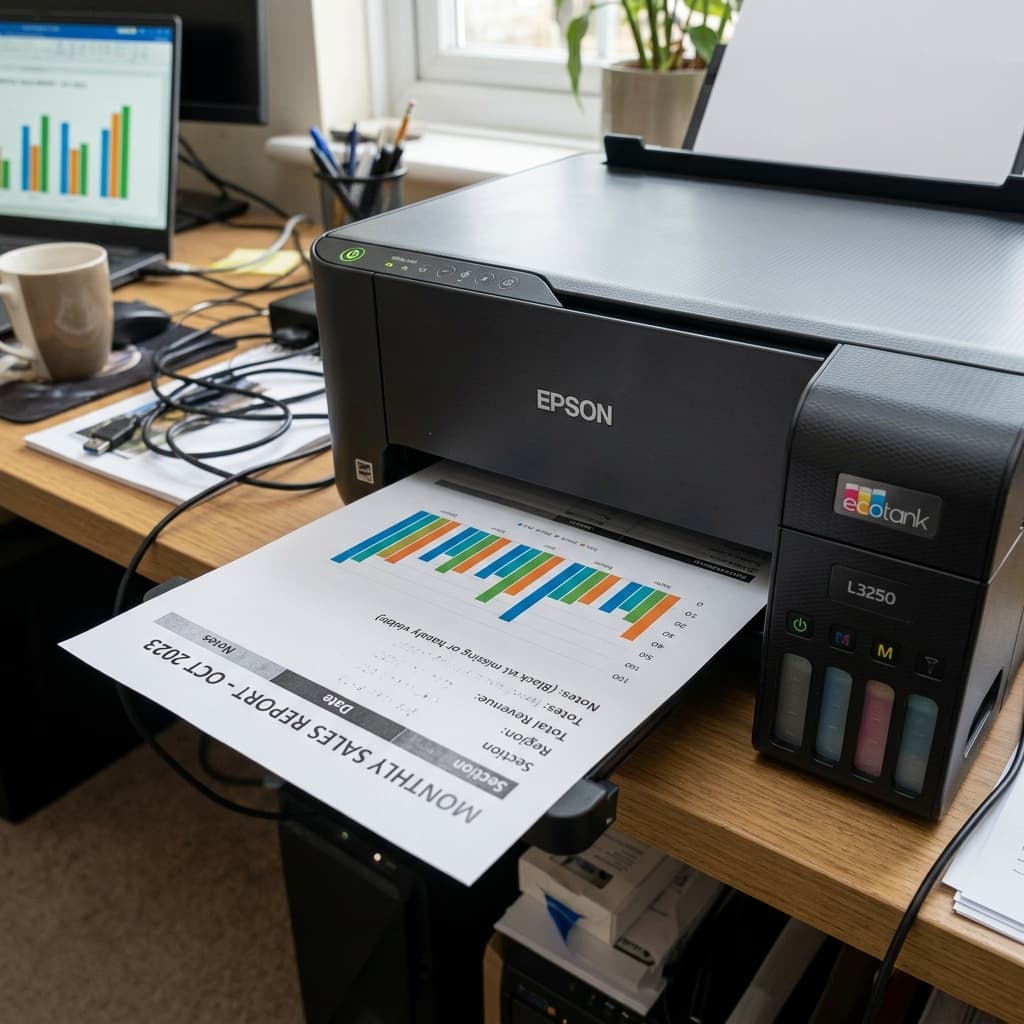
Is your Epson EcoTank printing colors perfectly but skipping black ink entirely? Learn how to fix pigment clogs, prime dampers, and restore black printing.
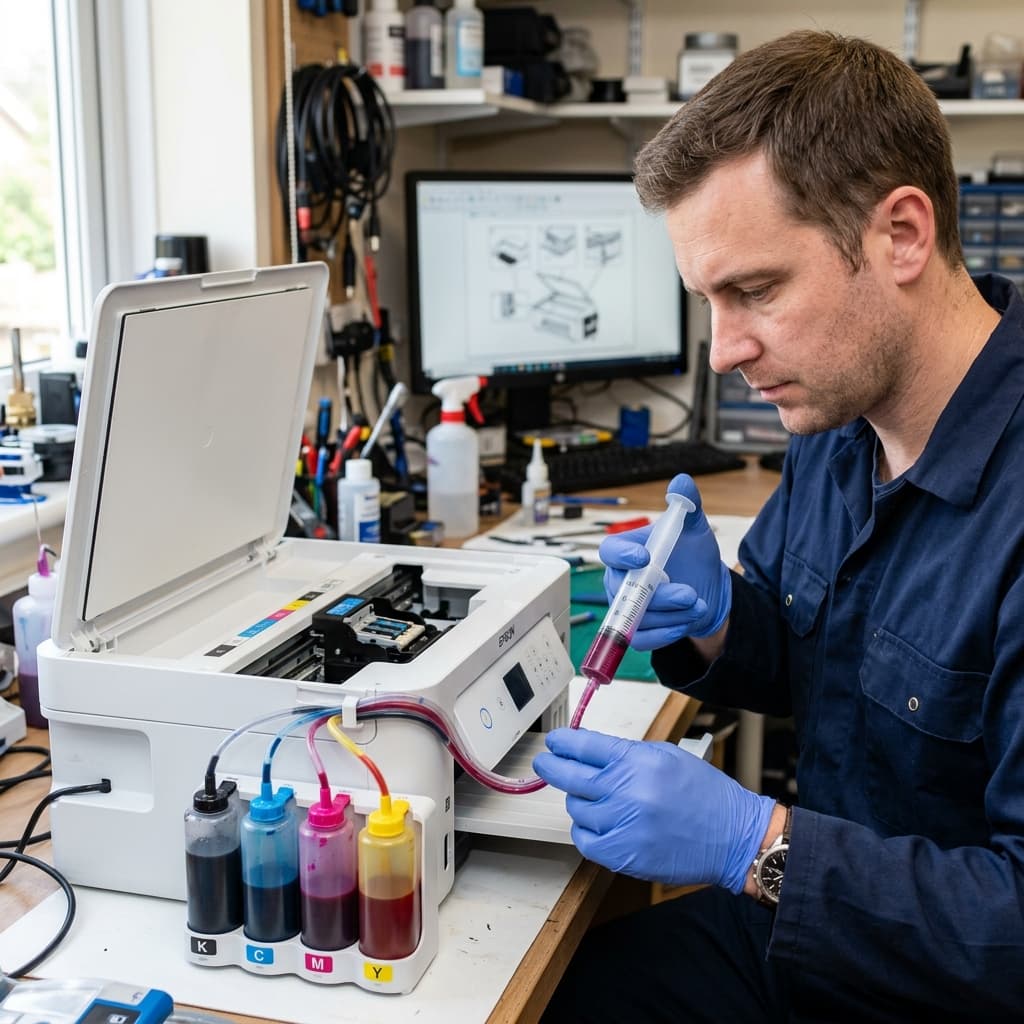
Air bubbles in your Epson EcoTank ink tubes causing blank prints? Learn why Power Cleaning wastes ink and how to bleed the lines manually with a syringe.