


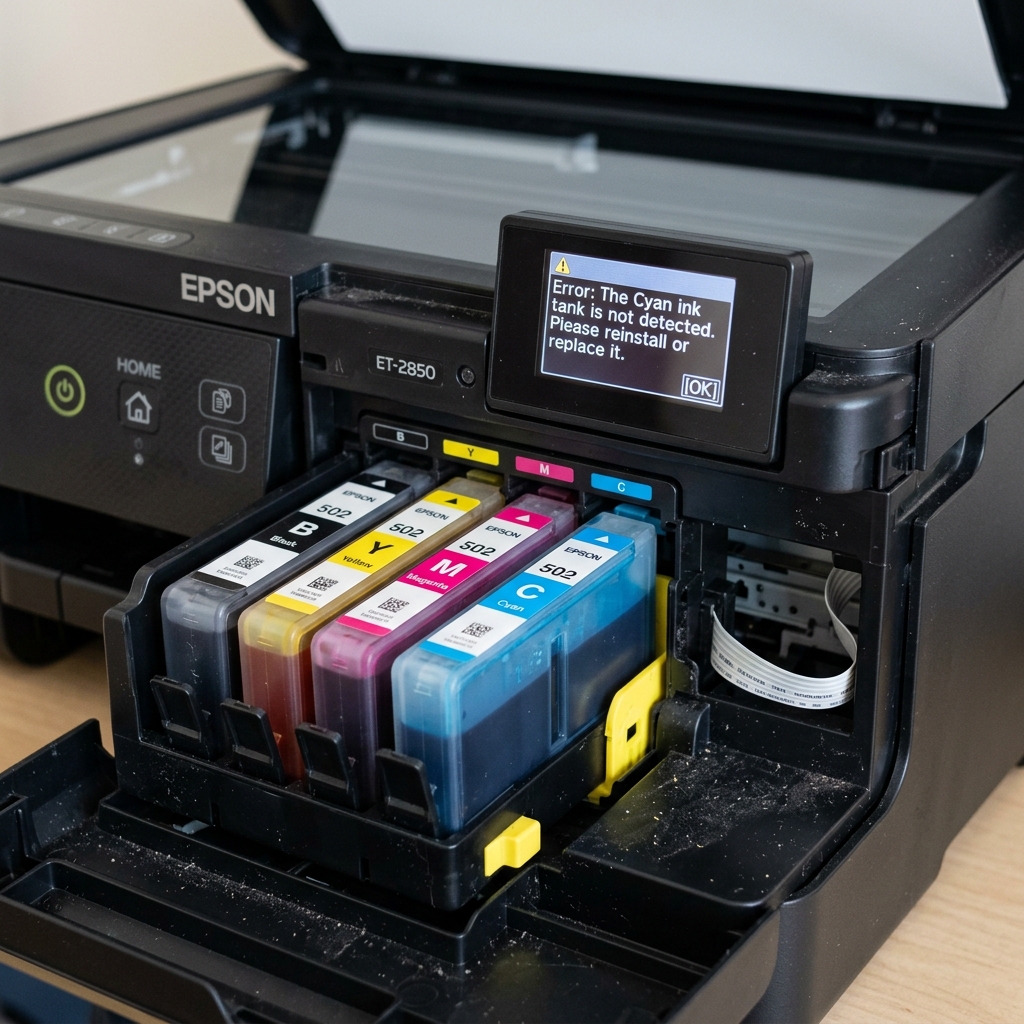
The Illusion of the EcoTank Sensor
You just poured a brand new bottle of ink into your Epson EcoTank, filling the reservoir all the way to the top line. But when you look at the printer screen or your computer, it still screams "Ink Tank Not Detected" or "Ink Level Low." It refuses to print.
Why can't the printer see the ink? Because on 90% of EcoTank models, the printer is completely blind.
Fix 1: The Manual Software Reset (Standard EcoTanks)
Printers like the ET-2720, L3110, and ET-4760 do not have physical liquid sensors inside the tanks. There is no float valve, and there is no microchip reading the ink level.
The printer simply counts how many pages you have printed since the last time you filled it, and when the math says it should be empty, it locks up.
Pouring ink into the tank physically does nothing to the software. You must manually reset the digital counter.
- Go to the printer's LCD screen (or the Epson software on your PC).
- Navigate to Maintenance .
- Select Reset Ink Levels or Fill Ink.
- The printer will ask you to select which colors you refilled (e.g., press the button for Cyan and Black).
- Confirm the reset. The software will instantly jump back to 100% full, and the error will vanish.
Fix 2: The Physical Latch Sensor (Premium EcoTanks)
On higher-end photo models like the ET-8550 or ET-8500, Epson introduced slightly more complex hardware. While they still rely heavily on page-counting math, the physical blue plastic caps that snap over the ink tank ports have tiny mechanical micro-switches attached to their hinges.
If you refill the ink but fail to press the blue plastic cap down until it gives a loud, hard "snap," the micro-switch remains open. The printer's motherboard thinks the tank assembly is dismantled, and it will throw an "Ink Tank Not Detected" or "Close Ink Cover" error.
Ensure every single rubber plug is seated deeply, and the plastic hinge covers are locked down tight.
Fix 3: The Rise of Chipped Bottles
In certain regions and on very specific new industrial EcoTanks, Epson is attempting to bring DRM (Digital Rights Management) back to the tank system. The bottles themselves contain RFID chips or unique serial numbers on the label that you must scan or type into the printer.
If you purchase a third-party bottle of generic ink and pour it in, the printer will not accept the generic serial code (or lack of RFID). If you own one of these highly restricted models, you must buy official Epson bottles to get the valid reset code.
Understanding "Ink Tank Not Detected / Chipped Bottle" Errors
While most EcoTank models use simple gravity-fed ink bottles, select commercial EcoTank and WorkForce models (such as ET-5800, ET-8550, and L-series Pro) incorporate electronic RFID or optical microchips on the ink bottle nozzles and tank caps to verify ink authenticity, prevent color cross-filling, and track consumable batch dates.
Step-by-Step Fix for Undetected Tanks & Fill Errors
- Inspect the Tank Fill Port Keying Mechanism:
Epson EcoTank bottles feature unique mechanical keying shapes for each color (Cyan, Magenta, Yellow, Black). If you attempt to force the wrong color bottle into a port, the mechanical key will not engage, preventing the bottle valve from opening and triggering an alert.
- Manual Ink Level Override via LCD Menu:
- On the printer display, navigate to Maintenance > Fill Ink > Next.
- Select the specific ink color you refilled (e.g., Black or Cyan).
- Use the on-screen prompts to confirm that the tank is filled to the upper line. This manually updates the firmware's software counter to 100%.
- Clean the Optical Tank Level Prism (On Sensor-Equipped Models):
High-end EcoTank models use an optical prism inside the tank to detect fluid level. If dried ink crust coats the optical window, clean the exterior transparent tank wall with a damp cloth.
Frequently Asked Questions
Can I use generic bottled ink in my Epson EcoTank?
Yes, standard EcoTank reservoirs will accept compatible bulk ink. However, ensure the ink matches the correct chemical formulation (pigment black for documents, dye colors for photos) to prevent printhead clogging.
Why does the printer still show low ink after I filled the tank to the top?
EcoTank printers calculate ink levels mathematically based on drop counts, not physical float sensors. You must confirm the refill on the printer's LCD screen (Maintenance > Reset Ink Level) to update the software gauge.
