


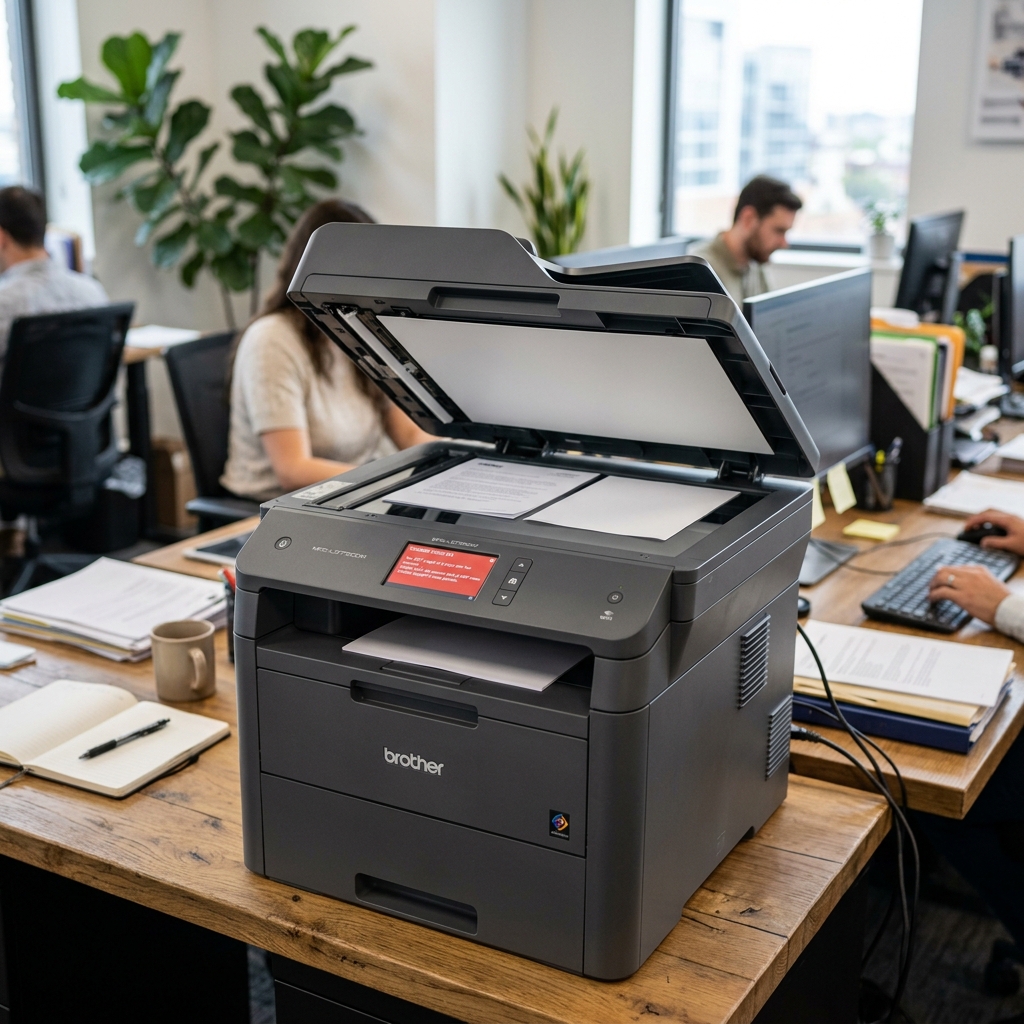
Brother MFC scanner error E52 is a scanner-specific fault code that appears on multifunction models. It indicates a problem detected within the scanner assembly itself — separate from the print engine —. Understanding that distinction narrows your troubleshooting considerably.
What Error E52 Actually Means
E52 is a general scanner assembly fault code on Brother's multifunction (MFC) printers.mechanical obstruction in the feed path. Importantly, this is separate from the print engine: toner, drum, and fuser are unrelated systems.
Fix 1: Check the Automatic Document Feeder for Obstruction
If your model has an ADF (automatic document feeder), open it. Check for any jammed paper, a torn scrap, or debris caught in the feed mechanism, checking both the top and underside of the feed path.
Why this works:a physically obstructed scanner feed path is one of the more straightforward causes of a scanner-related fault,. It's often invisible from a quick glance at the closed feeder — opening it fully to check is worth doing before assuming anything more serious.
Fix 2: Full Power Cycle
Turn the printer off, unplug it from the wall for a full 60 seconds, then reconnect and power back on.
Why this works:this gives the scanner's internal monitoring system a genuine fresh start. Clearing a transient glitch that a simple power-button restart doesn't always fully reset.
Fix 3: Check for a Pending firmware (internal software) Update
Through the printer's network settings or Brother's support site for your exact model, check for. Install any available firmware (internal software) update.
Why this works:scanner-related firmware (internal software) bugs on multifunction models do get addressed in updates over a printer's supported lifetime,. A machine running older firmware (internal software) may simply lack a fix for the specific issue triggering this error.
Fix 4: Enter Maintenance Mode for the Specific Internal Code
If E52 persists, enter maintenance mode for your exact model to see whether a more specific internal diagnostic code accompanies the general E52 message.
Why this works:the more specific code, if your model displays one, narrows down exactly which part of the scanner system is flagged. Which is considerably more useful information than the general E52 label alone if you end up needing professional help.
When to Call a Professional
If the ADF is confirmed clear, a power cycle doesn't resolve it,. Firmware (internal software) is current, E52 likely points toward a genuine scanner assembly fault — a motor, sensor, orconnection issue inside that unit.
This is a component-level repair worth professional diagnosis,. If you were able to retrieve a more specific internal code through maintenance mode, bring that detail with you.
Understanding the Mechanical Anatomy of Brother MFC Error E52
Error E52 specifically indicates that the scanner unit's optical sensor carriage failed to detect its reference position or that the flatbed home sensor did not trip during the initial boot calibration. When you power on a Brother MFC, the scanner head moves slightly to find a white calibration strip located beneath the glass border.
If it encounters physical resistance, optical obstruction, or electrical failure, the motherboard halts the machine with E52.
Detailed Step-by-Step Recovery Workflow
- Inspect the White Calibration Reference Strip: Lift the scanner lid. Look at the very left edge of the glass bed (underneath the plastic bezel). You will see a narrow white strip. If dirt, correction fluid (Wite-Out), or glass adhesive haze has clouded this strip, the optical sensor cannot calibrate white balance. Triggers E52. Clean the glass thoroughly with a microfiber cloth and 99% isopropyl alcohol.
- Check the Scanner Carriage Lock Switch: Many Brother MFC machines have a physical mechanical slide lock on the bottom or side of the scanner flatbed (designed for transport). If this switch is in the "Locked" padlock position, the scanner motor cannot drive the optical carriage, causing an instant motor stall. E52 alarm.
- Inspect the Scanner Drive Belt & Rail: Open the top scanner housing if accessible. Ensure the rubber ribbed timing belt has not slipped off the stepper motor cog. Apply a drop of synthetic silicone lubricant (never WD-40) to the metallic guide rod if the carriage is sticking.
- Reseat the Flat Flexible Cable (FFC): A very common cause of E52 following years of lifting and lowering the scanner bed is ribbon cable fatigue. The flat white ribbon cable connecting the scanner assembly to the main logic board can become unseated or develop micro-fractures. Reseat both ends of the ribbon cable firmly in their ZIF (Zero Insertion Force) sockets.
Entering Brother Maintenance Mode to Clear Scanner Cache
- On touchscreen models, press and hold the Home button for 5 seconds until the display changes to the diagnostic screen.
- Touch the blank rectangle at the bottom of the screen.
- Enter
*2864on the keypad. The screen will flash "MAINTENANCE". - Type 01 to execute parameter setup, or type
55to run a dedicated scanner motor sweep test. - Type 99 to exit Maintenance Mode and reboot the MFC back into normal operating mode.
Frequently Asked Questions
Can I still print if my Brother MFC has an E52 scanner error?
On some models, E52 creates a fatal machine lock. However, you can often bypass this by putting the machine into "Print Only" mode: enter Maintenance Mode (*2864), enter function code 32 to set sensor bypass,.
Does cold weather trigger Brother E52 errors?
Yes. If the printer is stored in an unheated room or near an air conditioner.
