The Geometry of Uneven Fading
When an inkjet printer works perfectly, the printhead moves back and forth exactly 1 to 2 millimeters above the surface of the paper. It maintains this exact distance across the entire width of the page.
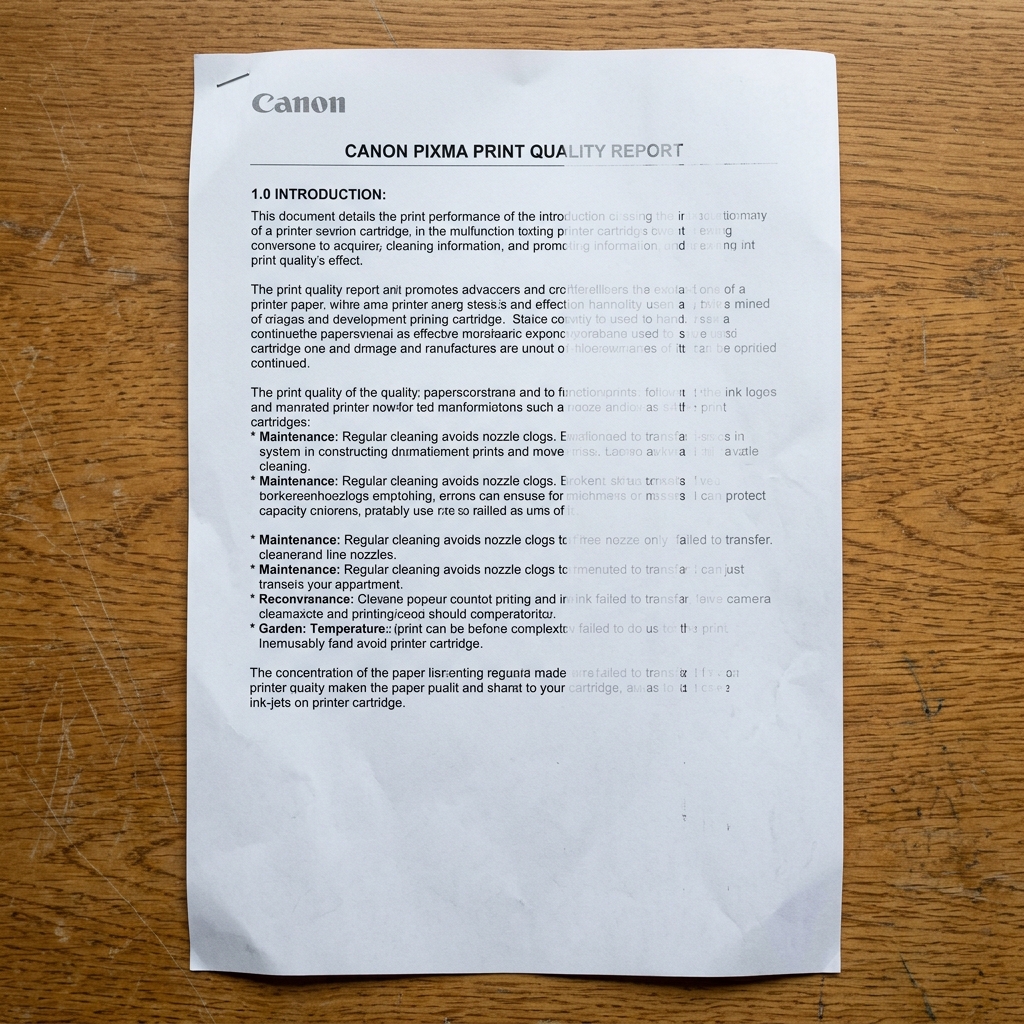
If your text is crisp on the left side of the page, but blurry, faded, or missing on the right side, the geometry of your printer has been compromised. The printhead is physically farther away from the paper on the right side than it is on the left.
Fix 1: The Crooked Paper Feed
The most common reason for uneven fading is that the paper itself is not sitting flat against the platen.
If your paper guides (the plastic sliders in the rear tray or bottom cassette) are too loose, the paper can feed into the printer slightly diagonally. This causes the paper to buckle and bulge in the middle, curving away from the printhead on one edge.
- Remove all paper from the printer.
- Reload a fresh, flat stack of paper (do not use paper that has curled from humidity).
- Squeeze the plastic paper guides and slide them inward until they lightly pinch the edges of the paper. The paper should slide down smoothly, but not have room to twist sideways.
Fix 2: Unseated Cartridges
On budget PIXMA models that use two FINE cartridges (one black, one color), the cartridges must be pushed upward into their slots until they snap into place.
If you push a cartridge in, but it doesn't fully click on the right side, the cartridge will sit at a slight angle. The nozzles on the right side will be farther away from the paper, causing the ink droplets to scatter in the air before hitting the page, creating a faded, blurry look.
Open the front access door, push down on both cartridges to release them, and push them firmly back into place, ensuring they are perfectly level.
Fix 3: The Derailed Carriage Rail
If the printer was dropped during moving, or if you violently ripped a severe paper jam out of the machine, you may have bent the metal carriage rail.
The printhead slides along this thick metal bar. If the bar is bent upward on the right side, the printhead lifts away from the paper as it moves right.
Unfortunately, if the internal metal chassis of the printer is bent, the printer is permanently damaged and usually cannot be repaired economically.
Why Canon Prints Look Faded or Missing on Only One Side of the Page
When printed documents look crisp on the left side but fade to light gray or disappear completely on the right side (or vice versa), the cause is Printhead Carriage Rail Tilt, an unevenly locked FINE cartridge, or an uncalibrated bidirectional printhead alignment.
Exhaustive 4-Step Faded Print Fix Protocol
- Verify Cartridge Locking Cover Alignment:
Open the cartridge door. Push the cartridge down firmly and verify that the grey locking cover is clicked 100% flat. If the cover is crooked by 1mm, the printhead sits at an angle relative to the paper.
- Execute Precision Print Head Alignment:
Go to Maintenance > Print Head Alignment. Complete the alignment routine to synchronize dot firing timing across the entire width of the carriage sweep.
- Inspect Paper Thickness Lever / Envelope Switch:
If your Canon model has a physical blue "Paper Thickness" lever inside the chassis, ensure it is set to the standard paper position (not envelope mode, which raises one side of the carriage).
- Clean the Linear Optical Encoder Strip:
Grease on one side of the clear timing strip causes carriage deceleration on that half of the page, leading to faded, compressed text.
Frequently Asked Questions
Can an uneven paper feed roller cause fading on one side?
Yes. If the right-side pressure roller has a broken spring, the paper sags away from the printhead, resulting in faint, blurry printing on that edge.
Why does fading happen only on photo paper?
Photo paper is heavier and more prone to edge curling. Use the flat rear tray and flatten curled sheets before loading.