
Epson Printer: Connectivity Issues
Browse all troubleshooting articles and solutions for Epson printers under the connectivity issues category.
Guides & Solutions (8)
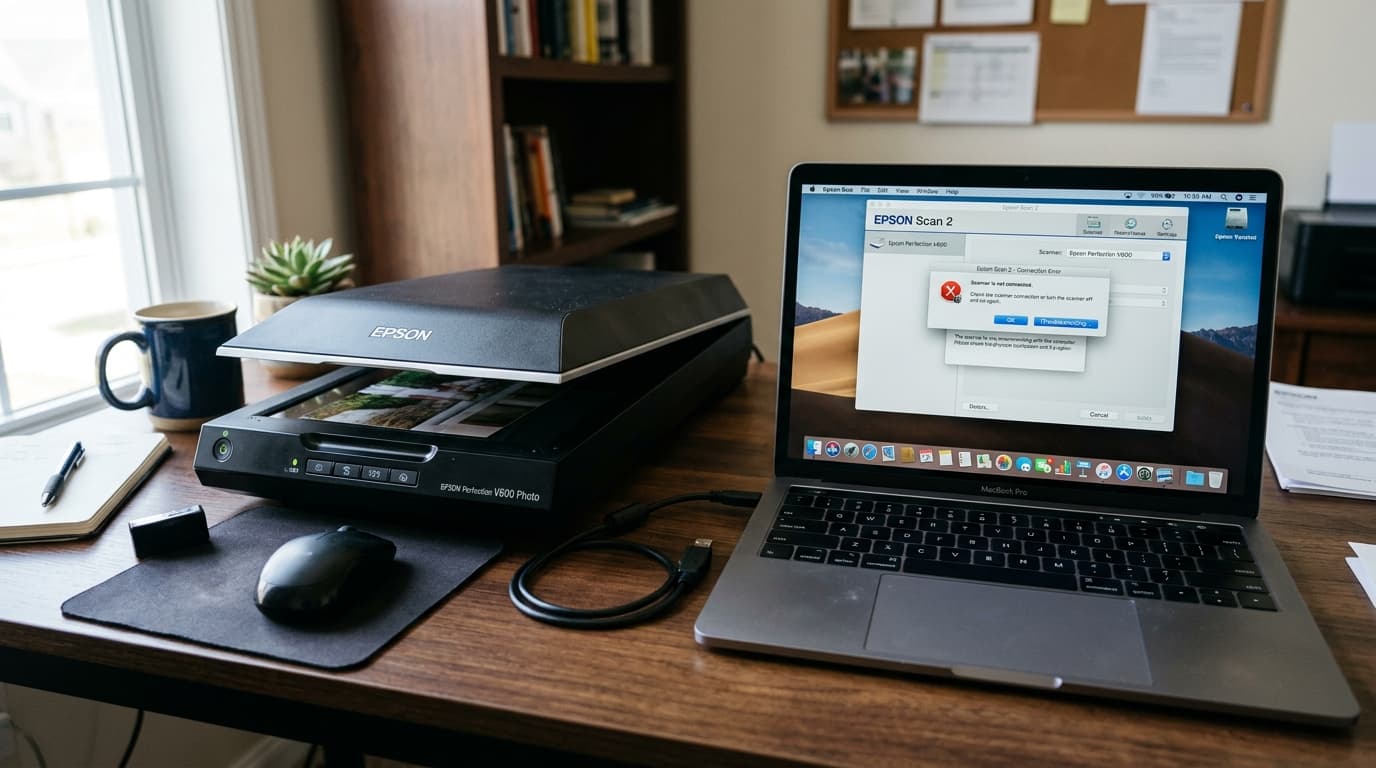
Fix Epson Perfection V39, V600, and V850 Pro scanners not detected on Windows 11 and macOS. Troubleshoot USB ports, transport locks, and Epson Scan 2 errors.
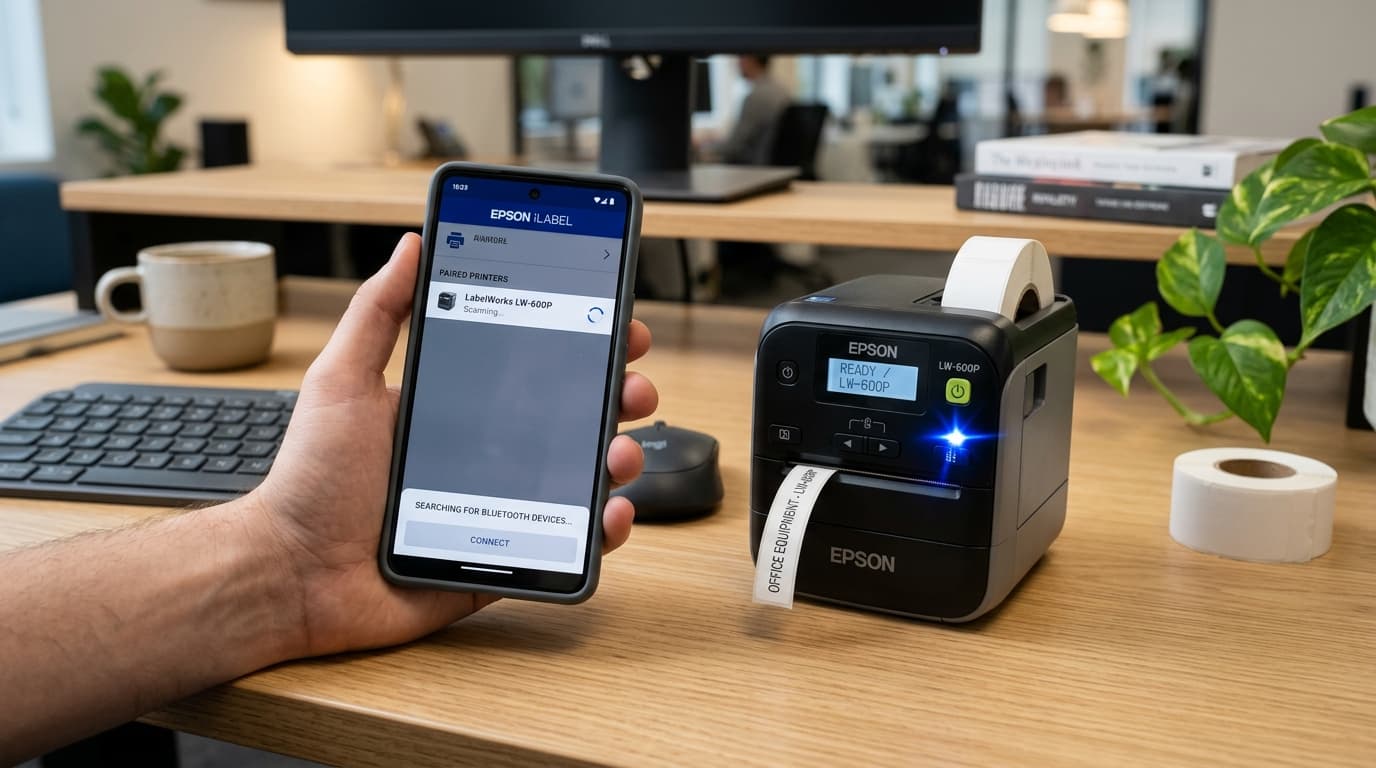
Fix Epson LabelWorks Bluetooth pairing failures on iPhone, iPad, Android, and PC. Resolve device discovery stalls, PIN errors, and iLabel app disconnections.
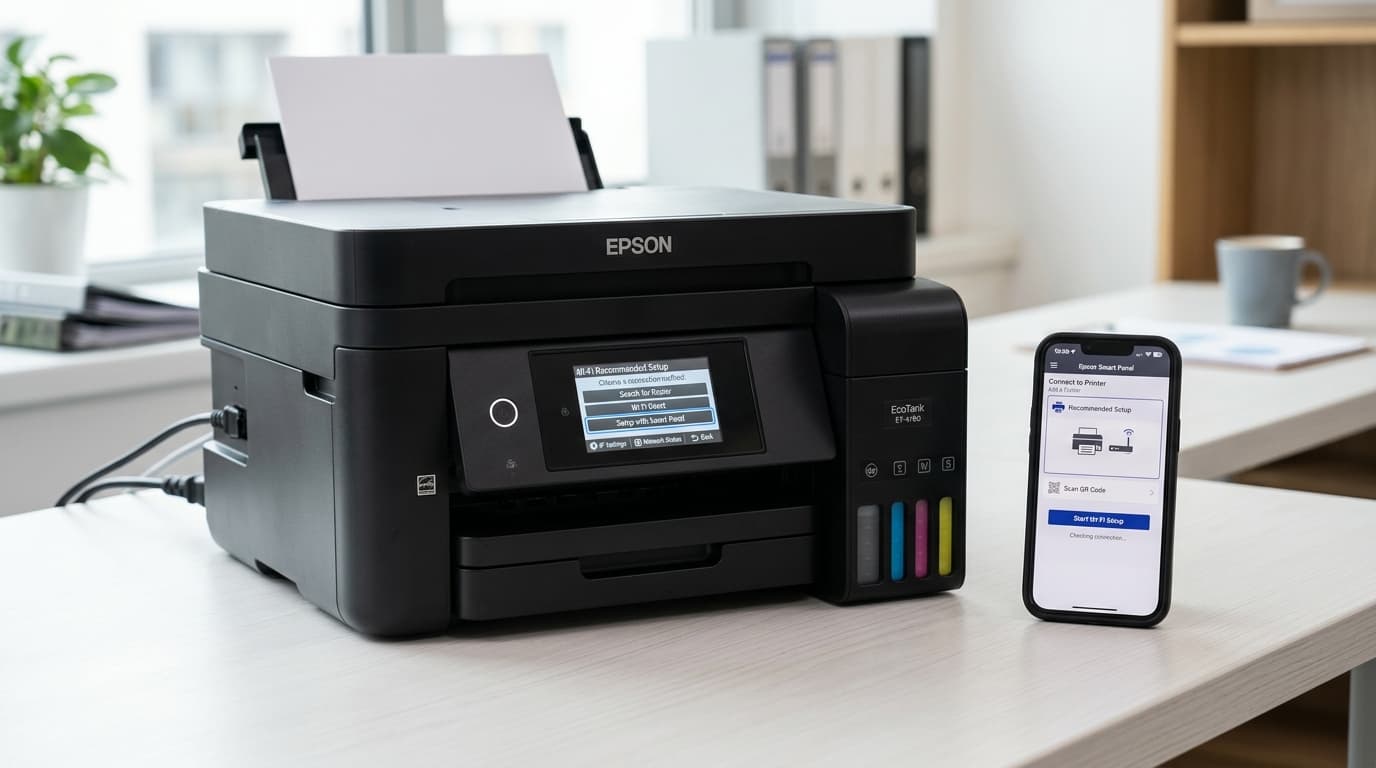
Master Epson EcoTank Wi-Fi setup and fix common connection issues on models like ET-2750, ET-2800, and ET-4760 with our step-by-step troubleshooting guide.
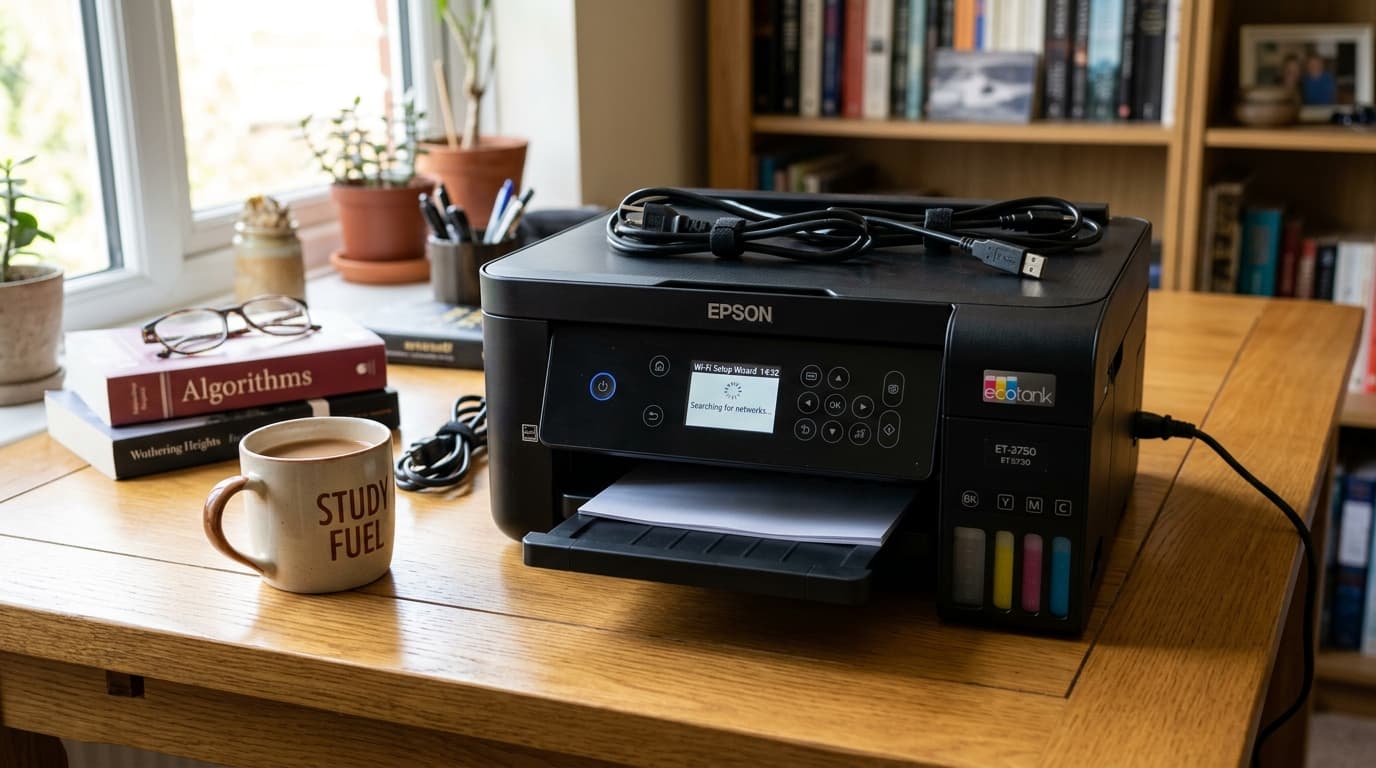
Master Epson EcoTank Wi-Fi setup and fix common connection issues on models like ET-2750, ET-2800, and ET-4760 with our step-by-step troubleshooting guide.
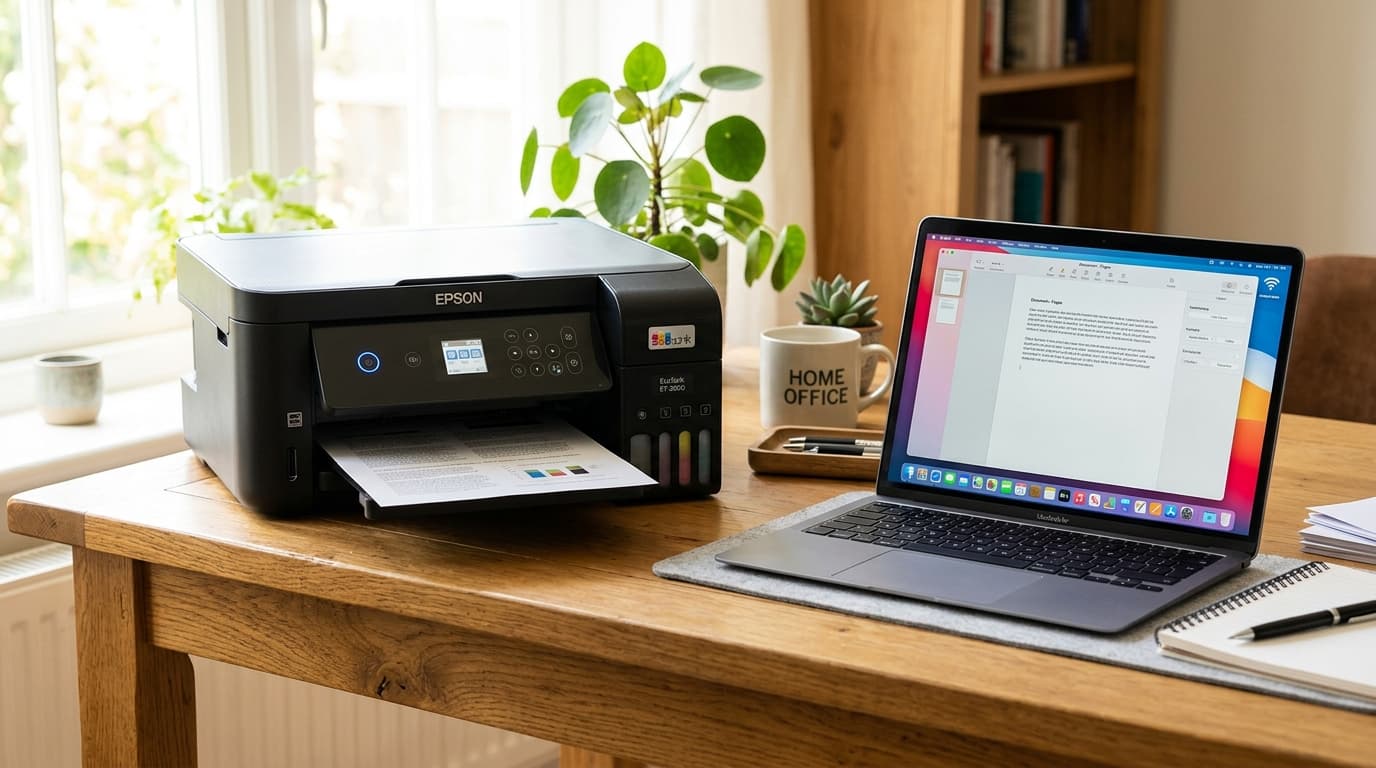
Master Epson EcoTank Wi-Fi setup and fix common connection issues on models like ET-2750, ET-2800, and ET-4760 with our step-by-step troubleshooting guide.
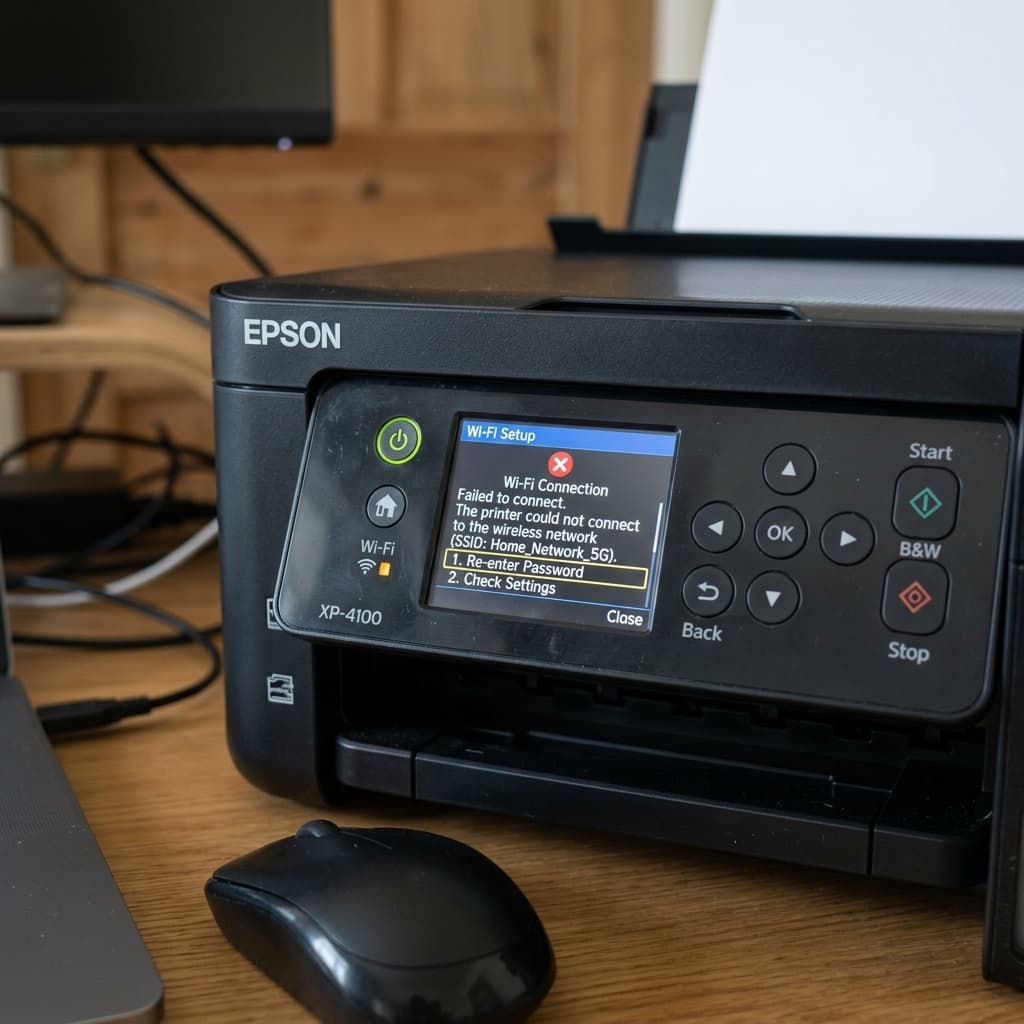
Having trouble connecting your Epson XP-4100 or ET-2400 to Wi-Fi? Learn how to fix 5GHz band issues, WPS pairing failures, and missing IP addresses.
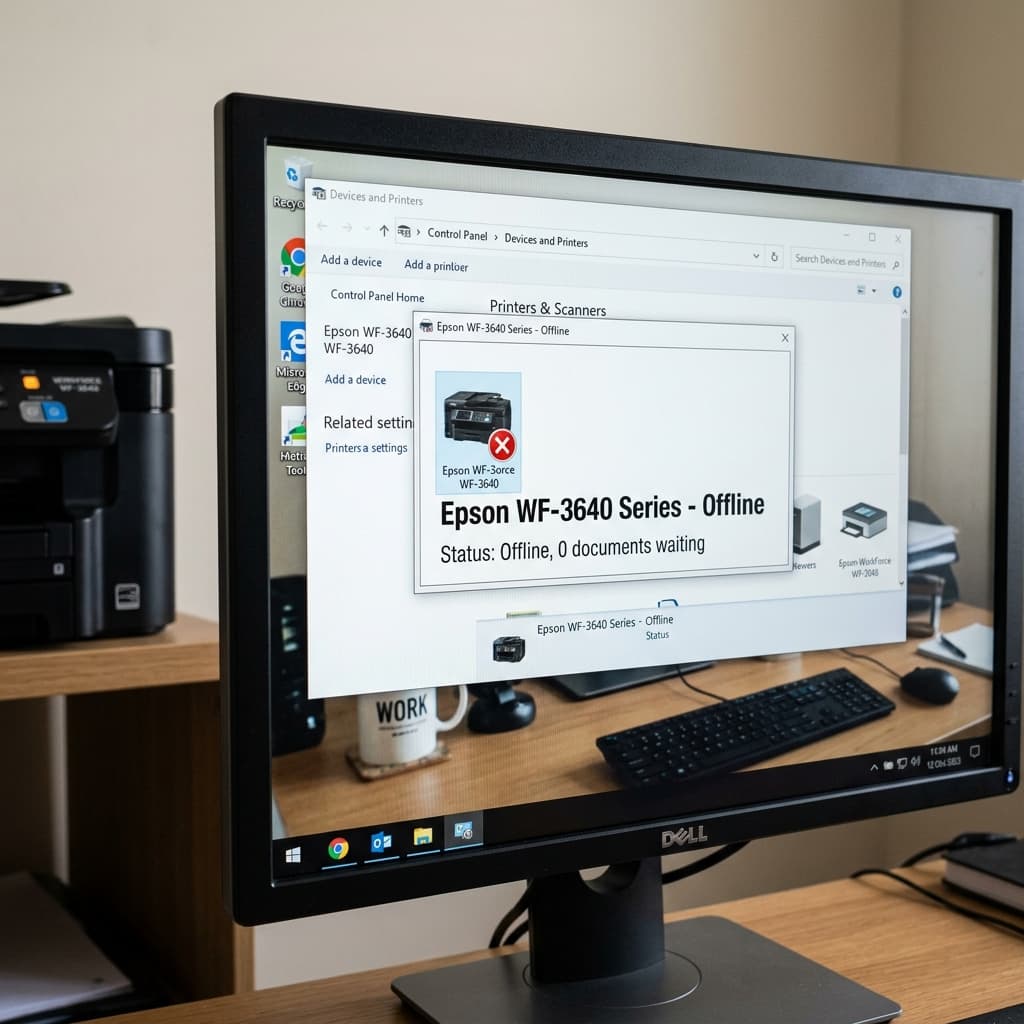
Does your computer say the Epson WF-3640 is offline even though it is turned on? Learn how to fix WSD port issues, assign static IPs, and wake the printer.
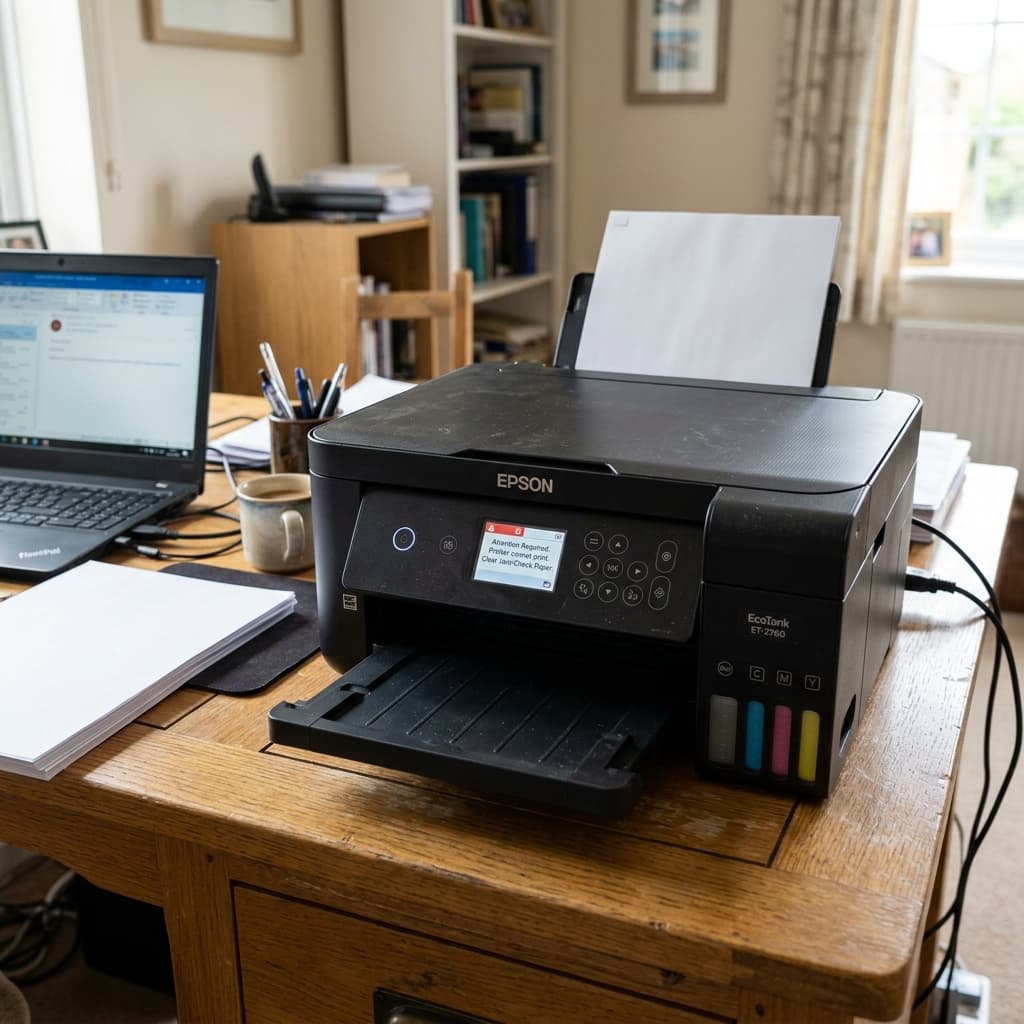
Is your Epson ET-2760 refusing to print? Whether it's printing blank pages, offline on Wi-Fi, or suffering a paper feed jam, learn how to fix it fast.