


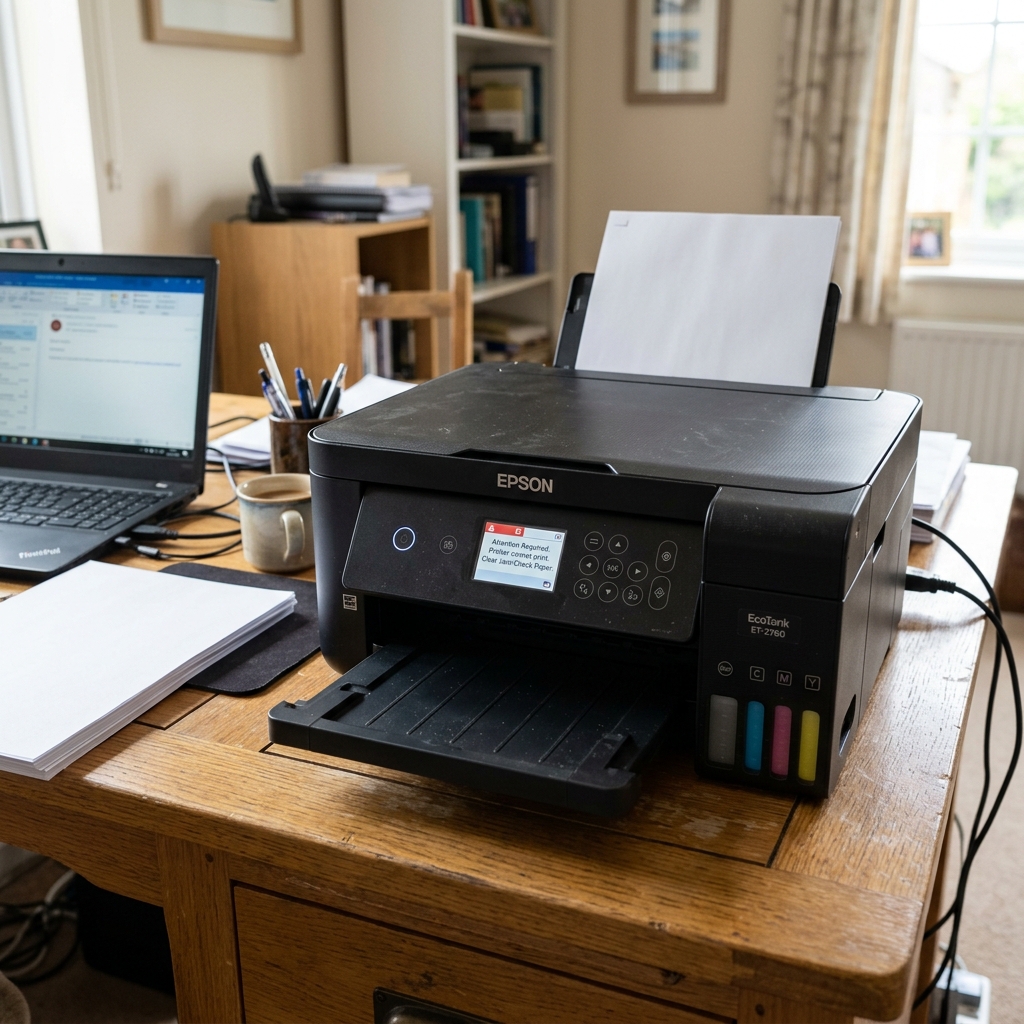
Diagnosing the ET-2760
The Epson EcoTank ET-2760 is a fantastic home printer, but when it refuses to print, the lack of error codes can be frustrating. To fix it, you need to identify exactly how it is failing to print.
Scenario 1: It Goes Through the Motions, But Prints Blank Pages
If the printer sounds perfectly normal, the paper feeds through, but the page comes out completely blank (or missing black text), you have a printhead issue.
- Check the Ink Levels: Look at the physical tanks on the front. Are they empty? If so, refill them and run a Power Cleaning to suck the ink into the tubes.
- Run a Nozzle Check: Go to Settings > Maintenance > Nozzle Check on the LCD screen. If the grid is missing lines, run a Head Cleaning cycle.
- Air in the Lines: If the printer sat unused for 3 months, the ink in the microscopic nozzles has dried. Let the printer sit overnight after a head cleaning to dissolve the clog.
Scenario 2: The Computer Says "Printer is Offline"
If you click print, but the document just sits in the queue and your computer claims the ET-2760 is offline, the printer has lost its connection to your router.
- Look at the Wi-Fi icon on the printer's LCD screen. Does it have an "X" or a slash through it?
- Turn the printer off. Unplug your home internet router for 30 seconds. Plug the router back in.
- Once your phone connects to Wi-Fi, turn the printer back on. It should reconnect automatically.
- If you use Windows 10/11, search for "Printers & Scanners", select the ET-2760, click "Manage", and ensure the box for "Use Printer Offline" is UNCHECKED.
Scenario 3: Paper Feed Fails (Mechanical Jam)
If you click print, the printer makes a loud whirring noise, but the paper never feeds down, the rubber rollers have lost their grip.
Remove the paper from the rear tray. Take a damp microfiber cloth and wipe the gray rubber pick-up roller visible in the slot. Paper dust acts like baby powder on these rollers, making them perfectly smooth and unable to grip the paper. Wiping them down restores the sticky rubber texture.
Understanding Why the Epson EcoTank ET-2760 Stops Printing
The Epson EcoTank ET-2760 is a cartridge-free supertank printer utilizing a Micro Piezo permanent printhead. When the printer stops printing (spitting out blank pages, missing black text, or faint lines), the problem is never an empty cartridge.
Instead, the failure stems from dried pigment or dye in the micro-piezo nozzles, air locks in the silicone ink supply tubes, or a depleted internal damper reservoir.
Exhaustive 4-Step ET-2760 Restoration Protocol
- Check Tank Ink Levels Visually (Do Not Trust the Screen):
Look at the actual physical ink windows on the front of the ET-2760. If ink is below the lower fill line, air will be sucked into the internal delivery lines. Fill all four ink tanks with genuine Epson 502 ink bottles before troubleshooting.
- Run a Nozzle Check and Staged Head Cleaning:
- On the LCD screen, go to Maintenance > Print Head Nozzle Check > Print.
- If the pattern has gaps or missing color staircases, select Clean Print Head.
- Run up to 2 cleaning cycles. Important: After 2 cycles, let the printer sit idle for 30 minutes. The capillary action of fresh ink will naturally dissolve softened clogs.
- Execute a Power Cleaning (The Deep Flush):
If standard cleanings fail after 12 hours, execute a Power Cleaning (Maintenance > Power Cleaning). The printer engages an internal motorized pump to pull a massive volume of ink through the tubes, flushing stubborn air bubbles and hardened ink into the maintenance box.
- Manual Damper Priming (For Persistent Air Locks):
If clear air gaps are visible in the ink lines, remove the internal damper modules from the carriage, insert a blunt plastic syringe into the bottom damper valve, and draw 2ml of ink until all air is evacuated from the line.
Frequently Asked Questions
How much ink does ET-2760 Power Cleaning consume?
Power Cleaning uses approximately 1/3 of an ink tank and requires at least 30% capacity in the waste ink maintenance box. Only run Power Cleaning once every 12 hours.
Why does the ET-2760 print color but no black text?
The black ink in the ET-2760 is pigment-based, while color inks are dye-based. Pigment ink dries faster and forms tougher clogs if the printer is left unused.
