


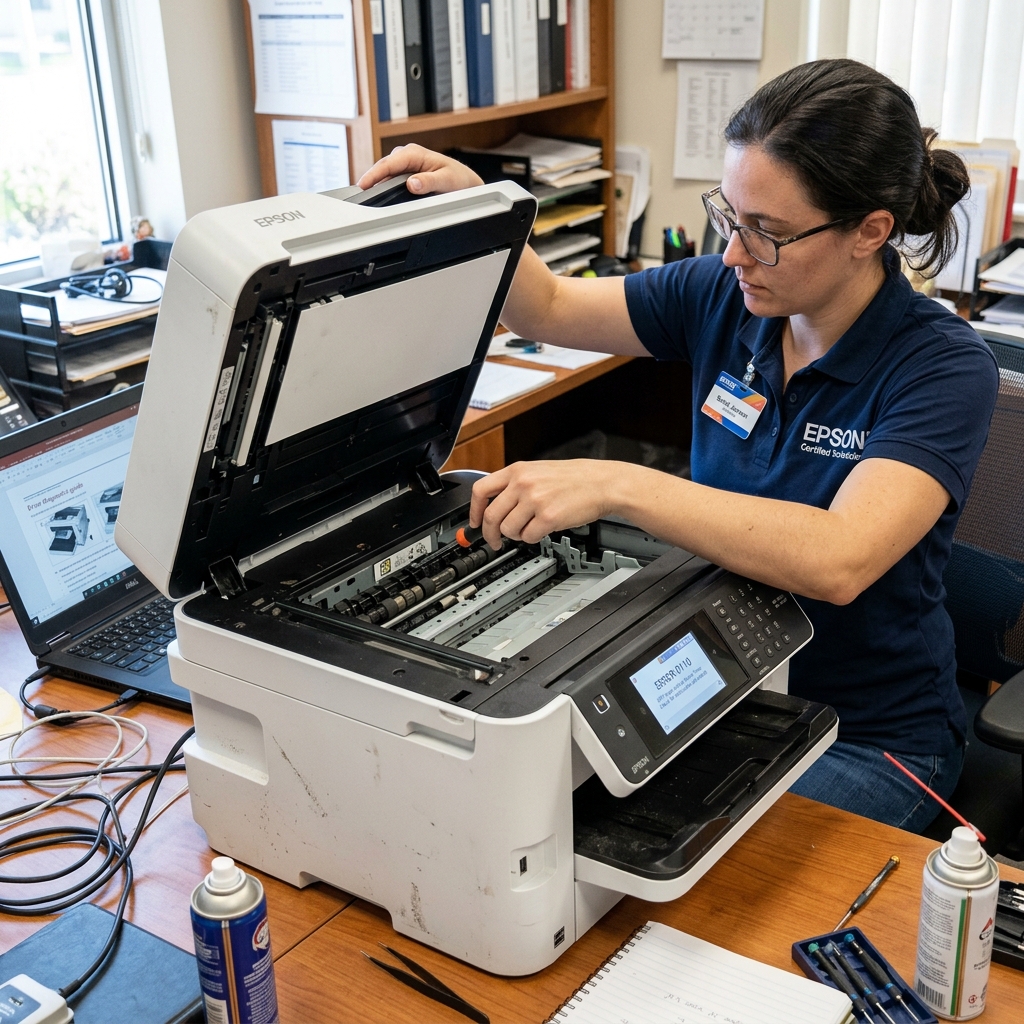
Understanding Error Code 0110
Error Code 0110 is highly specific to Epson printers equipped with an ADF (Automatic Document Feeder)—the tray on the very top of the printer used for scanning or copying multi-page documents automatically. You will see this primarily on the WorkForce and premium EcoTank lines.
When you turn the printer on, the motherboard pings the ADF motor and sensors to ensure they are ready. If the ADF motor cannot turn, or if a sensor is blocked, the initialization fails and throws error 0110.
The frustrating part is that this error locks the entire printer, preventing you from printing a simple document from your computer.
Fix 1: Clearing the Hidden ADF Jam
The ADF mechanism is tightly enclosed, meaning a tiny corner of a torn paper can easily jam the rollers without being visible from the outside.
- Turn the printer off.
- Remove all paper from the top ADF tray.
- Flip open the ADF cover (usually a lever or latch on the left or top of the unit).
- Inspect the rubber pick-up rollers. If you see a piece of paper, do not yank it backward. Pull it gently in the direction it normally feeds to avoid stripping the small plastic gears.
- Close the ADF cover firmly until it clicks. If the cover is left slightly ajar, a sensor will trigger the 0110 error.
Fix 2: Cleaning the ADF Slit Glass
When you use the ADF, the main scanner bar does not move. It parks itself on the far left side of the printer under a narrow strip of glass, and the ADF pulls the paper rapidly over that strip.
If there is a smudge of whiteout, sticky residue, or heavy dust on that narrow strip of glass, the scanner bar's calibration fails, leading to an initialization error.
- Lift the entire top lid as if you were going to place a book on the scanner glass.
- Look at the far left edge. Next to the main large pane of glass, there is a separate, narrow strip of glass (about 1 inch wide).
- Wipe this narrow strip thoroughly with a microfiber cloth and glass cleaner. Make sure there are no specks of debris stuck to it.
Fix 3: The ADF Connection Cable
The ADF unit in the lid communicates with the printer's mainboard via a thick cable that runs through the rear hinges.
If you have recently moved the printer, or if you opened the lid too aggressively, the connector for this cable may have pulled loose. Look at the back of the printer where the lid hinges meet the main body.
Ensure the thick wire harness is firmly pushed into its socket. If the mainboard cannot communicate with the ADF, it will default to error 0110.
If none of these steps resolve the issue, the small DC motor inside the ADF assembly has likely burned out. In some models, the ADF can be unscrewed and replaced as a modular unit without replacing the entire printer.
Understanding Epson Error 0110 (ADF & Scanner Initialization Fault)
Error 0110 (or 0x0110) is a dedicated Scanner / Automatic Document Feeder (ADF) Hardware Error on Epson multifunction printers. During startup, the printer powers the scanner lamp, moves the CIS carriage to the home reference sensor, and tests the ADF document feed motor.
If the scanner carriage is locked, if the ADF paper sensor is jammed, or if the scanner ribbon cable is loose, Error 0110 halts the machine.
Step-by-Step Clearing & Diagnostic Workflow
- Check the Scanner Transit Lock Switch:
Examine the underside or rear of the scanner assembly for a physical sliding transportation lock switch (often marked with a padlock icon). Ensure it is set to the Unlocked position so the optical carriage can move freely.
- Clean the White Calibration Reference Strip:
Lift the scanner lid. Look at the narrow glass strip on the far left beneath the plastic bezel. Clean this area with optical glass cleaner and a microfiber cloth. If dust or tape residue clouds this white reference strip, the CIS sensor cannot calibrate white balance and trips 0110.
- Inspect the ADF Paper Sensors:
Open the top ADF access door. Check for tiny torn paper scraps wedged under the input and exit sensor flags. Blow compressed air through the ADF paper chute.
- Reseat the Flat Flexible Cable (FFC):
If comfortable, check the white flat ribbon cable connecting the scanner unit to the mainboard. Reseat both ends firmly in their sockets.
Frequently Asked Questions
Can I bypass Error 0110 to print documents?
Because Epson firmware performs a unified boot check, an unresolved 0110 scanner error locks the entire printer, preventing printing until the scanner fault is cleared.
Does cold weather cause Error 0110?
Yes. In rooms below 50°F (10°C), the CIS optical sensor lamp takes longer to warm up, triggering an optical timeout error on startup.
