


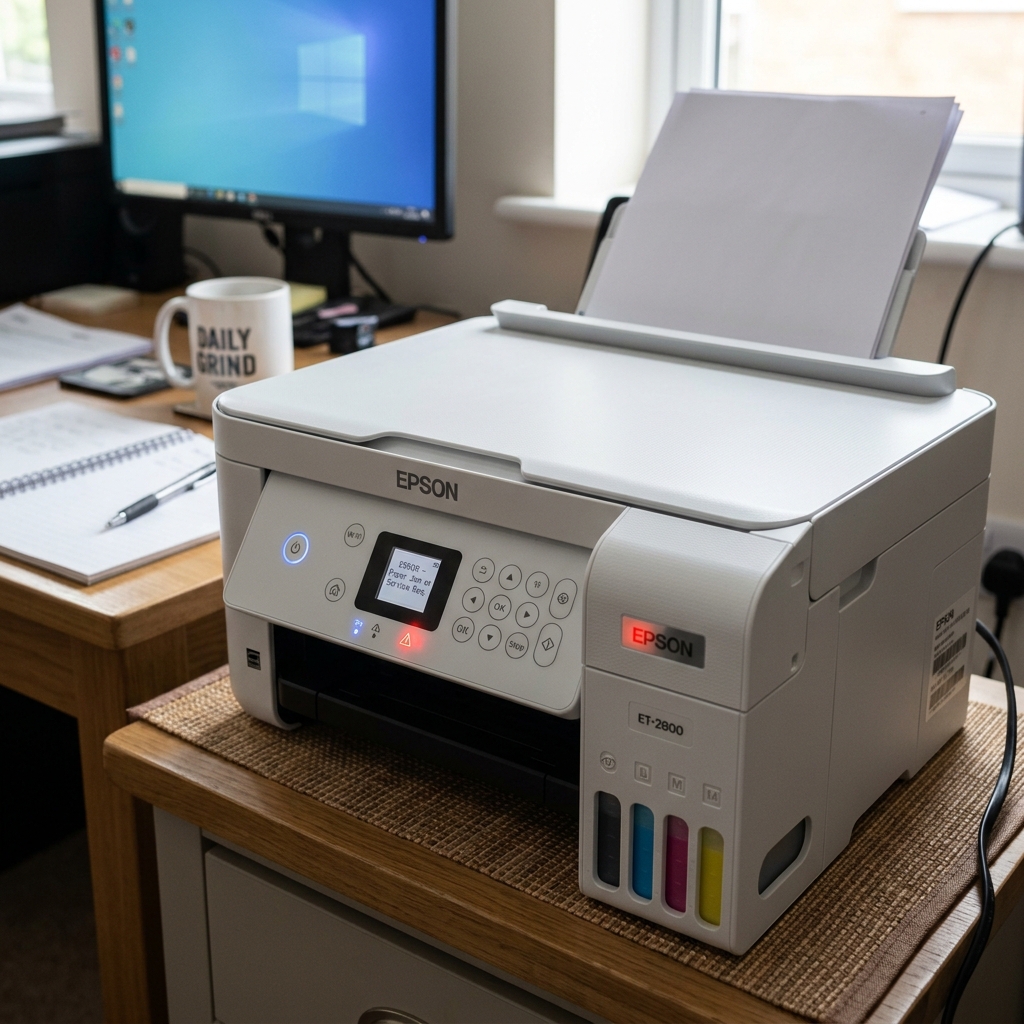
Blinking vs. Solid: The Difference
Epson engineers programmed their non-display printers with a very specific visual hierarchy. Blinking lights are warnings or transitions. Solid lights are hard stops.
If the red error light on your printer stays solid and does not blink, the printer is waiting for human physical intervention. It will sit in this state forever until you satisfy the requirement.
The Solid Paper Light
If the light next to the Paper/Trashcan icon is solid red, the printer has ceased operations due to a paper feed failure.
- The Cause: The tray is empty, or you have paper loaded, but when the rubber rollers spun to pull the sheet down, they slipped and failed to grab it. The printer assumes the tray is empty.
- The Fix: Remove the stack of paper. Fan it with your thumb to separate the sheets. Tap the bottom of the stack on a flat table to align the edges perfectly. Drop it back into the rear feed slot, and push the plastic edge guides snugly against the paper. Finally, press the physical Paper/Resume button on the printer once to tell it to try grabbing the paper again. The light will turn off.
Note: If the paper light is BLINKING, that indicates a paper jam inside the machine, not an empty tray.
The Solid Ink Light
If the light next to the Ink Drop icon is solid red, the printer has locked down the printhead to protect it.
- The Cause: An ink cartridge is completely empty. Epson strictly forbids printing with an empty cartridge (even if you only want to print in black and a color is empty). Firing a dry printhead will permanently burn out the microscopic ceramic nozzles. The solid light is a safety feature.
- The Fix: Press the Ink button. The carriage will slide out and point to the empty cartridge. Replace it with a full one. Once installed, press the Ink button again to prime the lines. The light will turn off.
The Solid Wi-Fi Light (Orange/Red)
On some Epson models, the Wi-Fi icon may turn solid orange or red.
- The Cause: The printer has lost connection to your home router, or the router password has changed.
- The Fix: Press the Wi-Fi button and the router's WPS button simultaneously to re-pair them, or use the Epson setup software on your PC via a temporary USB cable to re-enter your Wi-Fi password.
Decoding a Solid Red / Amber Error Light on Epson Printers
When the red or orange exclamation/error LED stays on solid (without blinking), the printer is indicating a permanent hardware stop condition. The printer has suspended all operations because a required consumable is missing or exhausted, a physical access door is open, or paper has jammed during initial load.
Exhaustive Diagnostic Checklist for Solid Red Error Light
- Check the Paper Tray and Paper Path:
Ensure paper is loaded straight in the rear or bottom feed tray. If paper is loaded, verify that the edge guides are snug. If paper ran out mid-job, load at least 10 sheets and press the physical Paper / Start button to clear the solid red light.
- Verify All Scanner & Access Covers Are Fully Latched:
A solid red light is immediately triggered if the scanner unit, cartridge access door, or rear cleanout panel is open by even 1mm. Lift and firmly close all outer covers until both left and right latches click shut.
- Check for Empty Ink Levels / Chipped Bottle Errors:
On EcoTank and cartridge-based models, if an ink tank is registered as 100% empty, the printer illuminates the solid ink LED and locks the carriage. Refill the ink tank or replace the depleted cartridge and confirm on-screen.
- Check for Transportation Lock Switches:
If you recently moved or unboxed the printer, verify that the blue plastic transportation lock lever (near the ink tank or scanner) is switched to the Unlocked / Print position.
Frequently Asked Questions
What is the difference between a solid red light and a blinking red light on an Epson printer?
A solid red light indicates a simple operator-correctable state (out of paper, door open, empty ink). A blinking red light indicates an active mechanical jam, carriage stall, or fatal hardware component failure.
Can a full maintenance box cause a solid red light?
Yes. When the maintenance box (waste ink tank) reaches 100% saturation, the error light turns solid and the LCD prompts "Maintenance Box is at the end of its service life".
