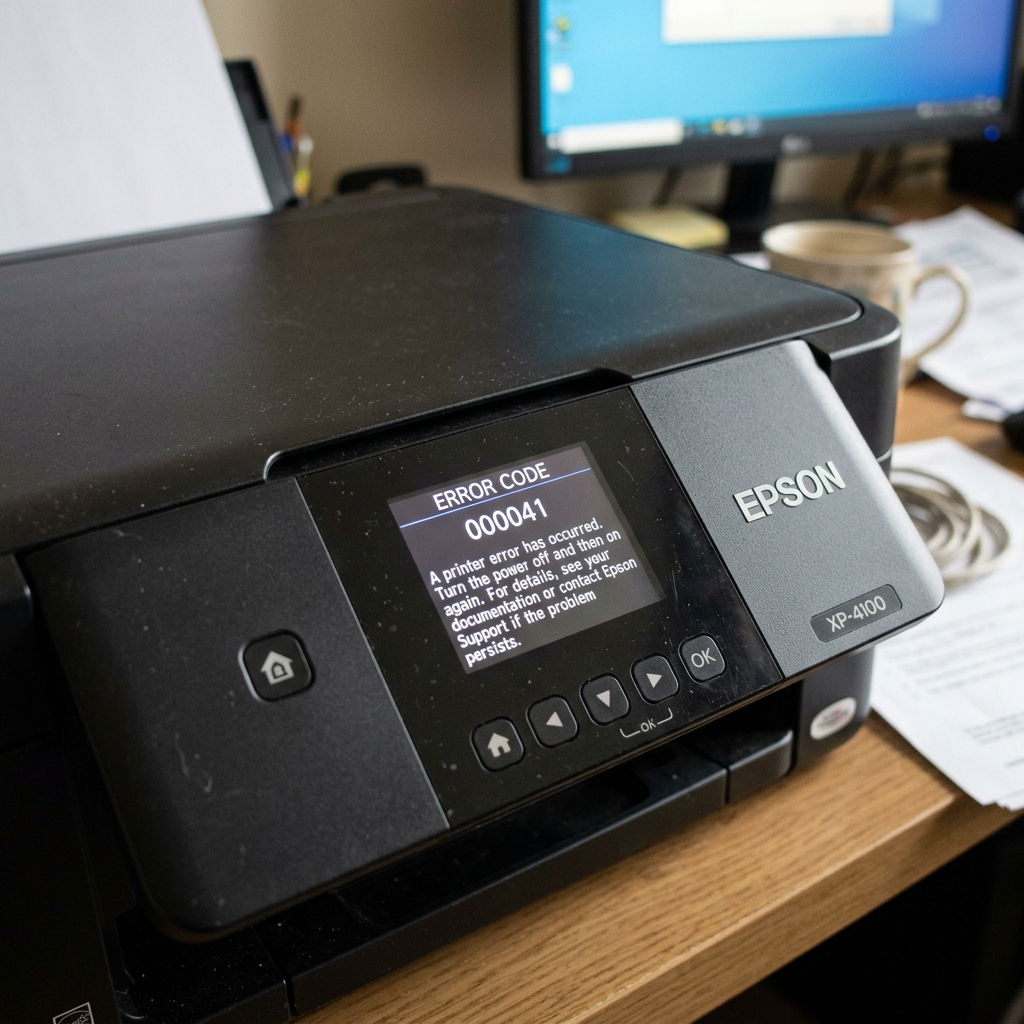
What Causes Error 000041?
When you turn your Epson printer on, it runs through a self-diagnostic routine. The printhead carriage slides to the left, slides to the right, and parks itself at its "home" station.
If the printer cannot complete this exact sequence in the expected amount of time, it throws Error Code 000041 and halts all operations.
This code specifically means there is a physical impedance preventing the carriage from moving, or a sensory failure preventing the printer from knowing where the carriage is.
Fix 1: The Hidden "Home Station" Jam
The most common cause of 000041 is a small piece of paper jammed in the worst possible spot: the far-right parking station.
When paper jams, users pull it out from the front or rear. Often, a tiny corner of the page tears off and falls into the capping station mechanics on the far right.
When the printhead tries to park, it hits this scrap of paper, fails to lock in, and triggers 000041.
- Turn the printer off and unplug it.
- Open the main access lid.
- If the printhead is locked on the right, you may need to gently rotate the plastic gear on the far left of the printer to unlock it, then slide the carriage to the center.
- Take a strong flashlight and illuminate the far right docking area. Use tweezers to extract any torn paper, staples, or heavy dust bunnies you see down in the mechanics.
Fix 2: Cleaning the Encoder Strip
If the path is completely clear, the printer might be blind. The printhead uses an optical sensor to read the encoder strip (a clear plastic ribbon with microscopic vertical lines spanning the width of the printer).
If ink mist or grease covers a section of this strip, the sensor loses its place. It suddenly thinks the carriage is in the middle of the printer when it is actually hitting the wall, triggering an immediate 000041 fault.
- Locate the clear plastic strip directly behind the metal carriage rail.
- Moisten a microfiber cloth with isopropyl alcohol or window cleaner.
- Pinch the strip gently with e cloth and wipe from one end to the other.
- Wait a few minutes for it to dry, plug the printer in, and turn it on.
Fix 3: The Pump Assembly Gear
On older Epson models, error 000041 can be triggered by a failing ink pump assembly. On the far left of the printer, there is a complex set of white plastic gears that drive the paper feed and the ink suction pump.
If a tooth shears off one of these gears, or if the mechanism binds up due to dried ink, the initialization sequence fails.
With the printer unplugged, try manually turning the large gear on the left side. It should turn with moderate resistance. If it is completely seized, the pump assembly has failed and requires replacement or deep cleaning.
Understanding Epson Error Code 000041 (Carriage Obstruction / CR Motor Fault)
Epson Error Code 000041 (or 0x41) is an emergency carriage motor shutdown. When the printhead carriage attempts to travel across the platen, the logic board monitors carriage velocity via the linear optical encoder strip.
If the carriage encounters physical resistance, collides with a jammed paper corner, or if the drive belt slips, Error 000041 is tripped immediately to protect the carriage motor from burning out.
Step-by-Step Mechanical Diagnostic & Clearing Workflow
- The Flashlight Carriage Path Sweep:
Unplug the AC power cable. Open the top scanner cover. Slide the printhead carriage gently by hand from the far left to the far right. Use a flashlight to inspect both ends of the track. Look for torn paper fragments, dropped paperclips, or dislodged blue packing tape.
- Clean the Clear Optical Encoder Strip:
Suspended directly behind the carriage is the thin, transparent plastic encoder strip. Aerosolized ink mist and carriage grease smudge this strip, blinding the optical reader and making the printer believe the carriage is jammed. Gently wipe the strip with a microfiber cloth dampened with warm distilled water. (Never use alcohol).
- Inspect the Carriage Drive Belt & Pulley:
Check the black toothed rubber drive belt. Ensure it is taut and properly seated in the motor gear on the left and the tensioner pulley on the right.
- Check the Maintenance Purge Station (Right Side):
On the far right side where the carriage parks, ensure the rubber capping station and plastic wiper blade can move up and down freely without sticking on dried ink sludge.
Frequently Asked Questions
Why does Error 000041 happen immediately when I turn on the printer?
During bootup, the printer sweeps the carriage across its full width to test the end-stop limits. If the carriage cannot complete this test sweep within 3 seconds, Error 000041 is generated on boot.
Can a lack of rail lubrication cause Error 000041?
Yes. If the steel carriage guide rod is bone-dry, bushing friction will overload the drive motor.