


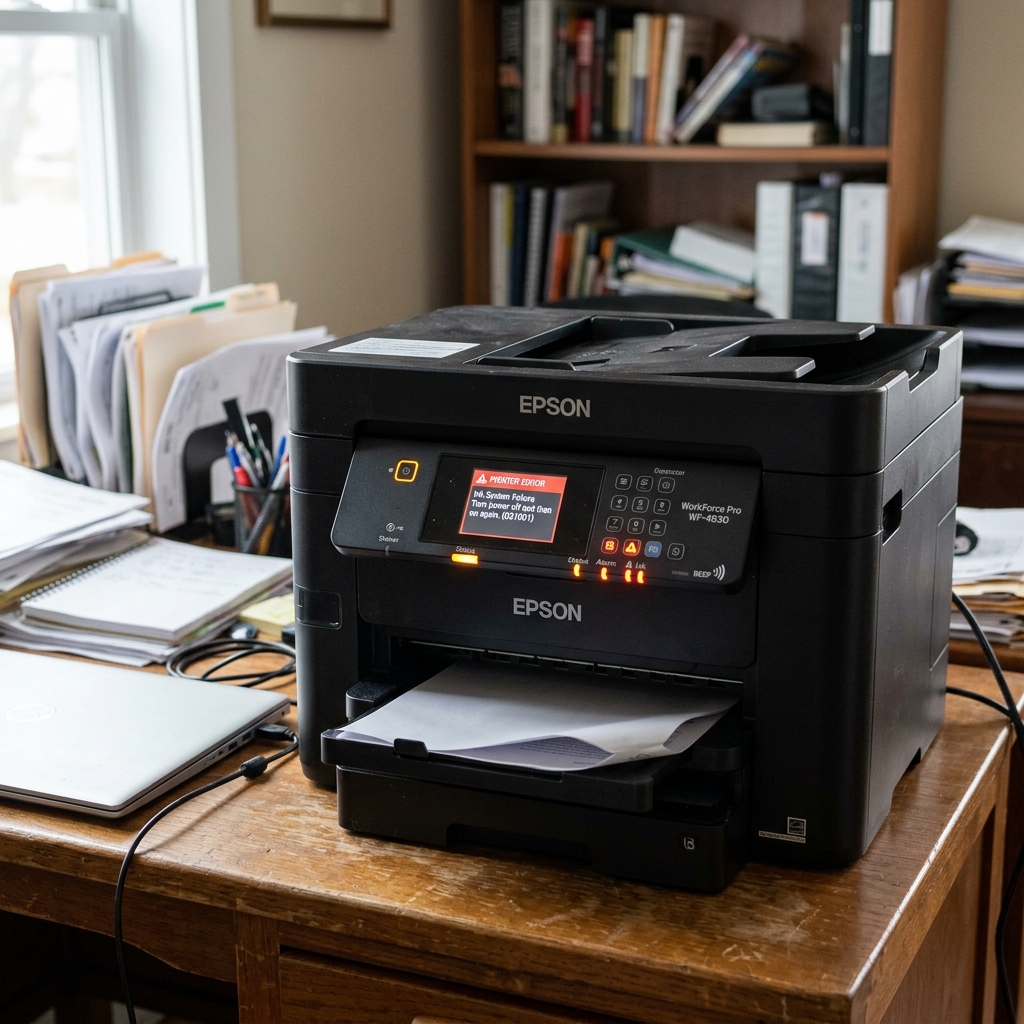
Why is the Printer Beeping?
Epson manufactures a massive variety of printers. Unlike old 1990s dot-matrix machines, modern home EcoTank. WorkForce inkjets do not typically have internal PC speakers to beep at you. They rely entirely on silent flashing lights or LCD screens.
If your Epson printer is physically emitting a loud beeping or squealing noise alongside blinking lights, you need to identify what type of printer you are using.
Scenario 1: Home Inkjet Printers (EcoTank / WorkForce)
If a modern home inkjet printer is making a high-pitched beeping, squealing, or whining noise, it is not a programmed alarm. It is a physical motor crying for help.
When the printhead carriage jams against a crumpled piece of paper, the motherboard doesn't always realize it instantly. It keeps sending maximum electrical current to the Carriage Motor to force it to move.
Because the motor cannot spin, the electrical current causes the motor coils to vibrate at a high frequency, emitting a loud, electronic squeal or "beep."
Once unplugged, open the lid, find the jammed paper blocking the printhead, remove it. Manually slide the carriage to the center to ensure it moves freely before plugging it back in.
Scenario 2: Epson POS Receipt Printers (TM Series)
If you are using an Epson thermal receipt printer in a retail or restaurant environment (like the TM-T88VI or TM-U220), these printers do have programmed internal beepers.
The beeps correspond to specific status alerts:
- 3 Short Beeps + Flashing Error Light: The printer has run out of thermal paper. Drop a new roll in and close the lid.
- Continuous Rapid Beeping + Flashing Error Light: The automatic paper cutter is jammed, or the print head is dangerously overheating. Turn the printer off, open the front cutter cover. Manually rotate the small exposed gear to retract the cutter blade.
- 1 Long Beep + Flashing Power Light: The roll paper cover is open. Slam it shut until it clicks.
Scenario 3: Epson Large Format Plotters (SureColor)
Epson's massive, expensive SureColor plotters have robust alarm systems. If a plotter starts beeping, look directly at the LCD panel.
It is usually warning you that a massive ink cartridge has run dry mid-print, or that the roll paper has run out of tension. Is skewing sideways on the vacuum bed.
Understanding Acoustic Beeps and LED Alarm Codes on Epson Printers
Many commercial and desktop Epson printers (including WorkForce, SureColor. POS receipt models) incorporate an internal piezo speaker to emit acoustic beeps when hardware errors occur. Combining the beep cadence with LED indicator patterns provides immediate diagnostic insight.
Acoustic Beep Diagnostic Matrix
- 3 Rapid Beeps: Paper Jam or Cover Open. Check the paper feed chute and ensure all scanner lids are closed.
- 5 Beeps + Blinking Ink LED: Ink Cartridge Unrecognized or Empty. Clean chip contacts or replace cartridge.
- Continuous Rapid Beeping + All LEDs Flashing: Fatal Hardware Component Failure (Carriage motor stall, power supply over-voltage, or motherboard fuse blow).
- 1 Long Beep: Print job received successfully or setup complete.
Step-by-Step Recovery Workflow
- Turn off the printer immediately to silence the piezo buzzer.
- Open the cover and use a flashlight to check for mechanical obstructions in the carriage track and paper rollers.
- Verify that ink cartridges/tanks are properly seated and locked down.
- Unplug power for 10 minutes to reset the alarm register on the controller board.
Frequently Asked Questions
Can I disable the beeping sound on my Epson printer?
On printers equipped with LCD screens, navigate to Settings > Basic Settings > Sound > Button Press / Error Warning and adjust the volume or toggle to Silent Mode.
Why does my Epson POS receipt printer beep constantly?
On Epson TM-series receipt printers, continuous beeping indicates the roll paper cover is open or the thermal paper roll is completely exhausted.
