


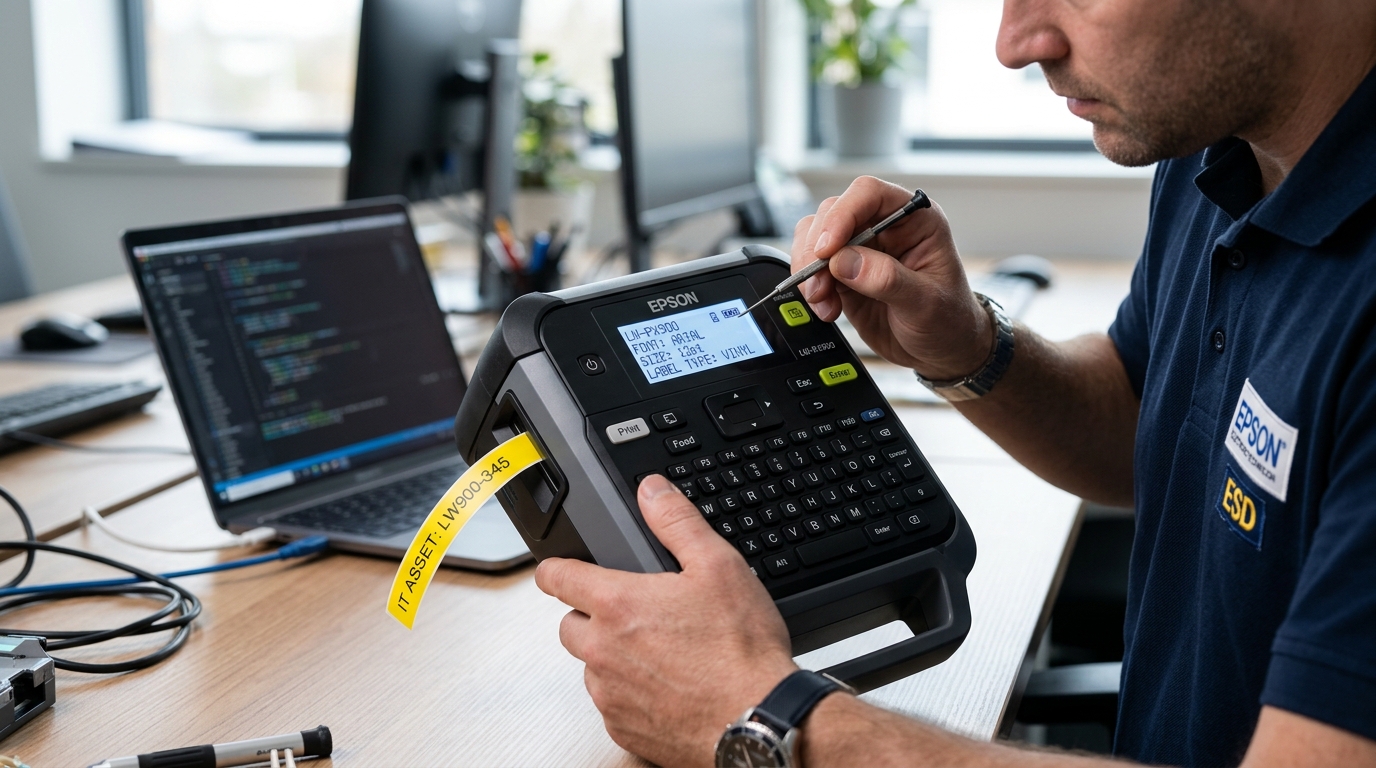
Troubleshooting LabelWorks LCD Screen Stalls
Epson LabelWorks handheld printers feature monochrome backlit or non-backlit Liquid Crystal Displays (LCD). These screens show character input, font size, battery charge, and tape width.
If the screen powers on completely solid black, displays dark blocks across all pixels, or remains entirely blank while the backlight turns on, contrast drift or firmware locks are responsible.
Step 1: Blind Reset of LCD Contrast Settings
If the contrast was accidentally set to maximum (+5), all liquid crystal cells energize, rendering the entire display pitch black:
- Power on the unit: Press the Power button once and wait 5 seconds for the boot sequence.
- Press Menu/Settings: Press the Settings button.
- Navigate blindly to Contrast: Press the Down Arrow four times, then press Enter/OK.
- Decrease contrast value: Press the Left Arrow repeatedly (6 to 8 times) to reduce contrast to default (0) or minimum.
- Save and exit: Press Enter to confirm the setting. The text and cursor should immediately reappear clearly.
Step 2: Perform an EEPROM Hardware Reset
Corrupted volatile memory blocks during battery exhaustion can lock the display controller:
- Power off and strip power: Remove all AA batteries and unplug the AC power cord.
- Press and hold the Power button: Hold the power button down for 20 seconds while fully unpowered to drain all onboard capacitors.
- Execute cold reset combo: On models with keyboards, hold down Shift + Backspace (or Delete + Power depending on model) while powering on.
- Confirm memory clear: Release keys when the startup screen appears with factory default language and font settings.
Step 3: Check Display Ribbon Cable Connection
Physical drops or vibration in industrial work environments can loosen internal display flex cables:
- Check for impact cracks: Inspect the outer acrylic display window for cracks or internal liquid crystal leaks (black ink-like blobs).
- Listen for power beeps: If the printer beeps when pressing letters but the screen shows nothing, the mainboard logic is healthy and only the display sub-assembly is disconnected.
- Service internal connector: For out-of-warranty units, opening the housing to reseat the zero-insertion-force (ZIF) display ribbon cable restores connection.
Frequently Asked Questions
Why does my screen show black squares on the top row only?
This indicates the LCD controller has not received its initialization code from the main CPU; execute a full hardware reset.
Does extreme cold cause the screen to turn black or slow down?
Yes, liquid crystal fluids thicken below freezing; allow the printer to warm up to room temperature to restore normal refresh rates.
Can I replace just the LCD screen on an Epson LW-PX900?
Yes, replacement display sub-modules are available through authorized Epson industrial parts distributors.
