


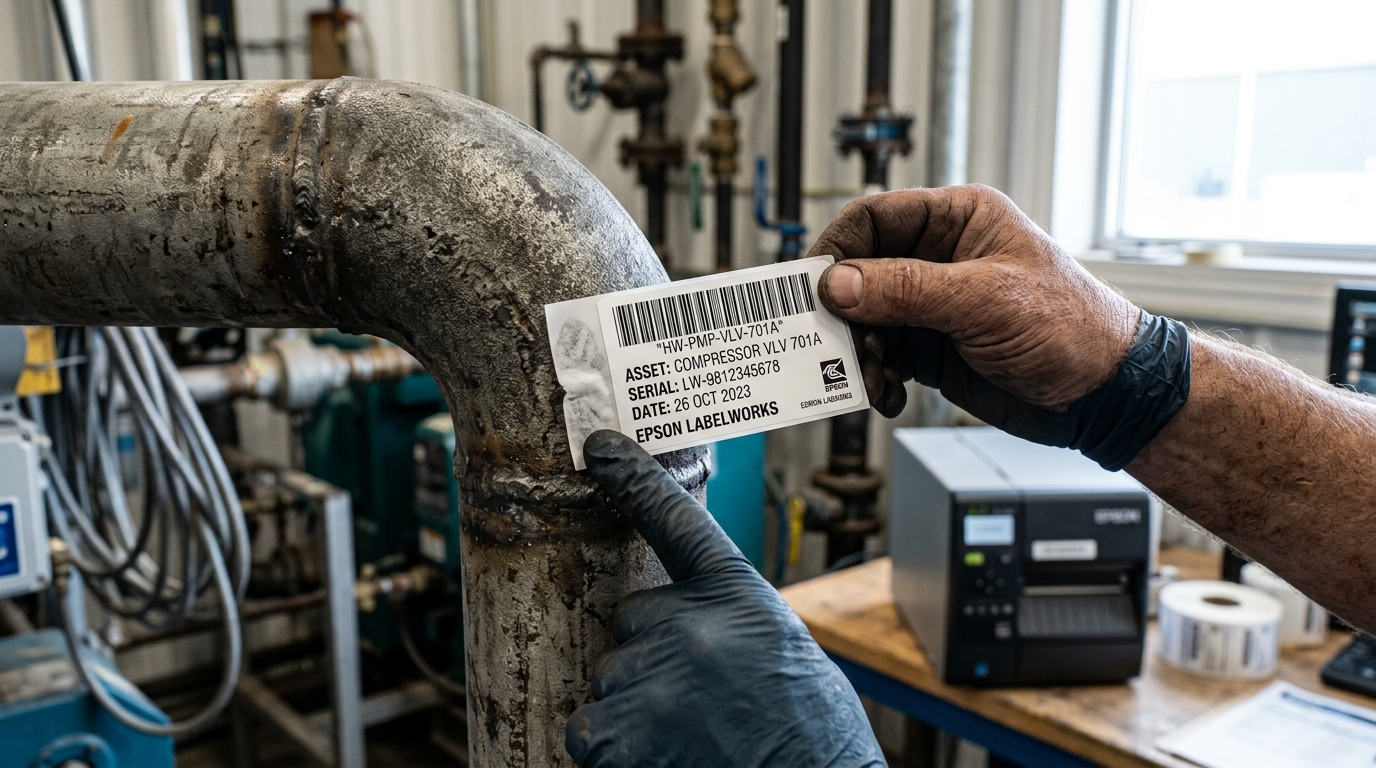
Understanding Thermal Label Adhesive Failures
Epson LabelWorks PX and LC tapes are engineered for professional identification in demanding environments, including electrical panels, network server racks, curved cabling, and outdoor assets.
When labels peel off, curl along edges, or fail to bond to surfaces, the failure almost always stems from incorrect adhesive selection, surface contamination, or low application temperatures.
Step 1: Clean and Prepare the Target Substrate
Microscopic oil films, silicone mold release agents, and dust prevent pressure-sensitive adhesives from wetting out:
- Clean with 70%+ isopropyl alcohol: Wipe the application surface with an alcohol wipe to remove grease, fingerprints, and machine oils.
- Dry surface completely: Allow the surface to dry fully before applying the label; trapped solvent prevents adhesive bonding.
- Avoid textured dirt: Scrape away loose rust, scale, or flaking paint using a wire brush or scraper on metal pipes.
Step 2: Select the Correct Specialty Tape Formulation
Standard general-purpose tape is not formulated for challenging industrial materials:
- Low-Surface-Energy (LSE) Plastics: Polypropylene and polyethylene plastic bins require Strong Adhesive PX Tape featuring aggressive high-tack acrylic adhesive.
- Curved Wires and Cables: Standard stiff polyester tape springs back open on curved wire; use Self-Laminating Vinyl Cable Wrap or Heat-Shrink Tube instead.
- Extreme Temperature Environments: For outdoor utility assets or boiler rooms, use specialized industrial polyester rated for -40°F to 300°F (-40°C to 150°C).
Step 3: Apply Firm Pressure and Observe Temperature Limits
Pressure-sensitive adhesives require mechanical force and adequate heat to achieve full chemical bonding:
- Check minimum application temperature: Pressure-sensitive adhesives must be applied at temperatures above 50°F (10°C). If applying outdoors in winter, warm the surface with a heat gun first.
- Apply firm thumb pressure: Press firmly along the entire label from the center toward the outer edges to expel trapped air bubbles.
- Allow 24-hour cure time: Acrylic adhesives require 24 to 72 hours under ambient conditions to reach maximum shear holding power.
Frequently Asked Questions
Why do my labels peel off curved network patch cables?
Standard tape has memory and uncurls; use flexible vinyl cable wrap or Epson heat-shrink tube for cylindrical wires.
Can I apply LabelWorks labels to powder-coated metal racks?
Yes, but you must use Epson Extra-Strength Adhesive PX tape, as powder coatings resist standard acrylic adhesives.
Are Epson LabelWorks labels waterproof and chemical resistant?
Yes, standard PX polyester tapes resist water, bleach, motor oil, and common industrial solvents once cured.
