


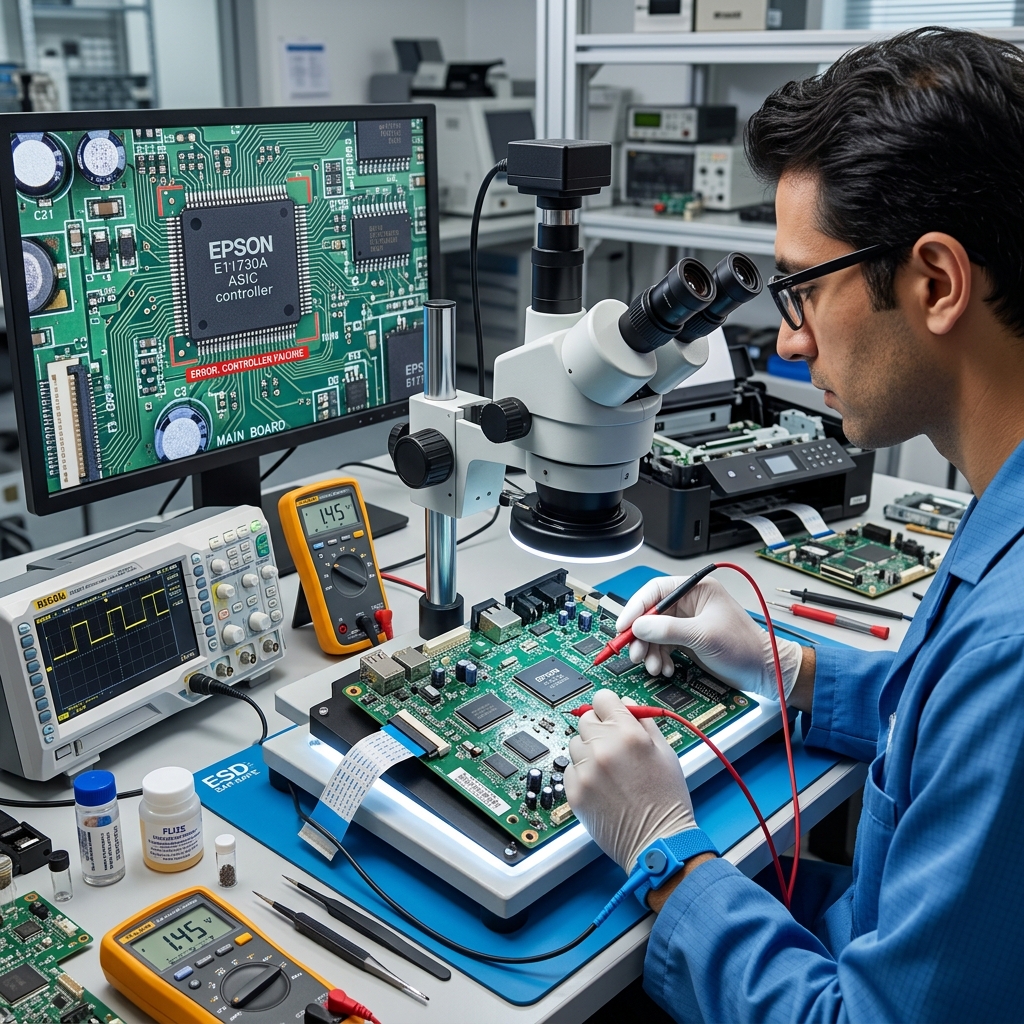
What is a Controller Error?
While most Epson errors are assigned a specific number (like 0x97 or E-01), some business-class WorkForce Pro models and large-format plotters will simply display the words "Controller Error" on the screen.
The "Controller" is the main logic board (motherboard) of the printer. This error means the CPU on the logic board has lost the ability to read from its own memory.
Has crashed due to corrupted data, or cannot communicate with a critical sub-system (like the network card or the printhead driver).
Diagnostic 1: The Network Queue Crash
In many cases, the controller hardware is perfectly fine. Its limited RAM has been overwhelmed by a massive or corrupted file sent over the network. If the printer tries to process a corrupted PDF and the RAM overflows, the controller crashes.
- Turn the printer off.
- Disconnect the USB or Ethernet cable from the back of the printer. If you use Wi-Fi, temporarily unplug your home internet router.
- Turn the printer back on.
- If the printer boots successfully to the home screen without the network attached, the controller is healthy.
- Go to your computer, open the print queue, and cancel/delete all pending documents. Restart your router and reconnect the printer.
Diagnostic 2: firmware (internal software) Corruption
If the printer displays "Controller Error" instantly upon booting. Even when completely isolated from the network, the internal operating system (firmware (internal software)) on the EEPROM chip has likely become corrupted. This often happens if the printer was turned off in the middle of a background update.
You must attempt a blind firmware (internal software) flash:
- Download the latest firmware (internal software)
.exefile for your printer model from the Epson support site (or a third-party archive). - With the printer off, hold down the specific key combination for your model to boot into ROM Recovery Mode (often Power + Down Arrow + Left Arrow + Cancel).
- The screen should go black with white text. Connect a USB cable from the printer to your PC.
- Run the firmware (internal software) updater tool on your PC to overwrite the corrupted OS on the controller.
Diagnostic 3: Physical Motherboard Damage
If the printer will not even boot into Recovery Mode, or if the Controller Error persists after a firmware (internal software) flash, you have suffered a physical hardware failure A power surge from the wall has likely blown a capacitor on the logic board. Or the CPU itself has failed.
Replacing the main logic board is possible (boards are often sold on eBay). You must carefully transfer all the ribbon cables. For heavily used consumer printers, a physical Controller Error usually signifies the end of the machine's lifespan.
Technical Breakdown of Epson "Controller Error / System Error"
When an Epson printer displays "Controller Error" or fatal hex code 0x000041 / 0x000020 / 0x2000020A, the main microprocessor on the formatter board has encountered an unhandled exception: corrupted internal firmware (internal software). RAM buffer parity error, blown surface-mount pico-fuse (F1/F2), or a shorted ASIC driver IC.
Step-by-Step Formatter Recovery Protocol
- Disconnect All External Data Interfaces:
Disconnect all USB cables, Ethernet cables, and SD cards from the printer. If a corrupted network packet or faulty USB host controller is sending malformed data. It can cause the printer's controller to crash on boot.
- Hard NVRAM Cold Reset:
- Unplug the power cord from the wall.
- Press and hold the physical Power button for 30 seconds.
- Leave the printer unplugged for a full 30 minutes to allow all on-board capacitors. Volatile cache registers to discharge completely.
- Reconnect AC power directly to a clean wall outlet without any USB or network cables connected. Power on.
- Reflash firmware (internal software) via USB Recovery Mode:
If the controller boots to a recovery screen, connect via USB to a Windows PC and run the official Epson firmware (internal software) Update Utility to re-flash the system ROM image.
Frequently Asked Questions
What causes mainboard F1/F2 fuses to blow on Epson printers?
When ink leaks from the printhead into the ribbon cable connector, it creates a short circuit between the high-voltage +42V piezo firing rail and ground, instantly blowing the board's protective pico-fuses.
Is a Controller Error repairable at home?
If the error clears after a 30-minute power drain, it was a transient cache fault. If the error is permanent and caused by a blown motherboard fuse.
