


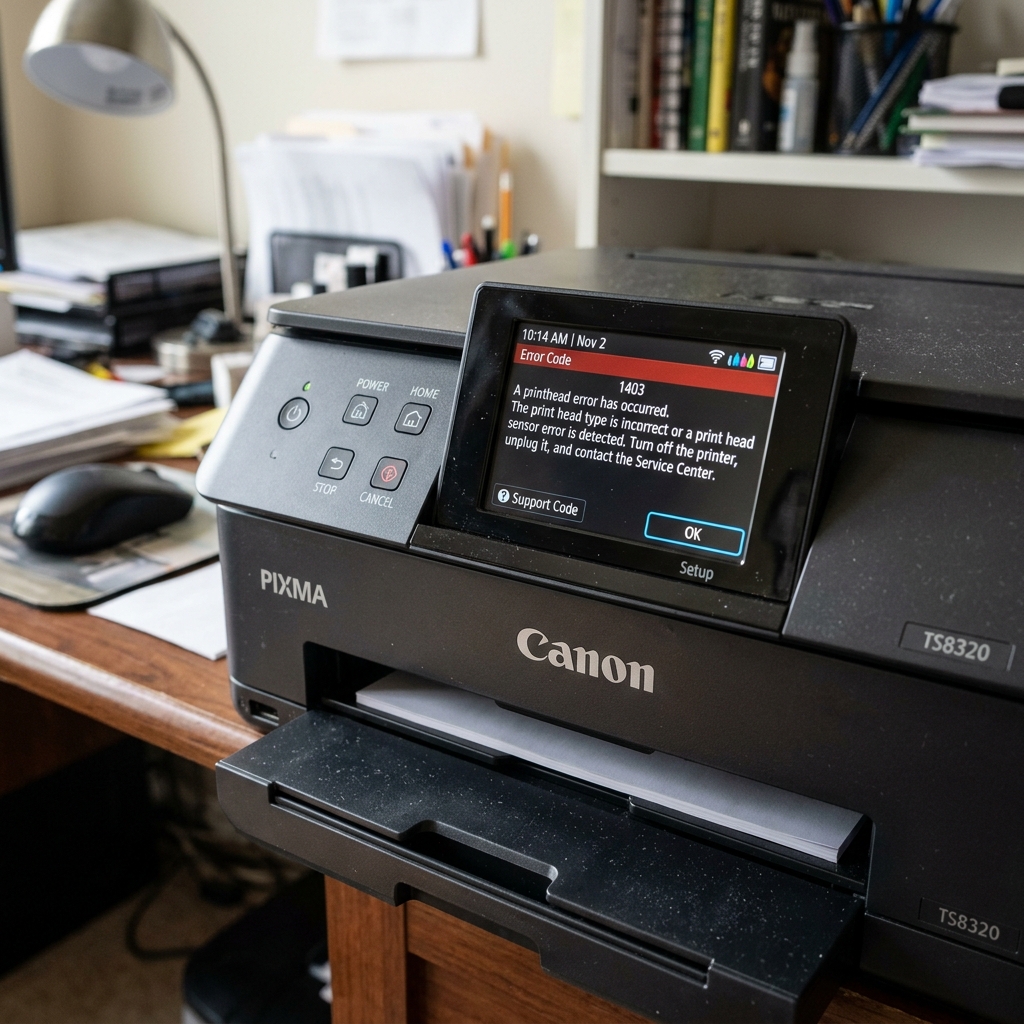
What is Support Code 1403?
If your Canon PIXMA screen displays Support Code 1403 (or U052 / U053 on some models), the printer has halted all operations because it detects that the "Type of printhead is incorrect" or the printhead is defective.
More specifically, Canon's service manuals dictate that 1403 is a Printhead Temperature Sensor Error. The tiny thermistor inside the printhead has failed, short-circuited, or the motherboard has lost electrical contact with it.
Fix 1: Cleaning the Electrical Contacts
Because the motherboard relies on the gold contact pads on the back of the printhead to read the sensor data, any physical barrier between those pads and the carriage pins will trigger a 1403 error.
If you recently suffered a massive ink leak, or if you touched the gold pads with greasy fingers while installing a new cartridge, the connection is compromised.
- Turn the printer on and open the top cover to bring the carriage to the center.
- Unplug the printer from the wall so the carriage stays in place.
- Remove all ink cartridges.
- Lift the gray or black locking lever and pull the printhead up and out.
- Take a clean microfiber cloth slightly dampened with 90% isopropyl alcohol.
- Thoroughly wipe the grid of gold squares on the back of the printhead.
- Carefully wipe the corresponding spring-loaded gold pins inside the printer carriage.
- Let both surfaces air dry for 5 minutes, reinstall the printhead, and turn the printer on.
Fix 2: The Printhead Reset Trick
Occasionally, the motherboard's memory simply locks onto the error state and refuses to clear it even if the printhead is fine.
- Turn the printer off.
- Hold down the Stop/Reset (red triangle) button, and while holding it, press and hold the Power button.
- While continuing to hold Power, release the Stop button, then press the Stop button twice quickly.
- Release all buttons. The printer will enter Service Mode.
- Once the printer rests, turn it off normally, wait 10 seconds, and turn it back on. This clears the volatile memory.
When to Replace the Printhead
If you have cleaned the contacts and performed a reset, but the 1403 error appears the absolute instant you turn the printer on, the printhead's internal circuitry is fried. The only solution is to purchase a replacement printhead (e.g., QY6-0082 or similar, depending on your model) and install it.
Technical Breakdown of Canon Support Code 1403 (Print Head Damaged)
Support Code 1403 (displayed as Error E05 on 7-segment models) indicates an Unrecoverable Printhead Electrical / EEPROM Communication Failure. The mainboard's ASIC controller attempted to query the cryptographic chip and thermal diode on the printhead, but received invalid data or detected a voltage short.
Step-by-Step Diagnostic & Cleaning Procedure
- The 99% Isopropyl Alcohol Contact Wipe:
Remove the printhead or FINE cartridges. On the rear, clean the copper contact grid with 99% isopropyl alcohol on a lint-free cloth. Clean the spring-loaded gold pins inside the carriage cradle as well.
- Inspect for Corroded or Bent Carriage Pins:
Examine the gold pins inside the carriage with a flashlight. If a pin is bent flat or coated in green copper corrosion from an ink leak, straighten the pin carefully with fine tweezers.
- The 15-Minute Power Drain Reset:
Unplug the AC power cord from the wall. Press and hold the Power button for 30 seconds while unplugged. Leave disconnected for 15 minutes before powering on.
- Replacing the Cartridge / Printhead:
If cleaning contacts does not clear 1403, the internal thermal resistors have burned out. Replace the FINE cartridges (e.g., PG-245/CL-246) or MegaTank printhead modules (QY6-series).
Frequently Asked Questions
Can a remanufactured cartridge trigger Code 1403?
Yes. If the recycled circuit board was damaged during refilling, the printer will reject the cartridge with Code 1403.
Is Code 1403 repairable without buying new cartridges?
If caused by surface ink contamination across the copper contacts, alcohol cleaning resolves it in about 50% of cases.
