
Canon Printer: Error Codes & Alerts
Browse all troubleshooting articles and solutions for Canon printers under the error codes & alerts category.
Guides & Solutions (19)
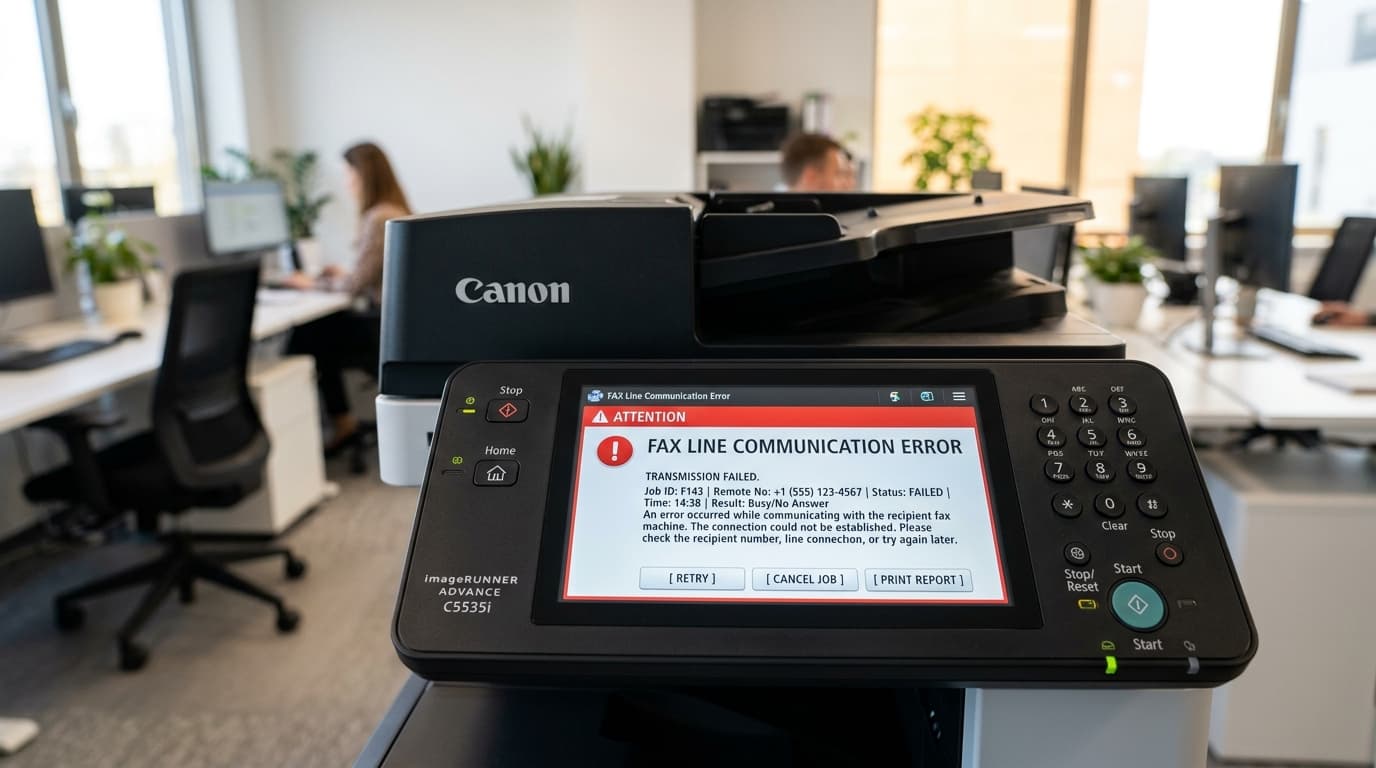
Troubleshoot Canon imageCLASS fax transmission failures, error #0005, #0018, line busy errors, and VoIP digital phone line compatibility issues.
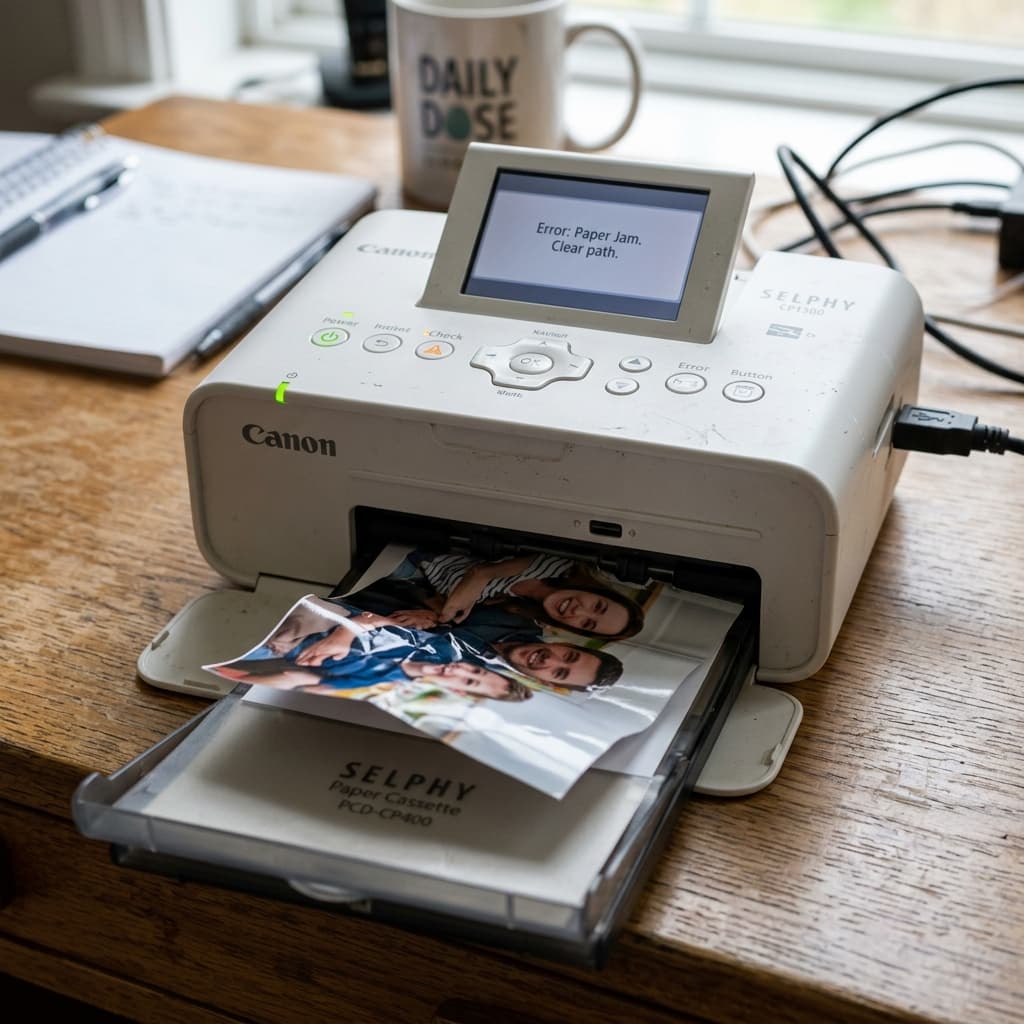
Troubleshooting the Canon SELPHY CP1300 and CP1500 portable photo printers. Fix 'Paper Jam', 'Wrong Paper', and 'Ink Cassette Empty' errors.
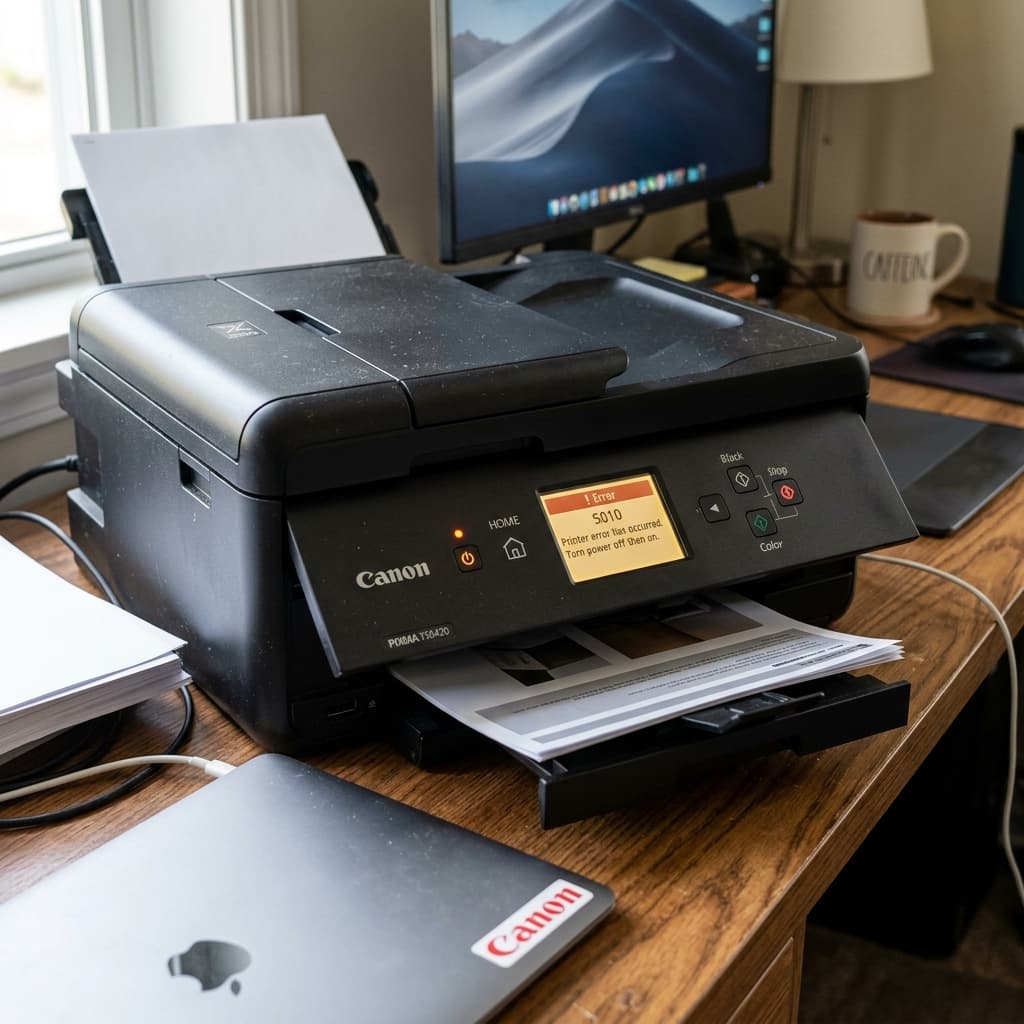
Decode the errors on your Canon TS6420 OLED screen. Learn how to fix Support Codes 1300, 1401, 1688, and 2110 for paper jams, empty ink, and paper mismatch.
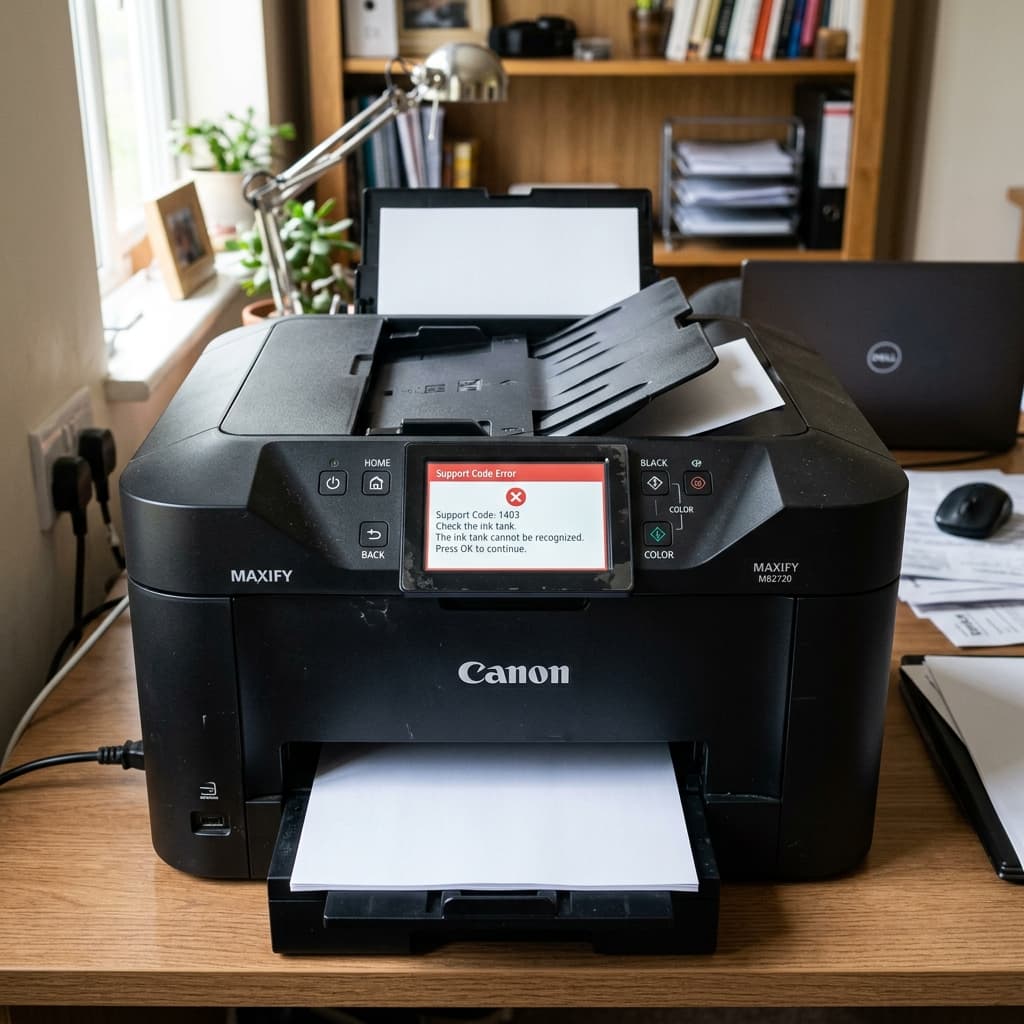
A complete troubleshooting guide for the Canon MAXIFY MB2720 business printer. Fix error codes B504, 5100, 5200, and paper jam support codes.
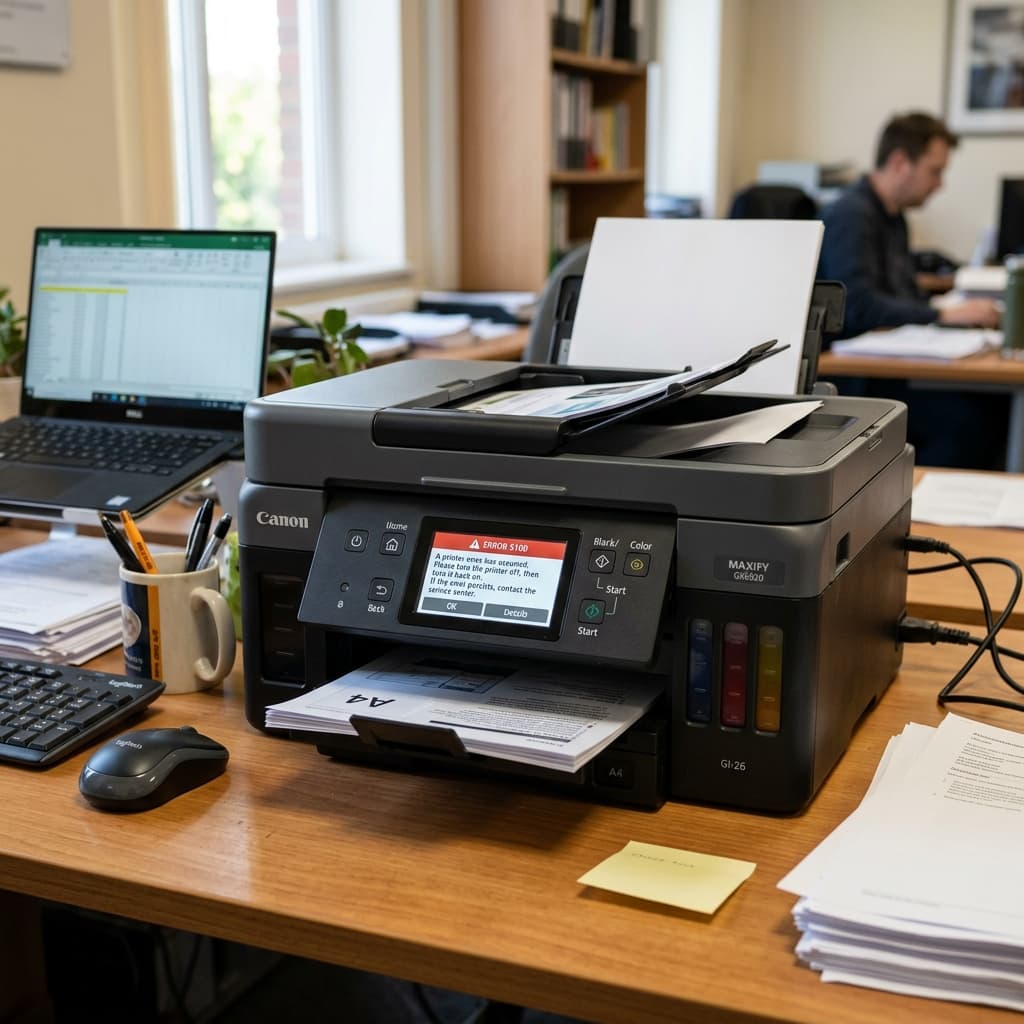
A comprehensive guide to troubleshooting Canon MAXIFY GX series business MegaTank printers. Learn how to clear paper jams, fix ink delivery errors, and resolve network codes.
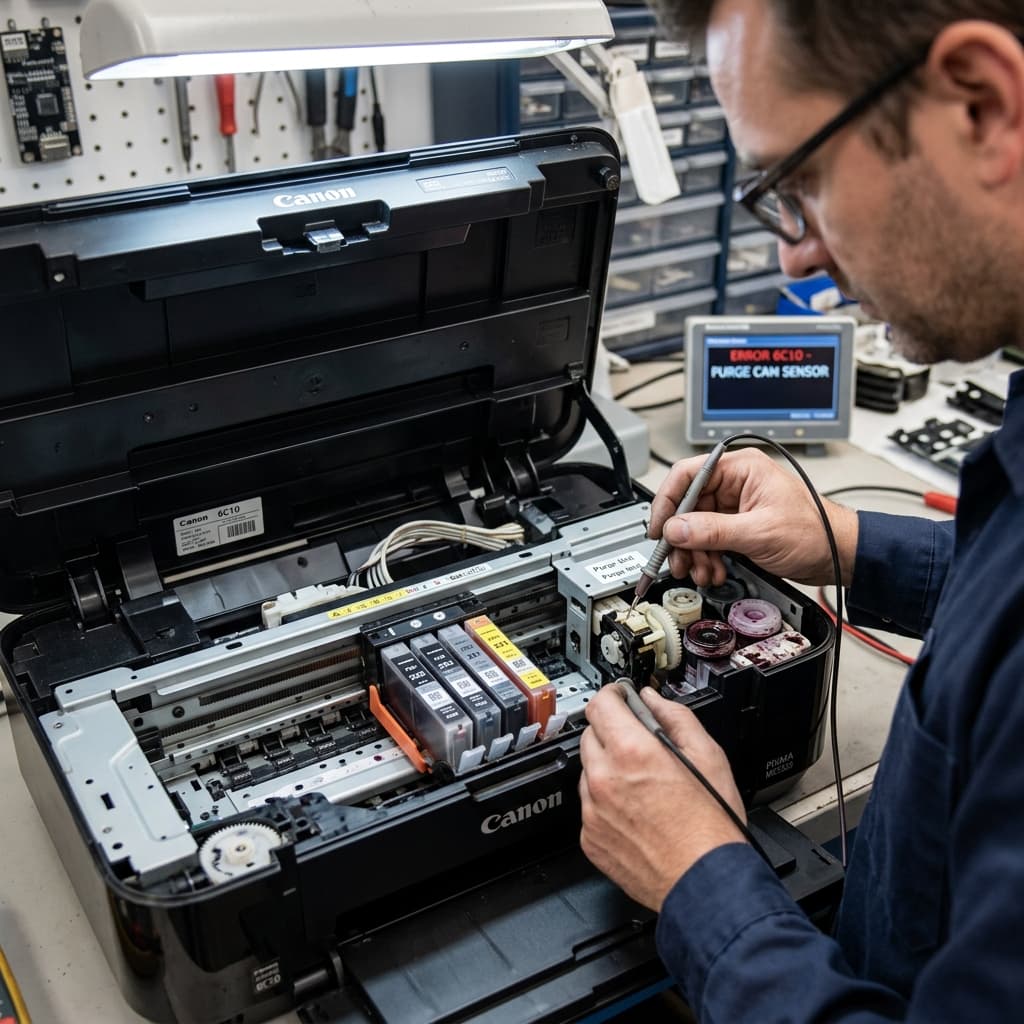
Canon error 6C10 points to a mechanical failure in the purge unit's valve sensor or a massive waste ink clog. Learn how to clean the capping station.
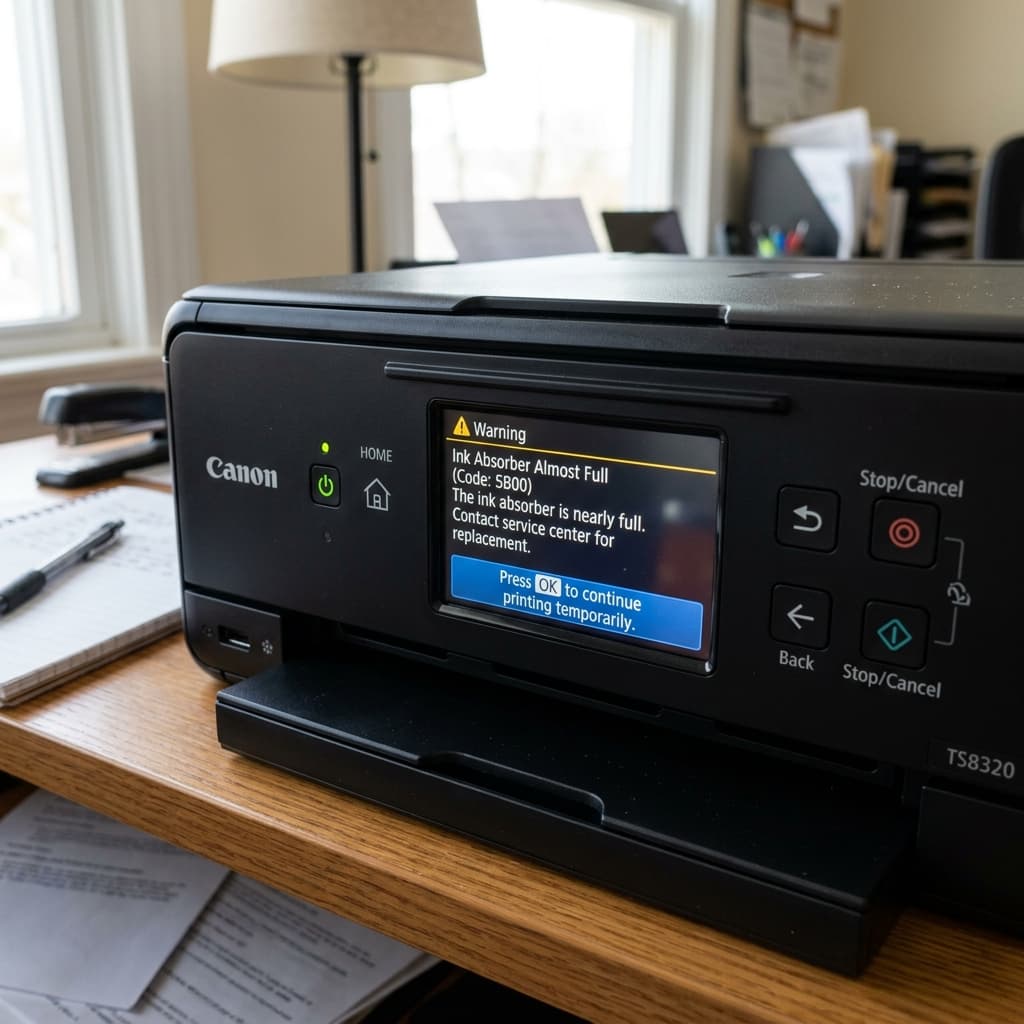
Is your Canon printer stopping mid-job with an 'Ink absorber almost full' message? Learn how to bypass the warning, resume printing, and prepare for the 5B00 error.
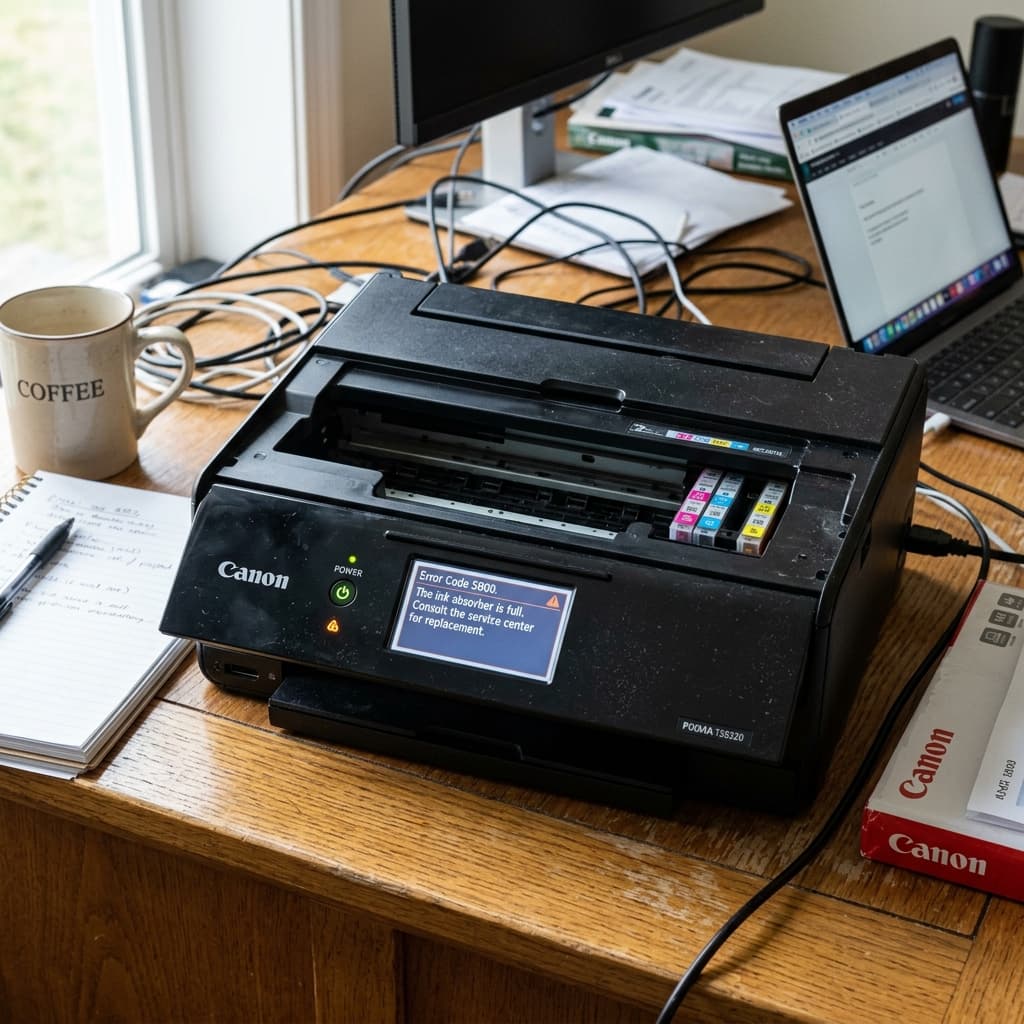
What is the difference between Canon errors 1700, 5800, and 5B00? Learn why your printer 'requires servicing' and what these waste ink codes actually mean.
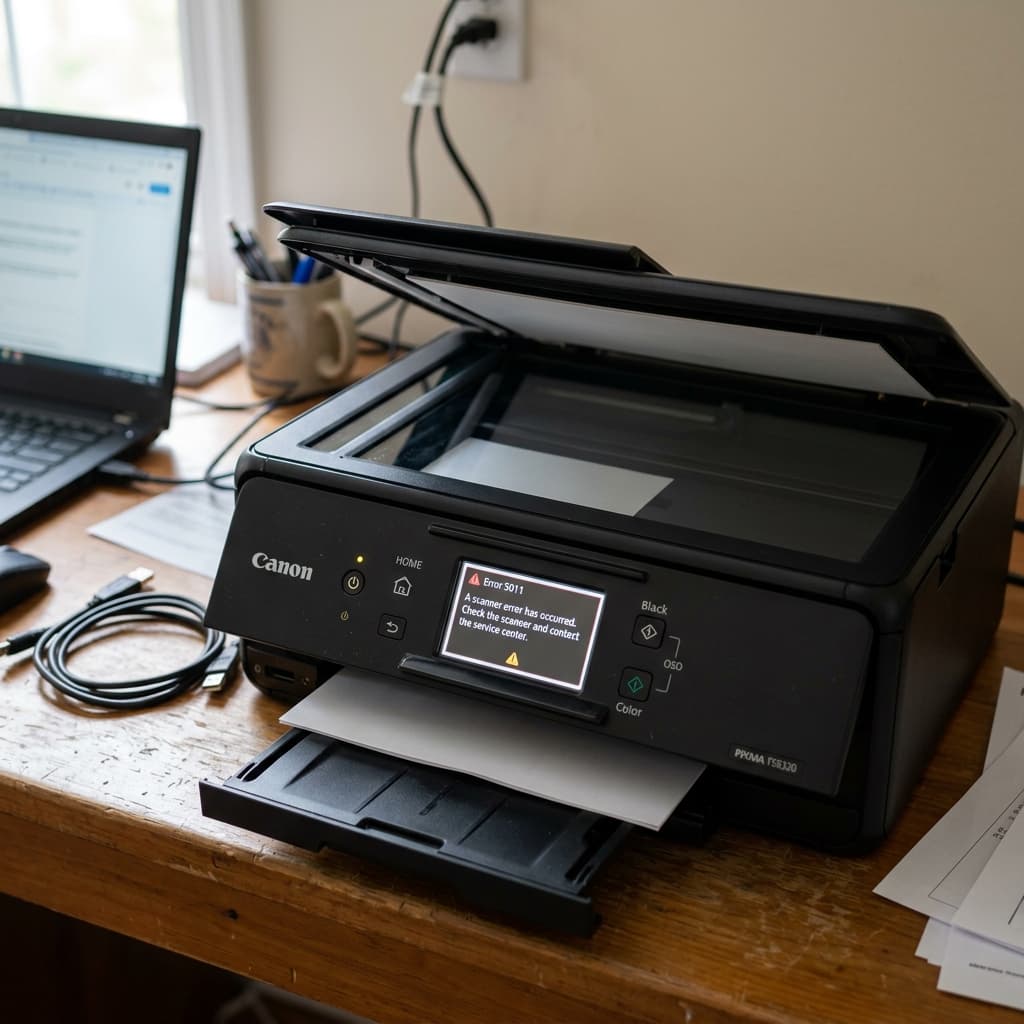
Canon error 5011 is a communication failure between the scanner unit and the main logic board. Learn how to diagnose scanner motor jams and ribbon cable faults.
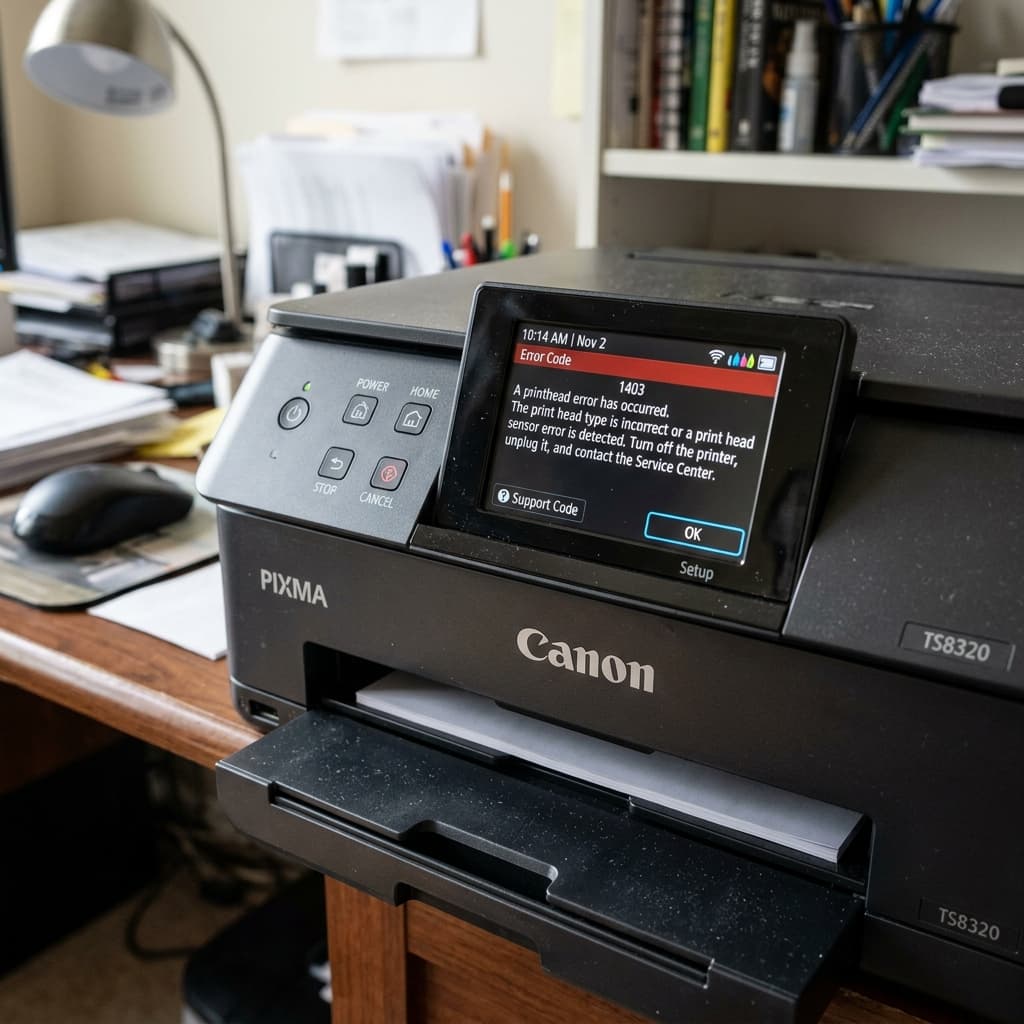
Canon Support Code 1403 indicates the printhead temperature sensor is defective. Learn how to clean the contacts, perform a hard reset, or replace the printhead.
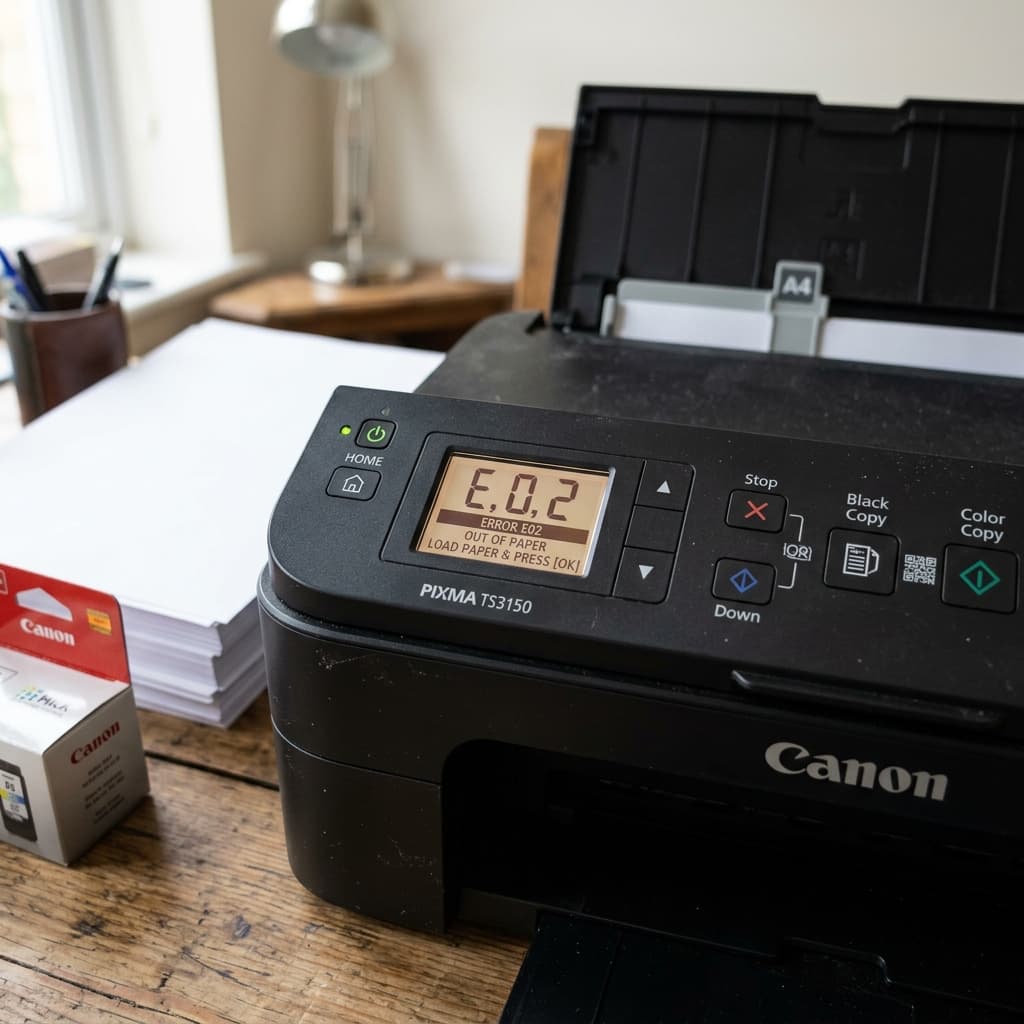
Many users confuse Canon Error E02 with an ink cartridge issue. E02 actually means the printer is out of paper or the rollers failed to grab a sheet. Here is how to fix it.
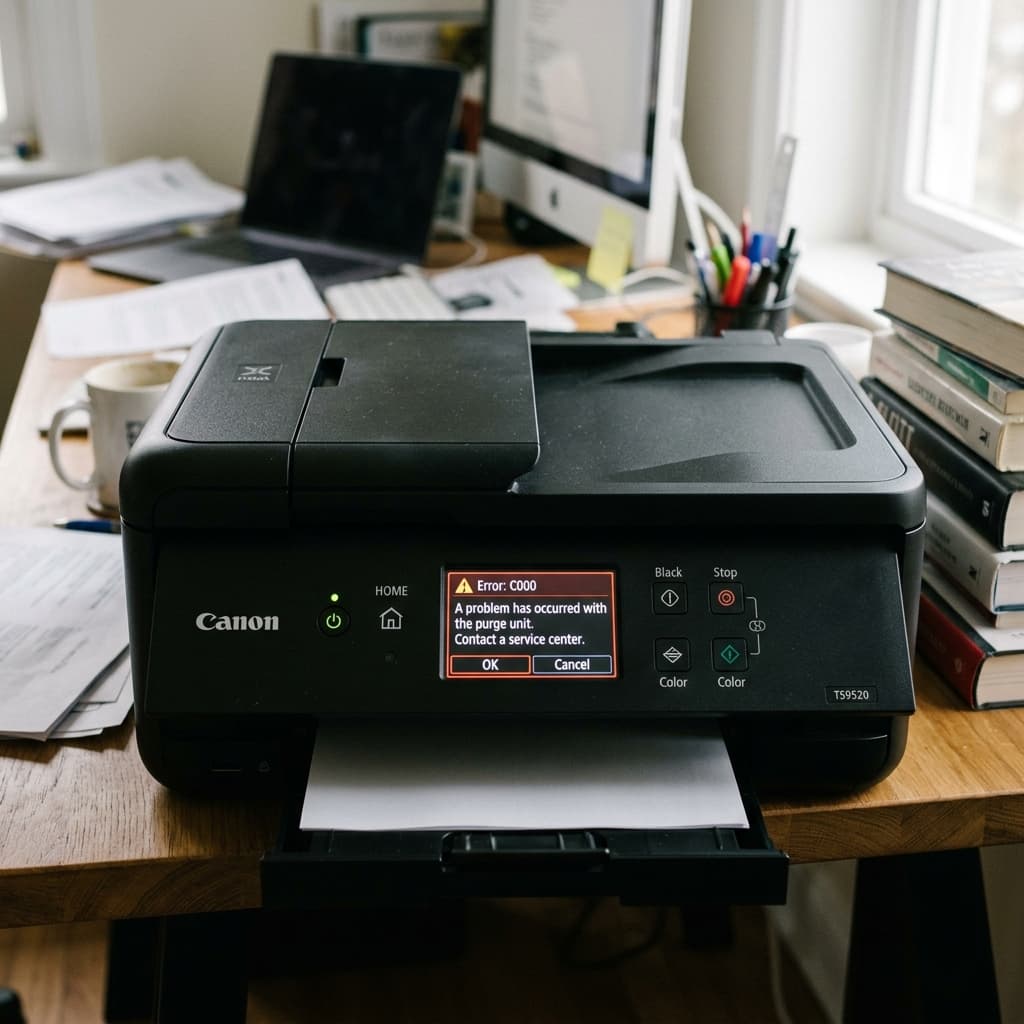
Canon error C000 indicates a drive error in the internal mechanics, usually involving the purge unit or paper feed gears. Learn how to clear physical jams.
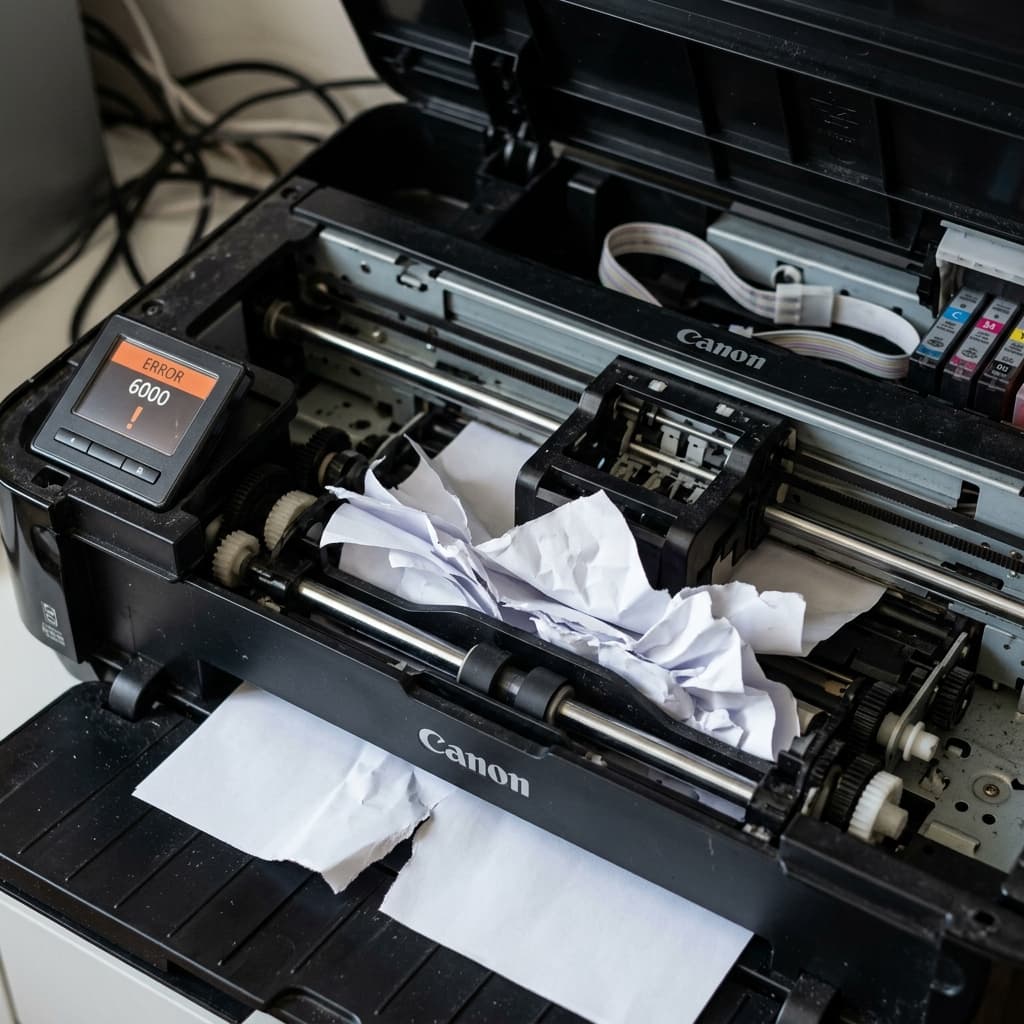
Canon error 6000 is a paper jam or paper feed error. Learn how to clear hidden jams in the duplexer, clean the paper sensors, and fix phantom jam errors.
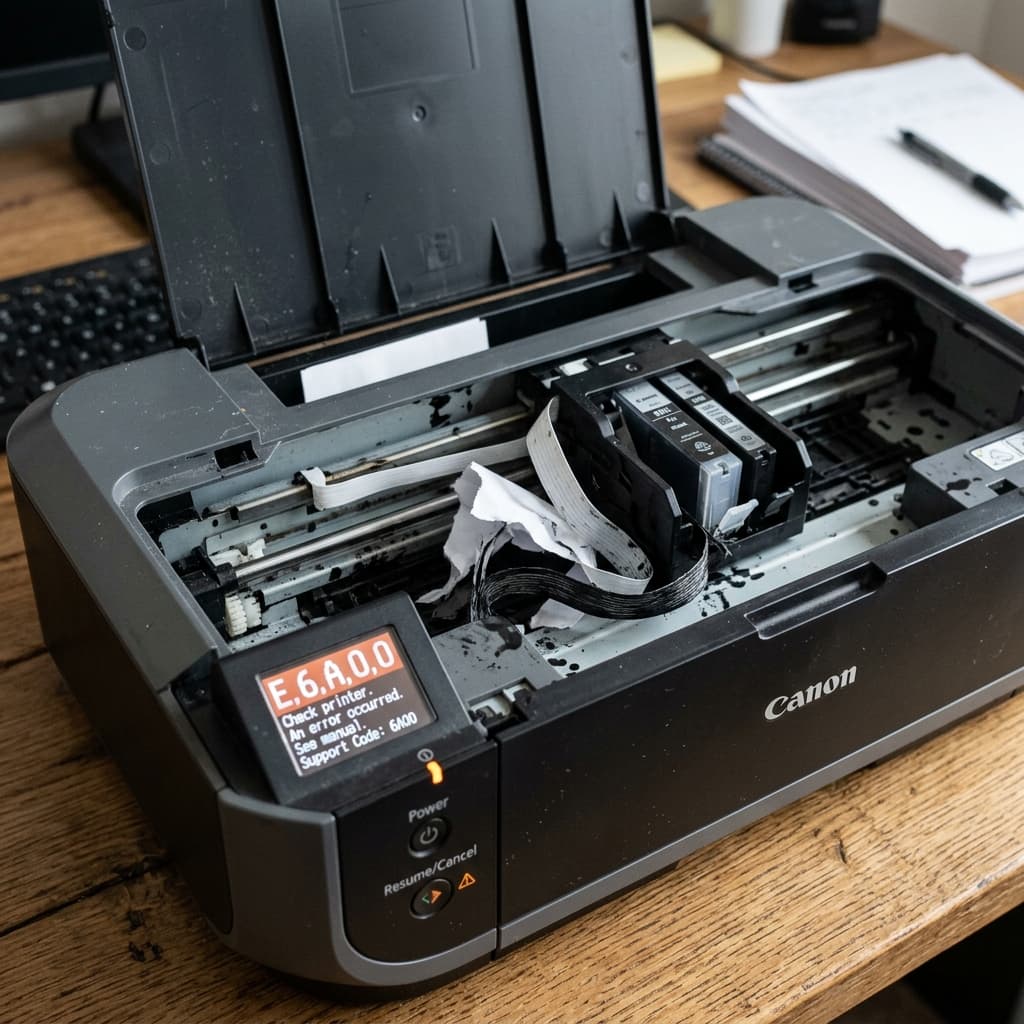
Canon error 6A00 means the ink purge unit (the waste ink pump mechanism) is jammed or the cartridge carriage is blocked during its parking sequence.
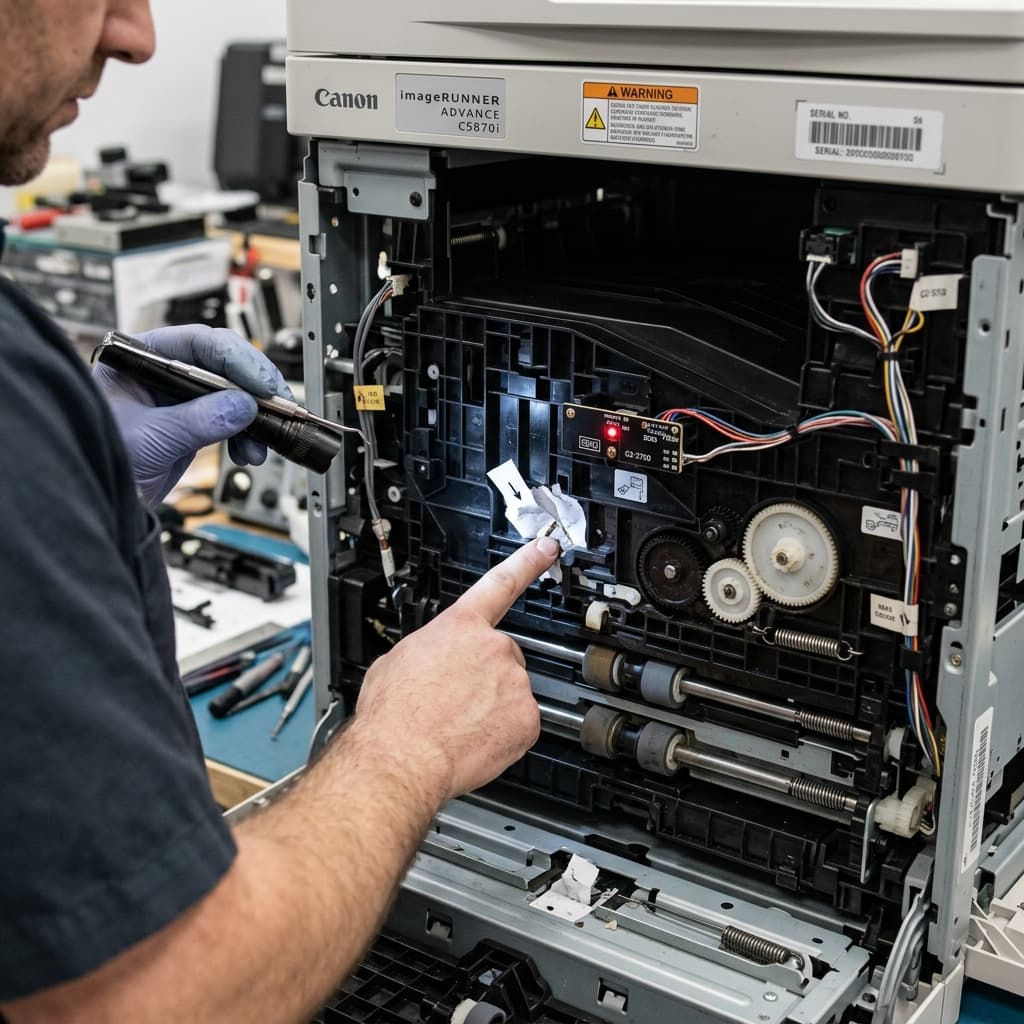
Canon error 5700 means the Automatic Sheet Feeder (ASF) motor has failed or the paper pick-up rollers are slipping. Learn how to clean and fix the feed mechanism.
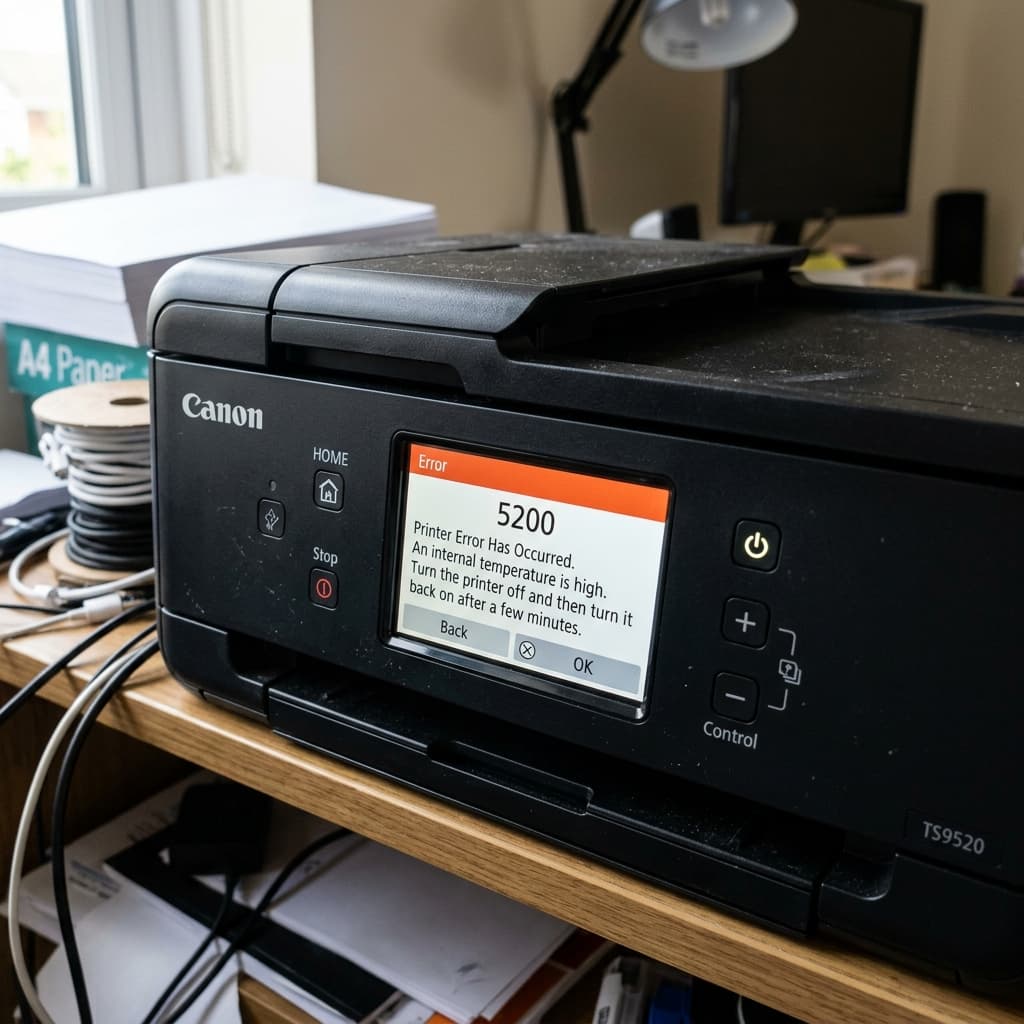
Canon error 5200 indicates the printer's internal temperature has exceeded safe limits. Learn how to diagnose overheating caused by ink levels, ventilation, and power board issues.
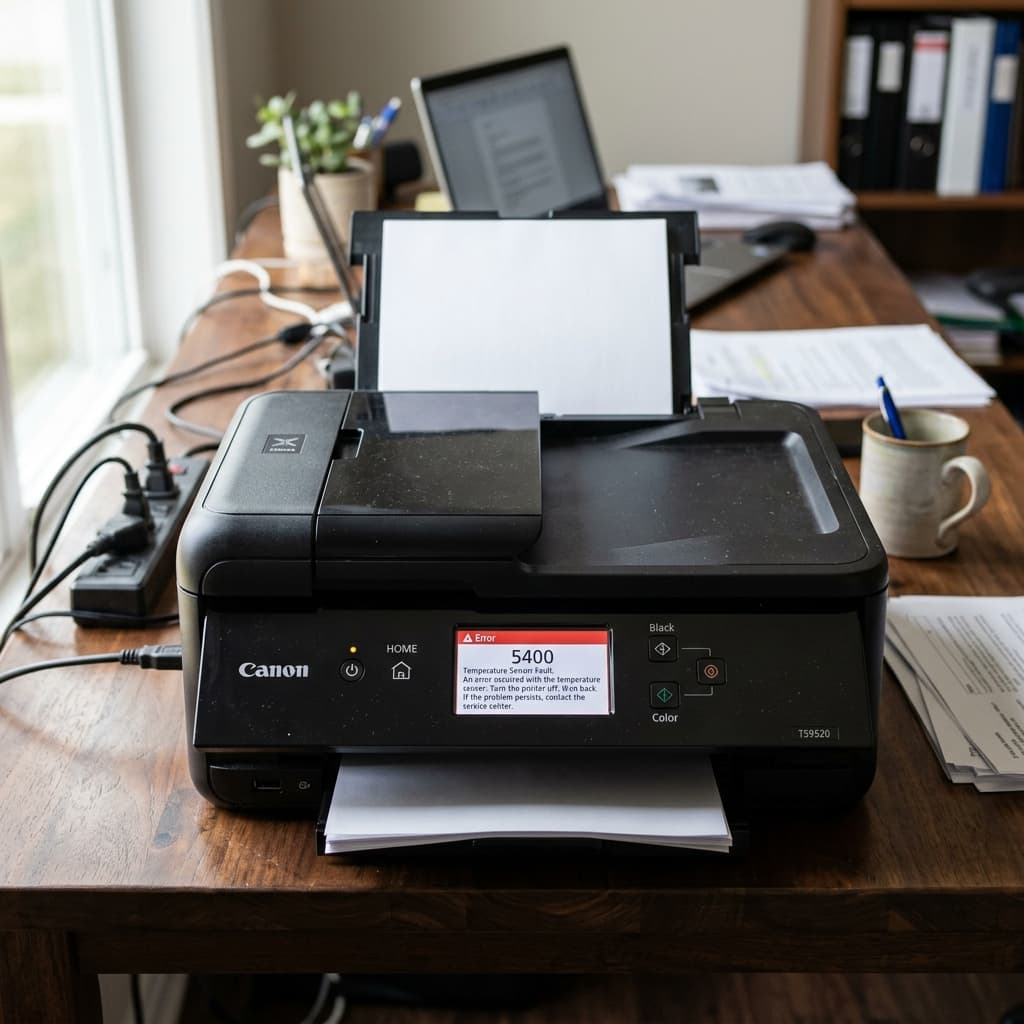
Canon error 5400 is closely related to 5200 but specifically points to a temperature sensor or thermal shutdown event. Learn how to diagnose and fix it.
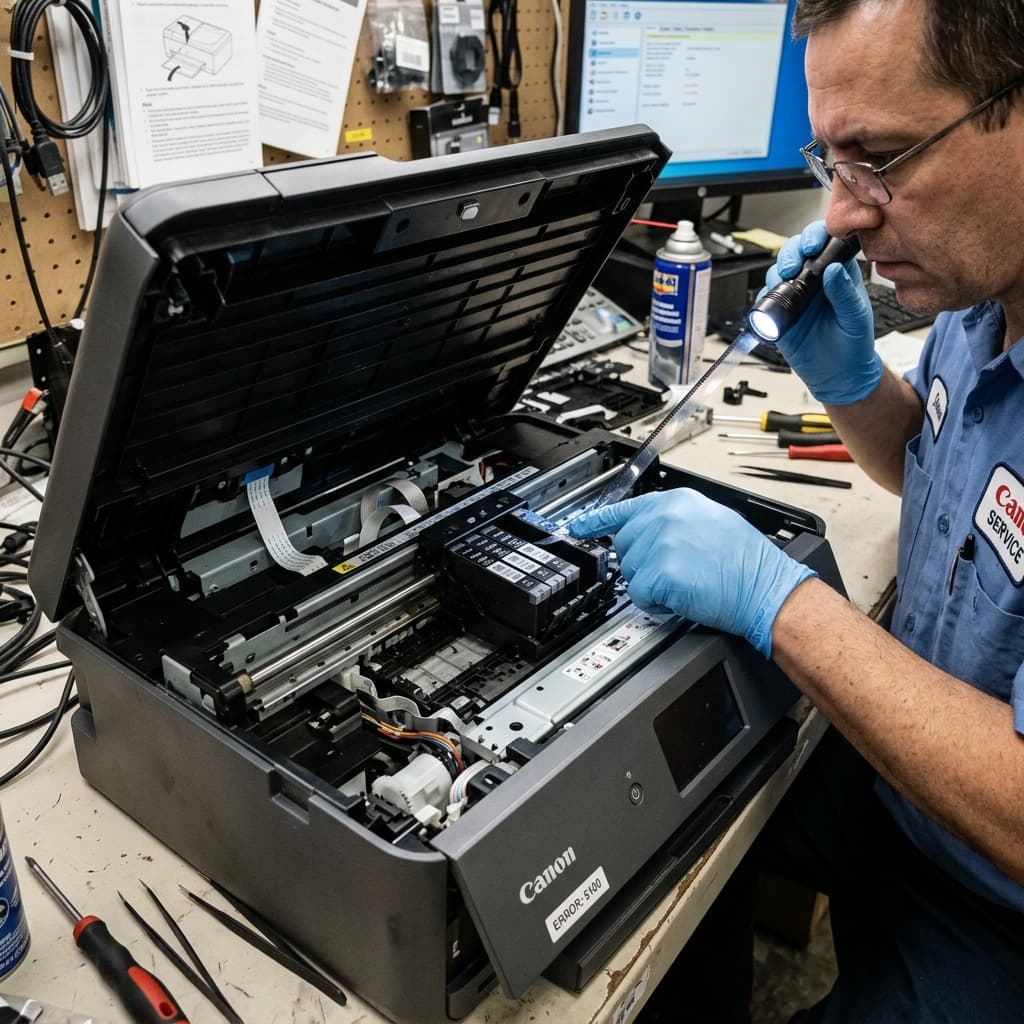
Canon error 5100 means the printhead carriage is stuck. Learn how to clear physical obstructions, clean the encoder strip, and lubricate the carriage rail.
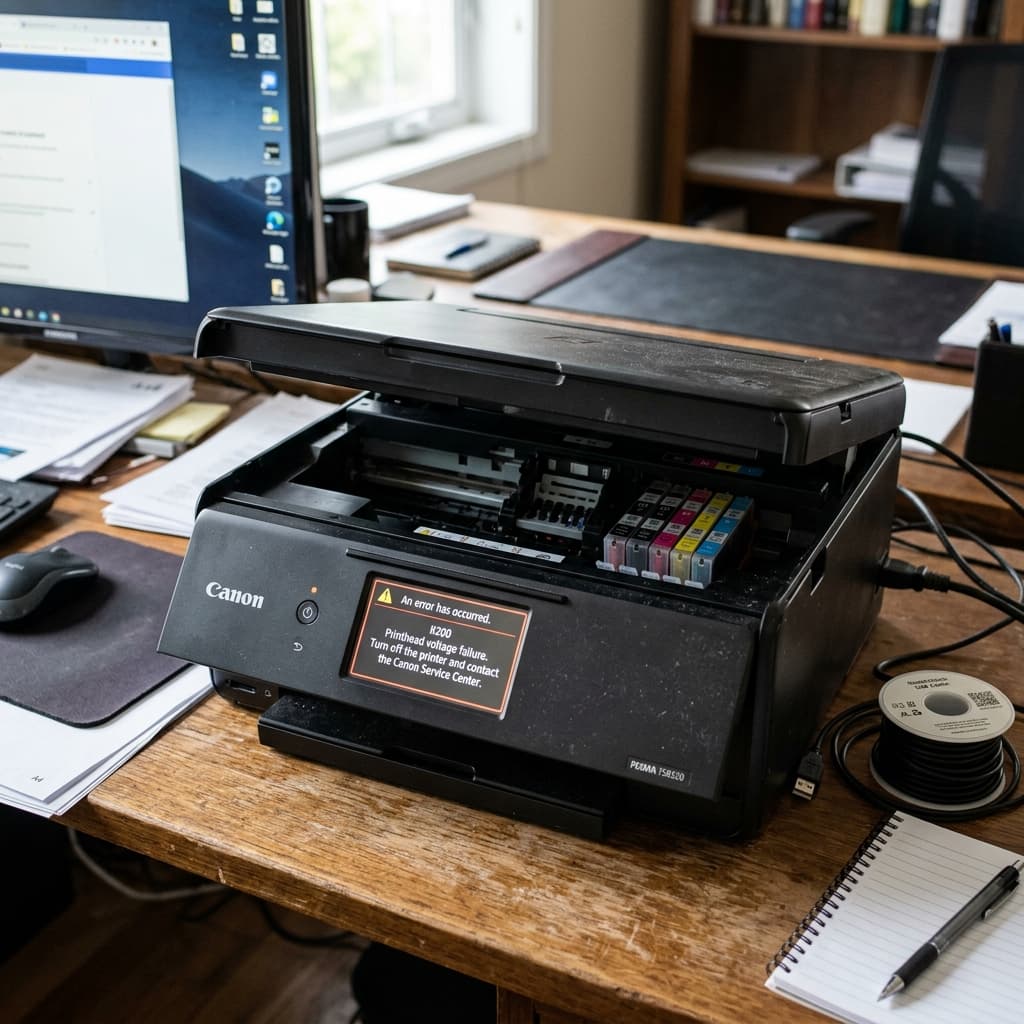
Canon error B200 means the printhead has suffered a catastrophic voltage failure. Learn how to clean, reseat, or replace the printhead to fix this fatal error.