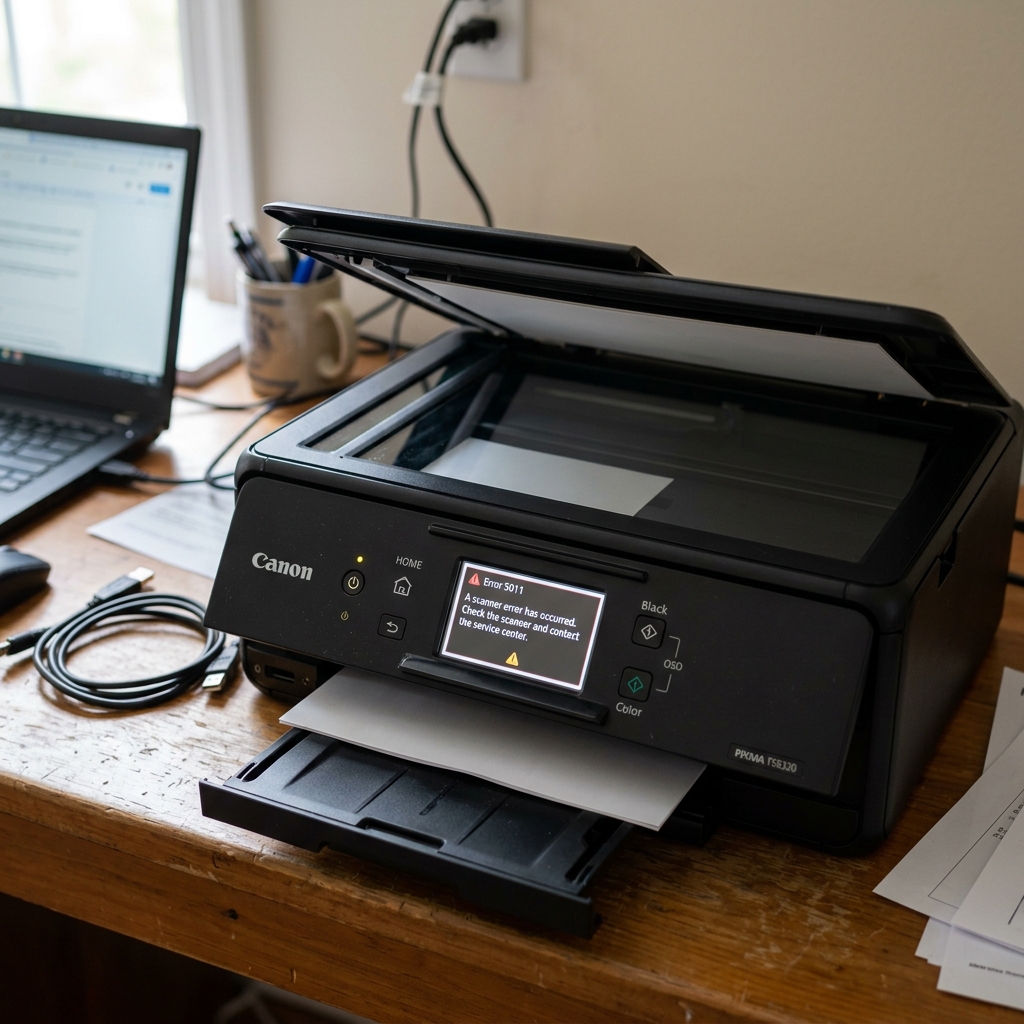
The Scanner Initialization Failure
During the boot-up sequence, a Canon all-in-one printer checks every major component to ensure it is ready for use. If it throws Support Code 5011, the initialization has failed at the scanner unit.
Even if you only want to print a document from your computer, error 5011 locks down the entire printer. The main logic board either cannot detect the scanner unit at all, or the scanner motor cannot find its "home" position under the glass.
Fix 1: The Hard Power Reset
Before assuming the hardware is broken, rule out a temporary glitch in the motherboard's RAM. If the printer received a corrupted scan command over the network, it can lock up the scanner bus.
- Leave the printer turned on.
- Pull the power cord directly out of the back of the printer.
- Wait for 10 full minutes. This allows the internal capacitors to drain completely.
- Plug the cord back in and press the power button.
- Watch the scanner glass. The long scanner bar should light up, move slightly to the right, and then slide back to the far left to lock into its home position. If it does this successfully, the error is cleared.
Fix 2: Freeing a Stuck Scanner Motor
If you turn the printer on and hear a grinding noise coming from the top of the machine, or if the scanner bar tries to move but stutters in place, the mechanism is jammed.
The scanner bar moves along a track using a small DC motor and a rubber belt. If the printer was dropped or moved aggressively, the bar can jump off its track.
- Turn the printer off.
- Open the top lid.
- Apply firm, flat pressure with your palm against the glass directly over where the scanner bar is stuck, and give it a firm but gentle tap. Sometimes this is enough to re-seat a derailed scanner bar.
- Turn the printer on and see if it moves freely.
Fix 3: Inspecting the Ribbon Cable
If the scanner bar remains completely dark and silent during bootup, the main logic board is not communicating with it at all.
The scanner lid is connected to the bottom half of the printer by a wide, flat, white ribbon cable (an FFC cable). If you have frequently opened the printer aggressively to change ink, this cable can stretch, tear, or pull slightly out of its socket on the motherboard.
If you are mechanically inclined, you can unscrew the side panel of the printer to expose the mainboard and verify that this ribbon cable is firmly seated in its connector. If the cable is fully seated but the scanner remains dead, the scanner unit itself has burned out and requires replacement.
Technical Breakdown of Canon Error 5011 / Support Code 5011
On Canon PIXMA multifunction all-in-one printers, Error 5011 (Support Code 5011) indicates a Scanner Unit Hardware Malfunction / Home Position Failure. During power-on bootup, the scanner's Contact Image Sensor (CIS) carriage moves along its track to find the home positioning sensor and white calibration reference.
If the scanner carriage fails to move, encounters physical resistance, or if the scanner motor driver fails, Error 5011 is tripped, locking all print and scan functions.
Step-by-Step Diagnostic & Recovery Protocol
- Check for Physical Scanner Lock or Obstruction:
Lift the scanner lid. Inspect the flatbed glass. Ensure no foreign objects are resting on the glass and that the scanner carriage is not physically jammed against one side. Look closely through the glass to see if the flat ribbon cable is twisted or disconnected.
- Inspect the Scanner Flat Flexible Cable (FFC):
Years of opening and closing the scanner lid can cause the white multi-pin ribbon cable connecting the scanner assembly to the logic board to become loose or develop internal conductor fractures. If comfortable, reseat both ends of the scanner ribbon cable into their logic board sockets.
- Clean the White Calibration Reference Tile:
Underneath the top plastic glass bezel at the extreme left sits a narrow white calibration strip. If glass adhesive haze, dust, or correction fluid has clouded this strip, the CIS optical sensor cannot calibrate white balance and triggers 5011. Clean the glass with optical lens cleaner.
- Execute a Full Hardware Power Drain:
Disconnect the AC power cord from the wall. Press and hold the Power button for 30 seconds to discharge the logic board capacitors. Leave unplugged for 15 minutes to reset the scanner motor driver IC.
Frequently Asked Questions
Can I print when my Canon printer has Error 5011?
Because Canon firmware runs a mandatory hardware self-test on both the scanner and printer during boot, Error 5011 halts the entire machine, blocking printing as well. Resolving the scanner fault or replacing the scanner unit is required.
Does cold room temperature trigger Error 5011?
Yes. In unheated rooms below 55°F (13°C), the CIS optical sensor lamp takes longer to warm up and reach operating luminance, which can trigger an optical timeout 5011 error.