


The Quick Answer
02? A repair tech gives you the honest picture and the best mitigation steps available.
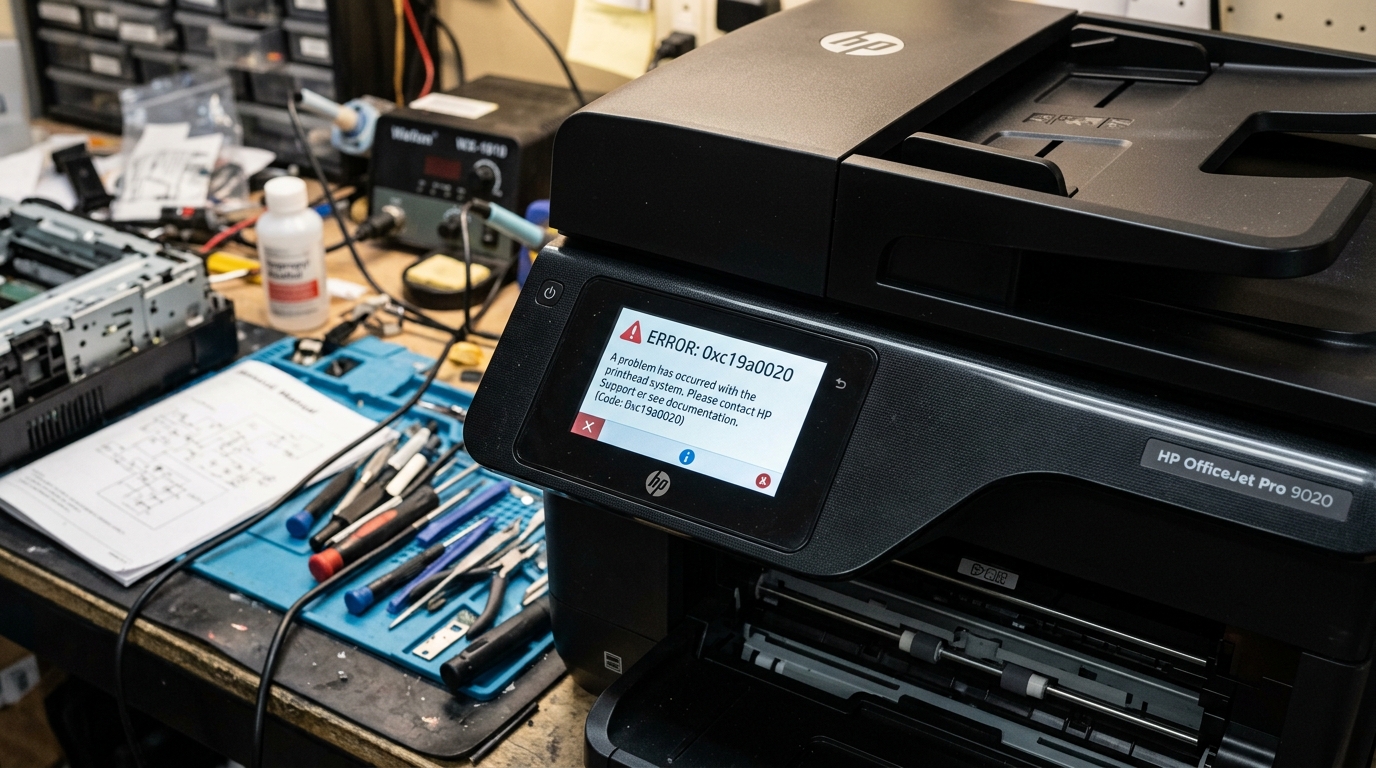
02, "a critical error has occurred, restart the printer and try again" — you're dealing. With one of the more genuinely frustrating problems I've come across on a recent HP model. It's been reported by multiple owners, sometimes recurring several times a. Day, and HP support hasn't yet published a clean, universal fix. That's not the answer most people want to hear, but you deserve the honest picture. Before you spend hours chasing something that may not fully resolve through home troubleshooting alone. Here's everything that genuinely helps, and where the real limits are.Quick-Fix Summary
Fast version:
- Full power cycle — off, unplugged from the wall, genuine reset.
- Update firmware (internal software) to the current version, since this bug has been actively patched over time.
- Try a manual/static IP, though be aware this doesn't resolve it for everyone.
- Check the printer's internal event log — my uncommon tip, and a genuinely underused diagnostic step.
- Know when to escalate to HP directly, since this specific error has documented cases requiring their involvement.
What F0.01.01.02 Actually Means
The "F0" prefix identifies this as a firmware (internal software)-level critical error — not a paper jam, not a cartridge problem, not anything you can see or physically fix by opening the printer.
It's the printer's internal software encountering a state it can't recover from cleanly on its own. One experienced community volunteer, after helping numerous owners troubleshoot this exact code, described it as something that can genuinely "tie the.
Printer in knots" badly enough that even the printer's own diagnostic web interface, the Embedded Web Server, becomes inaccessible during the failure.
Why this framing matters: understanding this is a firmware (internal software) crash, not a hardware fault, tells you where your efforts are actually worth spending — and where they aren't. You're not going to fix this by cleaning anything or reseating a cartridge, because nothing physical is broken.
You're troubleshooting software that's failing in a way HP is still actively working through.
Fix 1: The Genuine Full Power Cycle
Turn the printer off, unplug it from the wall outletcompletely — not just its own power switch — and leave it. Unplugged for at least 60 seconds before reconnecting and powering back on.
Why this works: this forces the printer's firmware (internal software) to restart completely fresh, clearing the crashed state that triggered the error. This is precisely why the printer's own error message suggests restarting — it's a genuine, if temporary.
Fix for the immediate lockup, even though it doesn't address whatever caused the crash to begin with.
Fix 2: Update firmware (internal software) to the Current Version
Check for and install the latest available firmware (internal software)through the printer's control panel menu or the HP Smart. App, even if you believe you're already on a recent version.
Why this works: this bug has been reported across a meaningful stretch of time, and firmware (internal software)for this printer has continued to be updated during that window — meaning some of what's causing this crash. For various owners may already be at least partially addressed in newer releases than whatever your printer currently has installed.
This won't guarantee a complete fix given how widely this issue has been reported even on. Updated units, but it's a genuinely worthwhile step that costs you nothing but a few minutes.
Fix 3: Try a Manual or Static IP Address
Through your router's settings, assign the printer a fixed IP address rather than leaving it on a dynamically assigned one.
Why this works, and why to keep expectations realistic:some owners troubleshooting this exact error have reported this as generally sound. Network practice, and it can help rule out network-layer causes contributing to instability.
Be aware upfront, though, that at least one documented case specifically confirmed switching to a static IP did not02 error for them — the underlying cause in that case. Was described as unrelated to IPv4 settings entirely, wireless or wired.
Try this as a reasonable troubleshooting step, not a guaranteed cure.
Fix 4: Check the Printer's Internal Event Log (My Uncommon Tip)
Here's a diagnosticstep that almost no consumer troubleshooting guide mentions, and it's worth doing both. For your own understanding and for anything you eventually report to HP support.
More advanced HP printer firmware (internal software), including on this model, maintains an internal event log— a running record of internal errors and state changes, typically accessible through the.
Printer's Embedded Web Server when it's reachable (type the printer's IP address into a browser). This log can capture more specific detail about exactly what's failing at the moment of a.
Crash than the vague "critical error" message on the printer's own small display ever shows you.
To check: while the printer is functioning normally (since the EWS can become unreachable during an active crash, per the earlier description), navigate to any diagnostics, event log, or system information section within the EWS interface. 02 error specifically.
Some owners troubleshooting this issue have found that reviewing — and in some cases clearing — this log correlates with reduced recurrence. Though this isn't a guaranteed or fully understood fix given that the underlying firmware (internal software) bug remains the root cause either way.
Why this is worth doing regardless: even if clearing the log doesn't resolve the crash pattern for you, the specific detail it captures is genuinely more useful information to hand to HP support than "it says F0.01.01.02 sometimes" — and specific diagnosticdetail is exactly what tends to get a stuck support case escalated to someone.
Who can actually help, rather than cycling through the same generic troubleshooting script repeatedly.
Fix 5: Know When to Escalate Directly to HP
If this error is recurring multiple times per day, as some owners have reported, and basic troubleshooting isn't resolving it, don't spend excessive additional time on generic self-troubleshooting — this is a case genuinely worth escalating to HP support directly, with specifics: your exact error code, how often it recurs, your current firmware (internal software) version, and any event log detail you've gathered.
Why this matters: this isn't a situation where persistence alone reliably wins — it's a documented firmware (internal software)issue that some owners have only resolved through direct HP involvement, and if your printer. Is recent enough to still be under warranty, that's exactly the situation warranty support exists for.
When to Call a Professional
If you're experiencing frequent F0.01.01.02 errors despite a full power cycle, current firmware (internal software), and the diagnostic steps above, contact HP support directly with your printer's serial number, exact firmware (internal software). Version, and a clear description of frequency and any patterns you've noticed (specific tasks that trigger it, time of day, and so on).
If your printer is recent enough to be within its return or warranty window and this error is significantly interfering with regular use, it's reasonable to also ask directly about replacement or. Refund options — some owners dealing with this exact issue have gone this route after troubleshooting didn't resolve things, and that's a legitimate outcome to pursue rather than a failure on your part.
FAQ
02 mean on the HP OfficeJet Pro 9130e?
It's a firmware (internal software)-level critical error — the printer's internal software crashing in a way it can't recover from cleanly on its own. It's not related to paper jams, cartridges, or anything physically wrong with the printer.
Is there a guaranteed fix for this error?
Not currently, based on documented reports from multiple owners over an extended period. A full power cycle, current firmware (internal software), and the diagnostic steps in this guide are the best mitigation. Available, but some cases require direct HP involvement or aren't fully resolved through home troubleshooting alone.
Does switching to a static IP address fix this error?
It can help rule out network-layer instability as a contributing factor, but it has been specifically confirmed not to. Resolve this exact error for at least one documented case where the root cause was unrelated to IP settings entirely.
Should I return my printer if this keeps happening?
If the error recurs frequently and troubleshooting hasn't resolved it, and your printer is. Still within a return or warranty window, this is a completely reasonable option to pursue. This is a documented, currently unresolved firmware (internal software) issue for some units, not a sign you're doing anything wrong.
02 deserves an honest answer rather than false confidence: it's a genuinely known, currently unresolved firmware (internal. Software) issue for some owners, and the steps here are the best mitigation available, not a guaranteed cure. Power cycleproperly, keep firmware (internal software) current, check the event log for detail worth reporting, and don't hesitate to escalate directly.
To HP or pursue a return if it's seriously interfering with your ability to use a printer you paid for.
Additional Resources
If you are still experiencing issues after trying the steps above, you may need to consult the official documentation or download the latest firmware (internal software) for your specific printer model. We recommend checking the following official resources:
