
Kodak Printer: Printing Problems
Browse all troubleshooting articles and solutions for Kodak printers under the printing problems category.
Guides & Solutions (12)
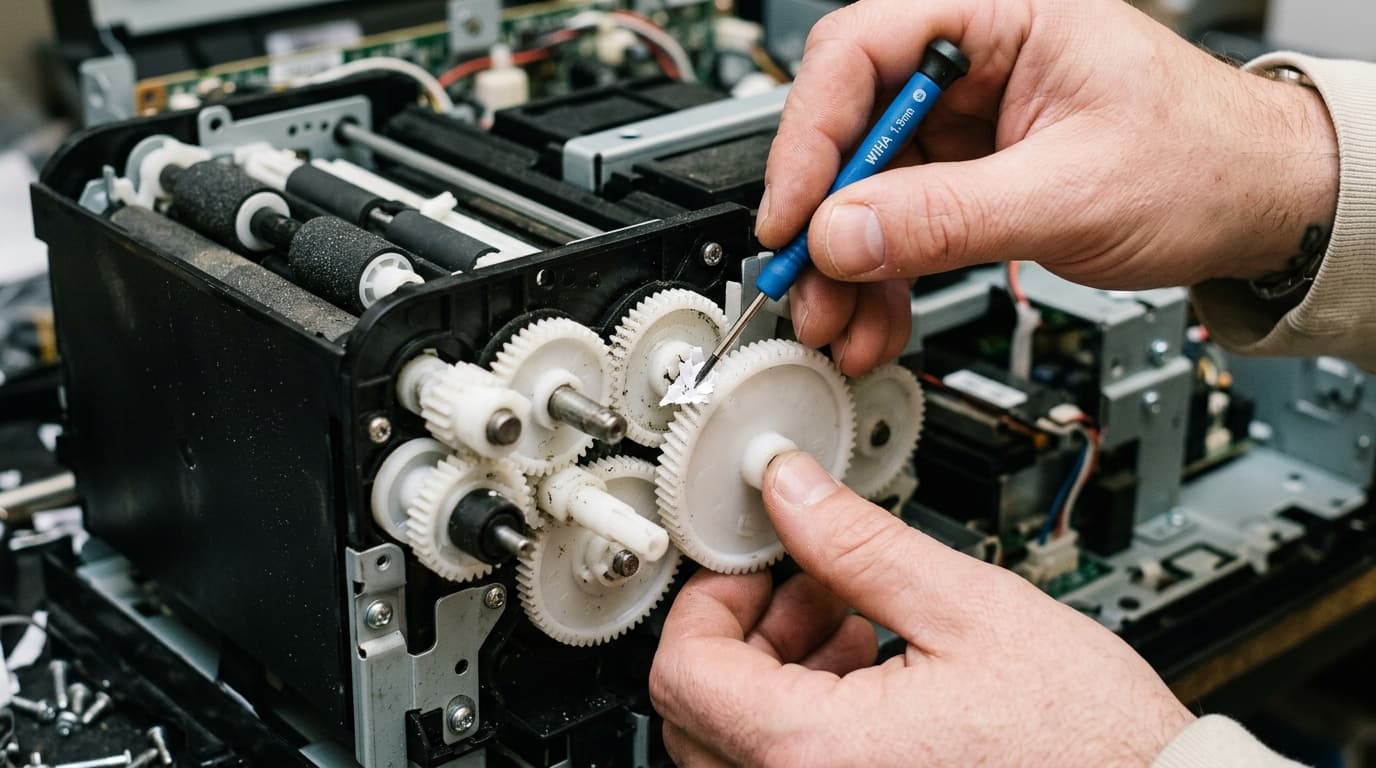
Is your Kodak printer making grinding, clicking, or knocking sounds? A hardware tech explains worn carriage gears, encoder strip slips, and foreign object removal.
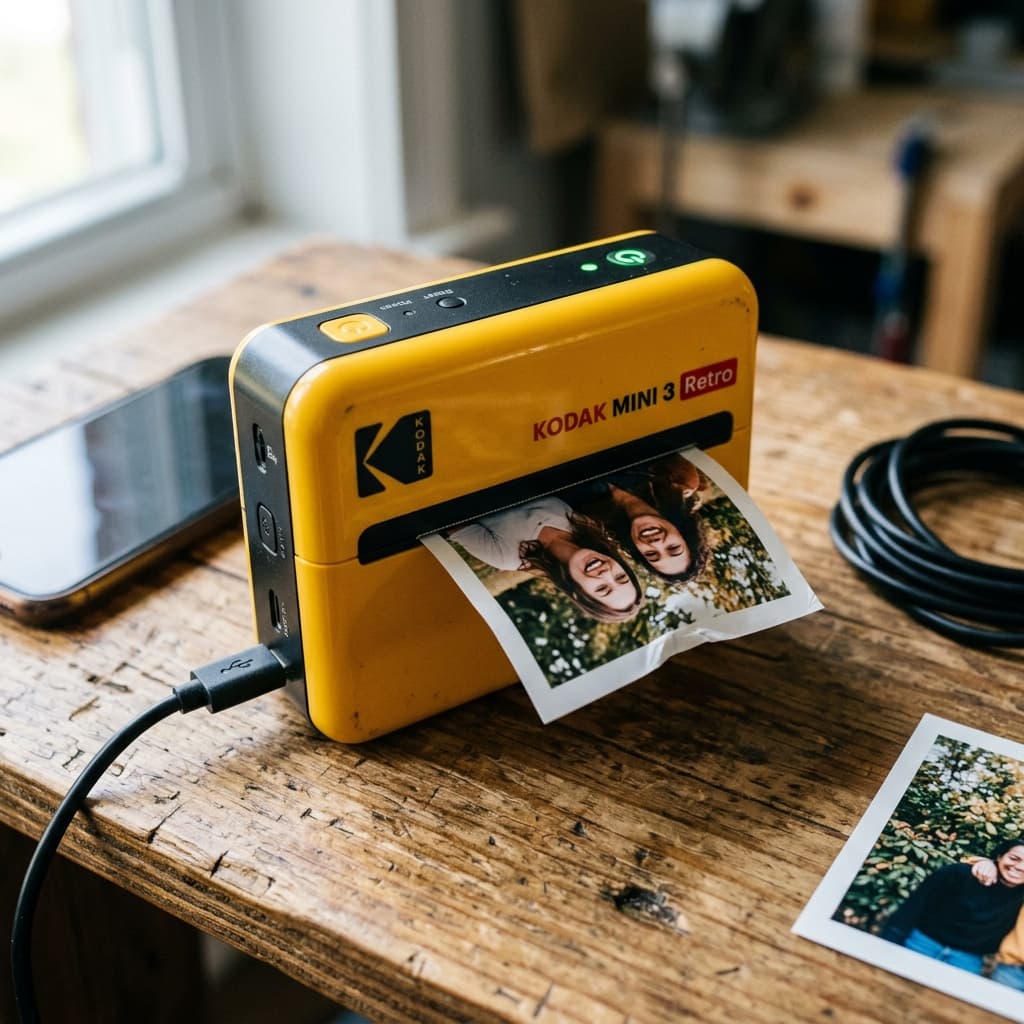
Does your Kodak Mini 3 Retro stop mid-print after the yellow pass? A hardware tech explains 4PASS cycle sync errors, roller jams, and humidity-based paper warps.
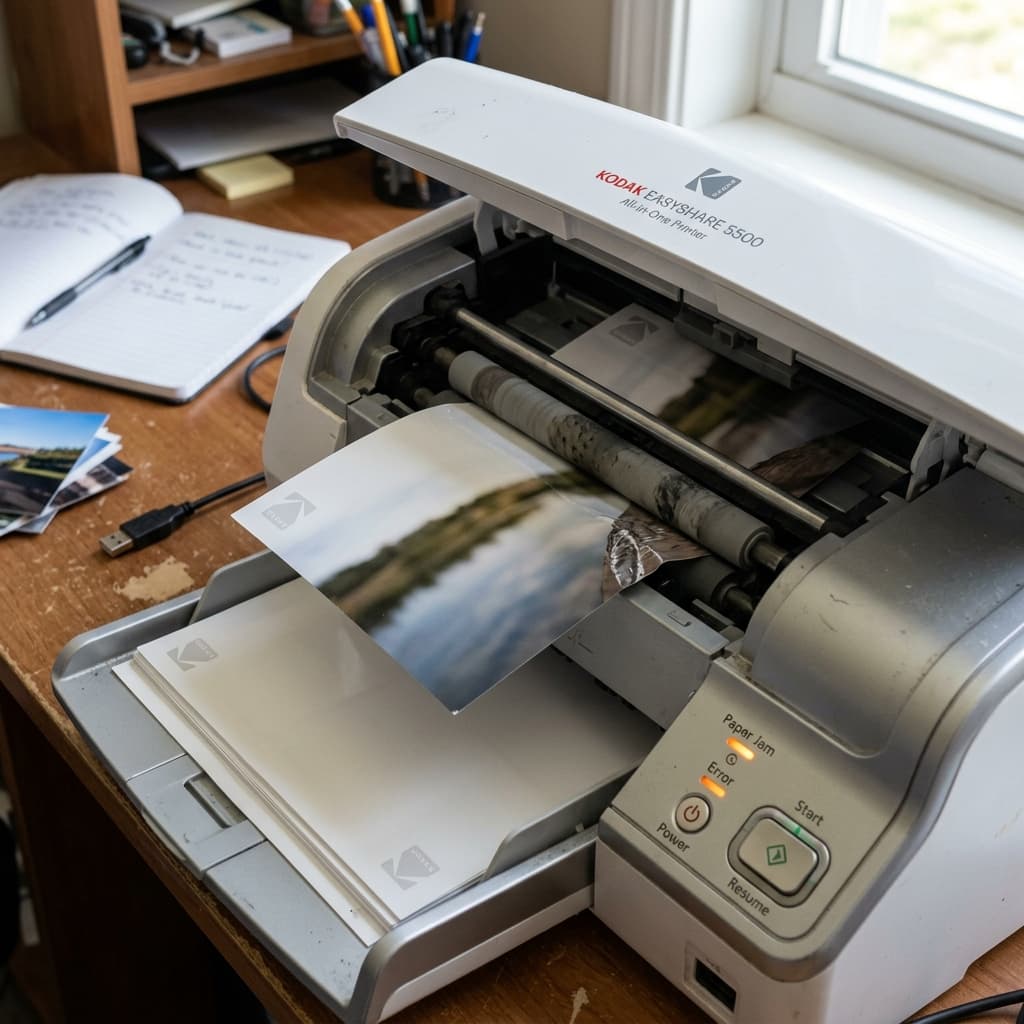
Is your Kodak Mini Retro or Dock Plus failing to feed paper? A technician explains how to clean micro-rubber rollers and prevent slips.
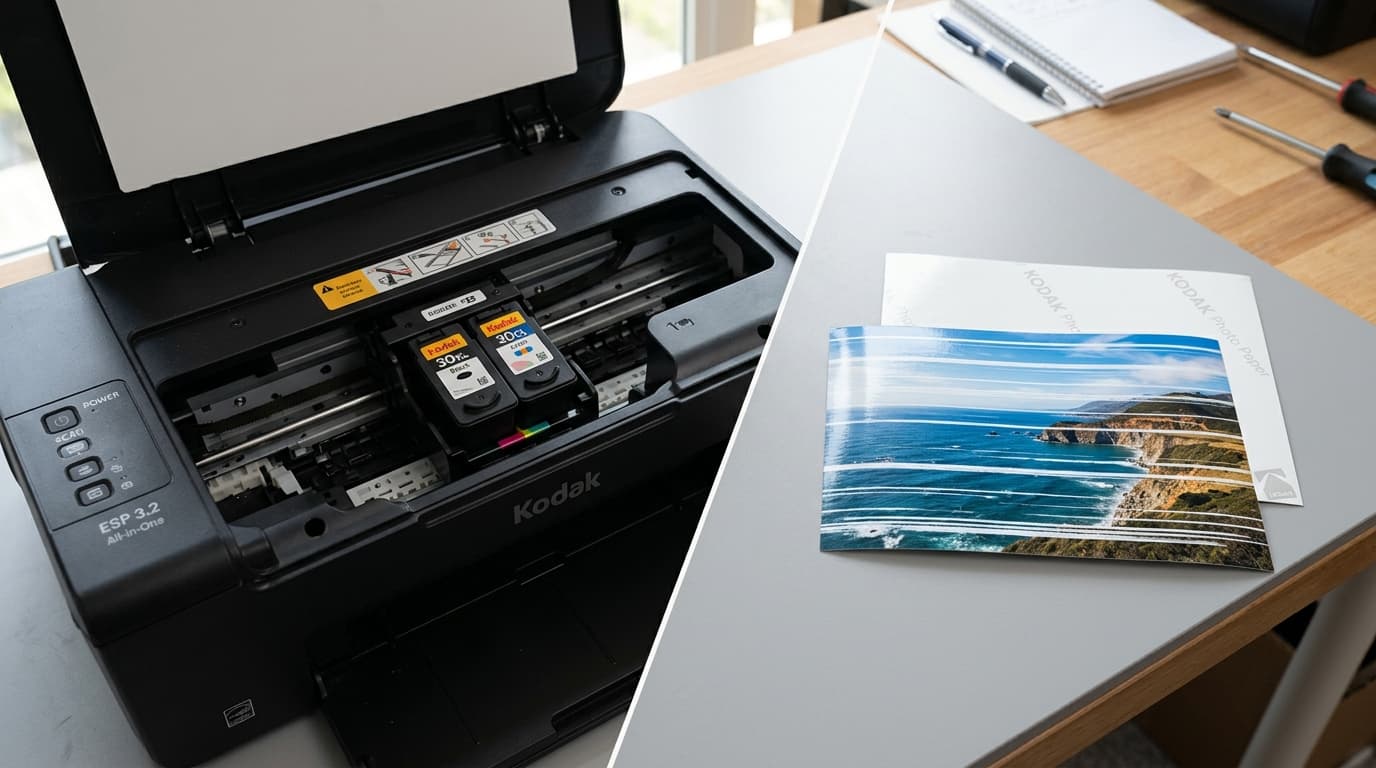
Are your Kodak Mini or Dock Plus photos showing horizontal white lines or color streaks? A hardware tech explains thermal printhead cleaning.
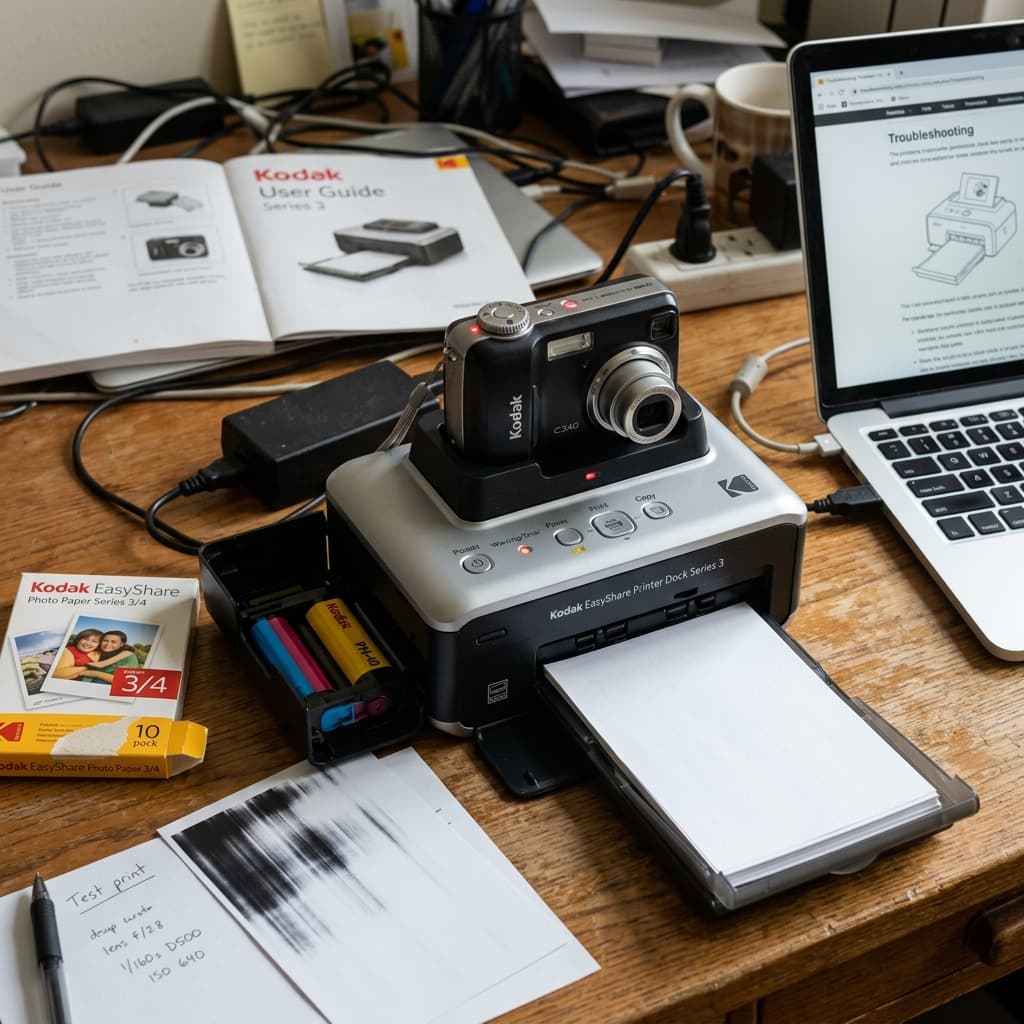
Is your Kodak EasyShare Printer Dock Series 3 tearing ribbons or failing to charge your camera? A technician walks through pin cleaning and cartridge adjustments.
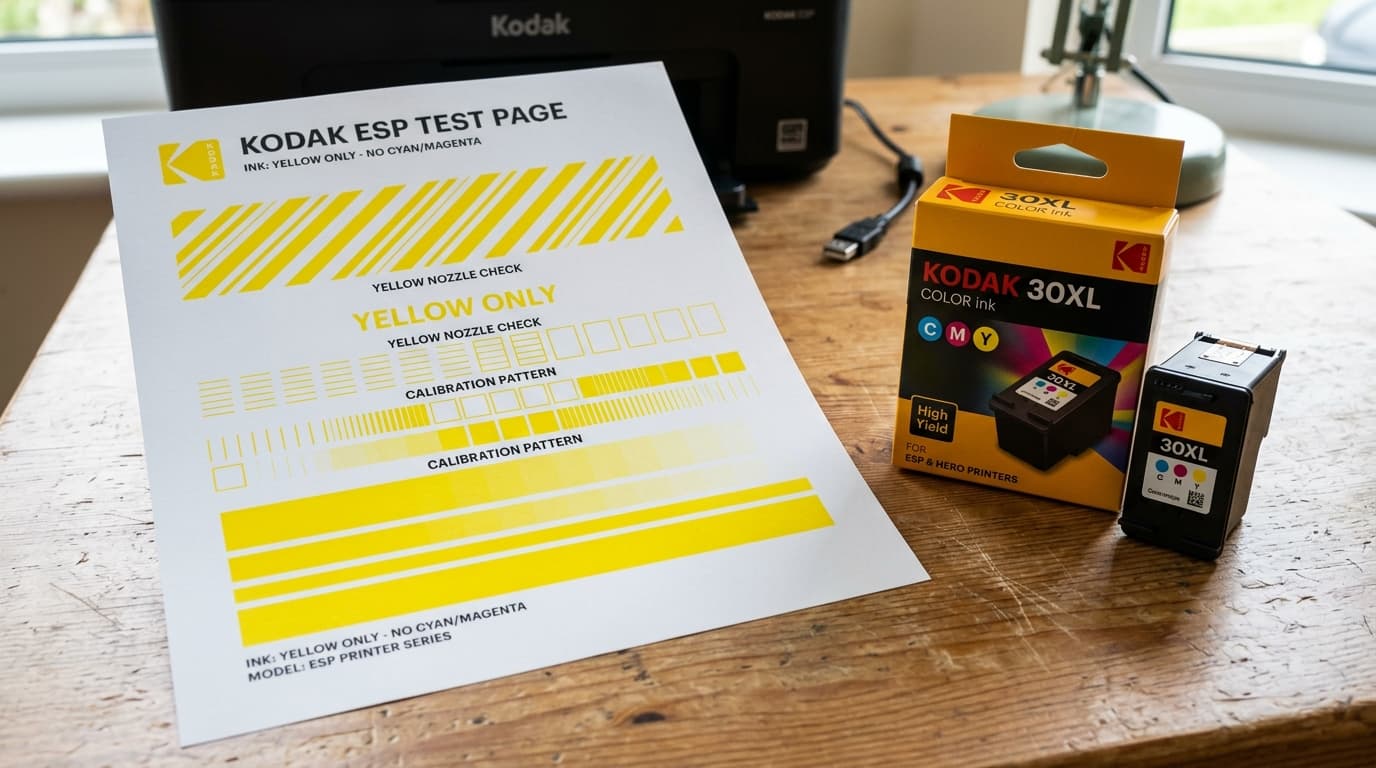
Is your Kodak printer outputting only yellow or contaminated colors? A technician explains printhead gasket leaks, ink migration, and nozzle purges.
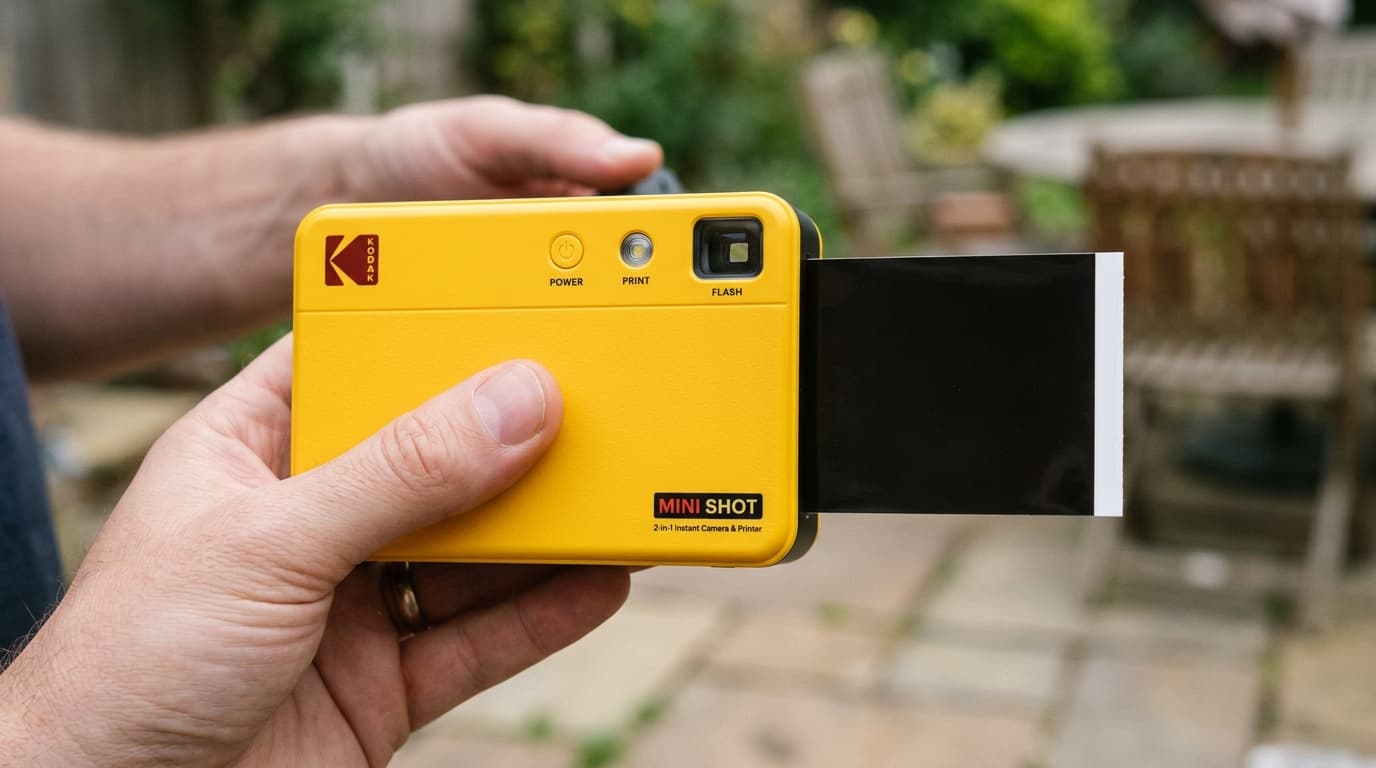
Is your Kodak Mini Shot 2 or 3 Retro producing blank white or solid black photos? A hardware tech walks through shutter drops and pinhole resets.
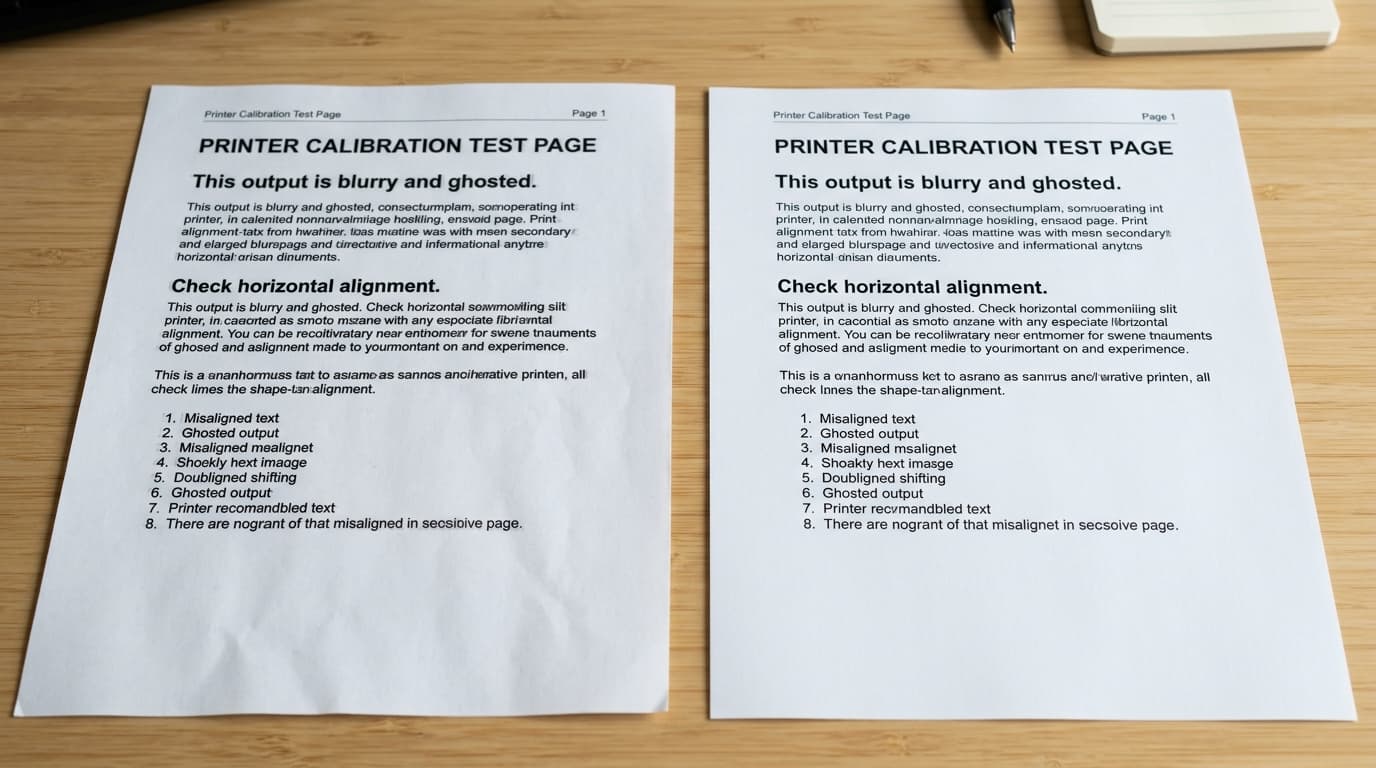
Is your Kodak printer outputting double lines, blurry text, or shadow letters? A repair tech explains carriage timing, alignment, and encoder strip cleaning.
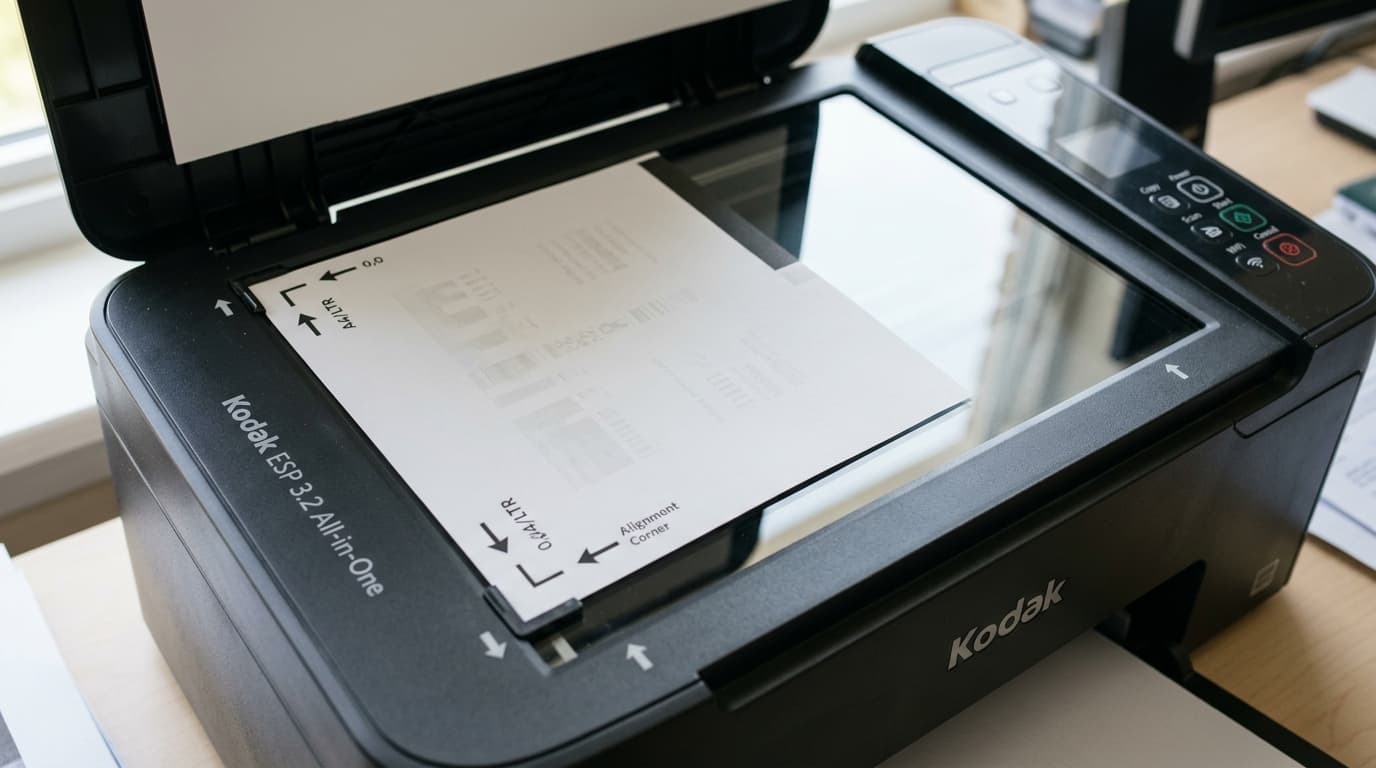
Getting an Alignment Failed error on your Kodak ESP or Hero printer? A hardware specialist explains print quality, scanner bed, and sensor fixes.
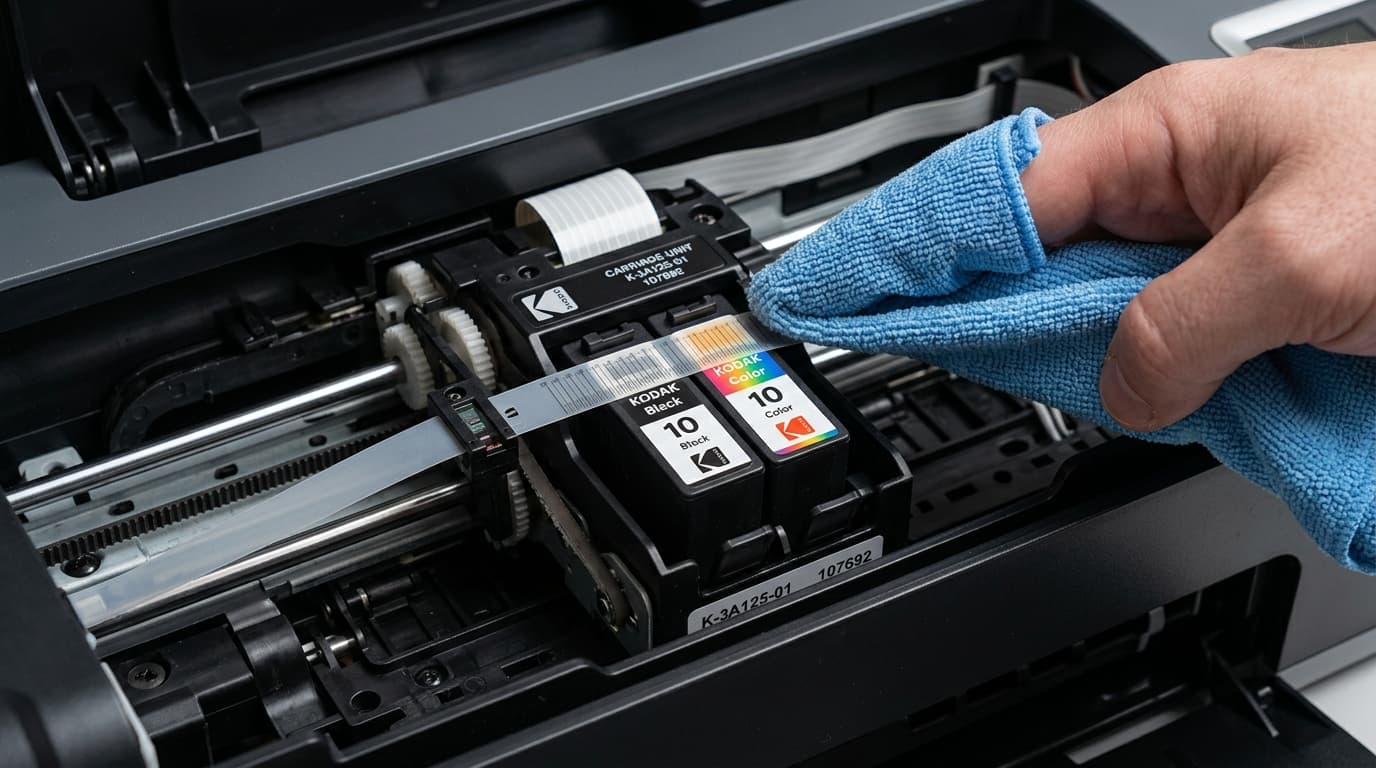
Double print lines or carriage grinding on your Kodak printer? A technician explains how to locate and clean the delicate encoder strip safely.

Kodak printer feeding paper but printing completely blank pages? A technician shares fixes for ink cartridge seals, printhead clogs, and carriage issues.
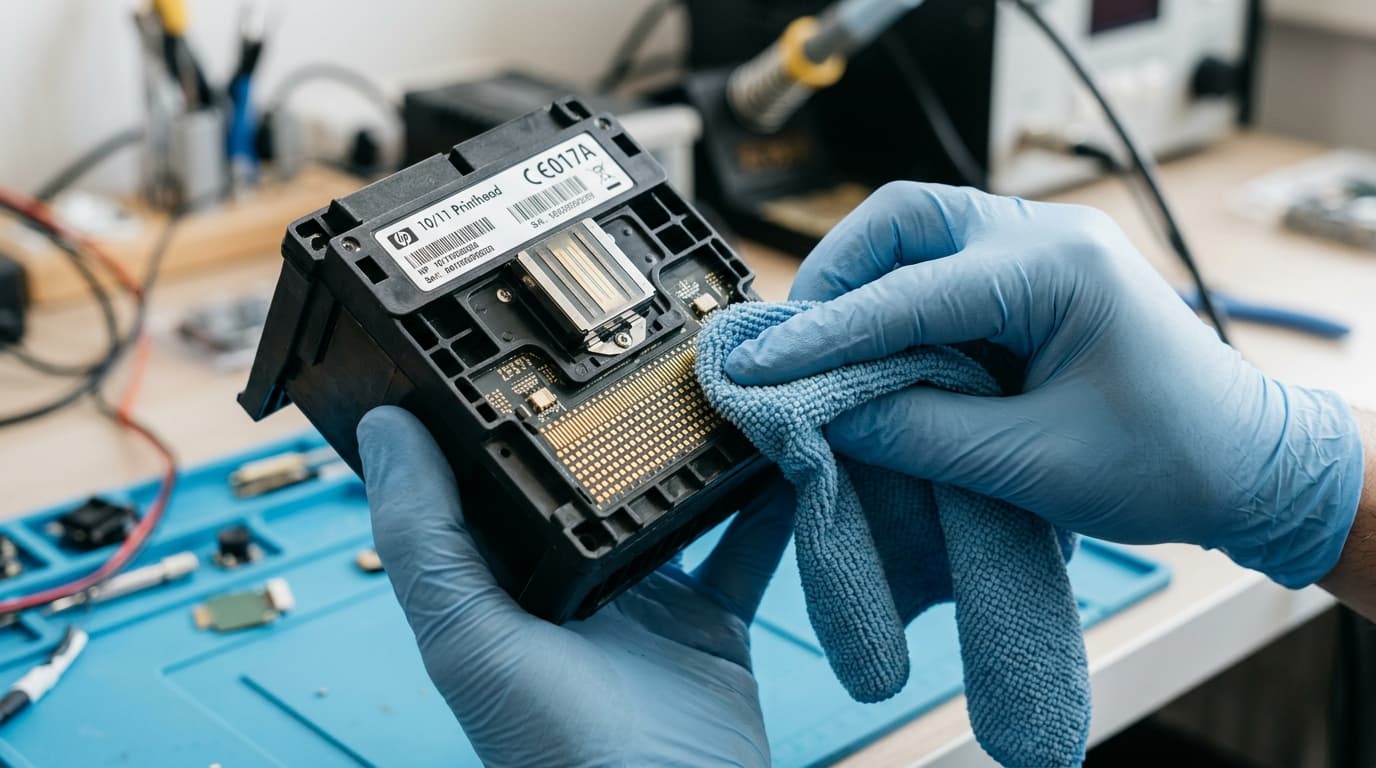
Kodak printer leaving lines or printing blank pages? A technician guides you through wet soaking and flushing a clogged Kodak printhead safely.