


The Quick Answer
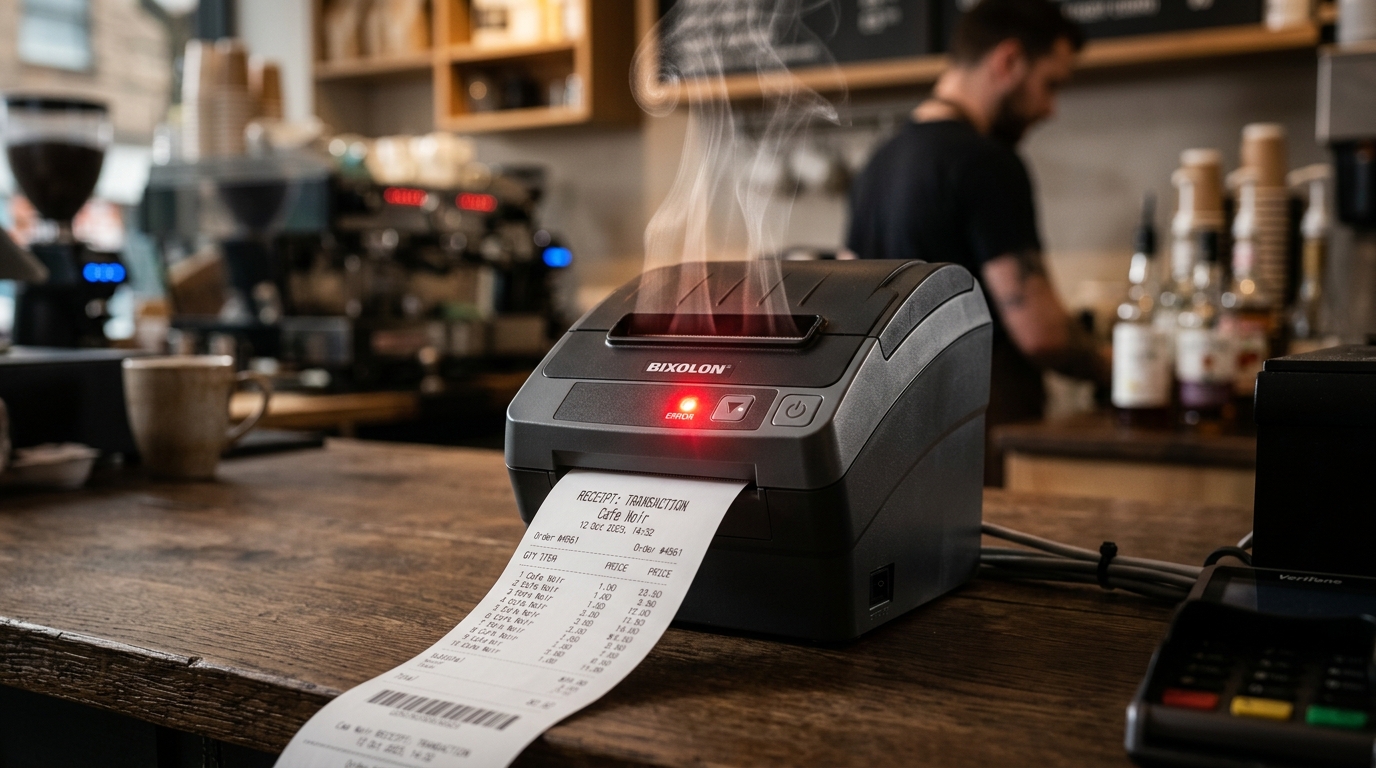
Is your Bixolon printer pausing, flashing error lights, or showing overheating codes? Learn how to prevent and resolve print head thermal issues safely.
Overheatingon a Bixolon printer isn't always a malfunction — in most. Cases it's actually the printer working correctly by pausing to protect itself. Understanding the difference between normal thermal management. A genuine overheating problem determines whether you should wait it out, fix your setup, or contact support.
Here's how each Bixolon model reports overheating, why it happens, and one important safety note from the manufacturer's own documentation that's worth taking seriously.
First: Is This Normal Overheating or a Problem?
Thermal printers rely on heating the print head to hundreds of. Degrees Fahrenheit thousands of times per second to burn the image onto. thermal paper That's a lot of heat generated in a small space, and the printer has built-in protections to prevent damage.
Normal overheating behavior:
- Print head gets warm to the touch during heavy use (expected)
- Printer pauses automatically during long print runs (protective feature)
- Fast-blinking error LED after heavy use (specifically flags overheating, resolves on cooldown)
- Beeping accompanying the LED pattern (attention alert)
Concerning overheating:
- Casing feels hot, not just warm, to the touch during normal use
- Unusual smell of burning plastic or components
- Visible smoke or discoloration around vents
- Persistent overheating errors even after long idle periods
- Overheating with almost no print activity
If you're seeing any of the concerning symptoms, especially smell or smoke, power off immediately and don't restart until support has evaluated the printer. This is the one situation where continued operation is genuinely risky.
How Each Model Reports Overheating
SRP Countertop Receipt Printers (Most Common Models)
Fast blinking of the error LED — roughly 5 times per second. (200ms interval) — indicates the print head has exceeded its safe operating. temperature The printer will stop accepting new print jobs until it cools.
SRP-Q300 Series
The Error LED lighting up with unresolved conditions is treated as more serious on this model specifically. if the ERROR light turns on and doesn't clear, power off the printer and visit a service center — continued operation with a persistent error condition can pose an overheating risk that goes beyond simple thermal protection This is worth quoting because it's not something most printer models call out this explicitly.
XD5-40 Label Printers
The two-LED system has a specific overheating combination: LED 1 Red On + LED 2 Green Blink means the print head has overheated. Same protective behavior — cools down and clears on its own.
SPP Mobile Printers
Blinking red error LED can indicate either paper-out or print head overheating (the two most common triggers). If paper is loaded, assume overheating. Turn off briefly and back on — if the light continues blinking after several minutes, contact service.
Common Causes of Overheating
Heavy Continuous Printing (Normal)
The most common cause and the least worrying. Long print runs — dozens of receipts back-to-back, big batches of labels, extended kitchen tickets. During a rush — generate more heat than the printer can shed in real time. Protective pausing kicks in.
What to do: wait 5–10 minutes with the printer powered on but idle. It'll resume automatically once cool.
Poor Ventilation
The XD3-40, XD5-40, and similar Bixolonprinters all note in their manuals: allow sufficient space around the printer for proper ventilation,. Don't place objects close to the back or bottom of the printer where they could hinder air circulation.
Printers installed in a tight cabinet, jammedagainst a wall, or in a location with limited airflow will. Overheat far more quickly than the same printer with proper ventilation.
What to do: relocate the printer or clear the space around it. difference.
High Ambient Temperature
Hot environments — restaurant kitchens, direct-sun retail counters, warehouse floors without climate control — compound the issue. temperature differential to shed to the outside air.
What to do: if possible, relocate the printer to a cooler spot. thermal pauses in hot conditions and plan workflow around them.
Blocked Vents or Dust Accumulation
Over time, the printer's vents accumulate dust that reduces airflow. overheating becomes frequent.
What to do: power off, then gently clean vents with compressed air or a soft brush. Never insert anything into the vents while the printer is powered on.
Wrong Adapter (Power Supply Issue)
Using a non-Bixolon adapter that doesn't match the printer's voltage and current specifications can cause internal components to run hotter than designed. Bixolon's manuals are consistent about this: use only the provided adapter.
What to do: verify the adapter is the correct Bixolon-provided unit, and its output specifications match what's on the printer's rated input.
Battery Issues (Mobile Models)
On SPP mobile printers, the battery itself can generate heat during charging, especially if:
- The wrong charger is being used
- The battery is aging and no longer accepts charge efficiently
- The printer is being used while charging in a hot environment
Safety note from Bixolon's mobile printer documentation: using an incorrect charger risks battery overheating, combustion, and/or explosion. This isn't corporate over-caution — it's the actual risk profile of lithium batteries when charged incorrectly. Never substitute a third-party charger.
What to Do When It Happens
During normal overheating pause:
- Don't unplug or interrupt the printer.
- Wait 5–10 minutes with power on and printer idle.
- Resume printing gradually rather than sending another large batch.
- If overheating recurs rror-codes-alerts/brother-printer-error-50-fuser-unit" title="Brother Printer Error 50 Fuser Unit: Troubleshooting & Fixes">overheating recurs immediately, take a longer break (15–20 minutes).
For recurring overheating:
- Check ventilation around the printer.
- Clean vents and internal air paths.
- Consider moving the printer to a cooler location.
- Space out large print jobs across time rather than running them consecutively.
For persistent overheating errors that won't clear:
- Power off completely for 30 minutes.
- Confirm you're using the correct Bixolon adapter.
- If overheating recurs error-codes-alerts/polaroid-hi-print-red-blinking-light-battery-drain-reset" title="Polaroid Hi-Print Red Blinking Light & Battery Drain Fix">overheating recurs immediately on power-up before printing anything, this indicates a hardware fault — contact support.
Preventive Steps
If your setup regularly triggers overheating, prevent it rather than continually reacting:
- Ensure at least 4–6 inches of clearance around the printer
- Clean vents monthly in dusty environments
- Reduce ambient temperature where possible (fans, AC, moving out of direct sun)
- Use quality thermal paper — off-brand paper can require higher print densities, which produces more heat per receipt
- Reduce print density to the minimum acceptable for legibility, especially for heavy print volumes
- Split very long print jobs into smaller batches with brief pauses in between
When to Escalate
Contact Bixolon support if:
- Overheating happens with light use in a well-ventilated space
- The printer overheats when idle (not printing)
- Any unusual smell or visual signs accompany the overheating
- Overheating recurs immediately after cooling with no clear cause
- The battery on a mobile printer shows signs of swelling, discoloration, or leaking
That last point is critical for mobile printers — a physically damaged battery is a genuine safety concern, not a repair item. Stop using the printer and follow local guidance for safe battery handling.
Frequently Asked Questions
Is it dangerous for my Bixolon printer to overheat? For countertop models, normal thermal management is safe and by design. overheating is more concerning and shouldn't be ignored. Bixolon's own documentation for models like the Q300 flags persistent error conditions as needing service rather than continued operation.
How long does the printer need to cool down before it can print again? Usually 5–10 minutes of idle time (still powered on). overheating from very long print runs, 15–20 minutes is safer.
Can I use a fan to help my printer cool faster?A gentle external fan can help. Don't blow air directly into the vents in a way that could push dust deeper into the printer. Improving general room airflow is usually enough.
Does high print density cause overheating? Yes — higher density settings apply more heat per receipt, and cumulatively generate more heat during long runs. Lowering density to the minimum acceptable for your use case reduces thermal load.
Quick Checklist
- Distinguished normal protective pausing from actual concerning overheating
- Ventilation confirmed adequate — 4–6 inches clearance around the printer
- Vents cleaned of dust accumulation
- Correct Bixolon adapter confirmed in use
- Battery inspected for damage on mobile models
- Print density set no higher than needed for legibility
- Long print jobs broken into smaller batches when possible
- Persistent overheating with no clear cause escalated to Bixolon support
Most Bixolon printer overheating is protective behavior, not a fault —. It's worth understanding the difference so you can respond appropriately. environment, or (on mobile models) charger and battery issues. Address those directly, and thermal issues stop being a recurring annoyance.
